Table of contents:
Welcome, digital artists! This guide will help you explore the Character 2.0 Prompt Builder - a tool designed specifically for generating prompts for unique and diverse characters with AI. Use it to create prompts for clipart, illustrations, character design sheets, avatars, posters, coloring pages, or fashion sketches. These outputs work well for children’s books, graphic novels, video games, and more.
A video guide is also available for a deeper dive into the dropdowns and pre-filled options. Each dropdown term is hand-picked with a specific creative purpose in mind. If you’re new to Prompt Builders, we recommend starting with the Prompt Builder Basics and PRO features guides.
In-depth video guide
What products are included in the Character series?
Character Prompt Builder PRO
Character Prompt Builder (Basic)
Character Prompt Builder PRO - Legacy version
Character Prompt Builder (Basic) - Legacy version
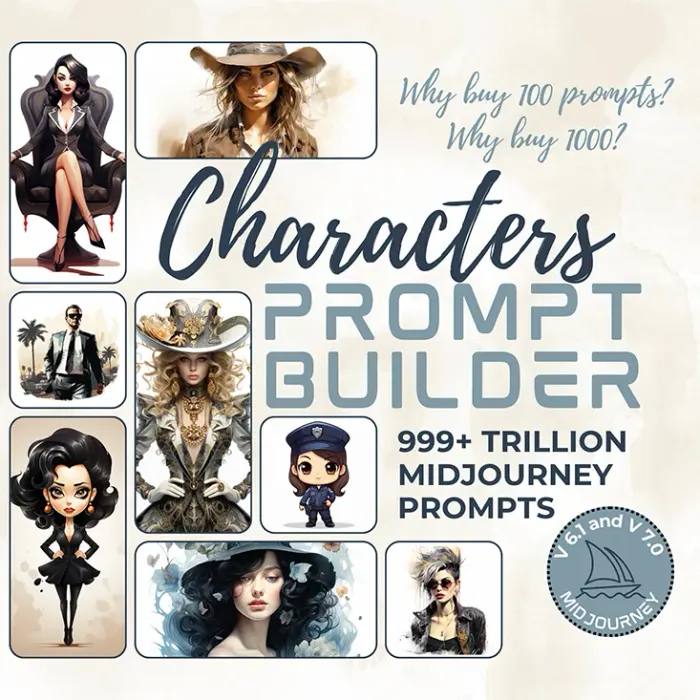
What can you create with these builders?
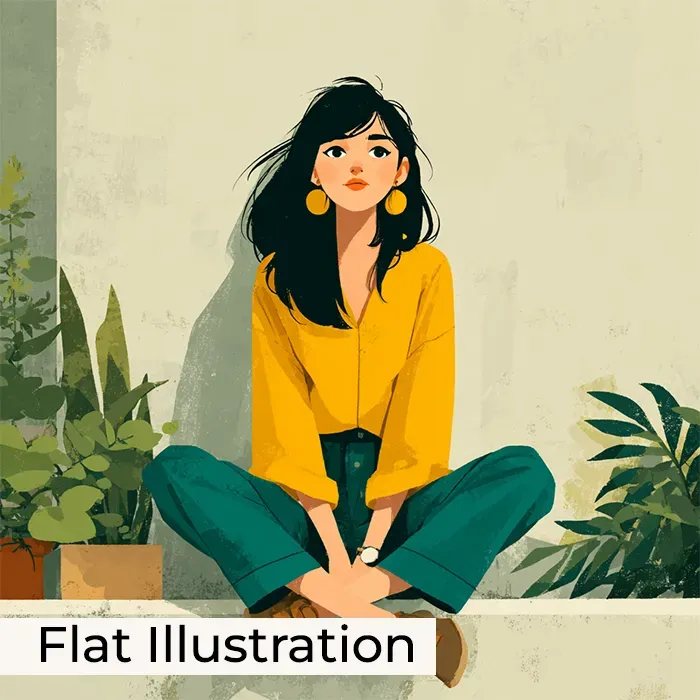
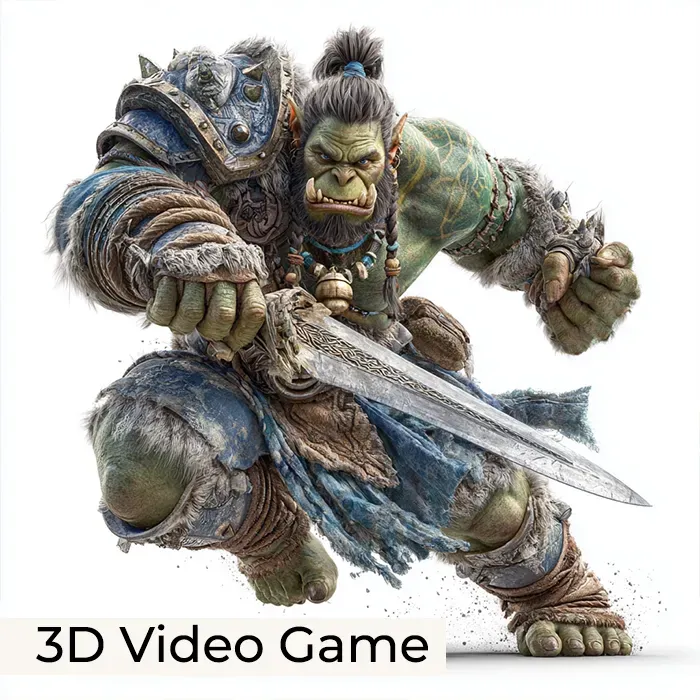
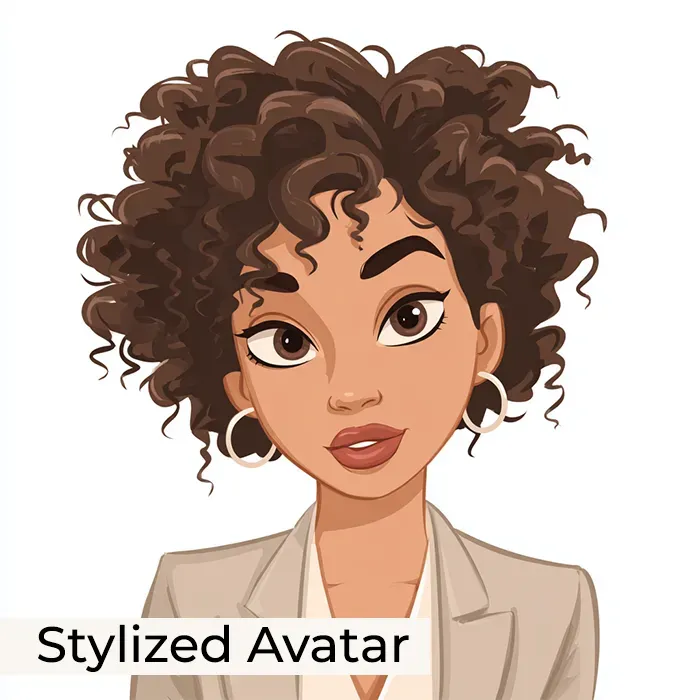
Swipe to view more
- Flat illustration: 2D flat illustration featuring woman, front view, rooftop garden background. Woman: cross-legged. Colors: spring. Style: with boho aesthetics --stylize 500 --v 7.0
- 3D video game: 3D muscular orc, isolated on white background. Orc: green-skinned, bright eyes, long-haired, holding sword in battle pose, wearing armor set. Style: video game character, World of Warcraft video game --stylize 750 --v 7.0
- Stylized Avatar: Cartoon avatar featuring elegant lady boss, front face view, isolated on clean background. Lady boss: African American, curly hair. Colors: warm beige ivory soft taupe pale stone gray. Style: outlined with a bold stroke, classic Disney cartoon --v 7.0
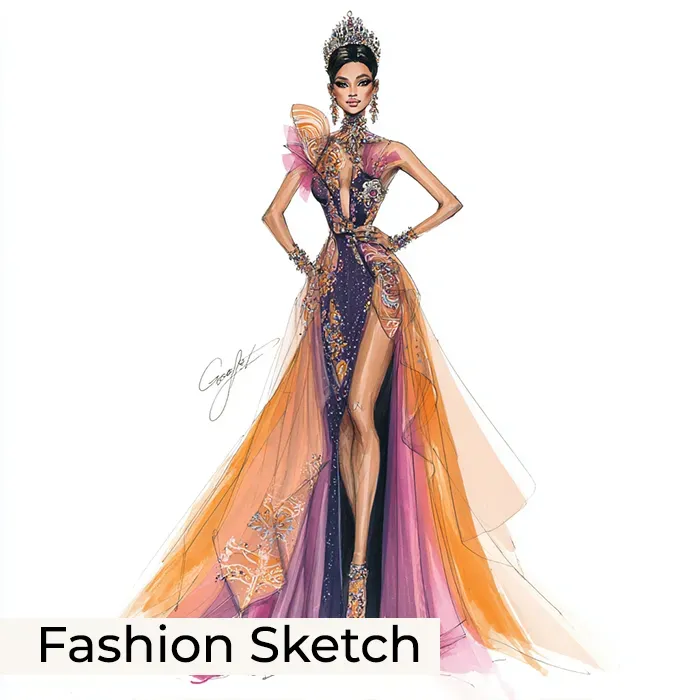
- Fashion Sketch (the prompt was enhanced with ChatGPT - PRO feature): A sleek fashion design sketch featuring a regal princess on a catwalk, wearing an elegant, flowing gown with intricate embroidery, shimmering fabrics, and a dramatic train, styled with a glamorous tiara and statement jewelry, captured in a high-fashion, sophisticated style with vibrant colors and detailed linework that emphasizes her confidence and grace. --v 7.0
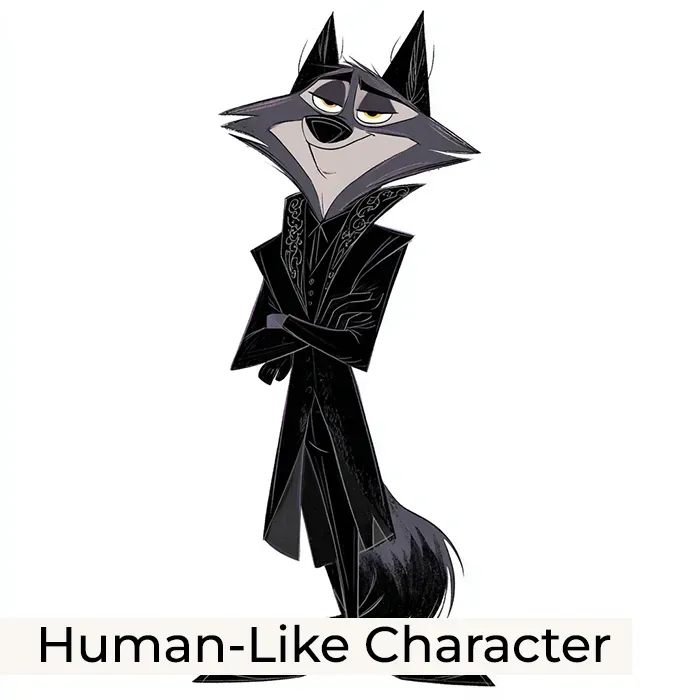
- Human-Like Character (the prompt was enhanced with ChatGPT - PRO feature): Whimsical cartoonish clipart of an anthropomorphic wolf in full front view, dressed in a sleek black tuxedo with ornate gothic accents, expressive eyes, and a sly smirk, featuring smooth shading and bold outlines, isolated on a clean background with ample spacing, capturing a charming yet dark tone perfect for character design. --v 7.0
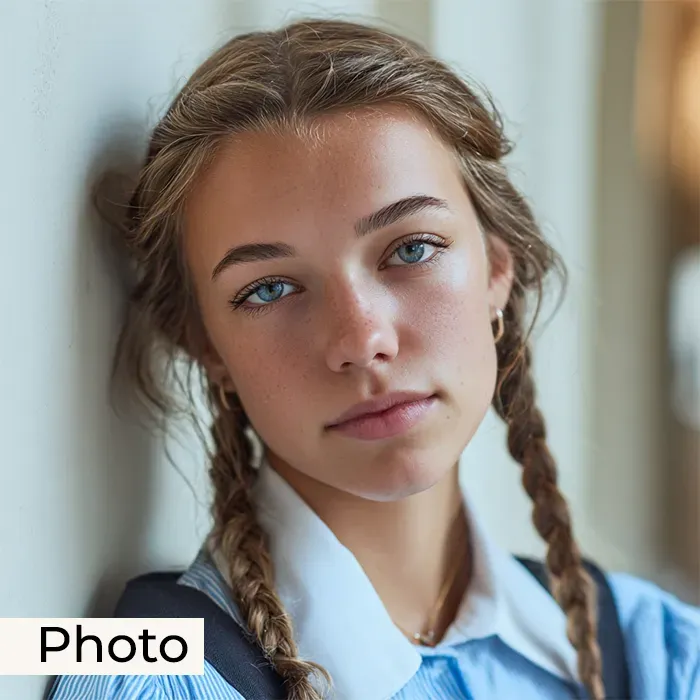
- Photo (the prompt was enhanced with ChatGPT - PRO feature): A close-up photo of a thoughtful teenage girl with braided hair, leaning casually against a wall, wearing a neat school uniform, soft natural light illuminating her serene expression, subtle pastel colors enhancing the gentle mood, captured in a realistic, high-detail style that emphasizes her contemplative demeanor and youthful innocence. --v 7.0
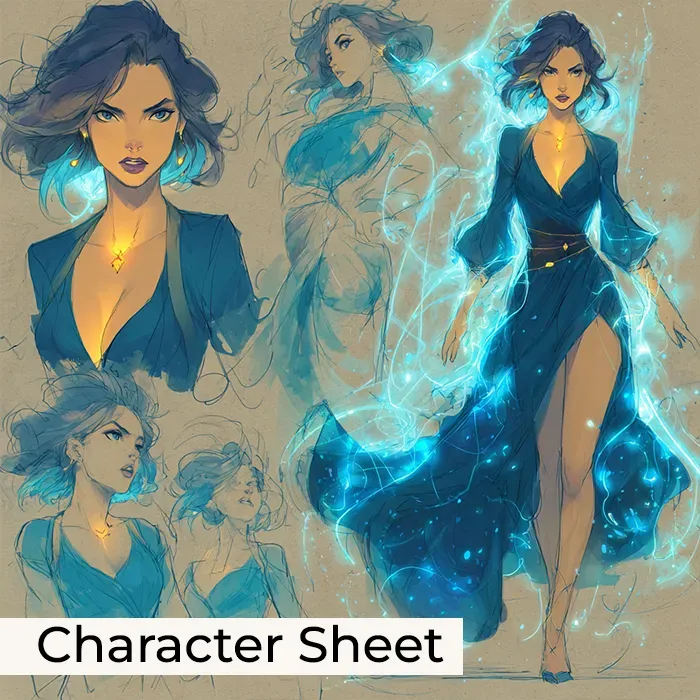
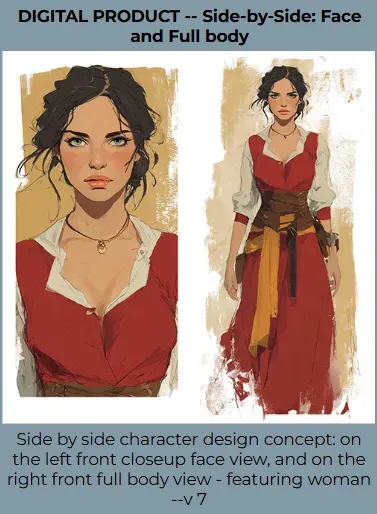
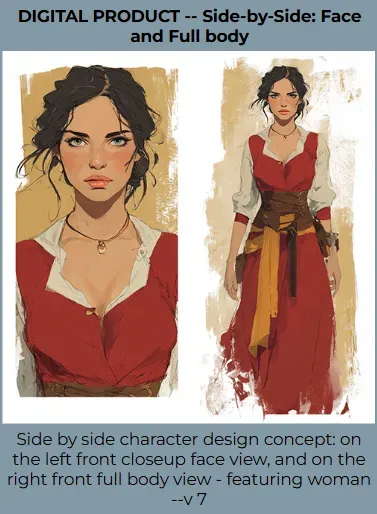
- Character Sheet (the prompt was enhanced with ChatGPT - PRO feature): A captivating side-by-side character design of a floating female witch, featuring a close-up front face view on the left and a full-body front view on the right, adorned in deep sapphire, emerald, amethyst, and gold hues, with neon glow accents highlighting her mystical, fantasy aesthetic, enchanting expression, flowing robes or robes with intricate details, captivating pose, all in a vibrant, magical glow style. --stylize 750 --v 7.0
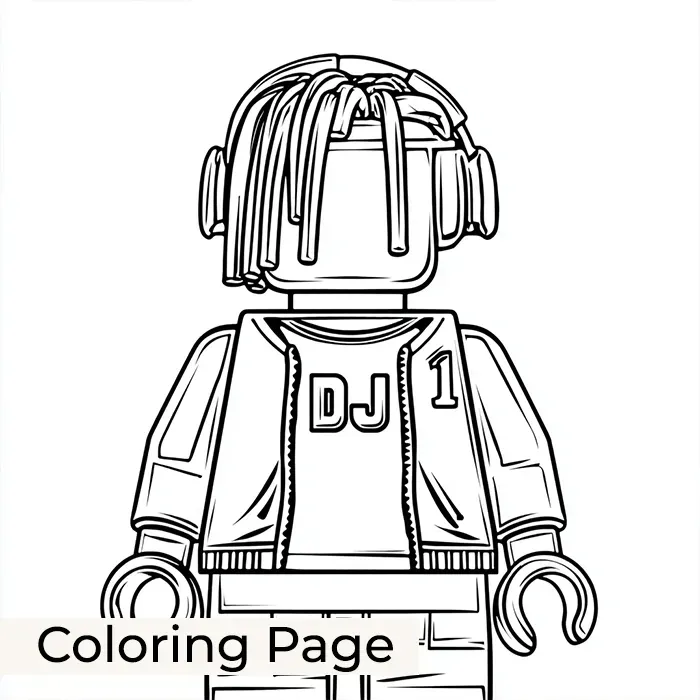
- Coloring Page: Outlined coloring page featuring DJ, front full body view. DJ: dreadlocks hair. Style: outlined with a bold stroke, Lego figurine --no hatching --v 7.0
Character Prompt Builder overview
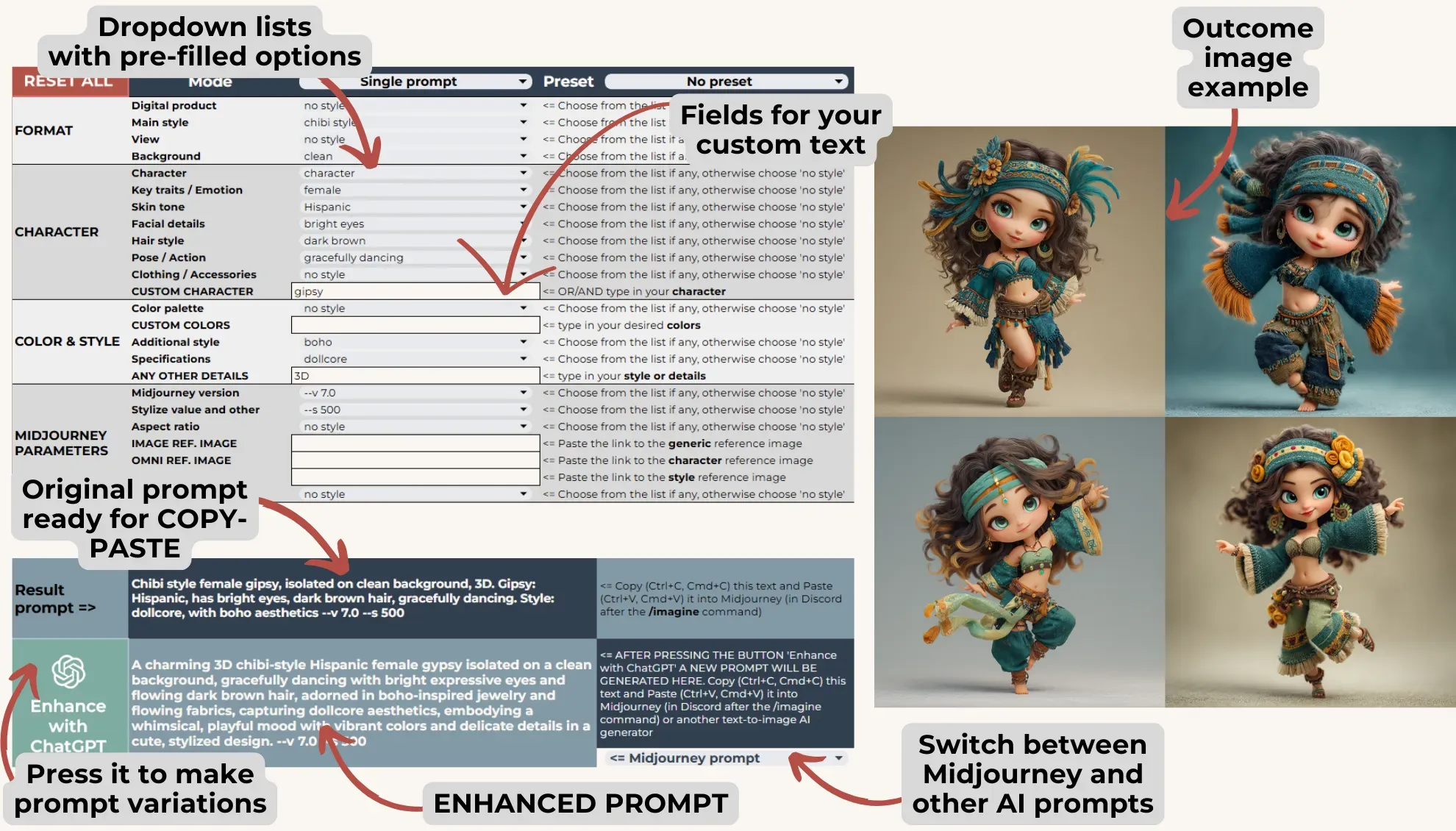
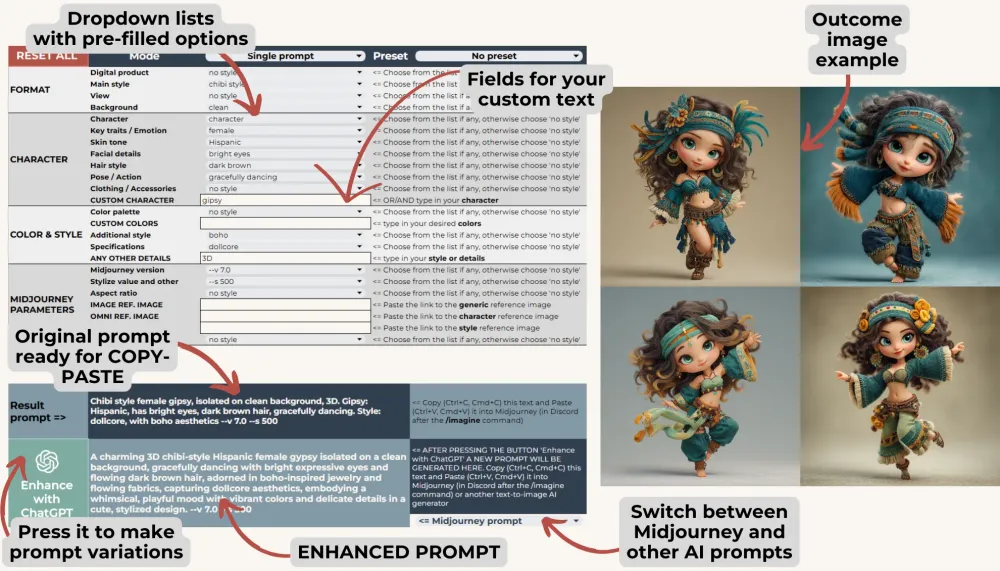
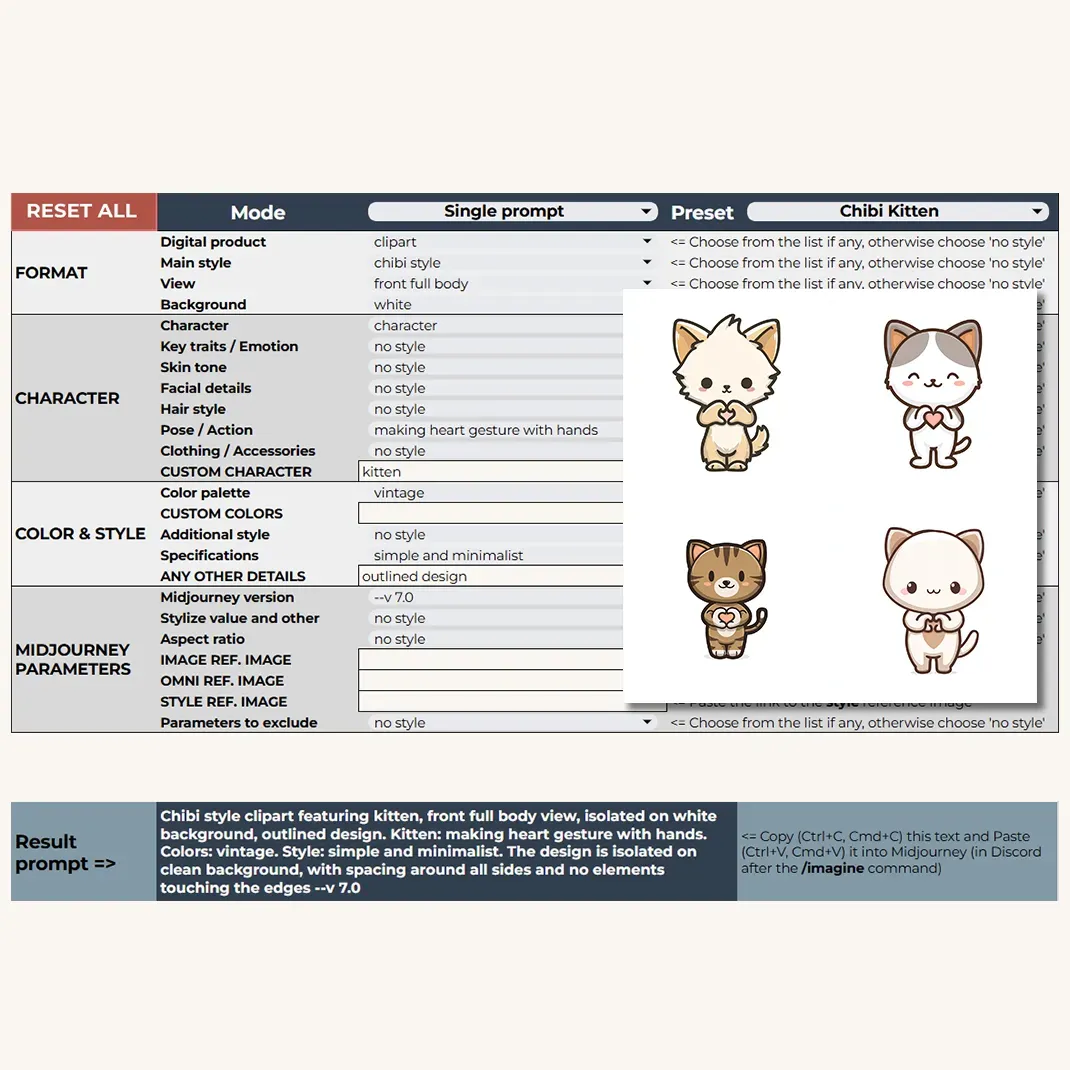
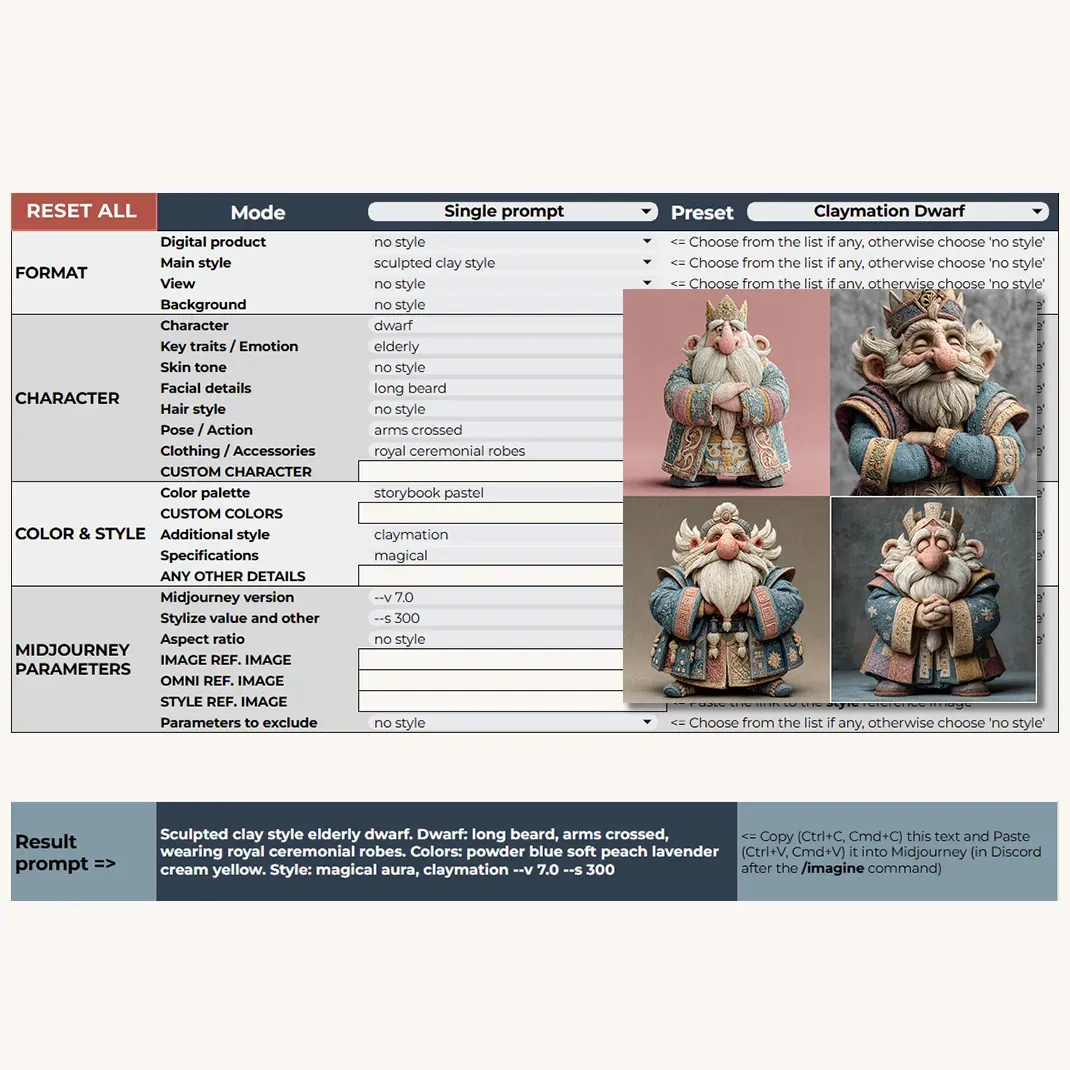
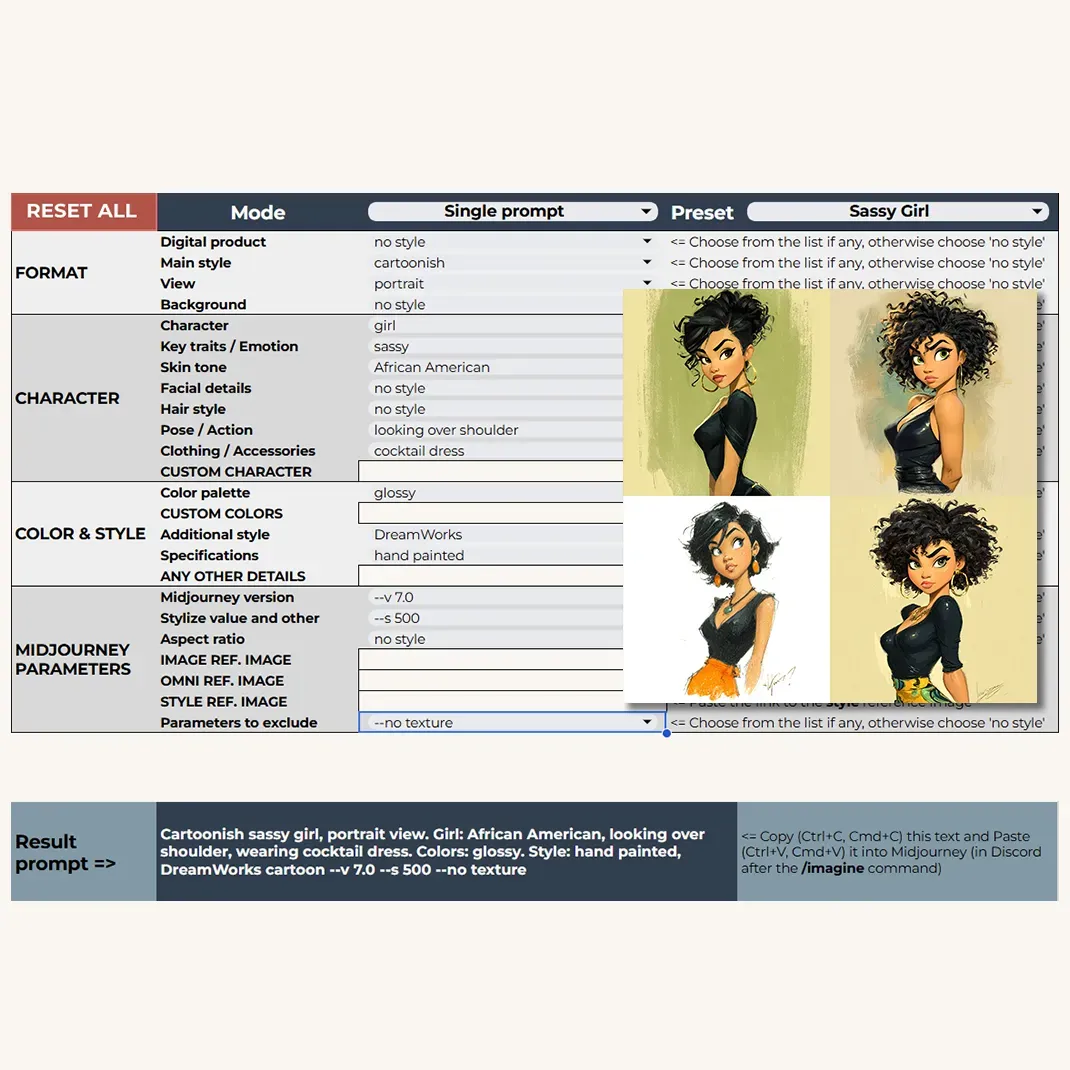
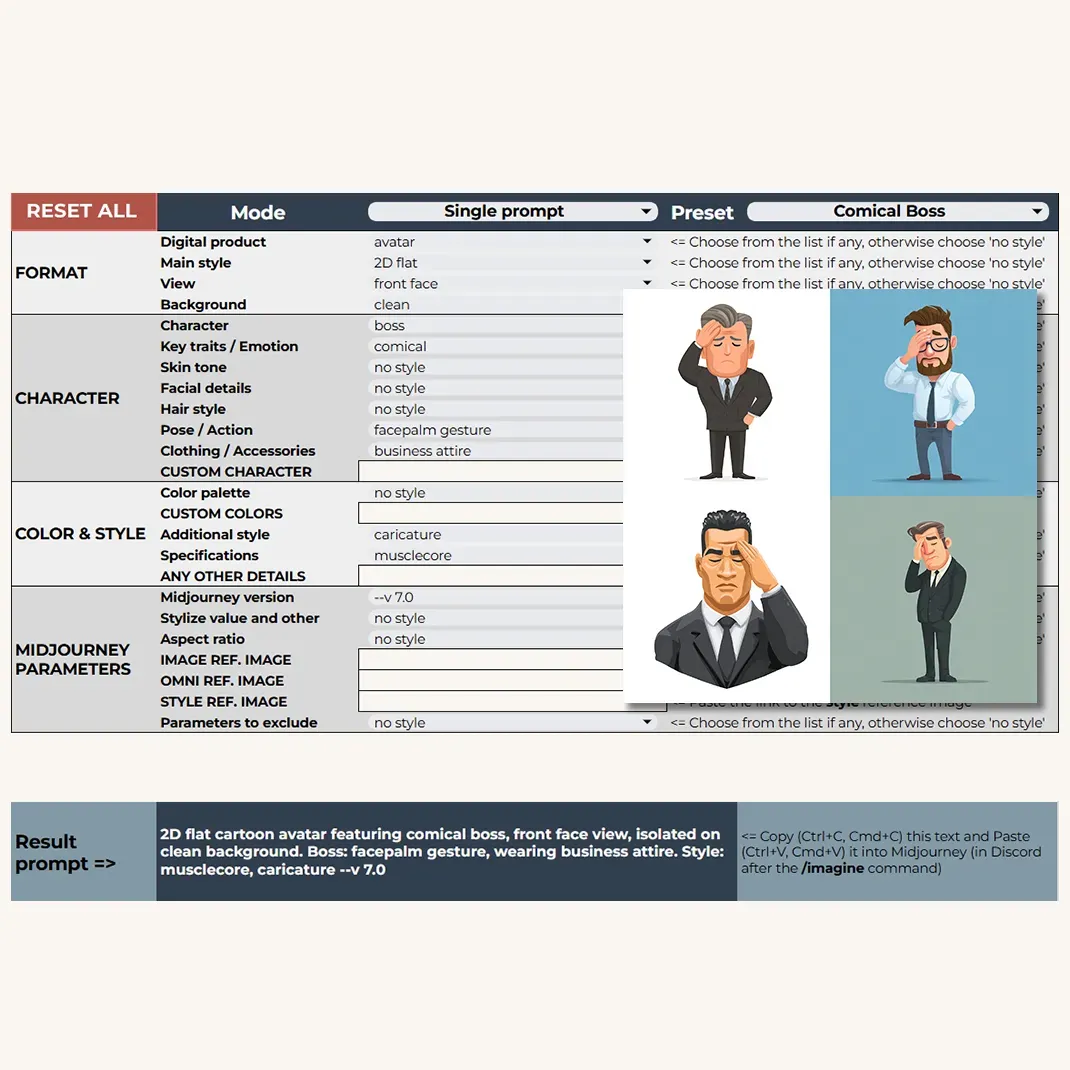
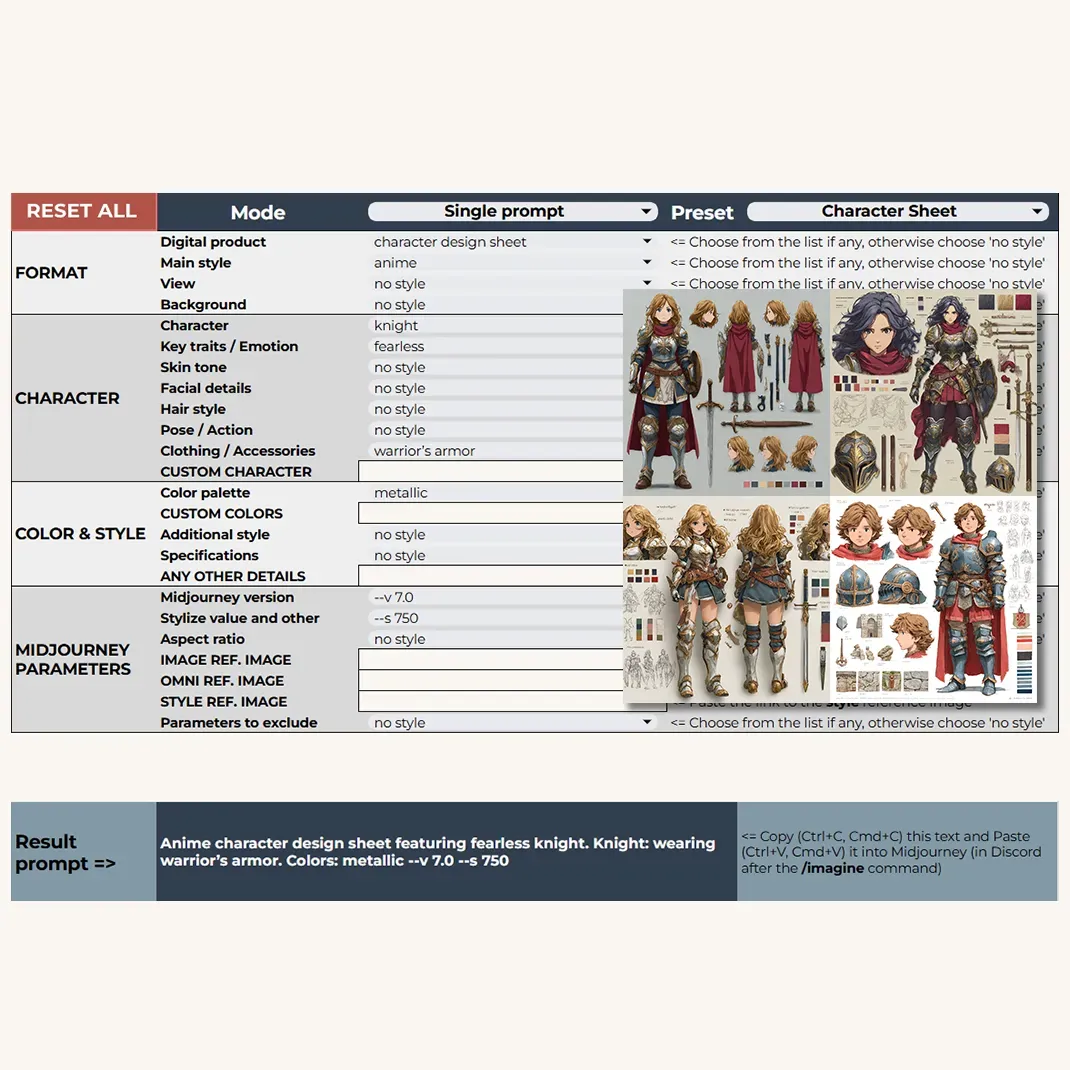
This builder makes it easy to create detailed prompts for character-focused AI art. It's organized into four key sections: Format, Character, Color & Style, and Midjourney Parameters. You can either choose from the dropdowns or input your own ideas - like a custom character type, colors, or any other creative detail.
As you make your selections, the tool automatically generates a prompt in the Result Prompt field, ready to paste into your preferred AI image generator.
By default, the Character dropdown is set to "Character" for a clear starting point of your project.
The PRO version unlocks even more advanced features:
ChatGPT-enhanced prompt generation, customizable entries in the table on the right (yes, this practically means that you can add up to 10 your own options to each dropdown), extra dropdowns, and extended parameters for more precise creative control.
Character Prompt Builder PRO overview
Visual Examples
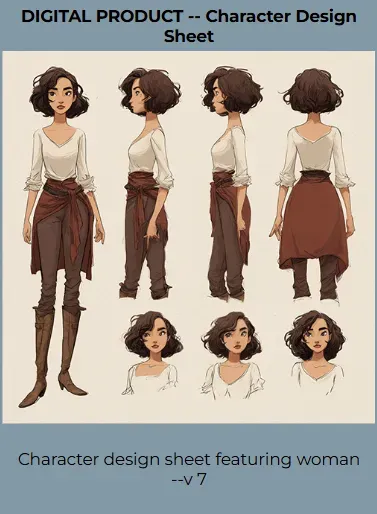
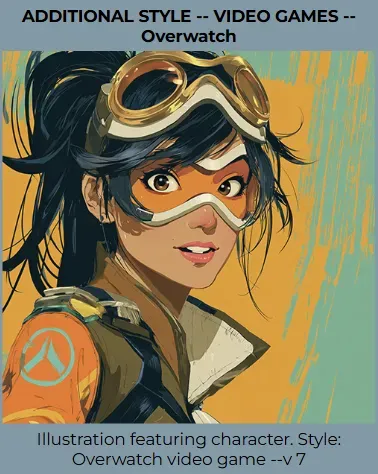
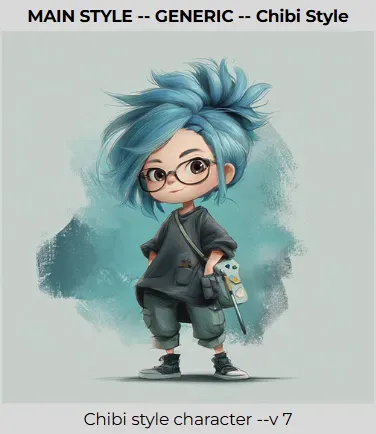
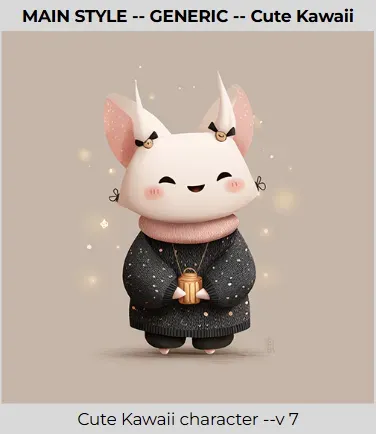
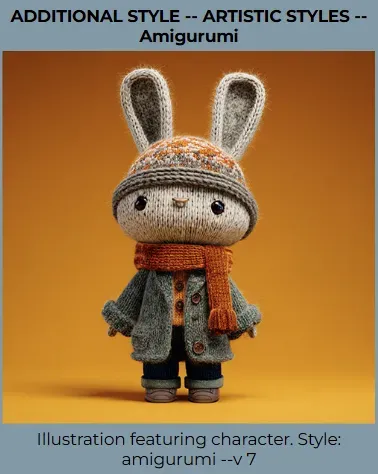
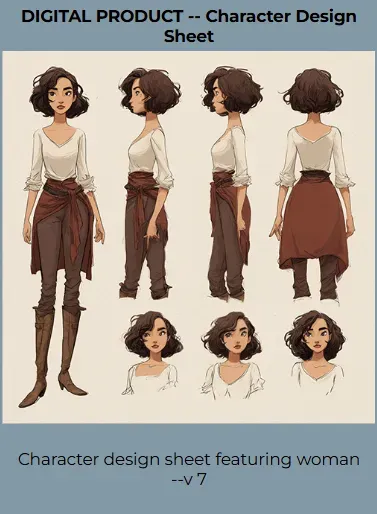
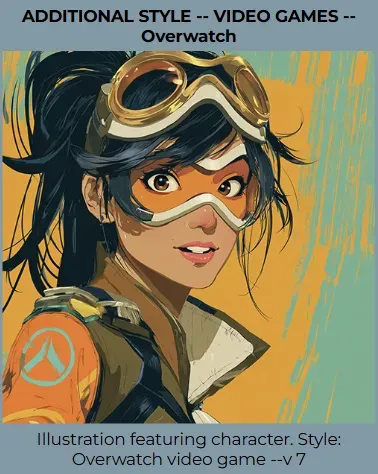
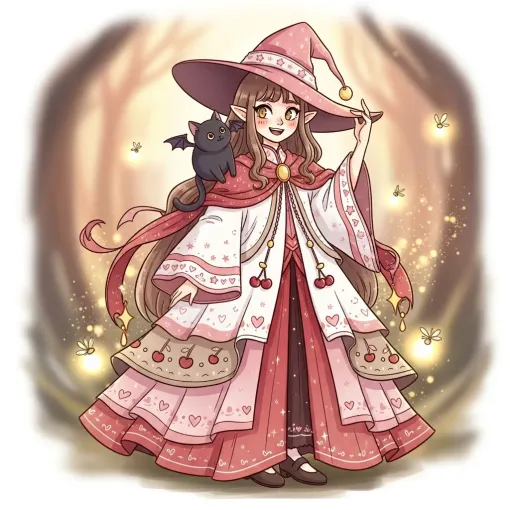
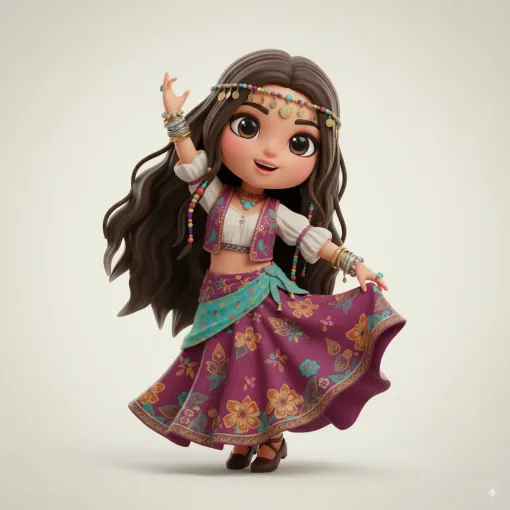
Inside the Visual Examples sheet, you’ll find everything you need to get inspired and start experimenting. It includes illustrated examples of Presets, as well as previews for all Digital product types and styles offered in this Prompt Builder: cartoonish styles like Disney, Pixar, and Studio Ghibli; gaming-inspired looks such as Overwatch, GTA 5, and Hollow Knight; modern aesthetics like boho, cyberpunk or gothic; and artistic options like plush doll or Ukiyo-e.
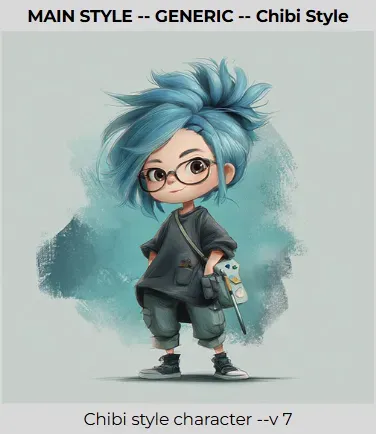
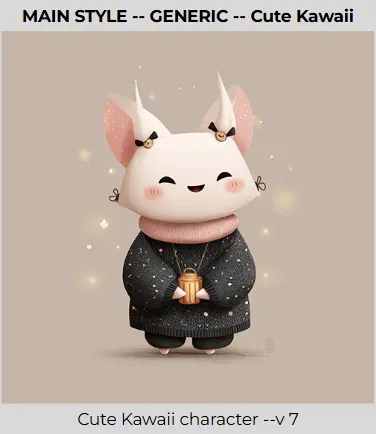
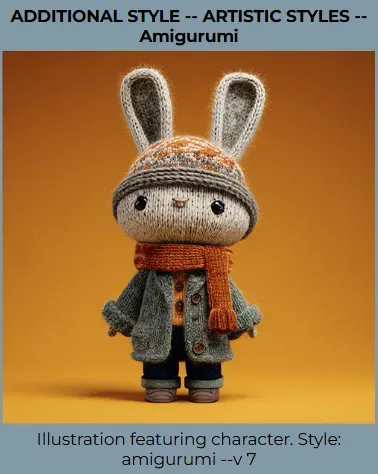
Dall-E (ChatGPT 4o or Bing), Ideogram, Leonardo, Flux, Imagen 4, NanoBanana
(Other text-to-image AI generators’ outcomes)
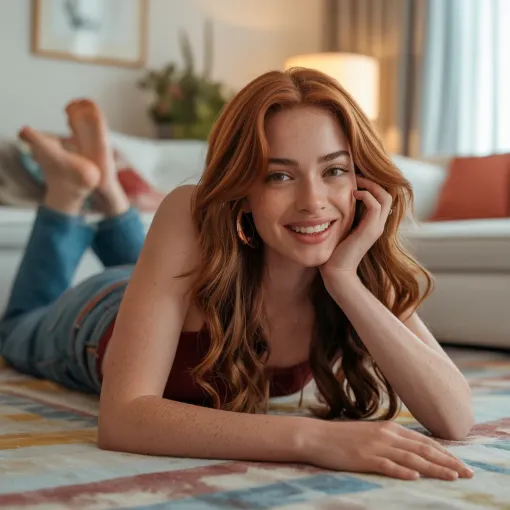
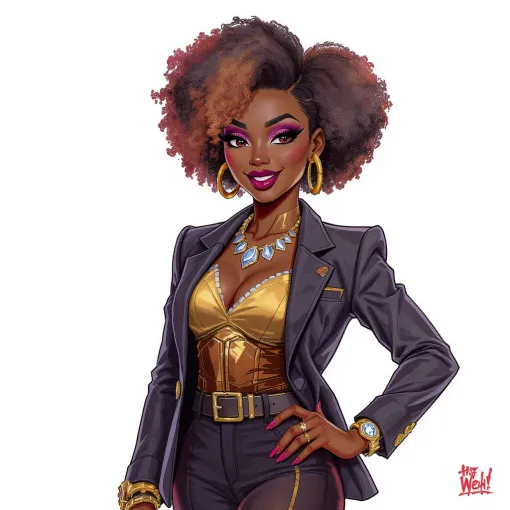
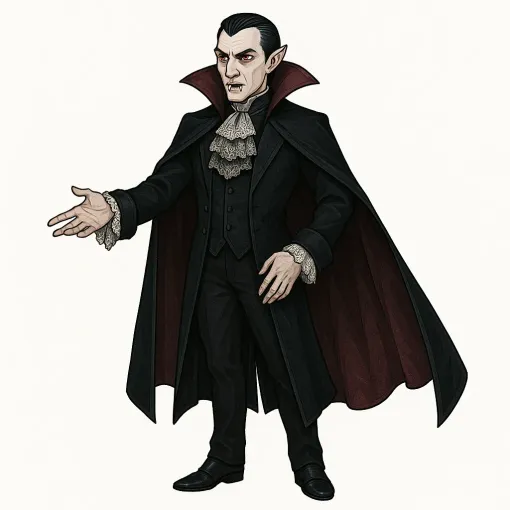
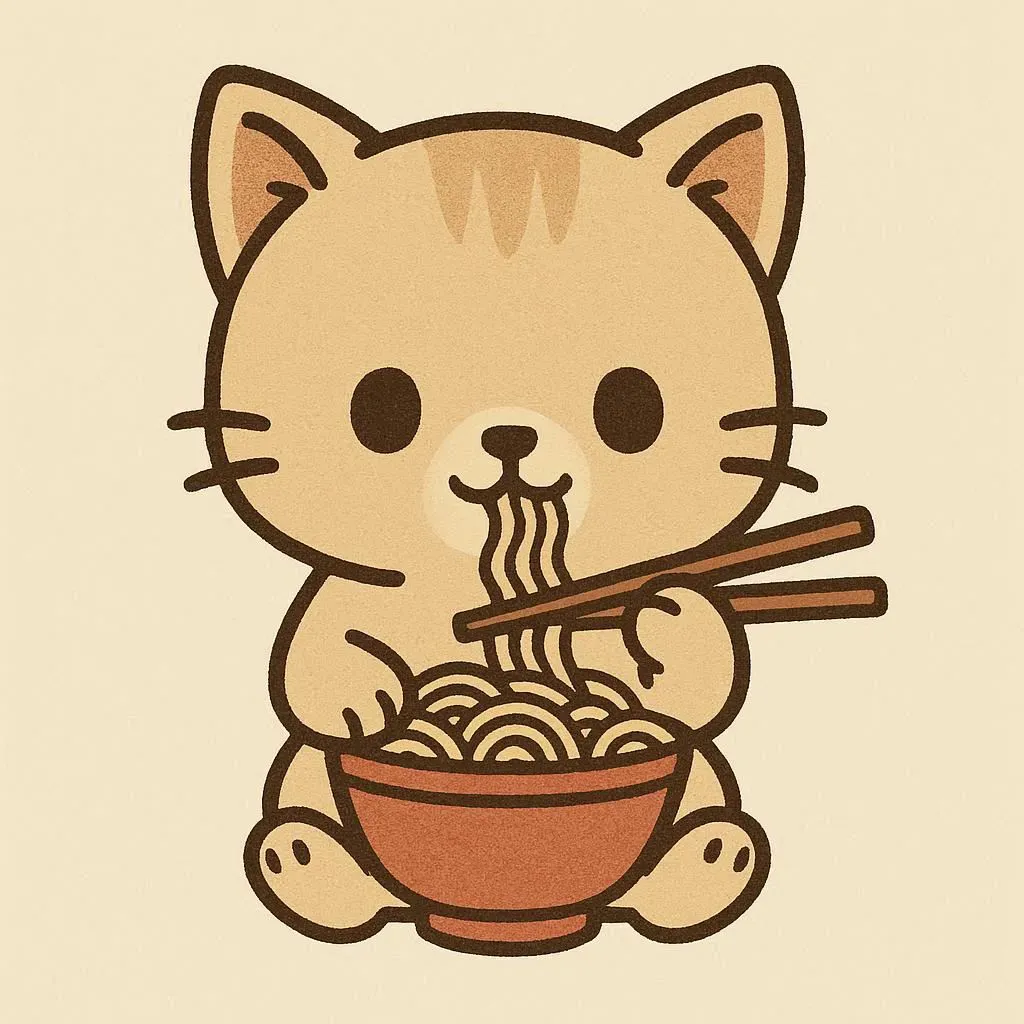
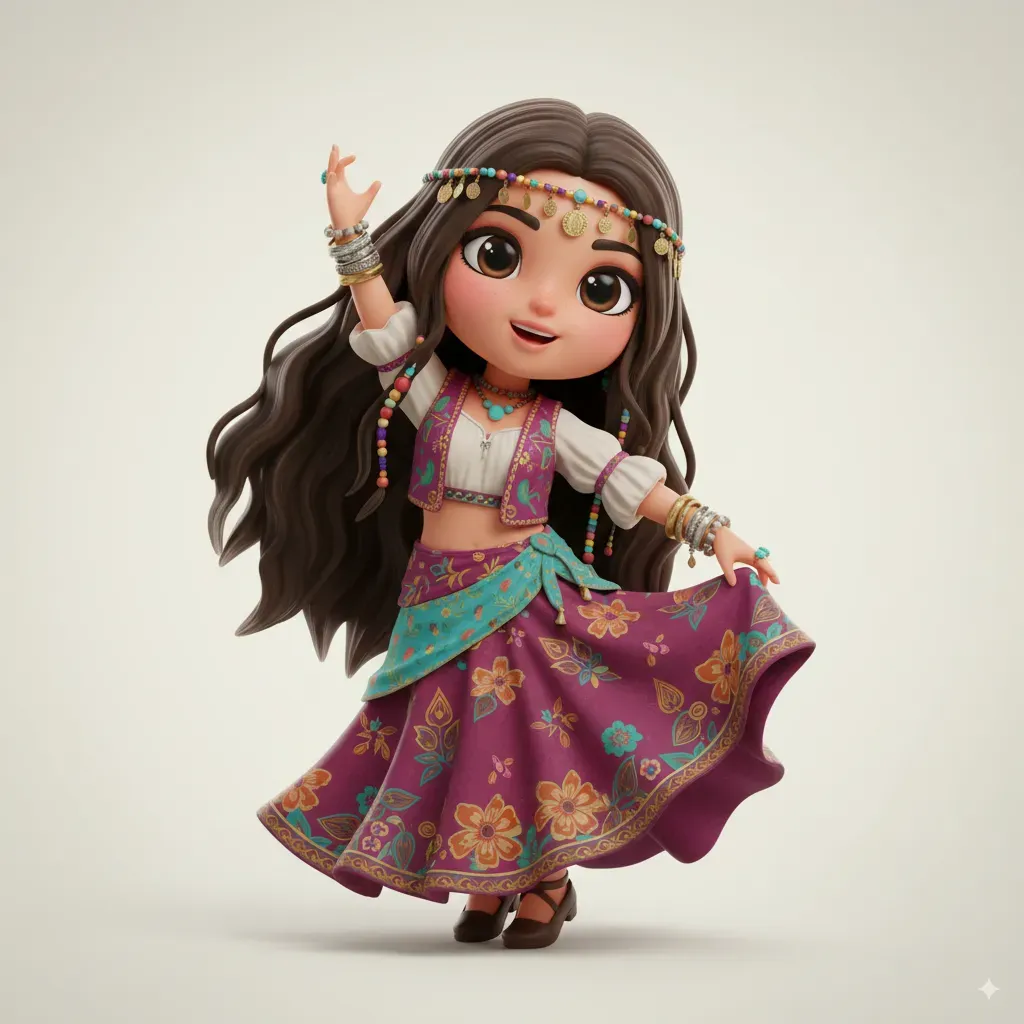
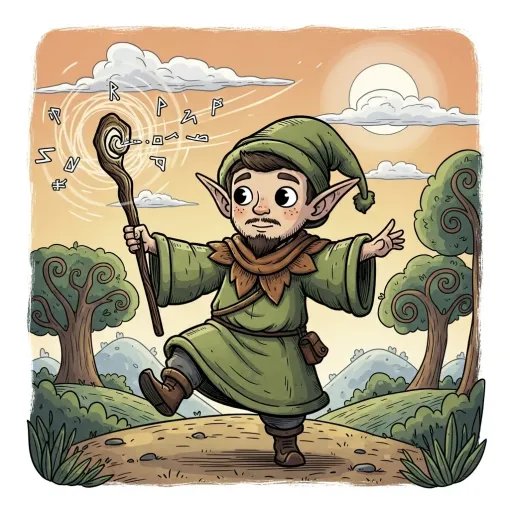
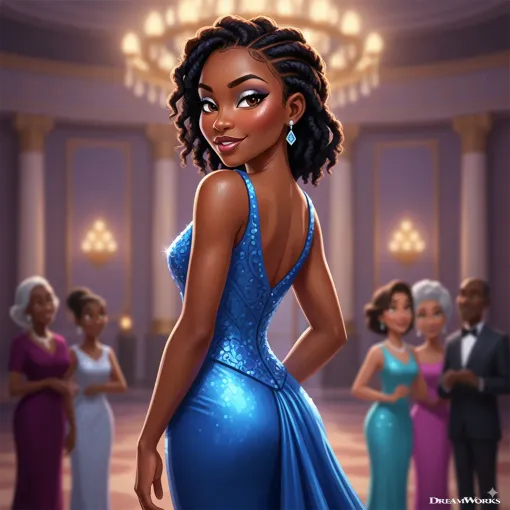
Each AI image generator is trained on its own dataset, which means that even when using the exact same prompt, results can vary significantly from one tool to another. Now let’s take a look at what you can expect from different AI platforms. Midjourney stands out with its extensive style library and powerful character consistency feature, making it an excellent choice for character design across various styles - from anime to realistic and fantasy.
- ChatGPT 4o is best suited for clean, vector-style characters and excels at interpreting prompt nuances. However, it’s slower, limited to generating one image at a time, and tends to repeat itself in styles.
- Ideogram shares similar strengths, producing simple, vector-like characters and now includes a newly added character consistency feature that works quite reliably.
- Leonardo, especially with its newer Lucid Origin and Lucid Realism models, delivers vibrant results and a wide range of artistic styles. It handles anime-inspired designs particularly well. Character consistency is possible, but very basic - and currently not supported by the latest Lucid models.
- Flux, using the Kontext model, produces detailed, aesthetically pleasing images, especially for anime and clean design styles. However, character consistency capability varies depending on the platform you use this AI on, as this feature isn’t built into Flux itself but rather added through third-party integrations - meaning results may be inconsistent.
- Google Imagen 4, together with the recently released Flash Image 2.5 (aka Nano Banana), is a very strong tool thanks to its visually appealing images, easy prompting for changes, the ability to create characters in a specific style, as well as a solid character consistency feature. Prompt understanding is also on a very high level.
Improving Results Across Platforms
To boost the result outside of Midjourney, use the “Enhance with ChatGPT” feature available in the PRO version. It adds structure and nuance to your prompts, making them easier for tools like Leonardo, Flux, or Ideogram to interpret more accurately.
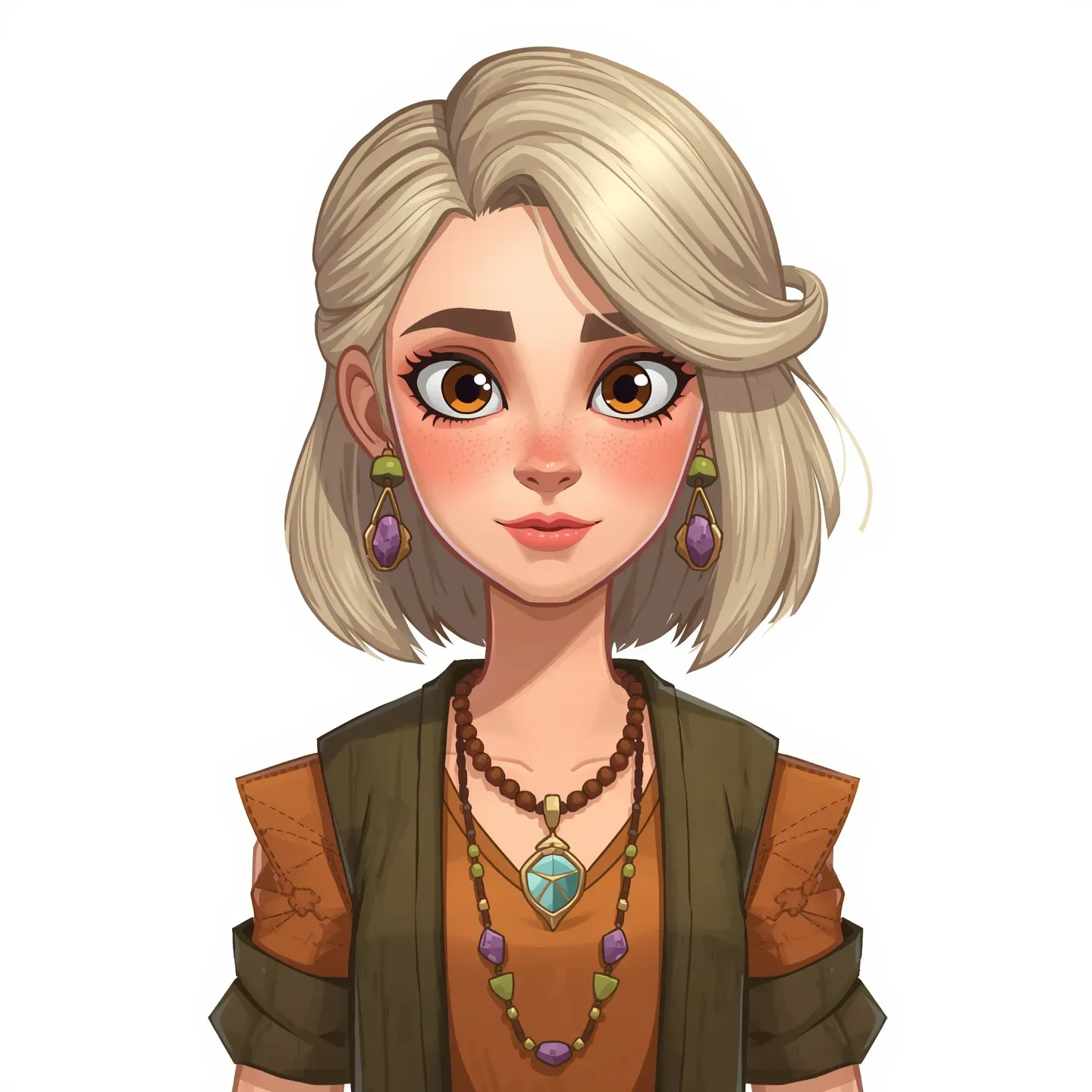
Leonardo AI
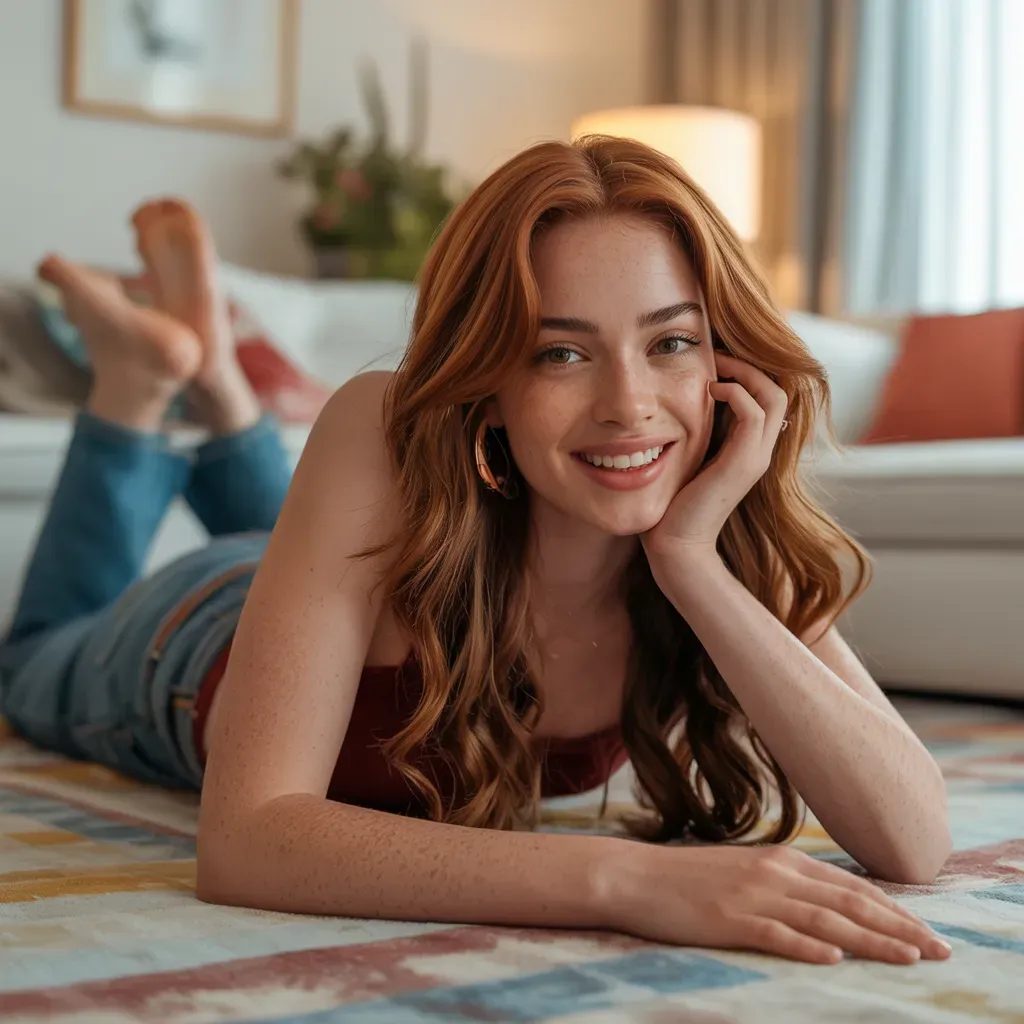
Ideogram
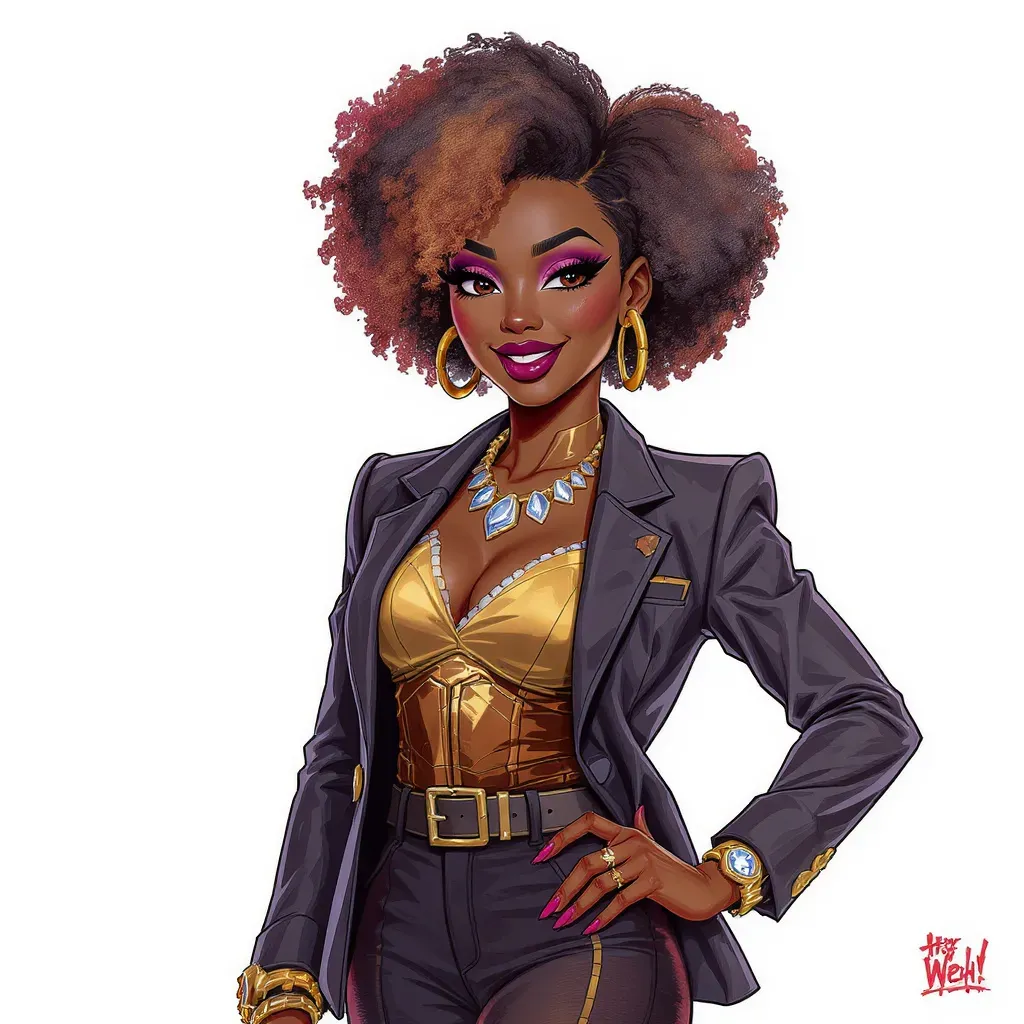
Flux.1
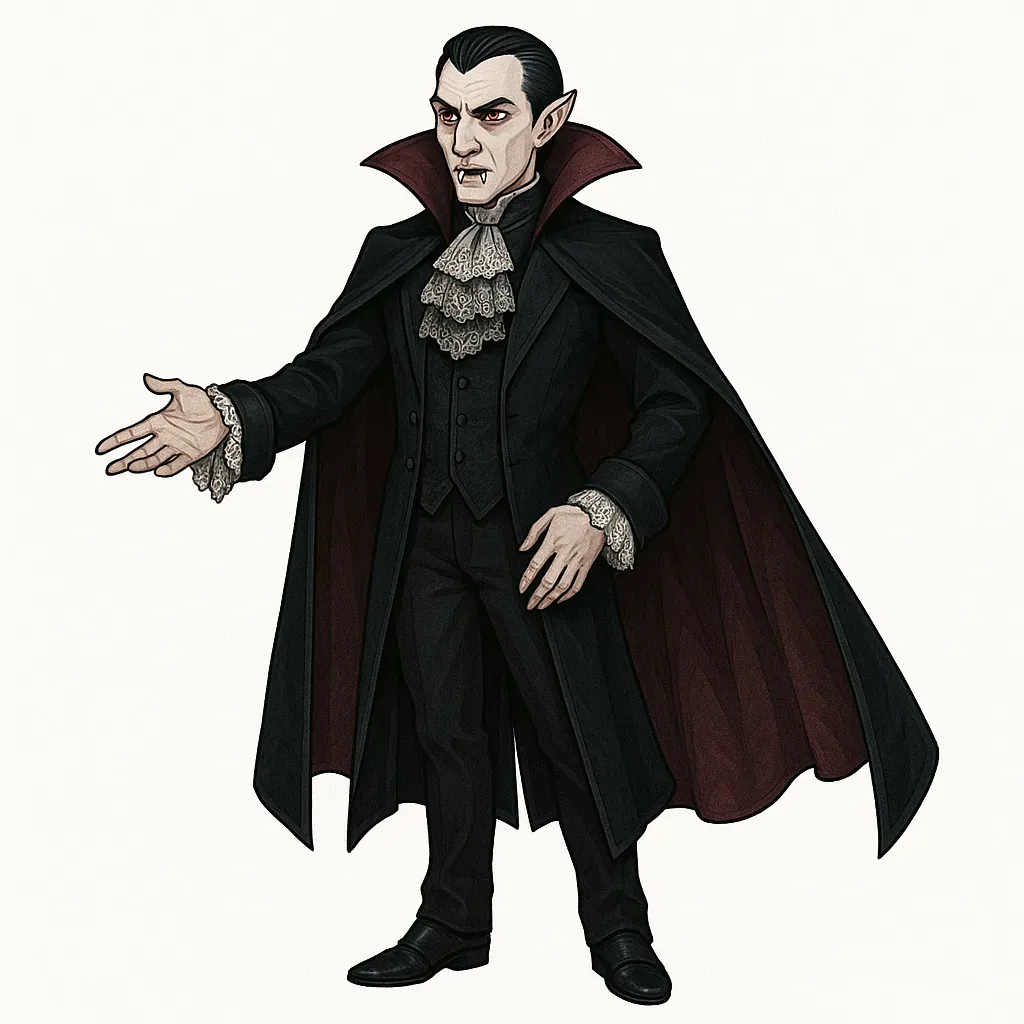
ChatGPT
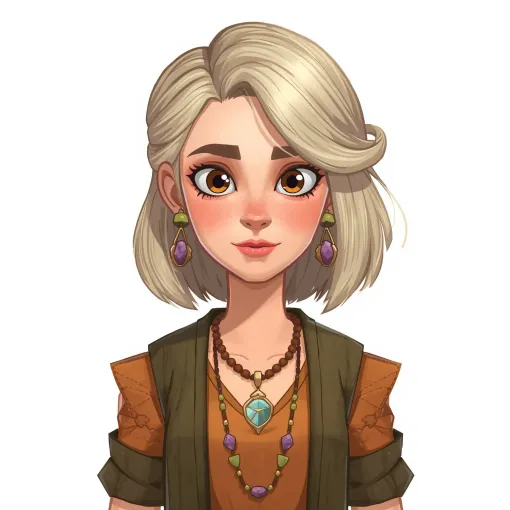
Bing / Dall-E
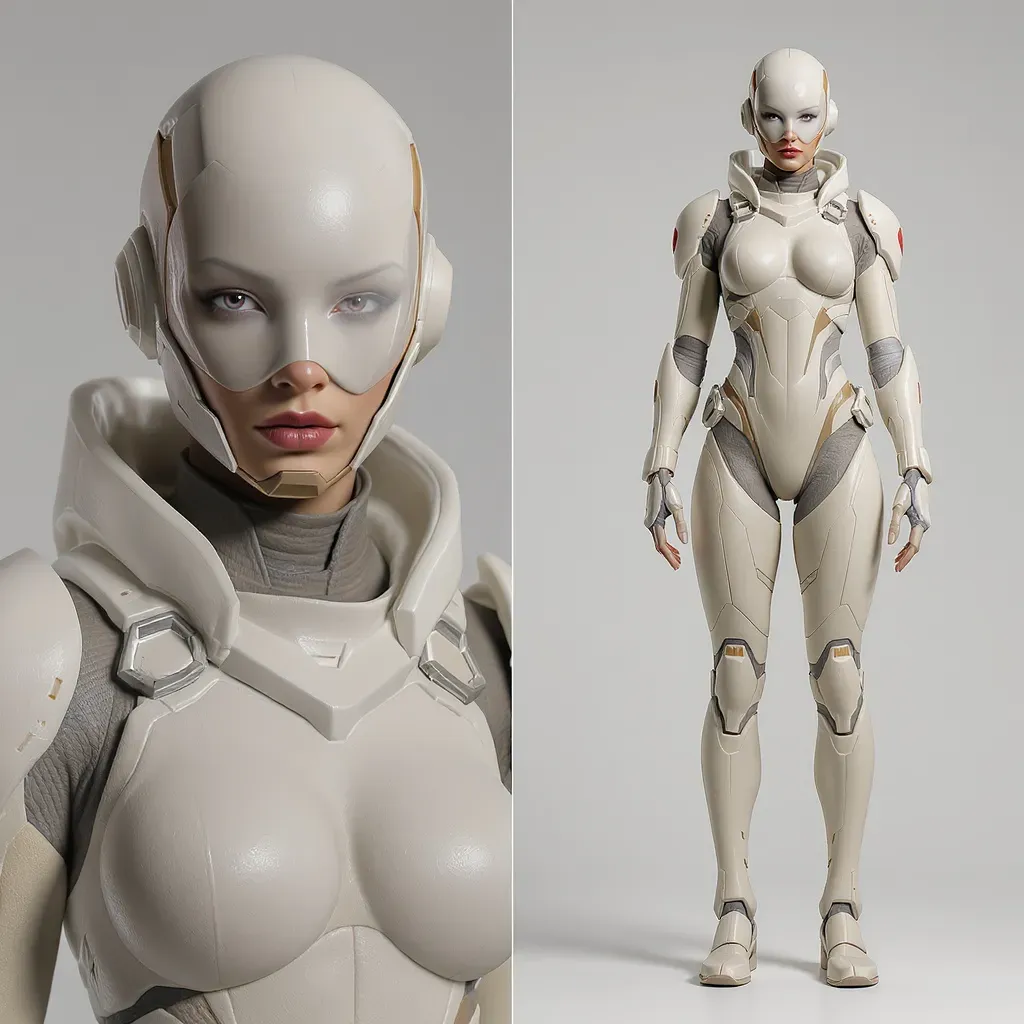
Flux.1
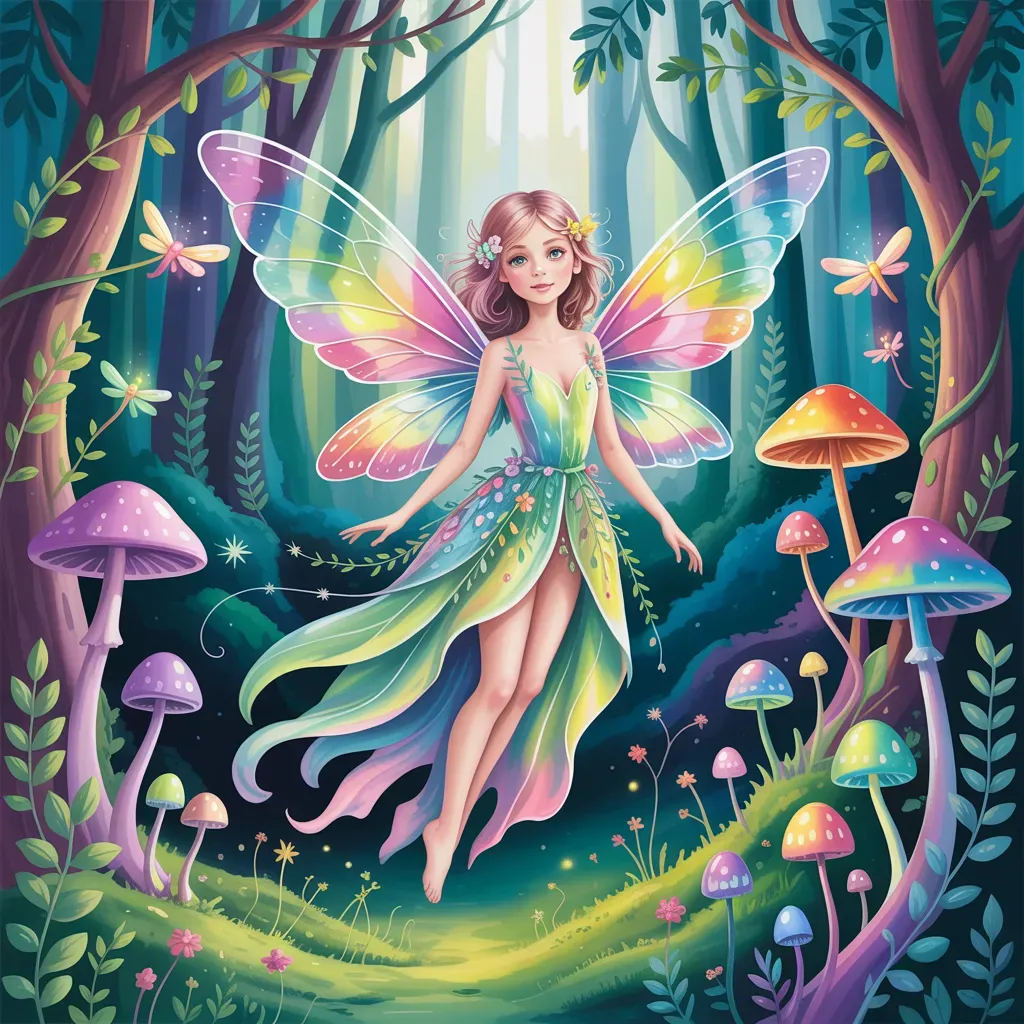
Ideogram
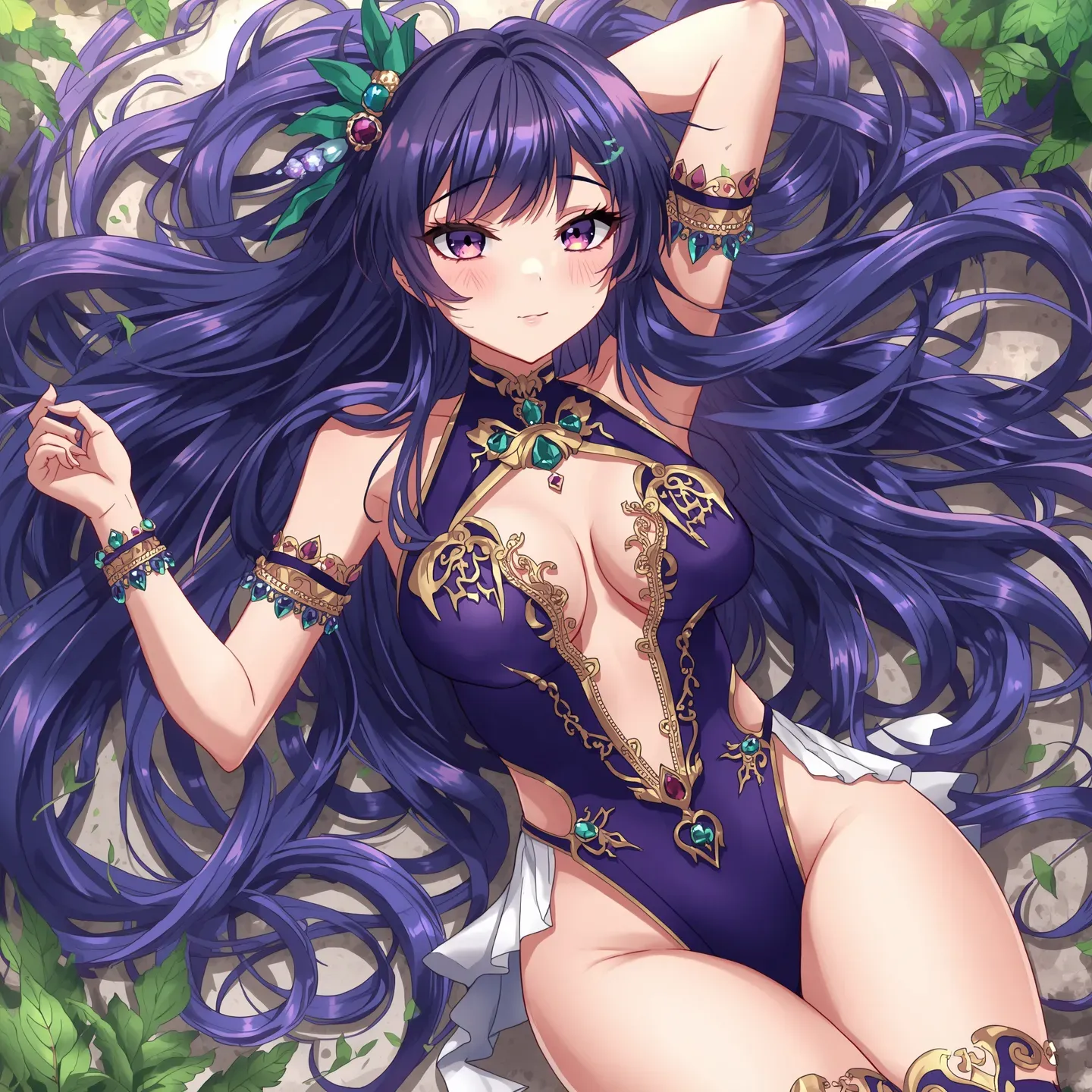
Leonardo AI

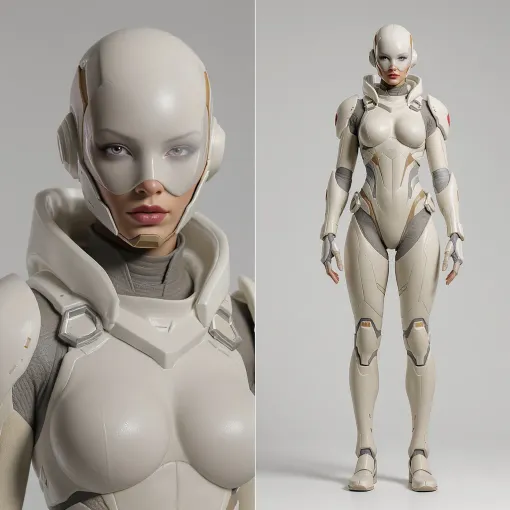
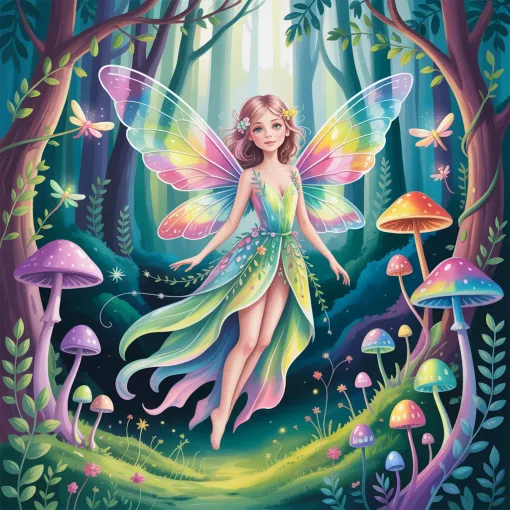
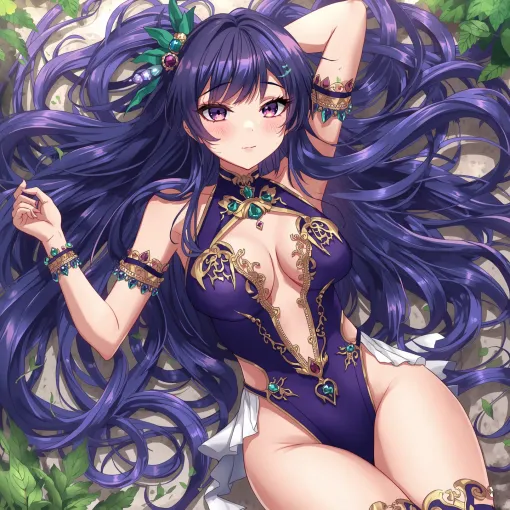
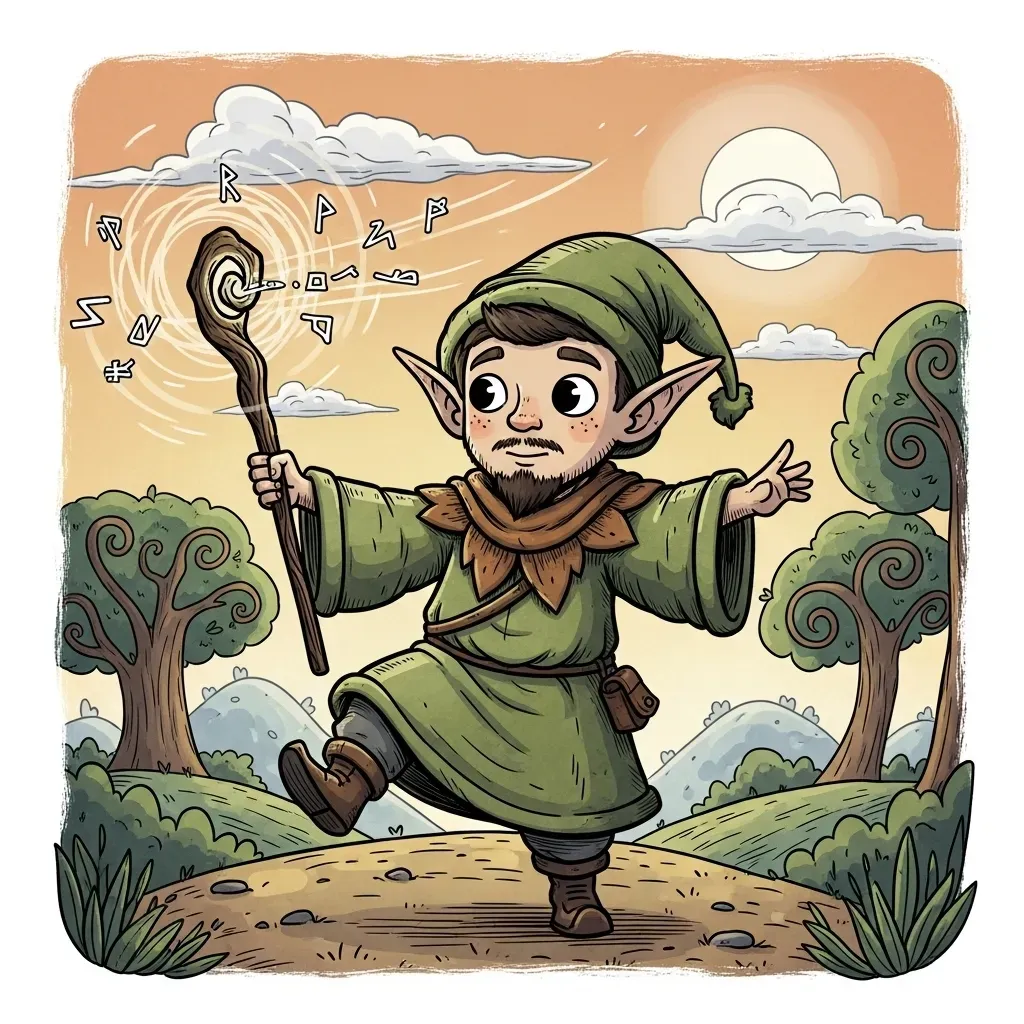
Imagen 4
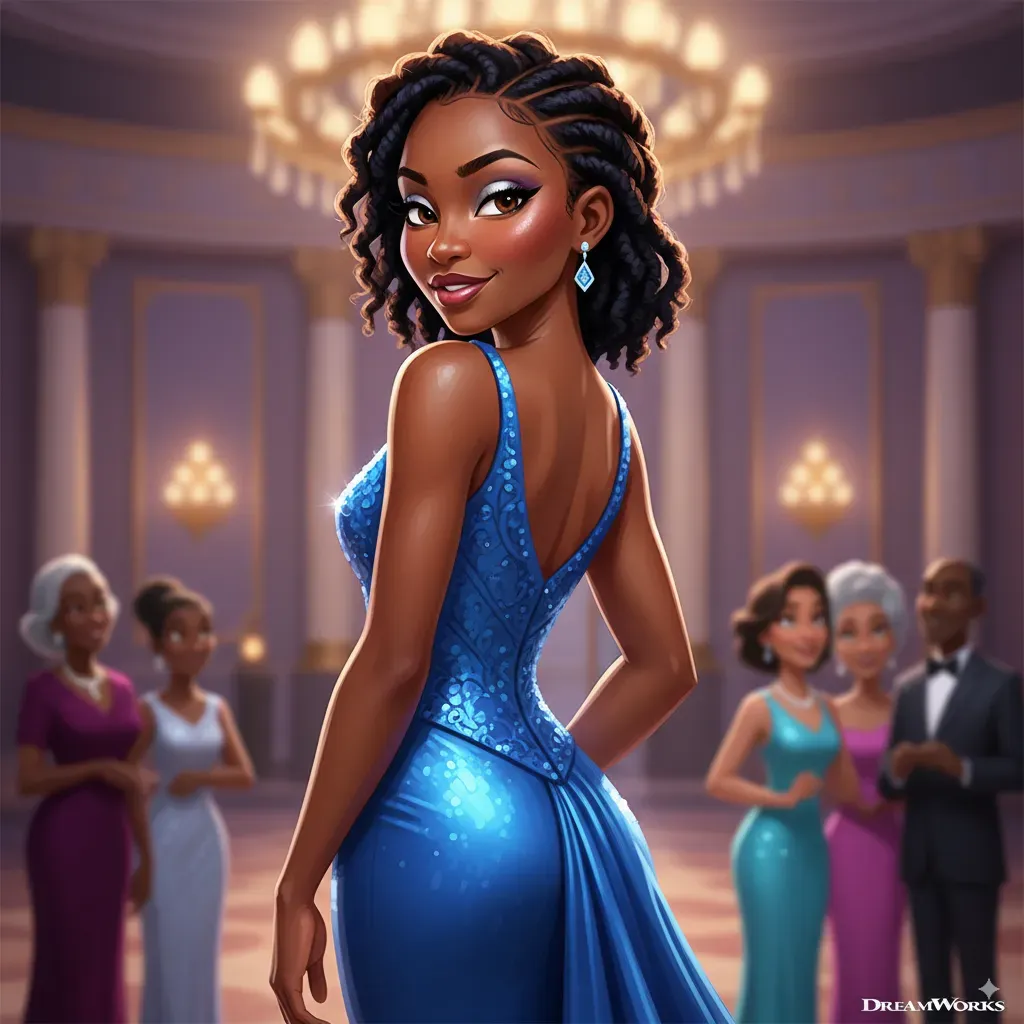
NanoBanana
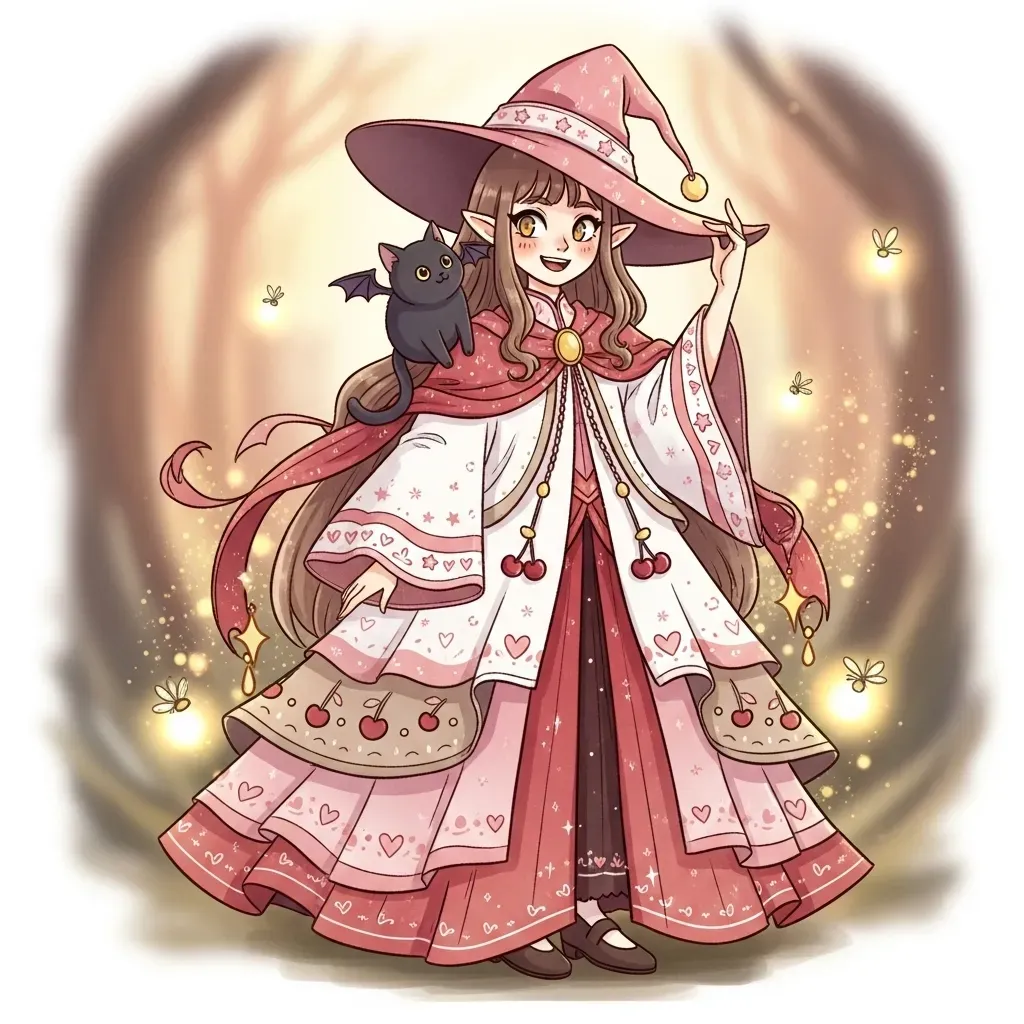
Imagen 4
NanoBanana
Prompt ideas to start with
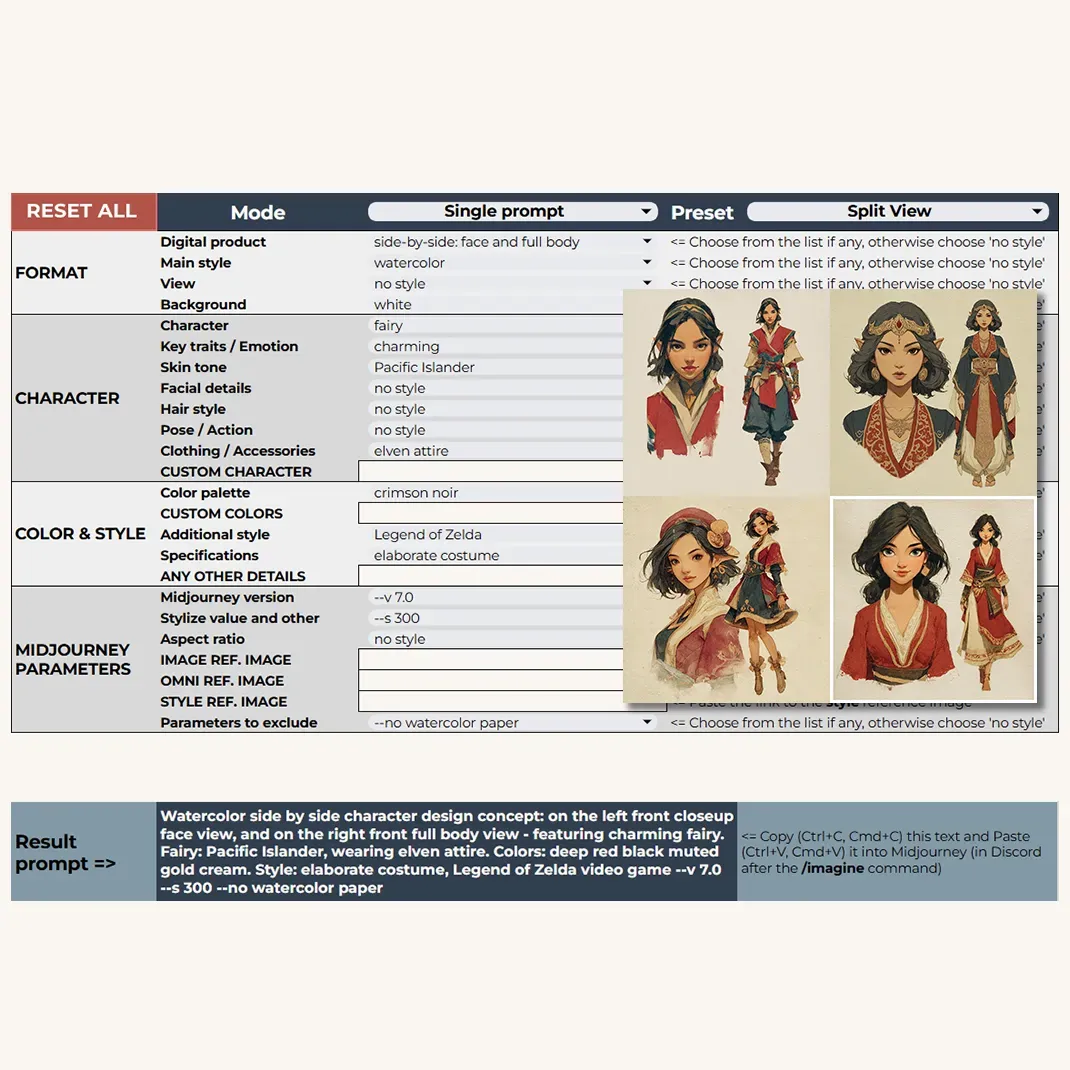
The Visual Examples sheet isn’t just for browsing artwork - it’s packed with ready-to-use prompts to help kickstart your creative journey.
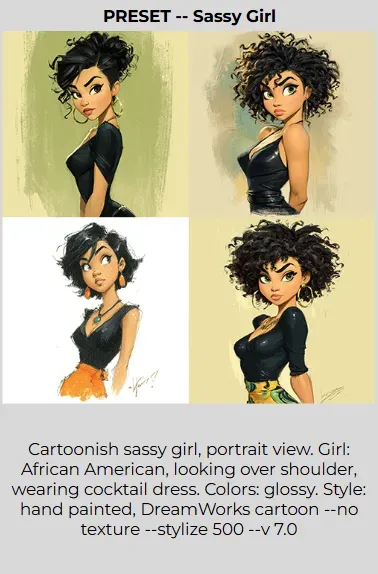
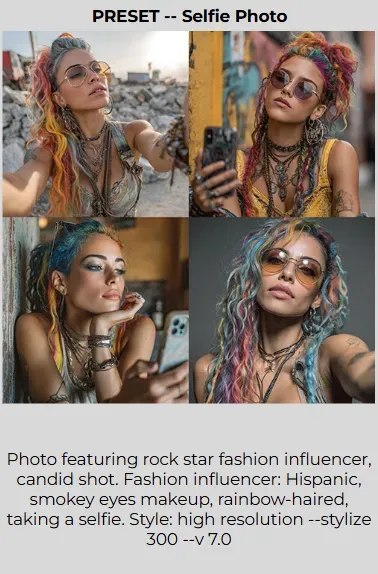
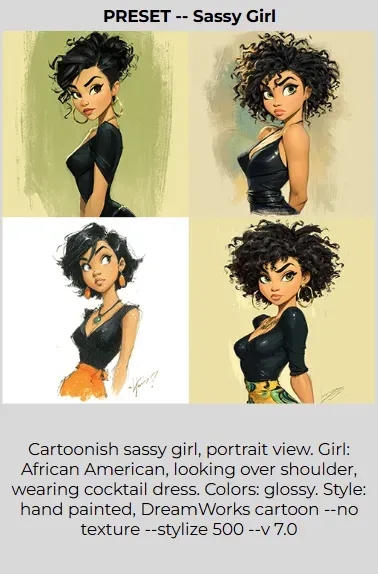
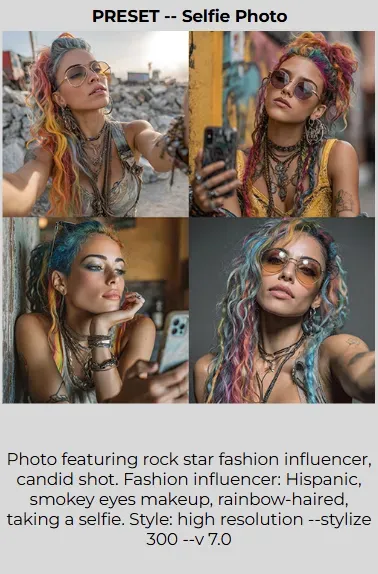
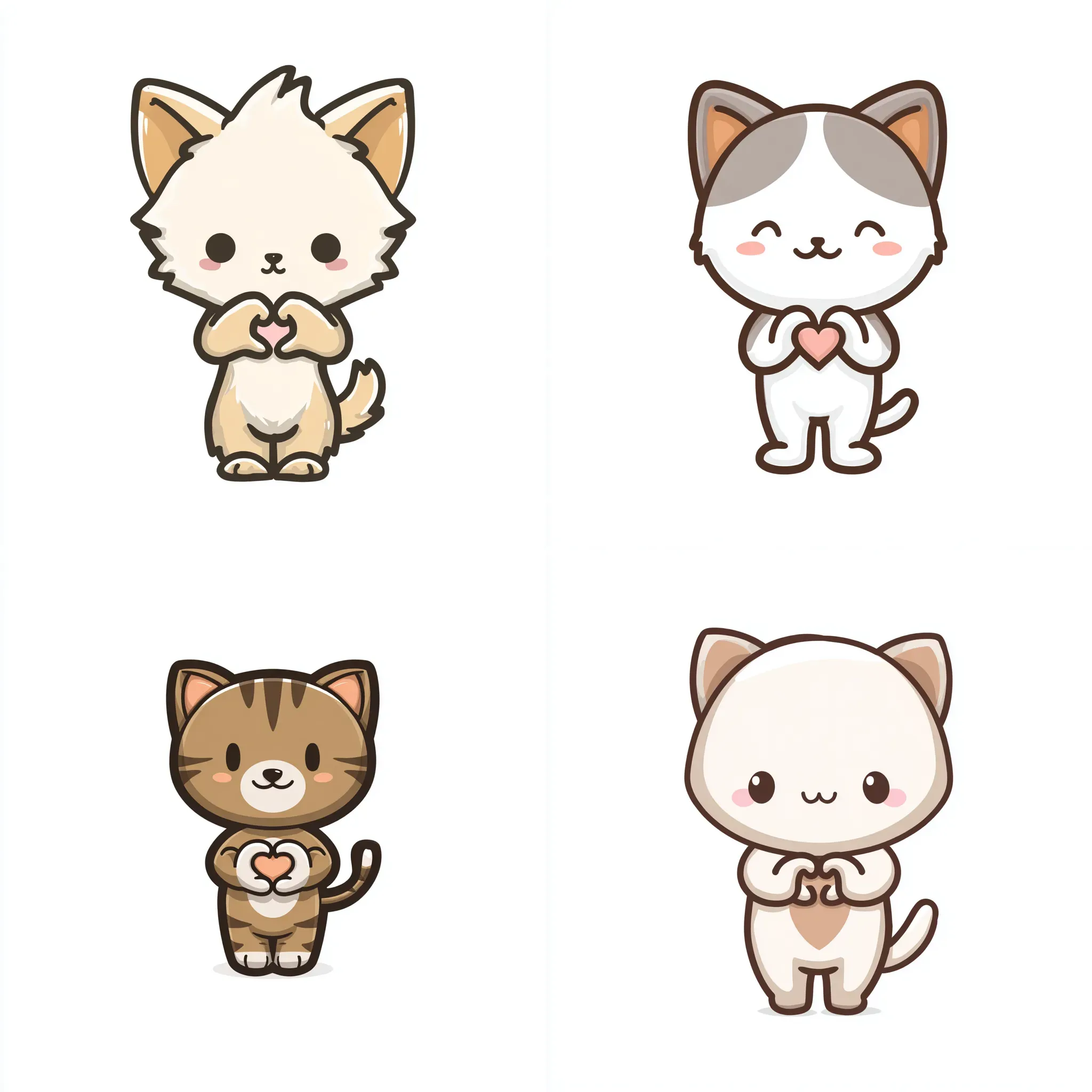
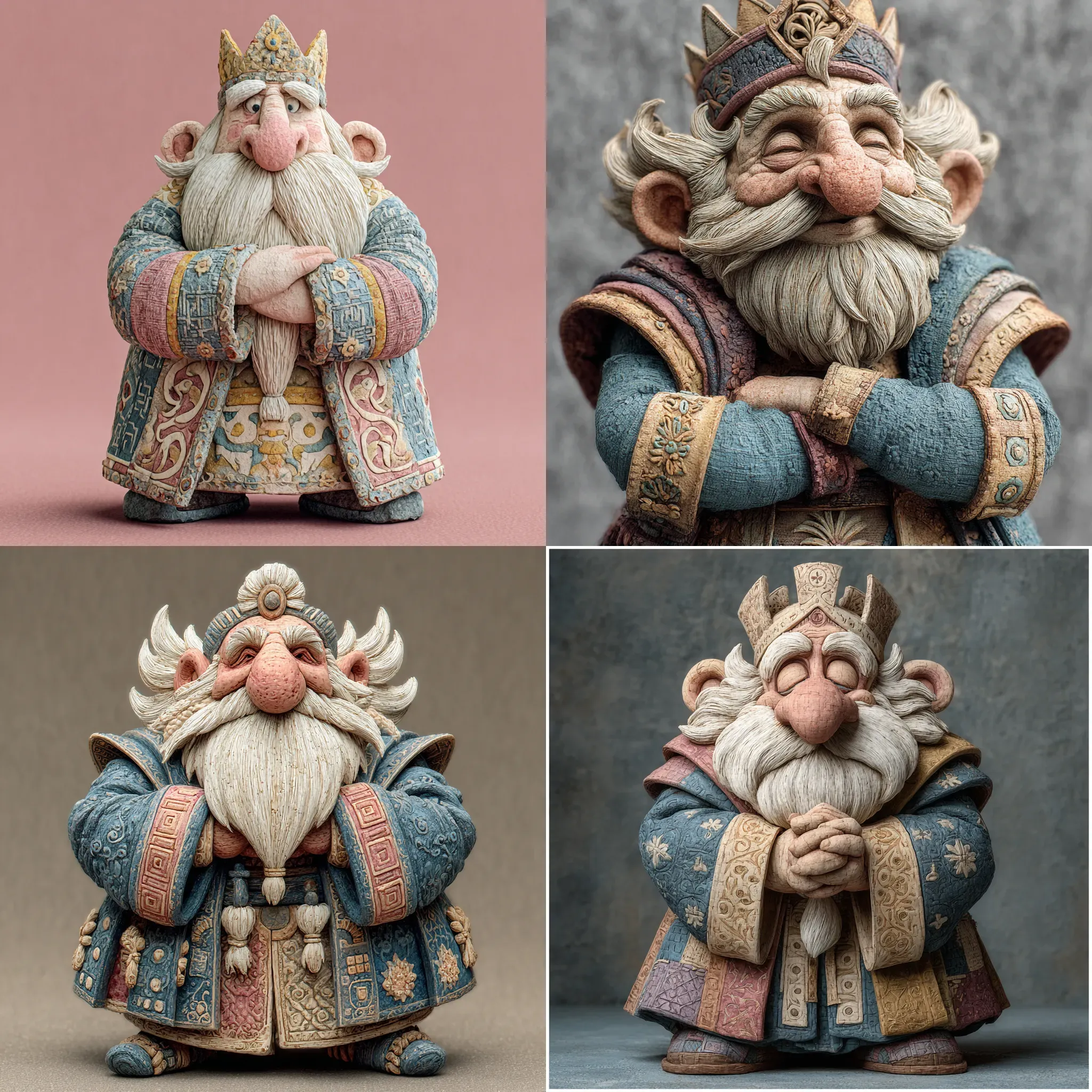
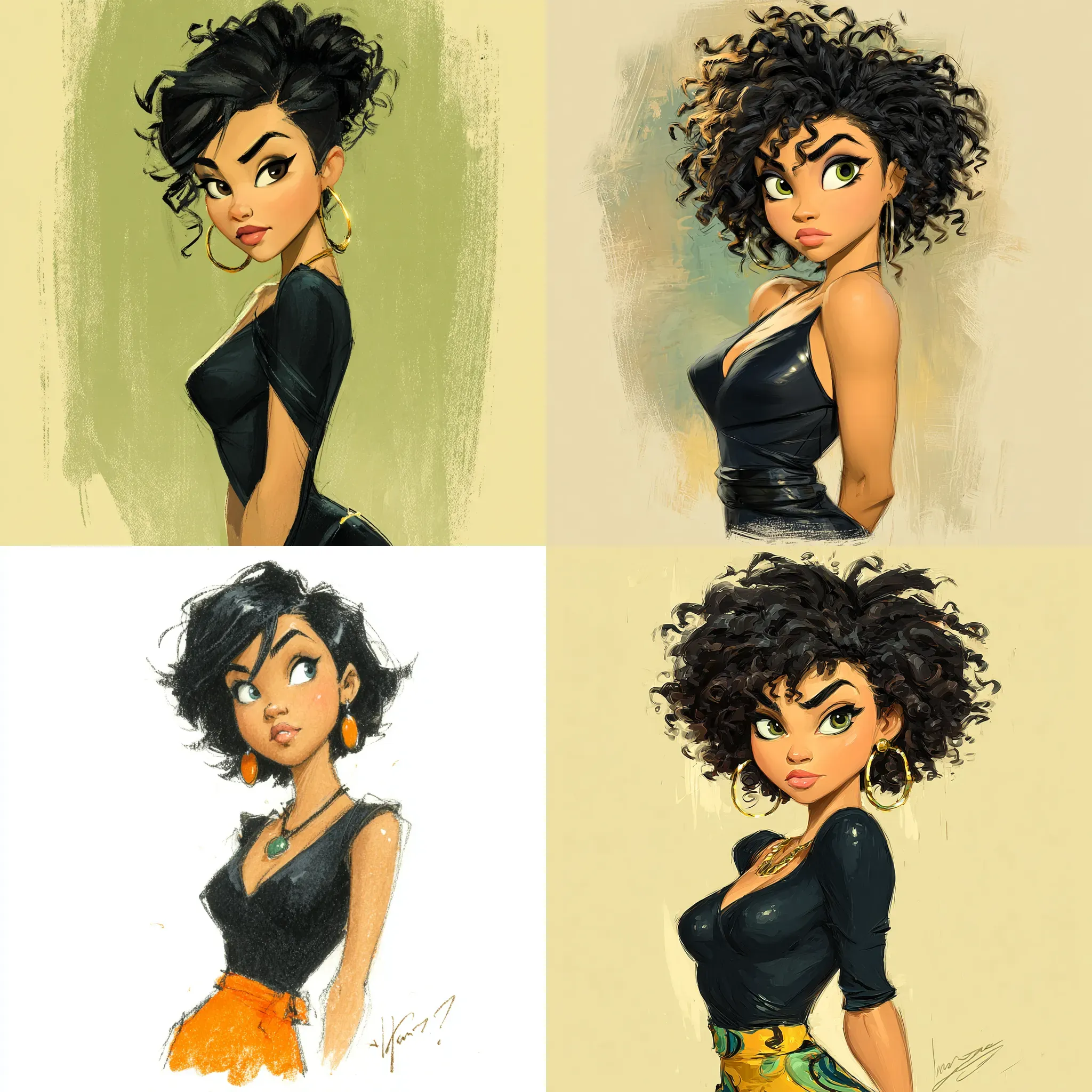
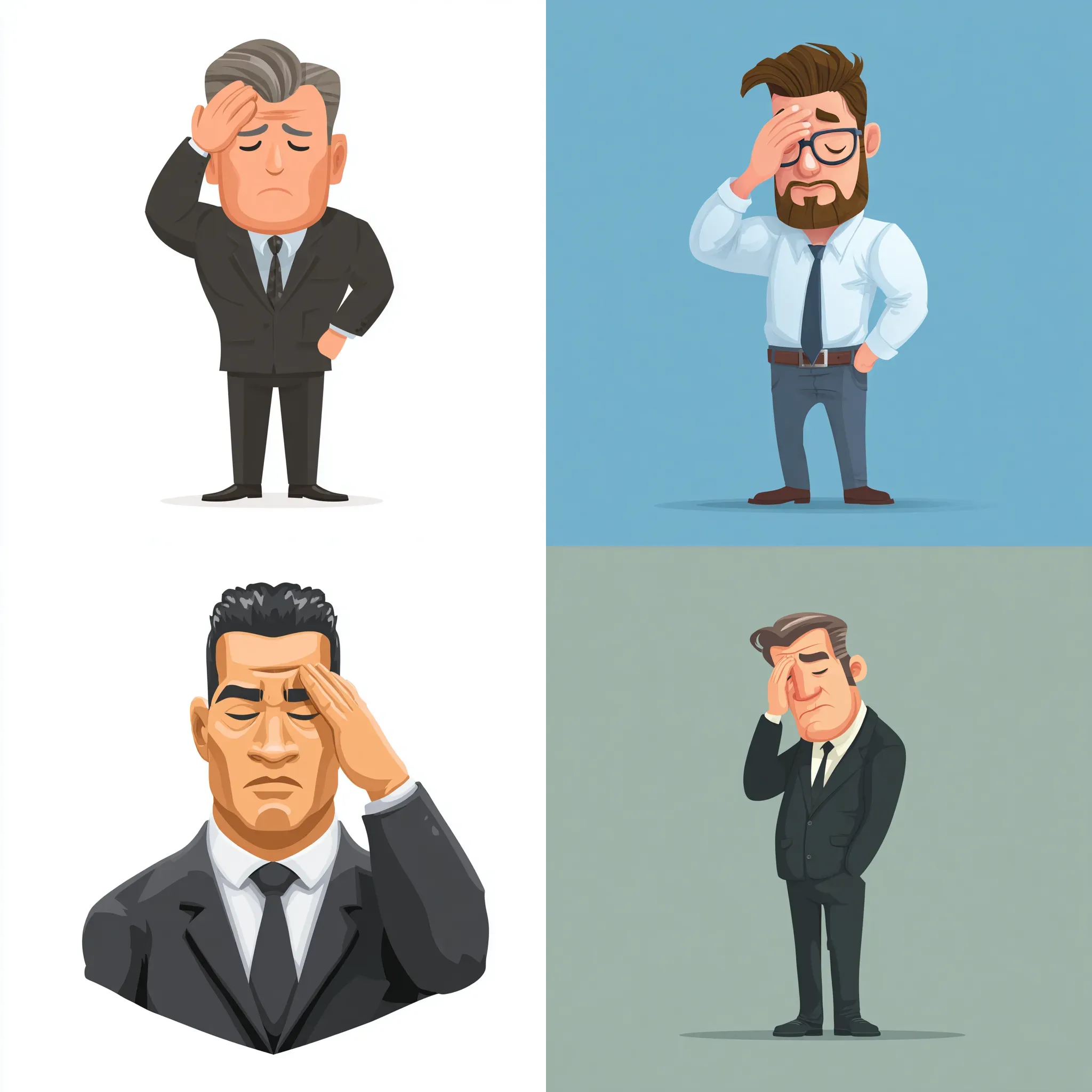
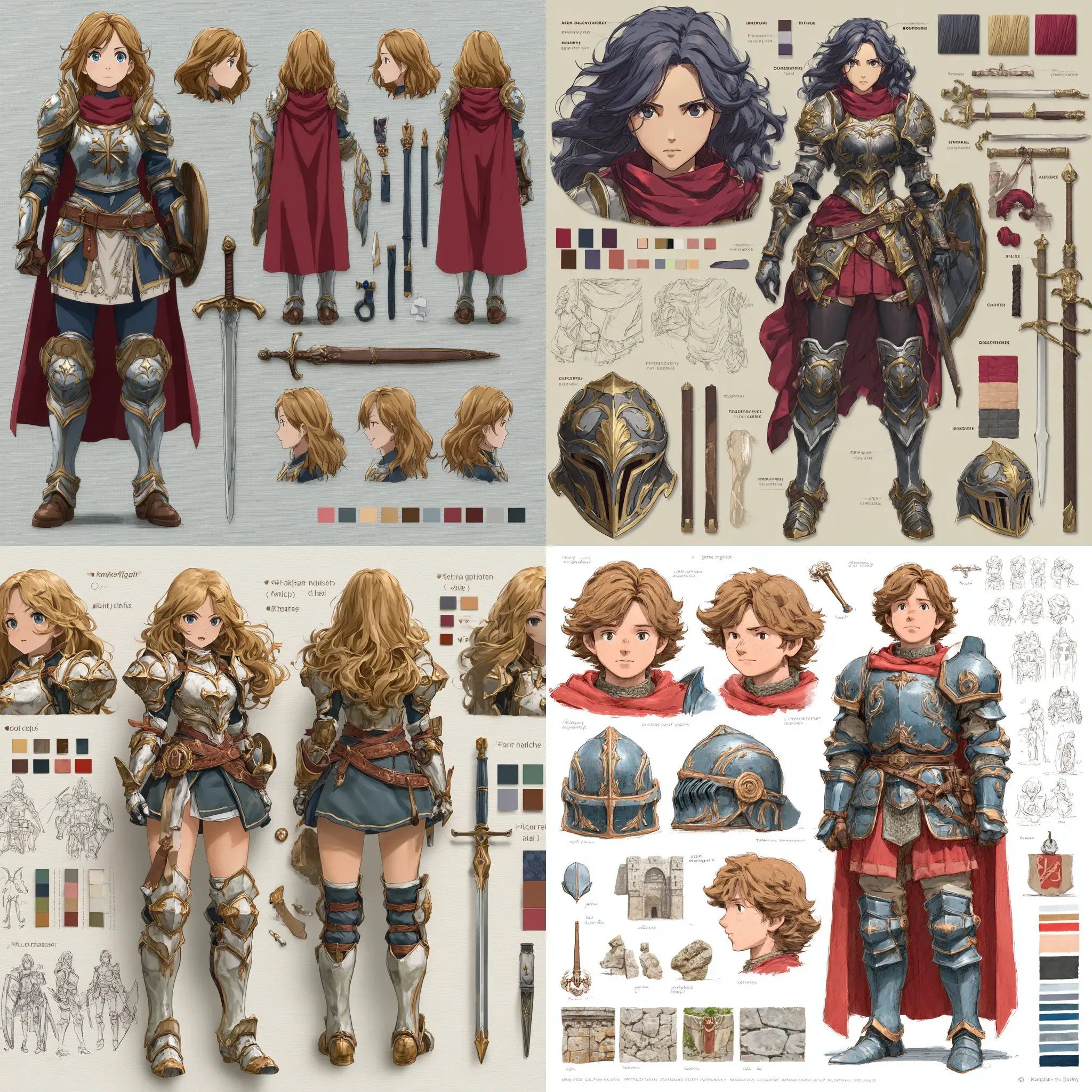
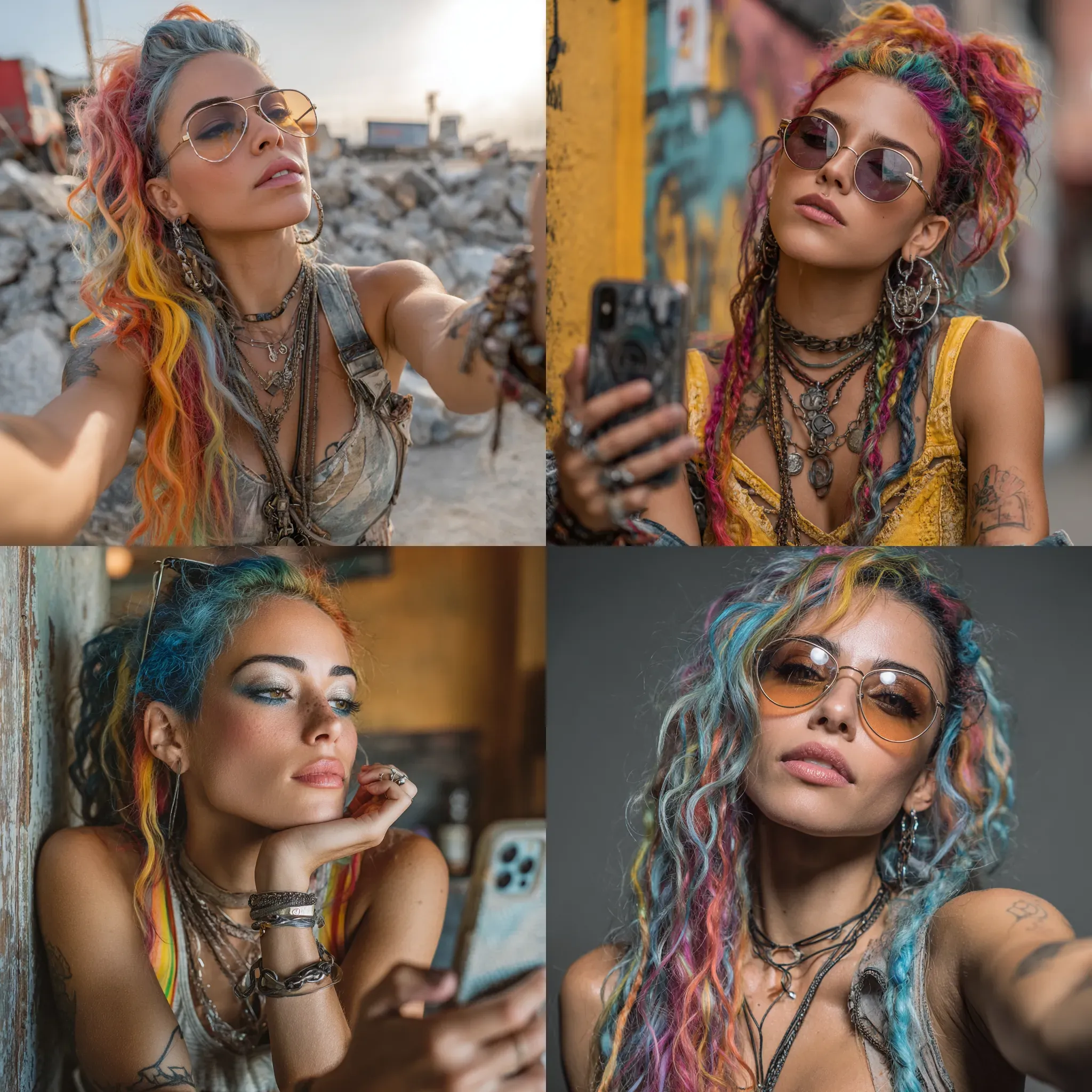
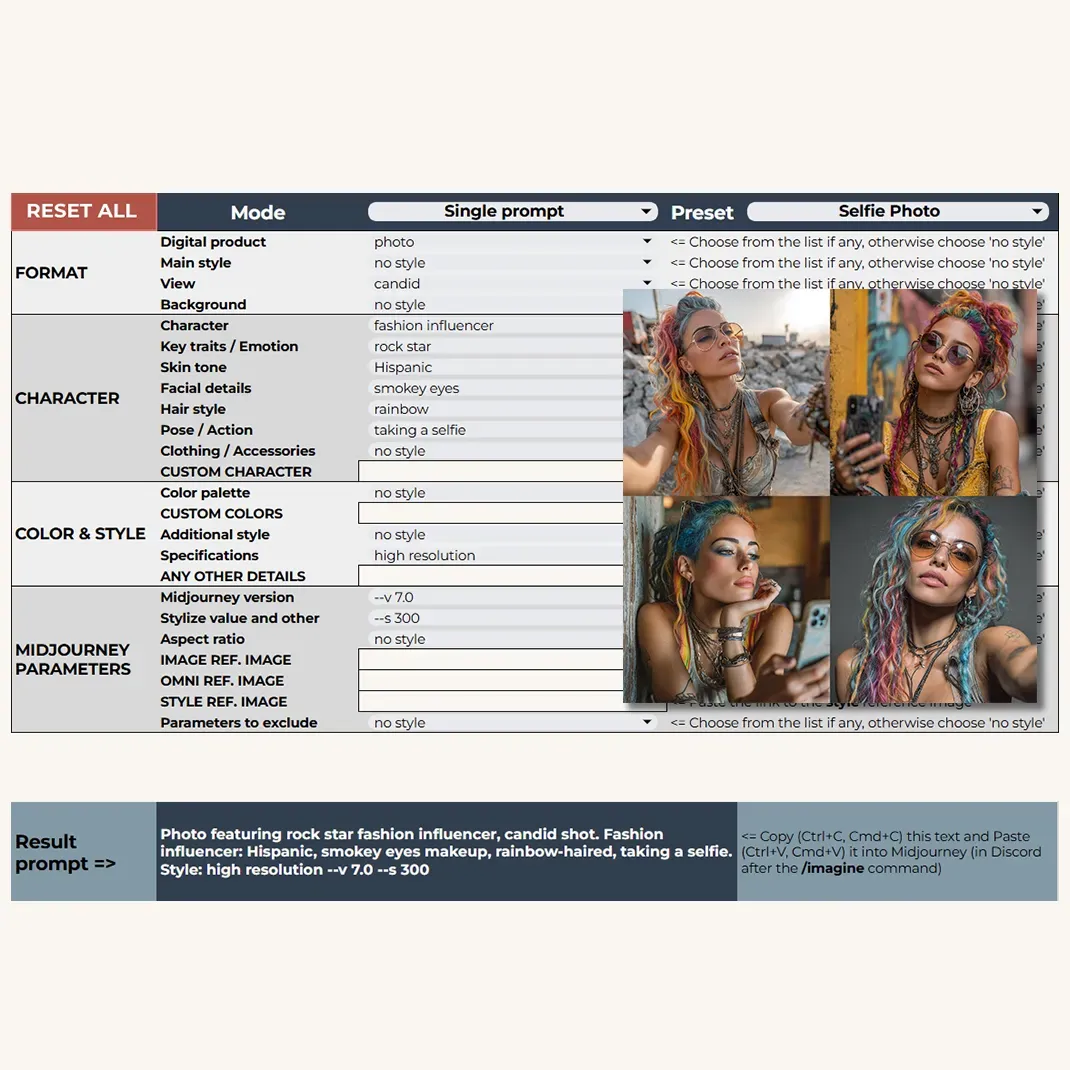
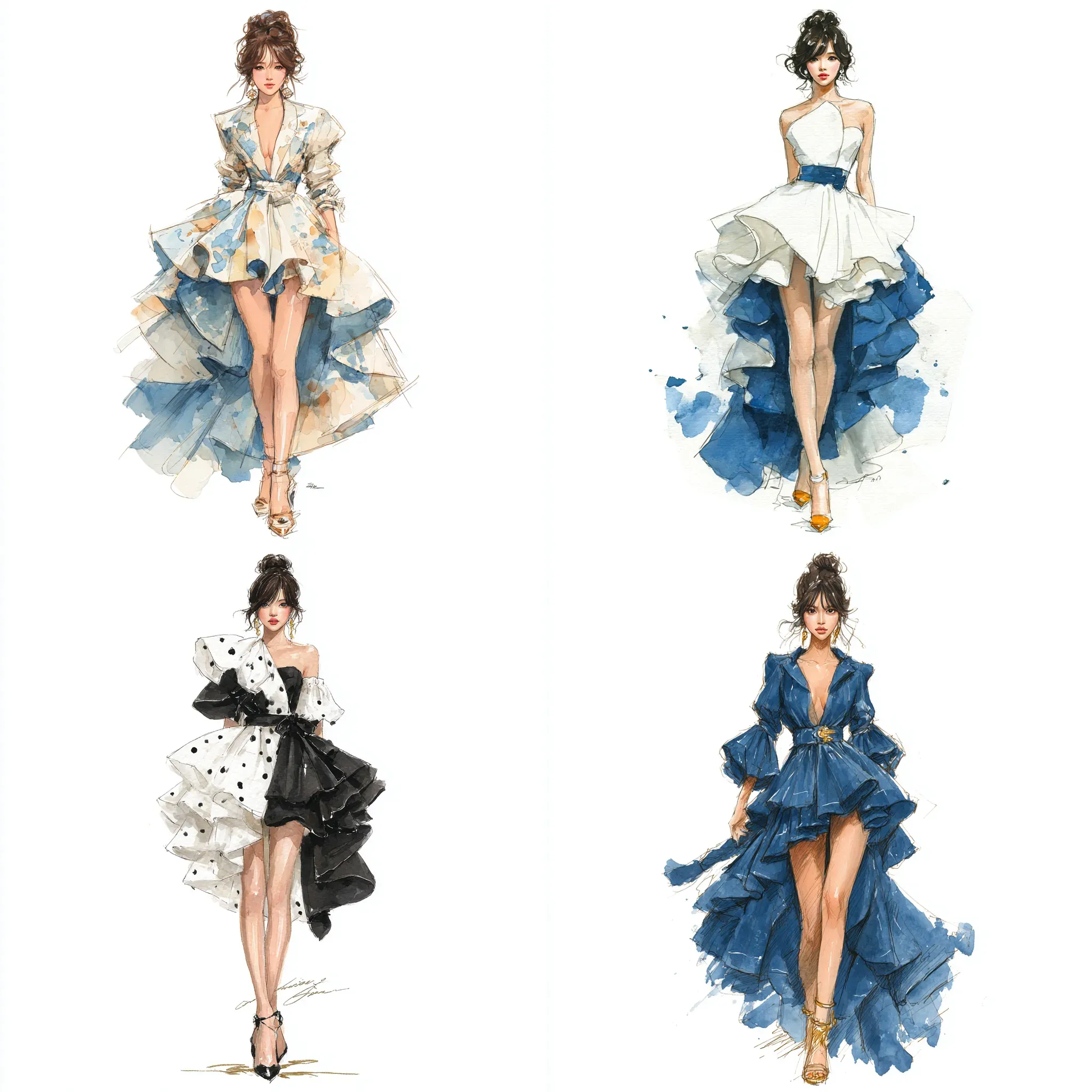
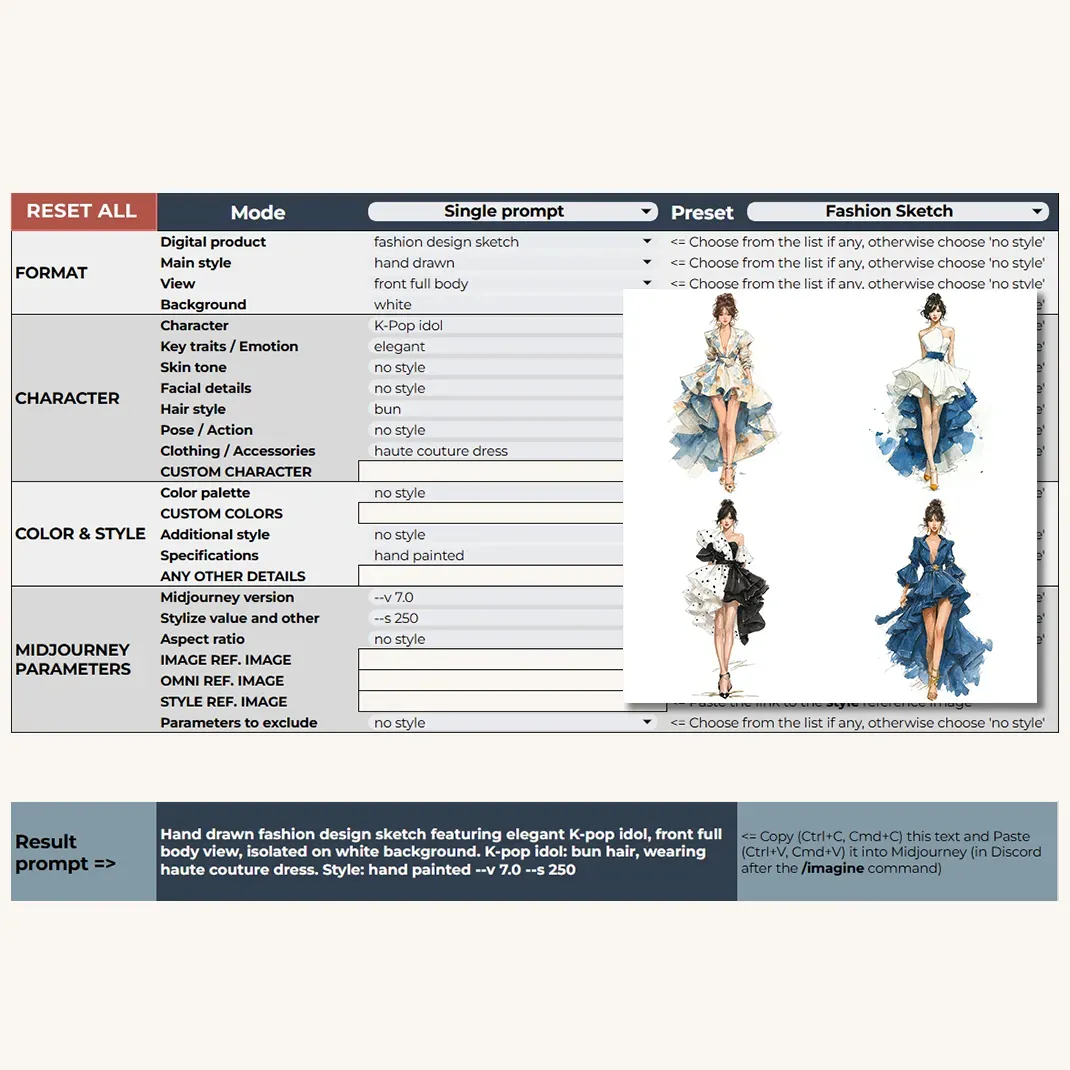
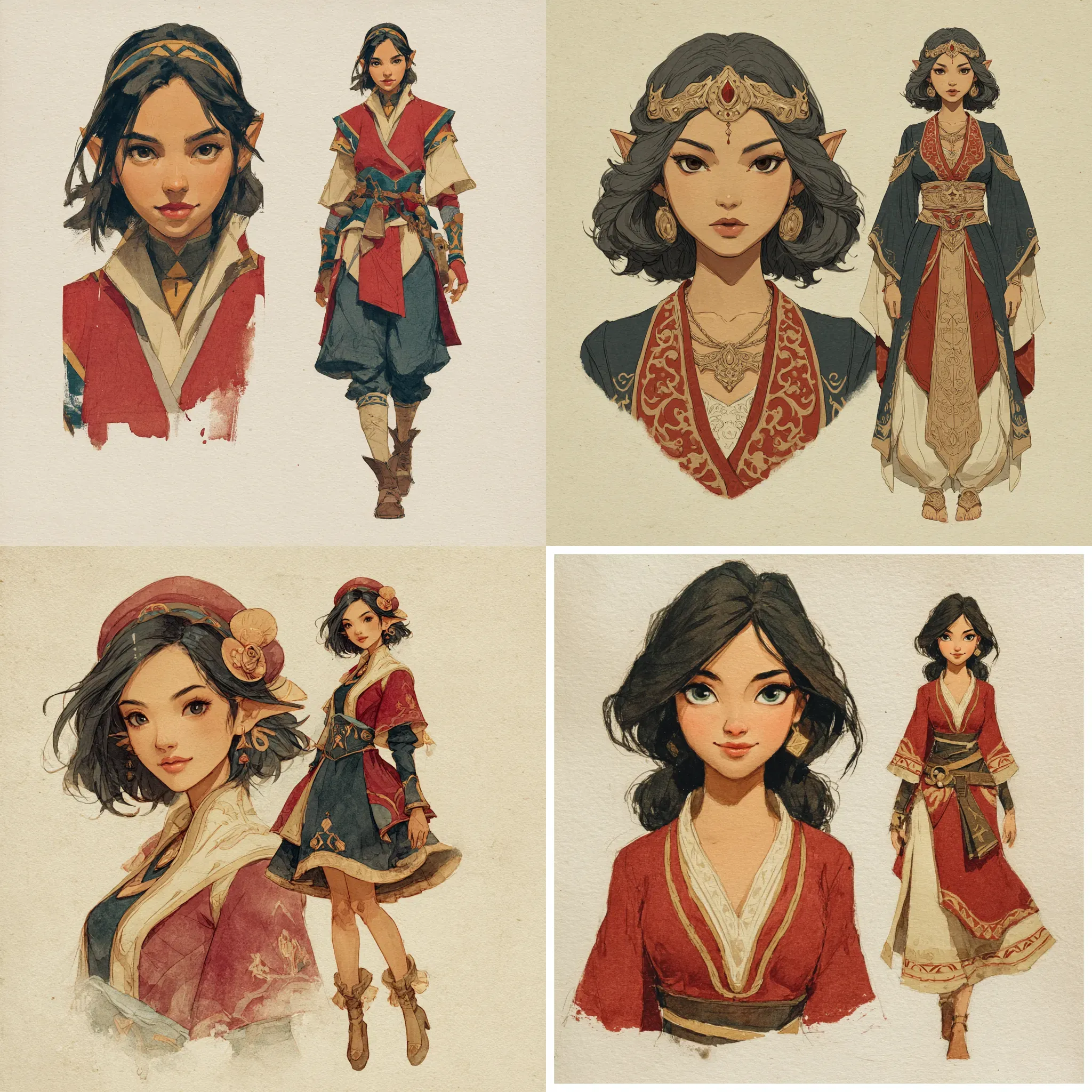
The builder also includes 8 curated Presets, each designed as a starting point for different character concepts. In the PRO version, you can select a Preset directly from a dropdown, which automatically fills in all sections of the builder. You can then fine-tune the selections to fit your vision. Each Preset includes an illustration of the results.
If you’re using the Basic version, no worries - you can still manually copy prompts from the Visual Examples sheet and adapt them to suit your project.
Swipe to view more
And don’t forget to explore the Guides and Bonuses section below the Prompt Builder - it’s full of useful materials to support various aspects of character creation, and we’ll be aiming to add more there. They are very easy to find right below the main prompt builder area, but just in case here they are:
- HOW TO: Create Full-Body View Characters
- HOW TO: Create Consistent Characters in Midjourney
- HOW TO: Create Consistent Characters in Ideogram
- HOW TO: Make a Cartoon Avatar from Your Photo with NanoBanana
- HOW TO: Recreate Any Image You Like in Midjourney
If you’re on a PRO version, you can start with Inspiration bank for 100+ ready-to-use prompts made with Character 2.0 PRO Prompt Builder.
Now you’re ready!
With the Character Prompt Builder, you’re fully equipped to bring your unique characters to life - whether you’re building a stylish avatar or a magical world’s next hero.
All the images featured in this guide were generated using Midjourney, Dall-E (ChatGPT 4o and Bing), Ideogram, Leonardo, Flux, Imagen 4, and NanoBanana with the Character 2.0 PRO Prompt Builder.