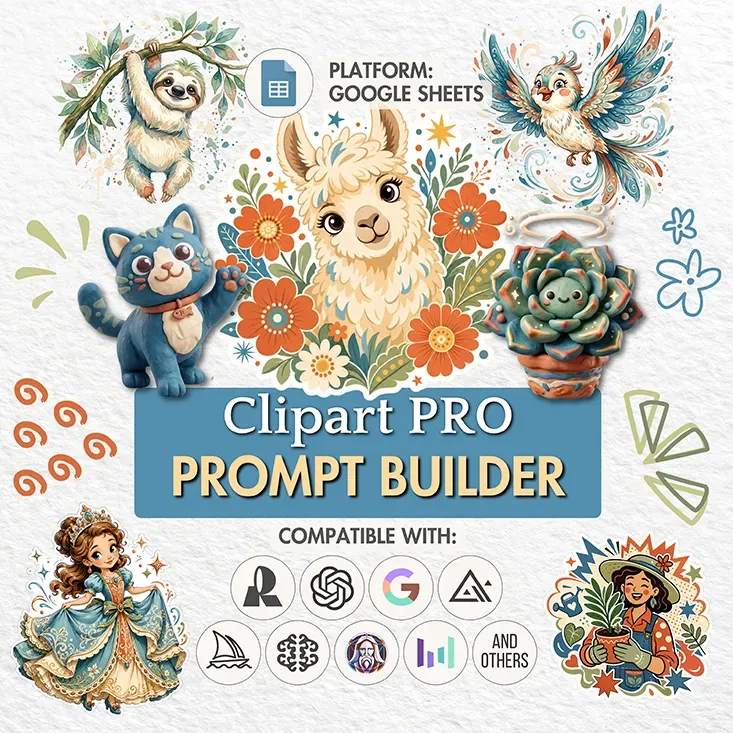
Heads up! This guide is for the newest version of the Prompt Builder. Bought an older PRO version? You can upgrade for free: open the download instruction you already have and click the link inside. It opens your original builder, where you’ll find the link to the new version.
Something not working? Write to us and we’ll send you the link directly.
Welcome, digital artists. This guide covers what the Clipart Prompt Builder does, which AI generators pair well with it, and how to shape prompts that land the clean, cut-ready clipart look.
Everything here is about clipart specifically. If Prompt Builders are new to you - the dropdowns, the buttons, the sheets, the way it all fits together - begin with our Prompt Builder guide. Rather watch than read? The same walkthrough is on our YouTube channel:
Video version of this guide
Table of contents:
What you can create with the Clipart Builder
The Clipart Prompt Builder is built for small, self-contained artwork - the kind you cut out and reuse. It writes prompts for stickers, icons, logos, frames, badges, labels, avatars, and emotes, plus whatever else you add once you start customizing.
It also bends to any theme. Go cottagecore, coquette, Y2K revival, boho, or modern - the dropdowns are stocked with themes, render styles, and mediums to combine. Missing a term you had in mind? Drop it in, and the builder keeps it for next time. So read the lists as a jumping-off point, never a fence.
Here are a few pieces made with prompts from this builder. Each one has a short title, and every prompt sits in the block just under the gallery - so you can read them at your own pace and copy any that catch your eye.
Swipe to view more
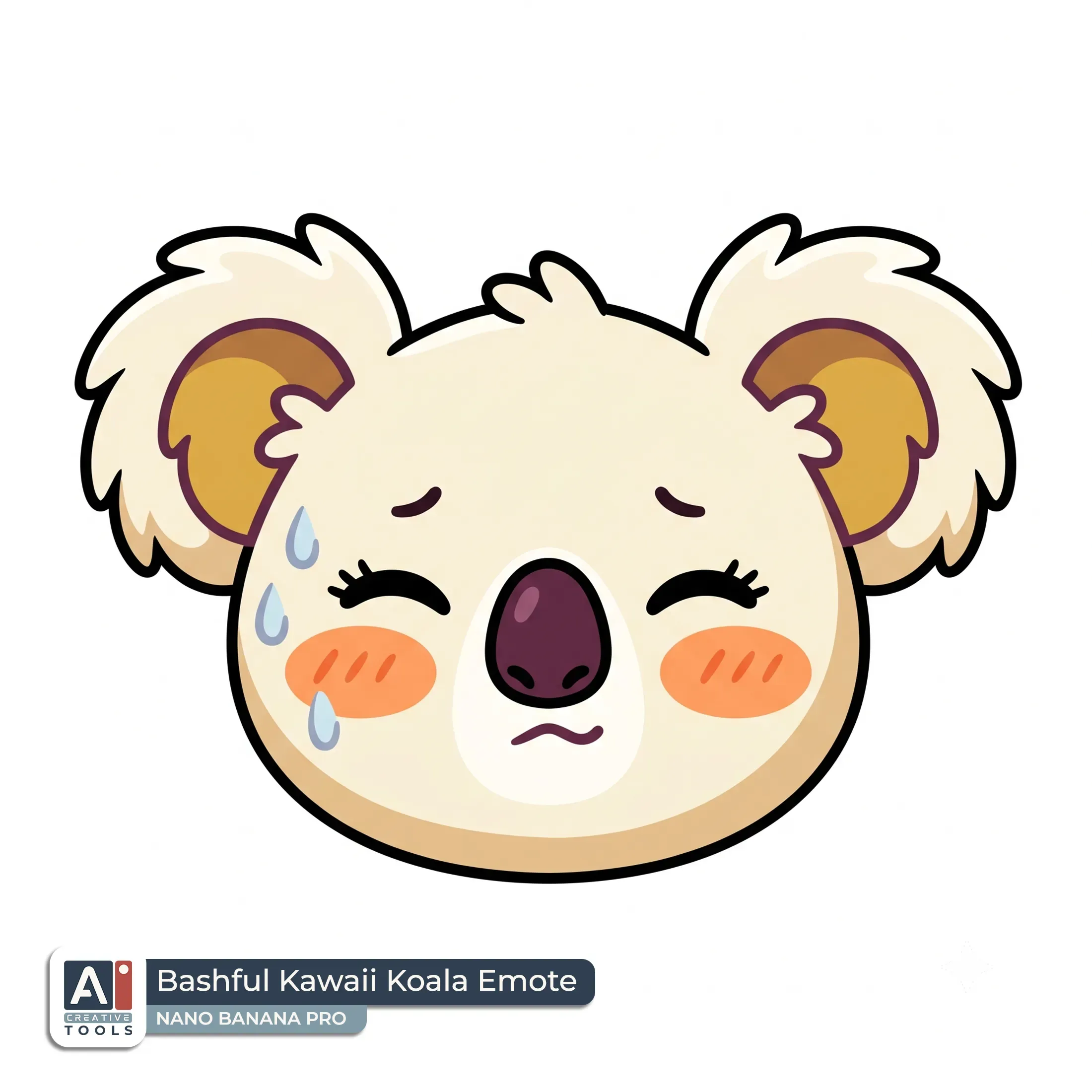
- Bashful Kawaii Koala Emote (Nano Banana): Create an image of a 2D flat kawaii chibi koala emote, shown as a single only-face view with an embarrassed expression, with bold clean outlines and simplified chibi features. The koala face fills most of the frame while staying comfortably inside the borders, with round ears framing the head, a small soft muzzle, and tiny blush marks on the cheeks. Include closed or bashful eyes with short curved lashes, slightly downturned mouth, and subtle sweat-drop style accents to emphasize embarrassment. Use a clean pumpkin orange, mustard, plum, and cream color palette, with flat fills and gentle limited shading using simple darker plum and mustard tones for the inner ear and facial details. Isolated on a clean white background with comfortable margins and nothing touching the edges. Aspect ratio 1:1.
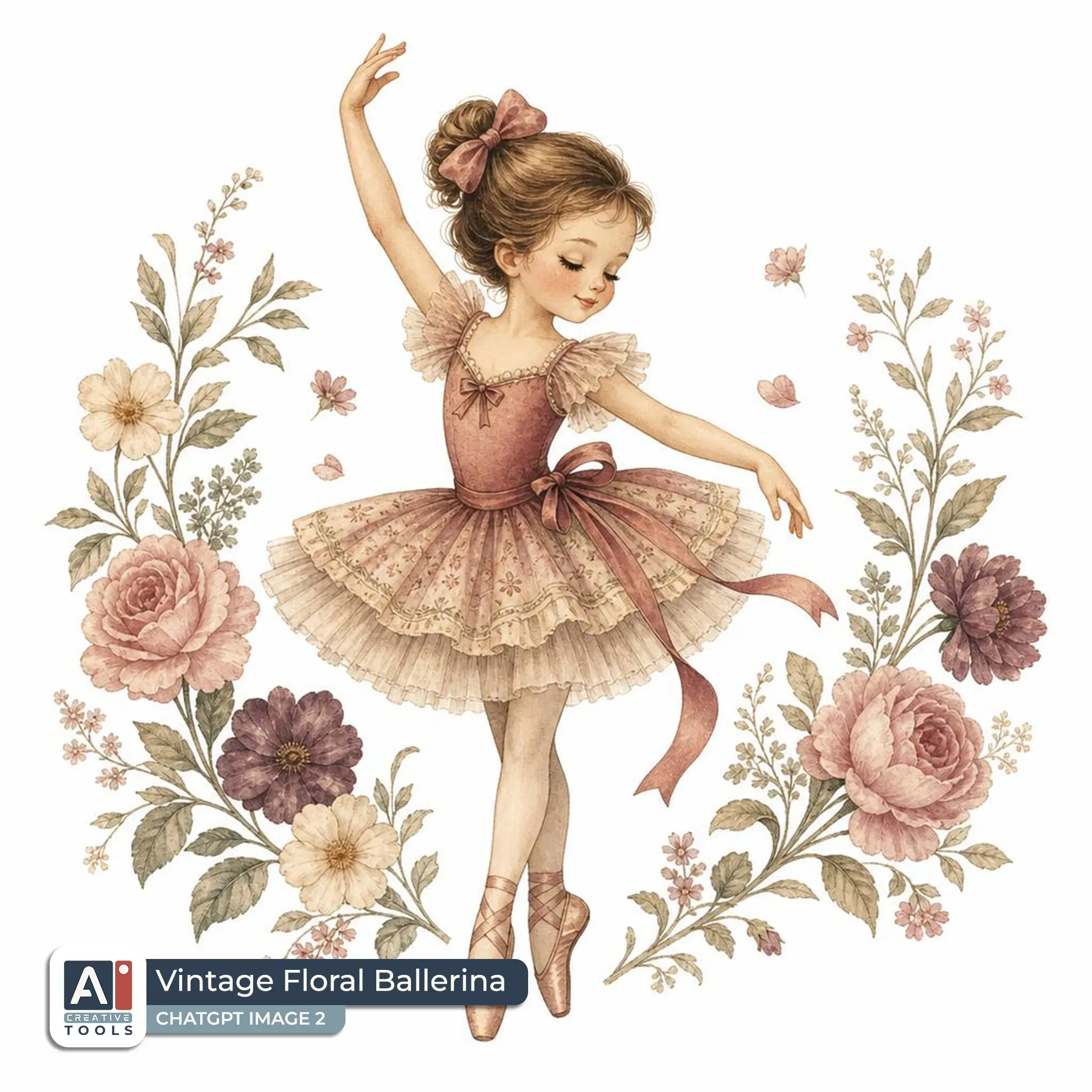
- Vintage Floral Ballerina (ChatGPT): Create an image of a vintage storybook style cute ballerina clipart with a softly aged retro-storybook finish, shown as a standing figure in a graceful pose with one hand raised and a calm, serene expression. She wears a layered tutu with subtle patterning and a classic ballet silhouette, a small bow detail in her hair, and delicate ribbon-like accents around her outfit. Surround her with a modest bouquet of vintage flowers and leafy sprigs, with petals and blossoms rendered in muted tones that frame her gently without clutter. Use a warm, muted color palette of dusty rose, faded cream, sage green, and muted plum, with soft, grainy texture and slightly faded edges for an aged print feel. The design is isolated on a clean white background with comfortable margins and nothing touching the borders, full figure complete within the frame. Aspect ratio 1:1.
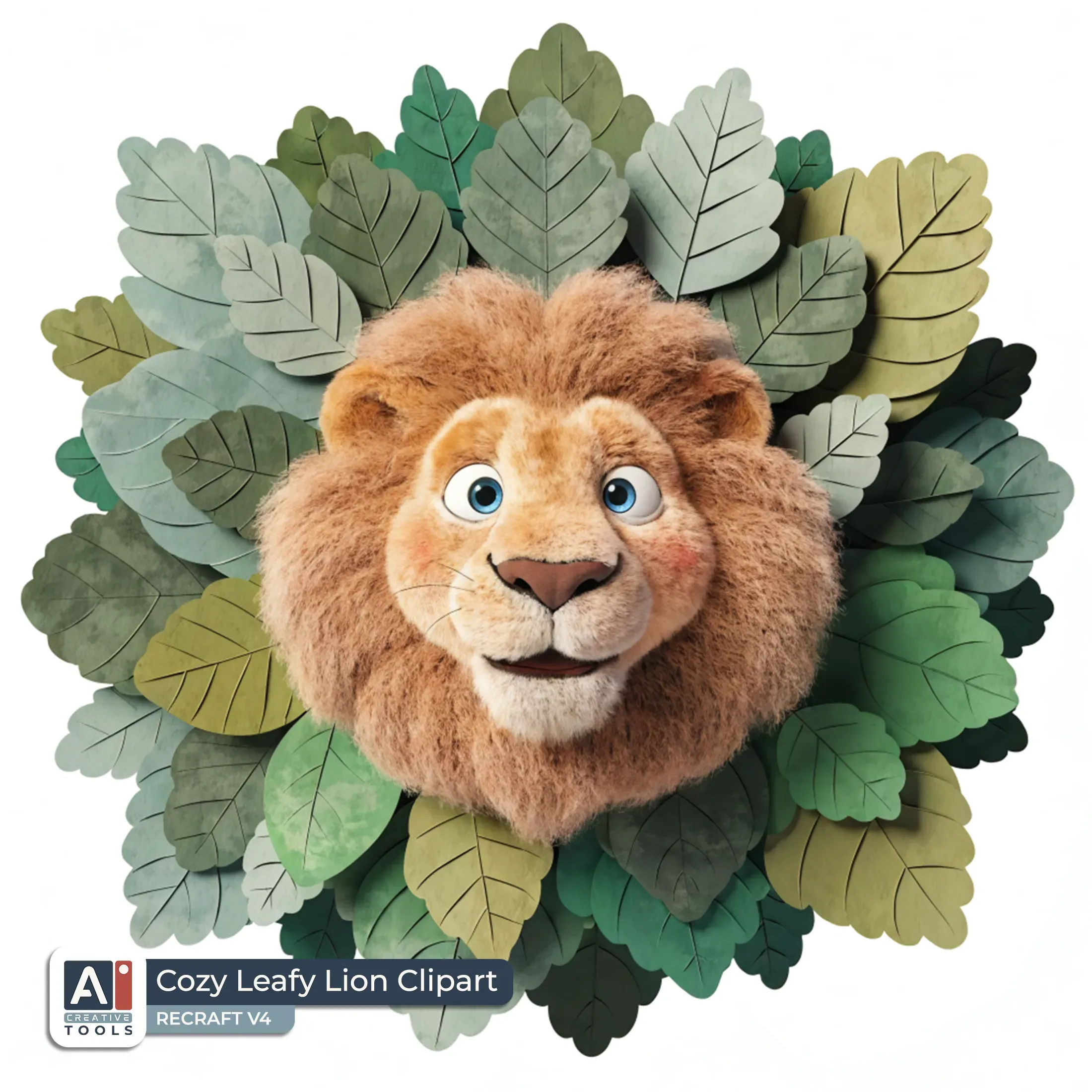
- Cozy Leafy Lion Clipart (Recraft): 3D render clipart in a playful Pixar-style with soft, rounded forms and gentle endearing charm: a friendly lion with an expressive, wide-eyed face and a slightly open smile, framed by a cluster of layered green leaves with a peaceful, cottagecore bloom vibe. The lion’s mane is voluminous and softly shaded with warm honey and muted caramel tones, while the face has peachy, creamy highlights and subtle rosy cheeks. Use smooth gradients across fur and leaf surfaces, with delicate specular sheen on the lion’s eyes and nose for a cozy, inviting look. Isolated on a clean white background with even spacing around all sides, the full design held clearly within the frame.
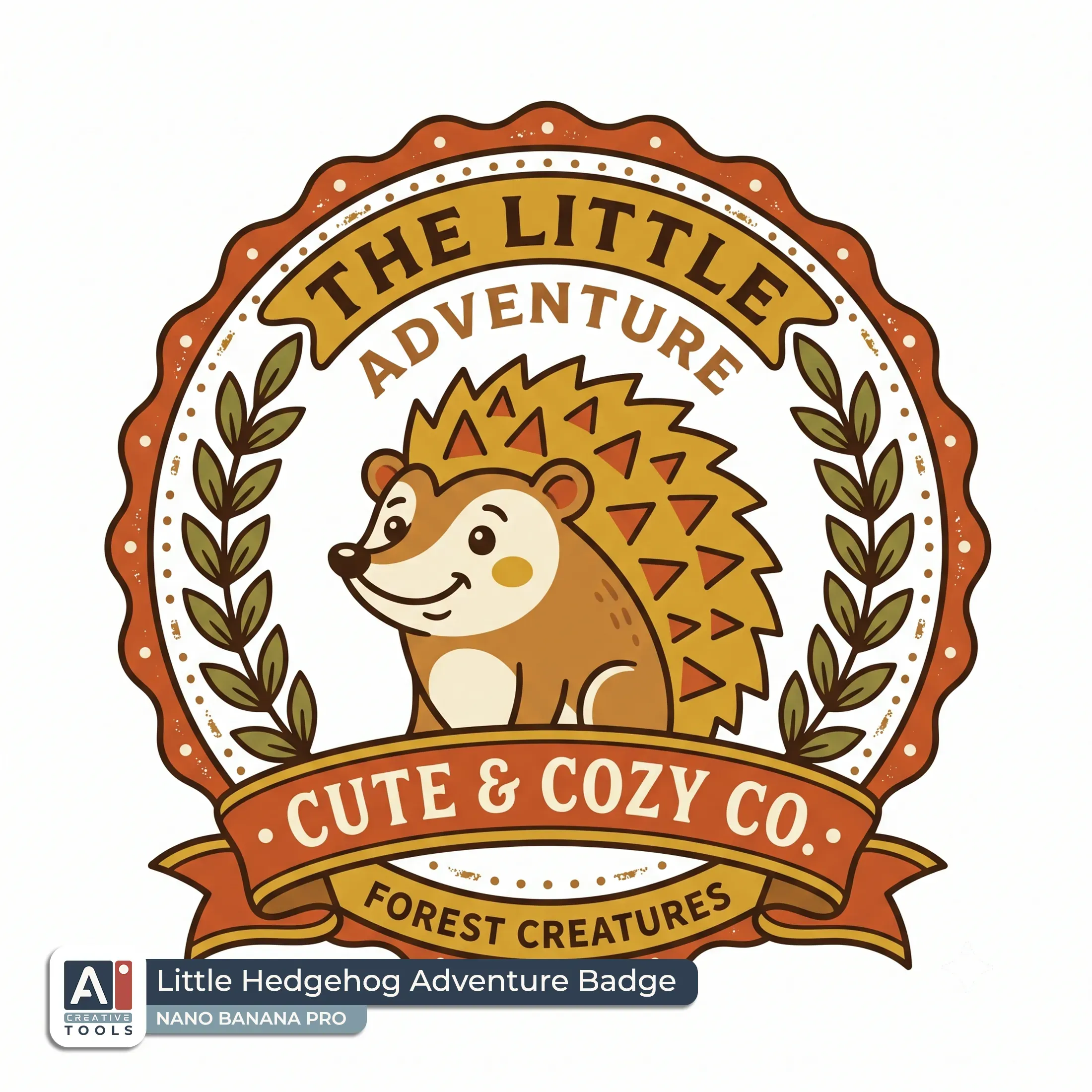
- Little Hedgehog Adventure Badge (Nano Banana): Create an image of a vintage vector badge emblem with a cute hedgehog in the center, drawn in warm-toned retro logo style with bold clean outlines and a circular seal shape. The hedgehog is smiling and slightly turned, with simple geometric quills, rounded cheeks, and a small nose, all in mustard, caramel, burnt orange, and cream with gentle flat color blocks and minimal inner shading. Around the hedgehog sits a decorative banner ribbon that curves across the lower portion of the circle, plus two laurel branches rising on the left and right to frame the emblem. The border is a scalloped outer ring with small decorative dots, giving a classic badge texture while staying purely vector. Isolated on a clean white background with comfortable margins and nothing touching the edges, maintaining a crisp, fully contained emblem within the frame. Aspect ratio 1:1.
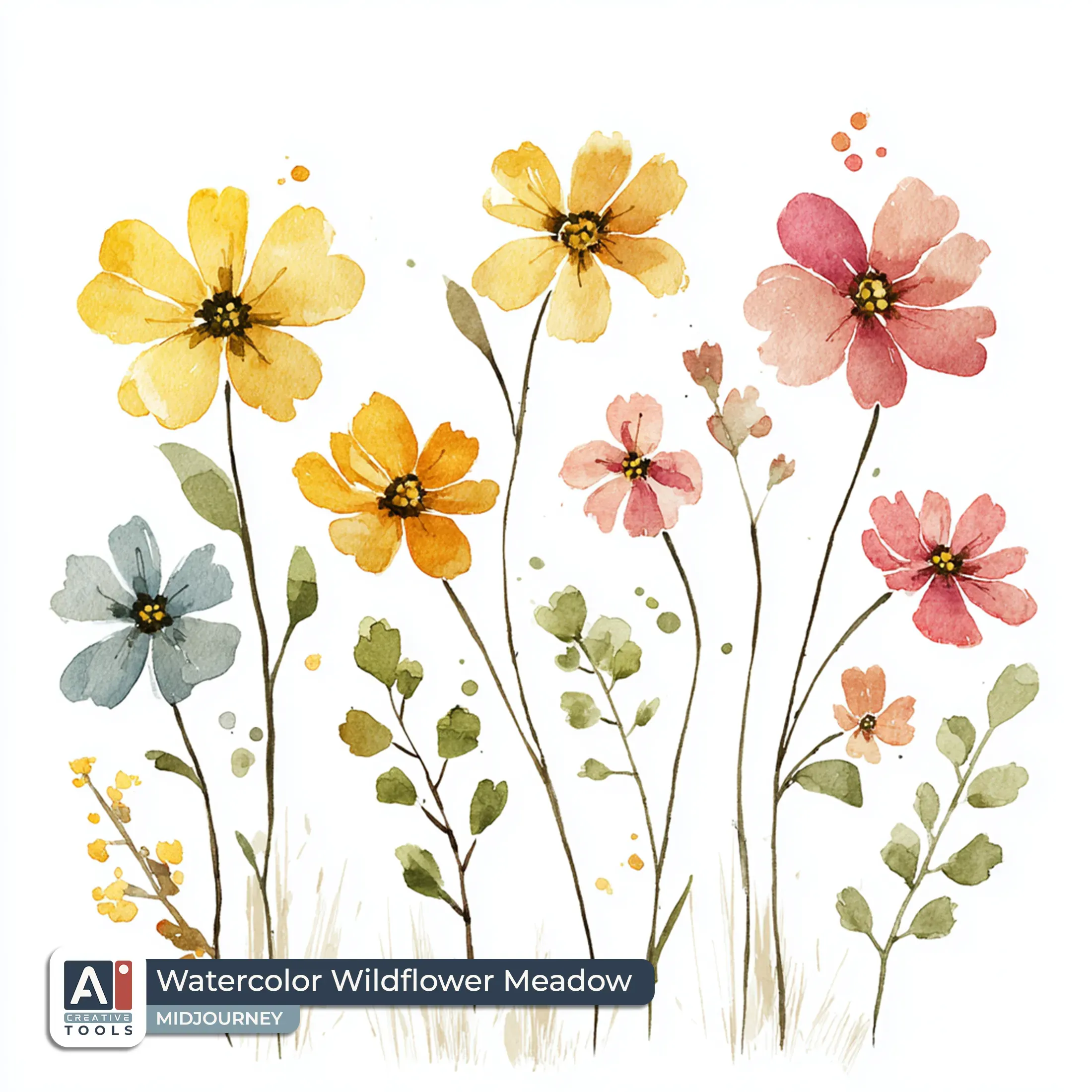
- Watercolor Wildflower Meadow (Midjourney): Watercolor cottagecore clipart set, vintage storybook art style, six assorted pressed wildflowers and sprigs in a neat row, wildflower stems and leaf clusters overlapping lightly but staying separate and complete, butter yellow and petal pink blossoms with soft watercolor blooms, moss green leaves and thin stems, touches of sky blue sky-toned petals, gentle paper-wash gradients, faint vintage ink outlines, subtle dry-brush edges, whimsical irregular silhouettes, isolated on a clean white background with even spacing around all sides and nothing touching the borders --no texture --profile ioim2bl --v 7
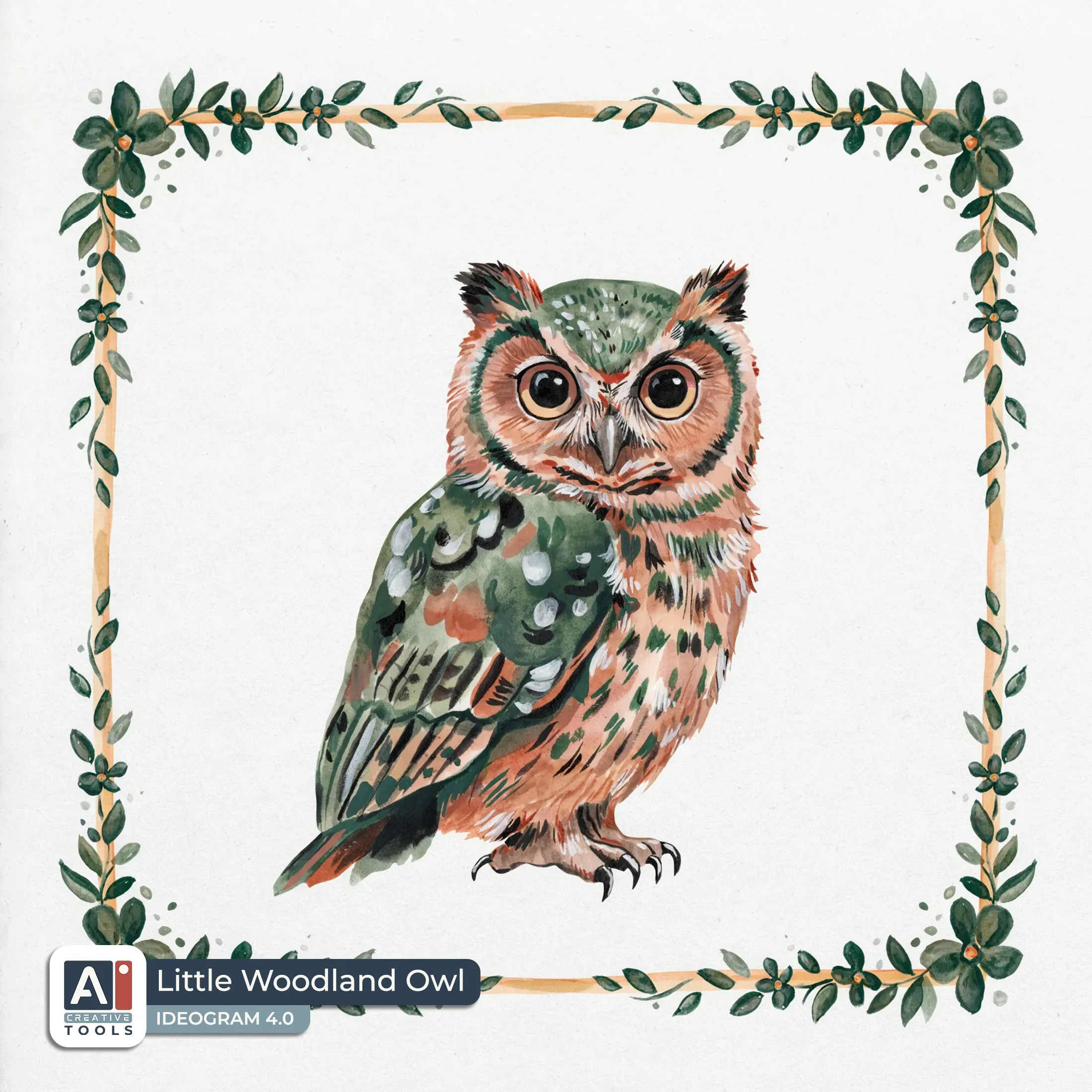
- Little Woodland Owl (Ideogram): Watercolor frame featuring a central, endearing owl with an expressive face, painted in a forest-folk palette of deep moss green, earthy brown, muted olive, and soft warm terracotta accents. The owl sits prominently inside the frame, with big gentle eyes, a small hooked beak, and subtle cheek shading, surrounded by loose watercolor textures. Around the inner edge, scattered petals and small leaf flecks form a whimsical border, with soft feathered edges and slightly uneven pigment blooms for an artisanal watercolor look. A thin watercolor wash outlines the frame shape, with a warm, cozy vibe created by faded amber and sage gradients. The design nearly fills the canvas on a clean white background with only a slim even margin on all sides.
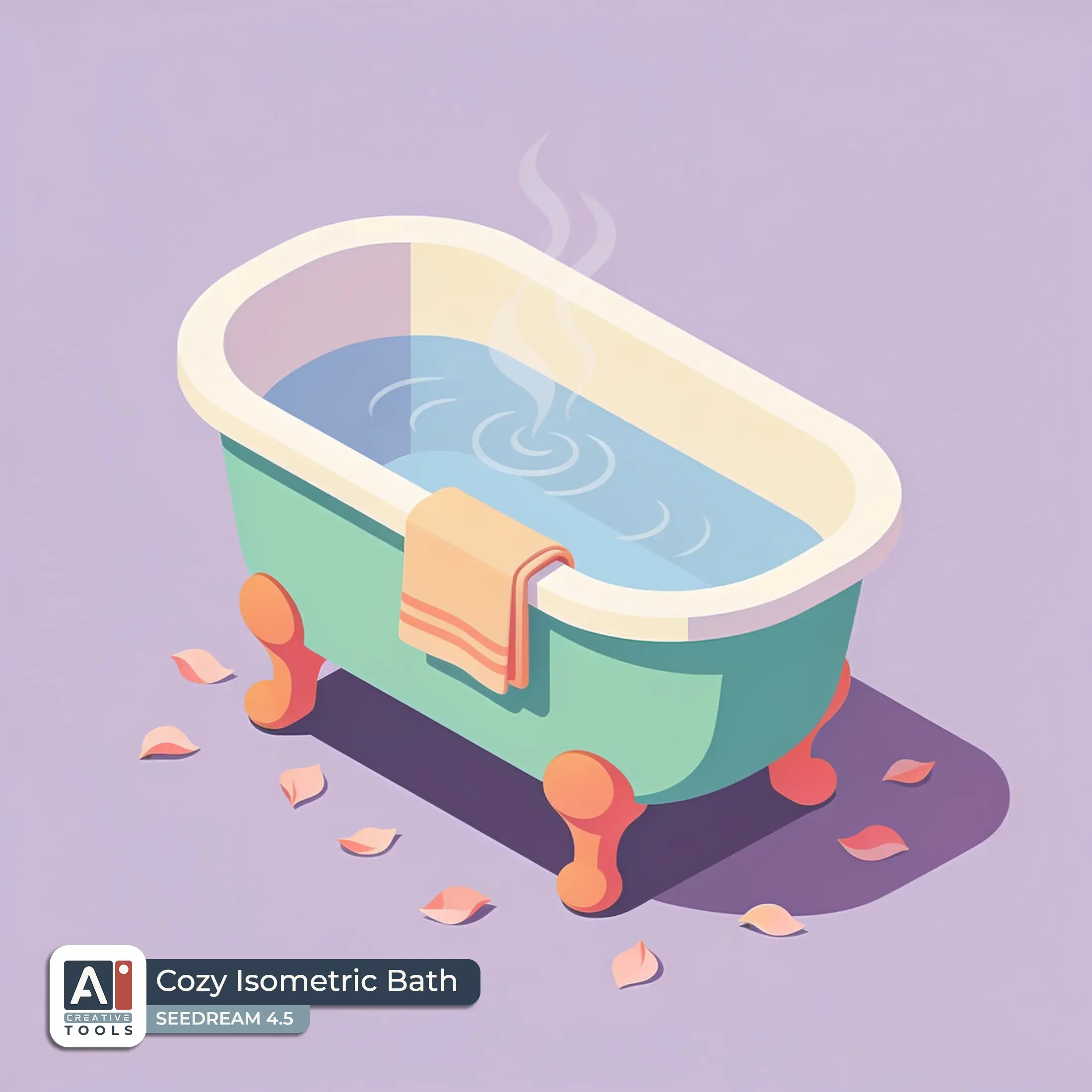
- Cozy Isometric Bath (Seedream): Isometric clipart of a clawfoot bathtub rendered in clean solid-color forms, placed slightly angled to show its inner rim and classic curved legs with simple rounded details. The bathtub feels cozy and lived-in with a warm lifestyle mood suggested by a small folded towel shape and subtle steam-like swirls rising from the tub surface, all kept minimal and uncluttered. Soft scattered petals float around the base for a gentle spa atmosphere. Use a coastal calm palette of seafoam green, sandy beige, and muted sky blue with warm accents in warm peach and coral. Isolated on a clean lavender background with even spacing around all sides.
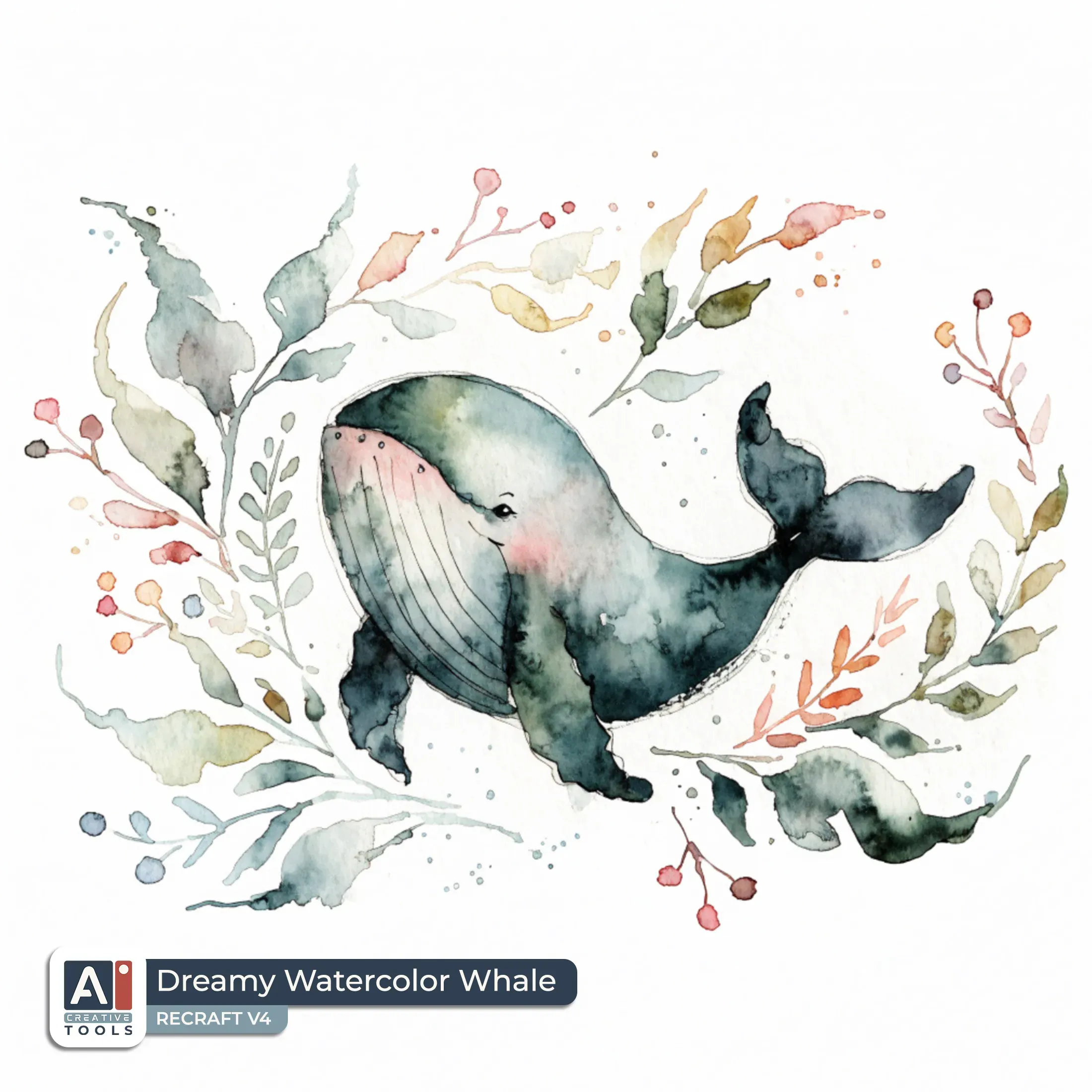
- Dreamy Watercolor Whale (Recraft): Watercolor scrapbook embellishment featuring a friendly whale with an endearing, expressive face, softly turned toward the viewer. The whale’s rounded body is painted in forest-folk watercolor tones of deep sea green, mossy teal, and muted slate, with gentle blush-pink accents around the cheeks and a calm, welcoming smile. A small eye with a tiny highlight and a slightly arched brow give it a peaceful personality. The whale rests amid flowing leafy sprigs and curved vine tendrils, with airy negative space between shapes. Leaves and fronds are rendered with soft bleeding edges and light wash gradients in sage green and fern tones. Isolated on a clean white background with even spacing around all sides and nothing touching the borders.
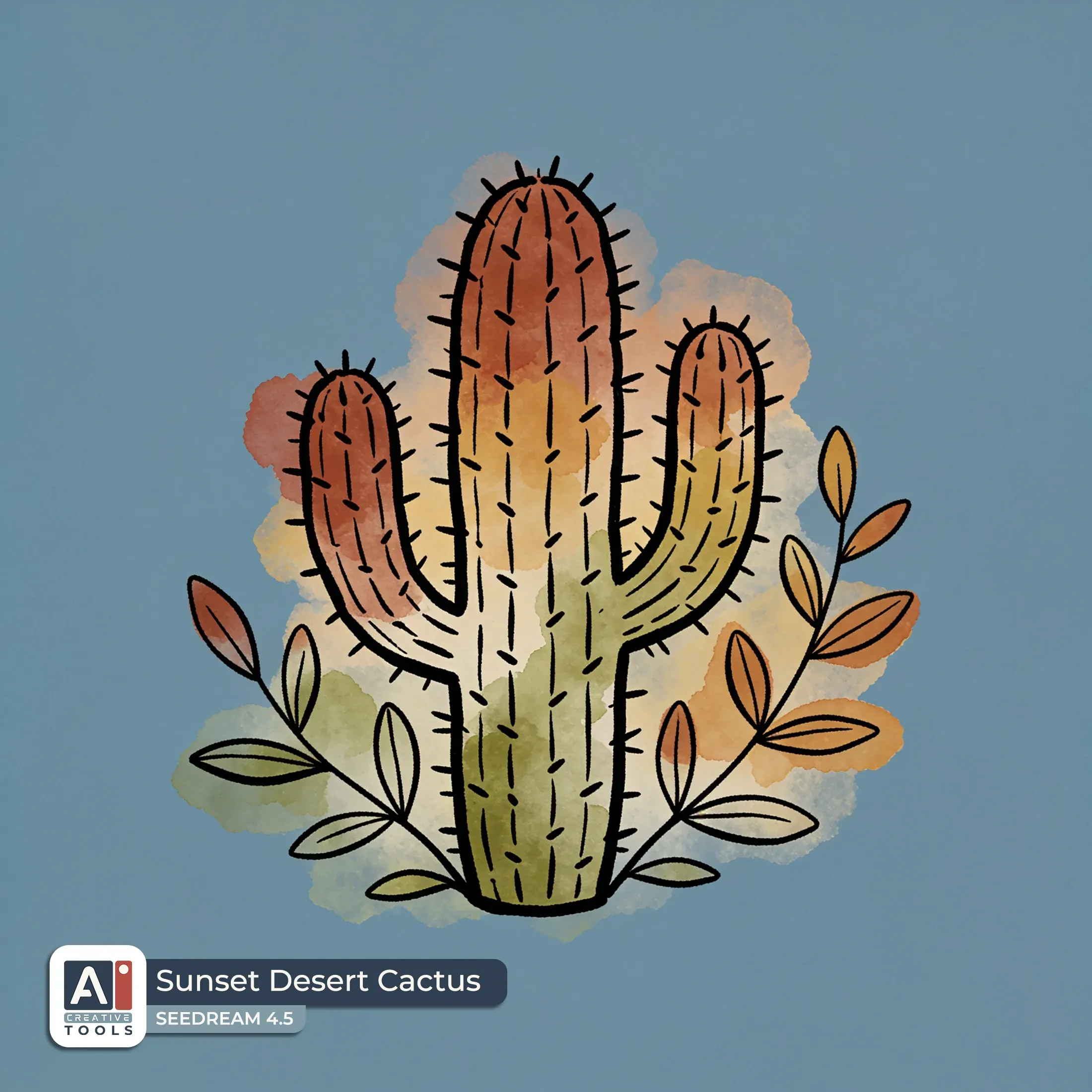
- Sunset Desert Cactus (Seedream): Little cactus clipart with hand-drawn ink linework, surrounded by a few leafy stems and sparse foliage, forming a simple nostalgic plant silhouette. The cactus has fine, slightly uneven black ink outlines and small spines suggested with short hatch marks, with soft watercolor washes in autumn harvest colors like terracotta, muted rust, warm ochre, and soft olive green filling parts of the cactus and leaves. Light, airy watercolor texture sits behind the ink lines for a blended look. Isolated on a clean dusty blue background with even spacing around all sides so the full design stays clear of every edge.
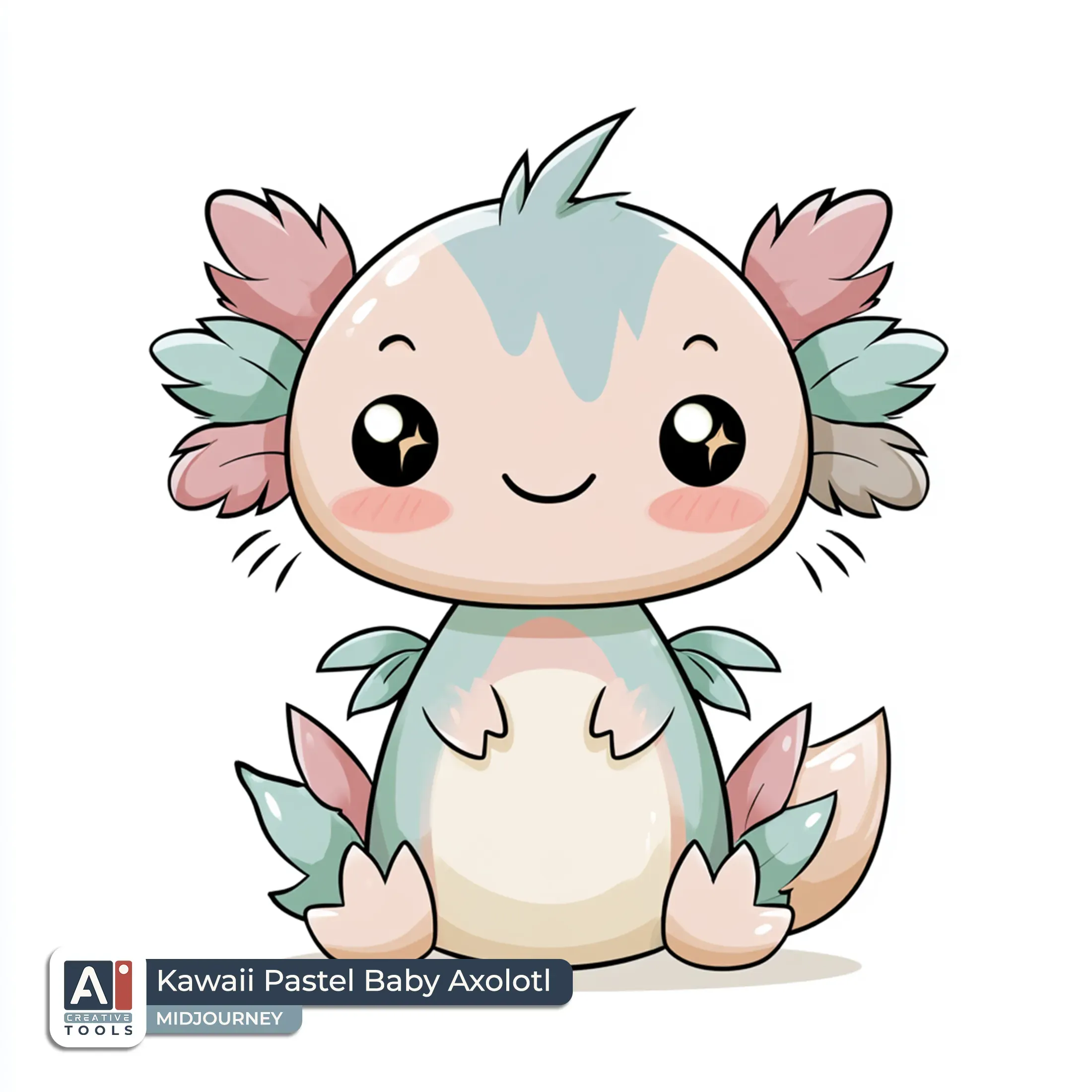
- Kawaii Pastel Baby Axolotl (Midjourney): Chibi kawaii flat 2D axolotl clipart, soft pastel palette of blush pink, baby blue, mint, and cream, rounded body with tiny feathery frills on the head, cute smiling face, rosy blushing cheeks and subtle cheek blush, big glossy eyes each with a small sparkle highlight, soft gradient fill, clean bold outline, minimal whisker lines, small front gills shaped like short leaflets, gentle highlight on belly and fins, simple friendly expression, isolated on a clean white background with even spacing around all sides, entire design contained with safe margins --profile ioim2bl --v 8.1
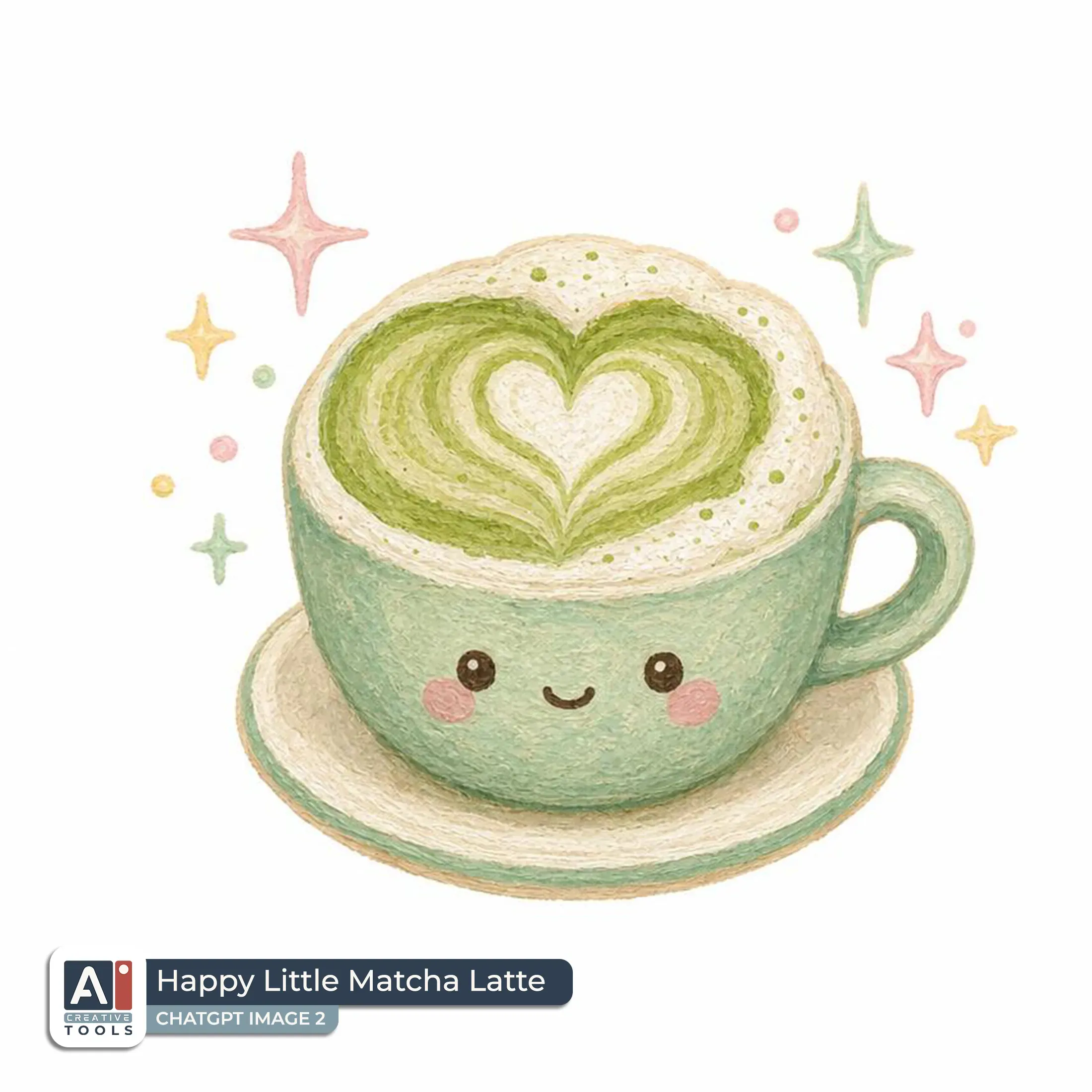
- Happy Little Matcha Latte (ChatGPT): Create an image of a tiny kawaii matcha latte scrapbook embellishment in textured gouache style, presented alone on a clean white background with comfortable margins and even spacing around all sides. The design shows a small cup filled with creamy pale matcha green layered with subtle swirl patterns, topped with a fluffy foam cap and a tiny heart-shaped latte art at the center. A short handle and a minimal saucer rim sit neatly beneath the cup, both outlined with soft gouache edges. Add a few playful pastel sparkles around the cup, with small starbursts and twinkling dots, keeping them clustered close for a festive feel. Use tender pastel colors like mint green, milky cream, blush pink, and soft warm yellow highlights, with visible paper-like grain and gentle, uneven paint texture. Aspect ratio 1:1.
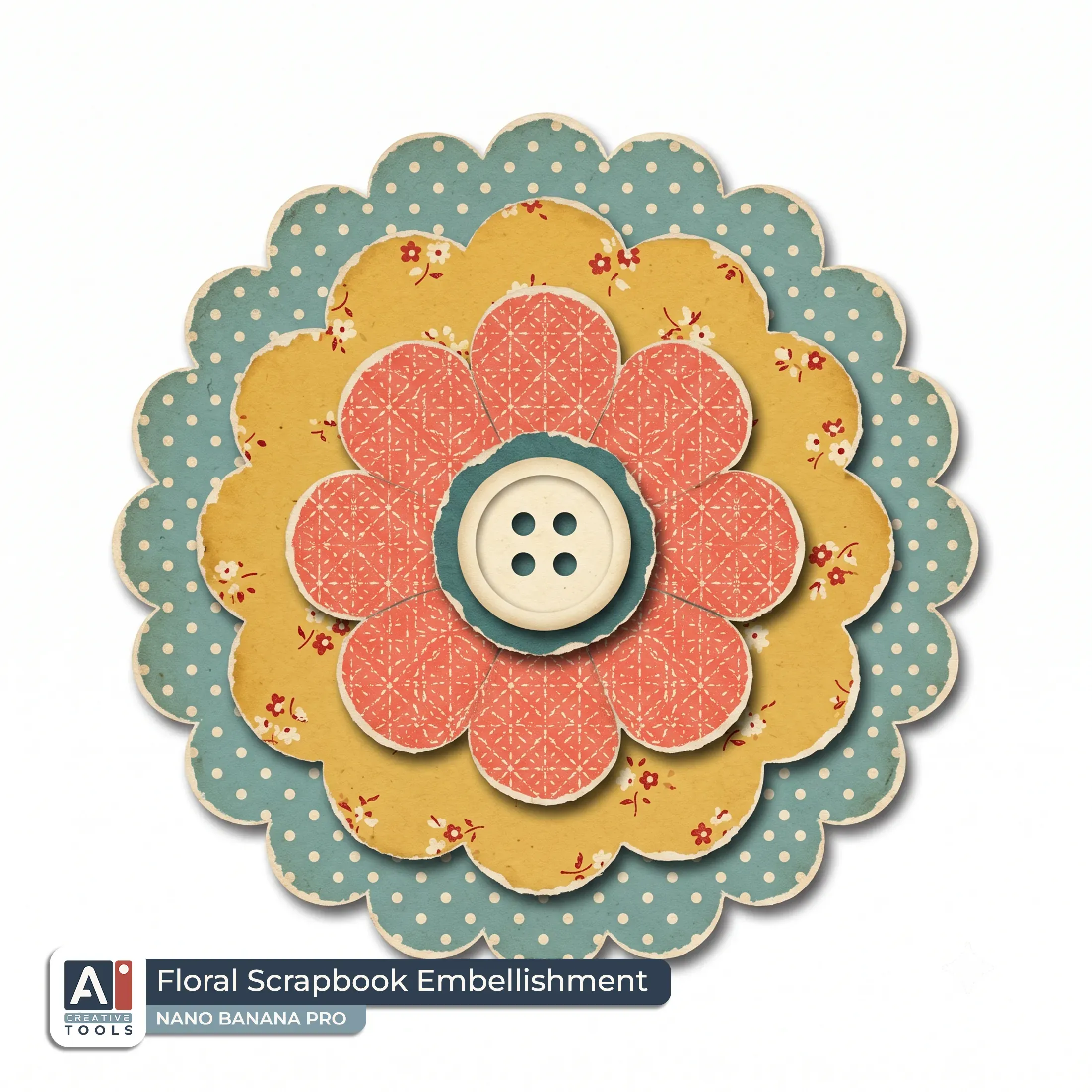
- Floral Scrapbook Embellishment (Nano Banana): Create an image of a vintage paper-cutout scrapbook embellishment featuring a layered die-cut flower rosette with stacked patterned petals and a button-like center, arranged in a neat circular bloom. The flower is built from multiple petal layers with visible torn-paper edges and slightly uneven, handmade collage contours, with each layer showing different vintage motifs like tiny polka-dots and small floral prints. Use a colorful vintage palette of dusty teal, mustard, coral, and cream, with soft cream highlights on the outer petals and a darker teal or coral center rosette. Add subtle drop shadows beneath each petal layer to create gentle depth while keeping the look flat and craft-like. Isolated on a clean white background with the full design held clear of every edge and comfortable even margins, no text. Aspect ratio 1:1.
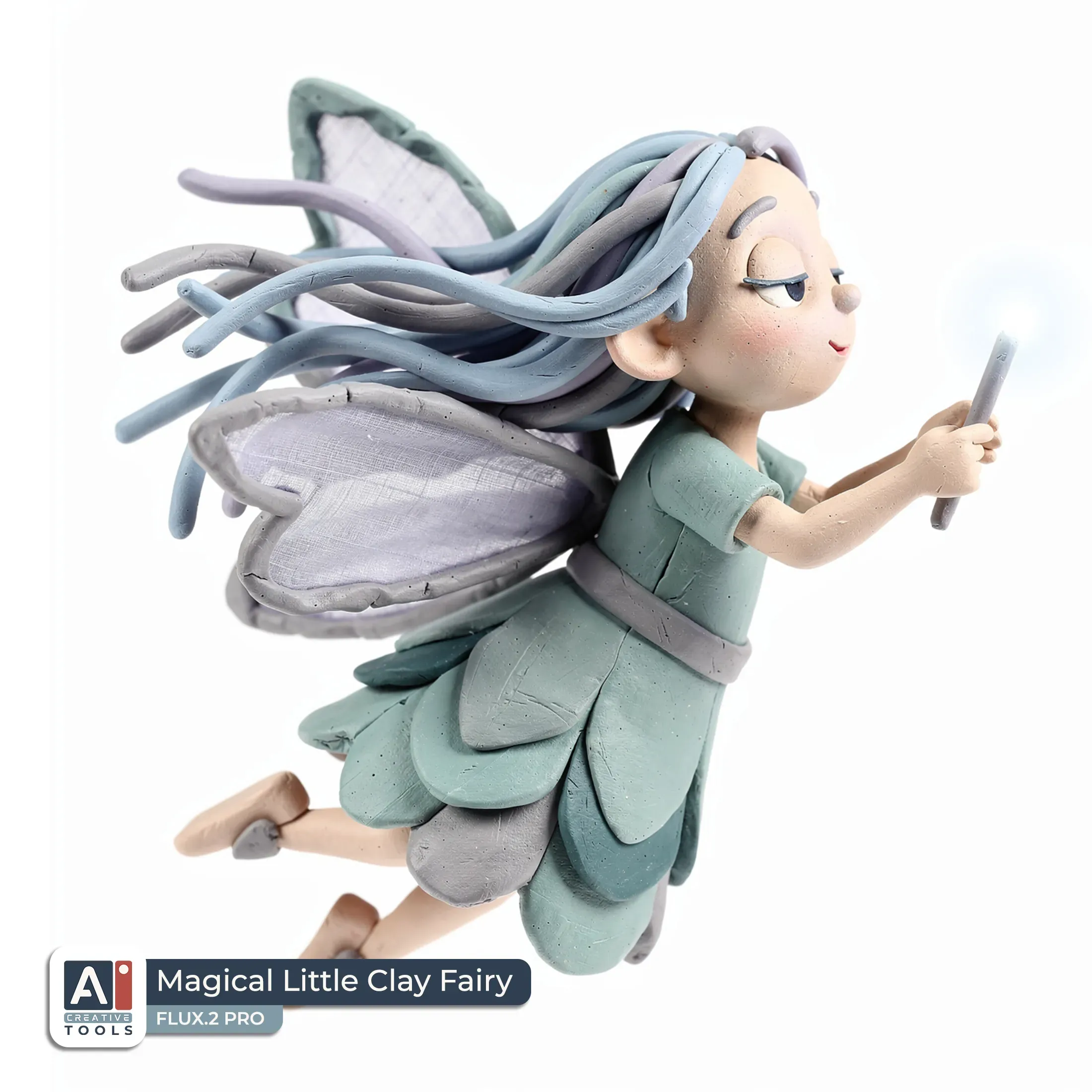
- Magical Little Clay Fairy (Flux): A mystical quirky fairy in claymation craft style, shown flying in profile view with a serene expression and relaxed pose, rendered with hand-sculpted clay textures, soft rounded shapes, and gentle, slightly uneven surface details. The fairy holds a small glowing wand angled upward, with flowing ribbon-like hair and layered fabric wings arcing behind her. Cool-toned palette of icy blue, muted teal, lavender, and soft gray accents with subtle matte shading. Isolated on a clean white background with even spacing around all sides and the full figure held clear of every edge.
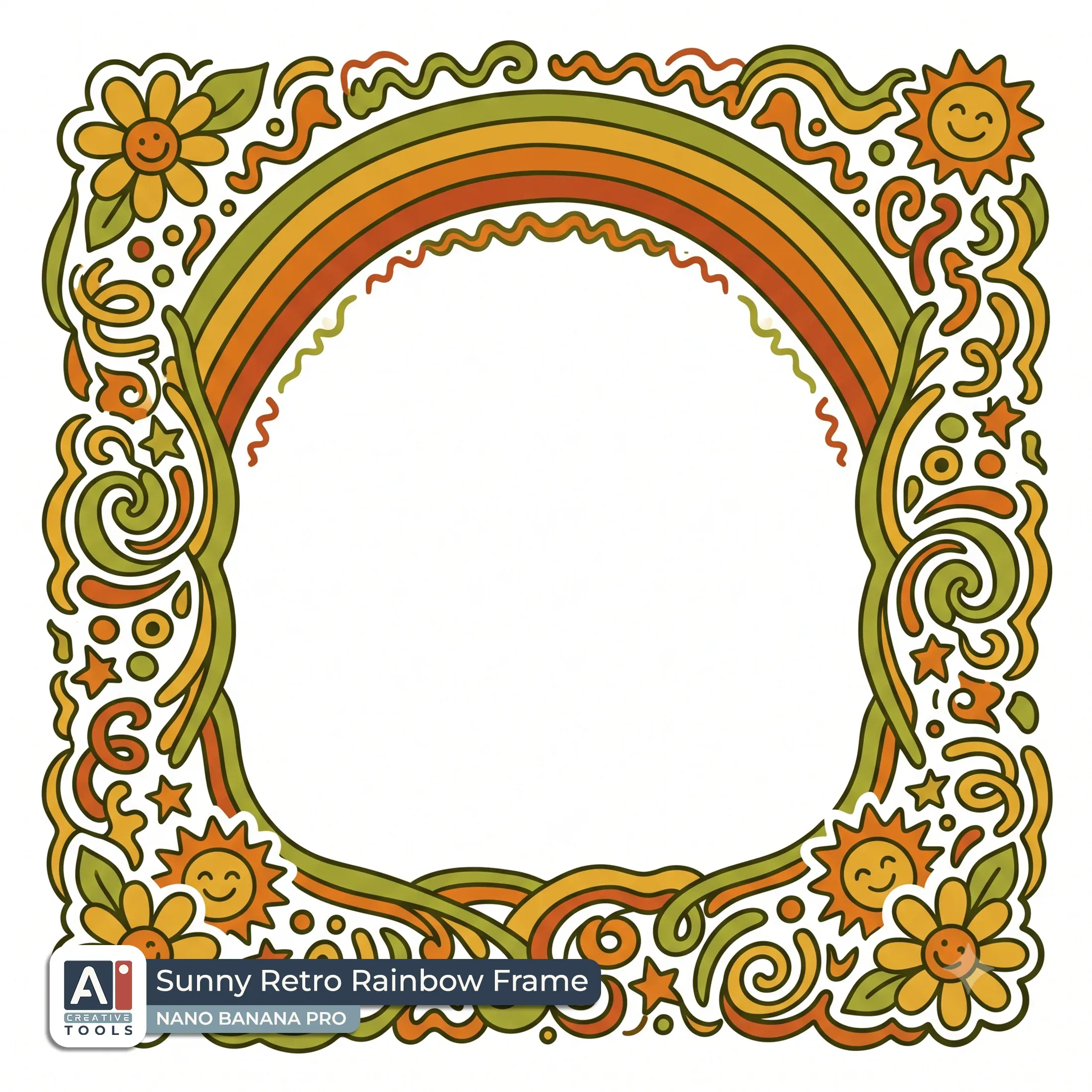
- Sunny Retro Rainbow Frame (Nano Banana): Create an image of a retro-groovy doodle-style frame on a clean white background, designed as a chunky wavy rounded-square border made of playful hand-drawn 70s squiggles. The border forms a thick rounded-square outline with lively uneven lines, bold loops, and small doodle accents, holding an empty center area for text or a photo. Across the top inside edge, place a cheerful rainbow arc made of smooth stacked bands in rich saturated colors, with a subtle doodle outline that matches the frame. Add tiny groovy corner details: small sun icons and daisy flowers in each corner, with simple petals and cheerful dot centers. Use a rich retro palette of avocado green, harvest gold, burnt orange, and rust, with harmonized linework and occasional gentle color fills for clarity. Isolated on a clean white background with the full frame held clear of every edge and even margins on all sides. Aspect ratio 1:1.
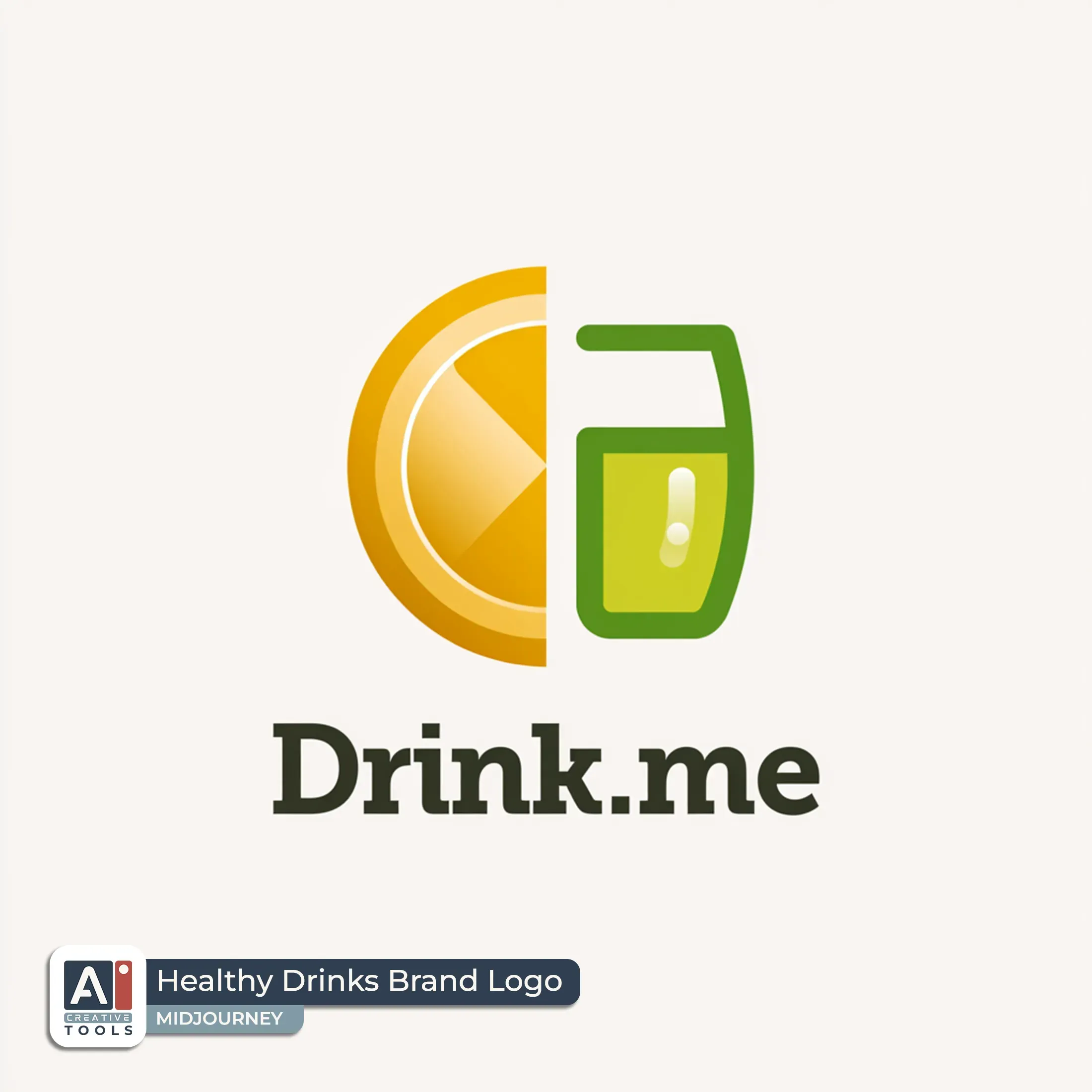
- Healthy Drinks Brand Logo (Midjourney): Minimalist logo, flat vector style, elegant lemonade icon with a stylized lemon slice and small glass silhouette, warm golden yellow and fresh citrus green, simple clean geometric curves, subtle gradient on the lemon for a refined look, glossy highlight accents in the drink, thin smooth outline with crisp edges, minimal negative space, cohesive single emblem reading at a glance, text "Drink.me" in refined modern serif lettering, dark charcoal or deep brown, placed beneath the emblem, isolated on a clean white background with even spacing around all sides, full design contained with safe margins --v 8.1
AI tools - what we tested, and our current pick
This builder makes prompts, not pictures, so the image generator is yours to choose. Here are the tools we ran it through, with the versions we used: ChatGPT Image 2, Nano Banana 2 and Nano Banana Pro, Midjourney v 6.1, v 7 and v 8.1, Ideogram 3, Flux.2 Pro, Leonardo's Lucid Origin, Recraft V4, and Seedream 4.5.
Here they are in the order we'd reach for them on clipart:

Nano Banana

ChatGPT

Recraft

Ideogram

Midjourney

Seedream

Flux
Leonardo
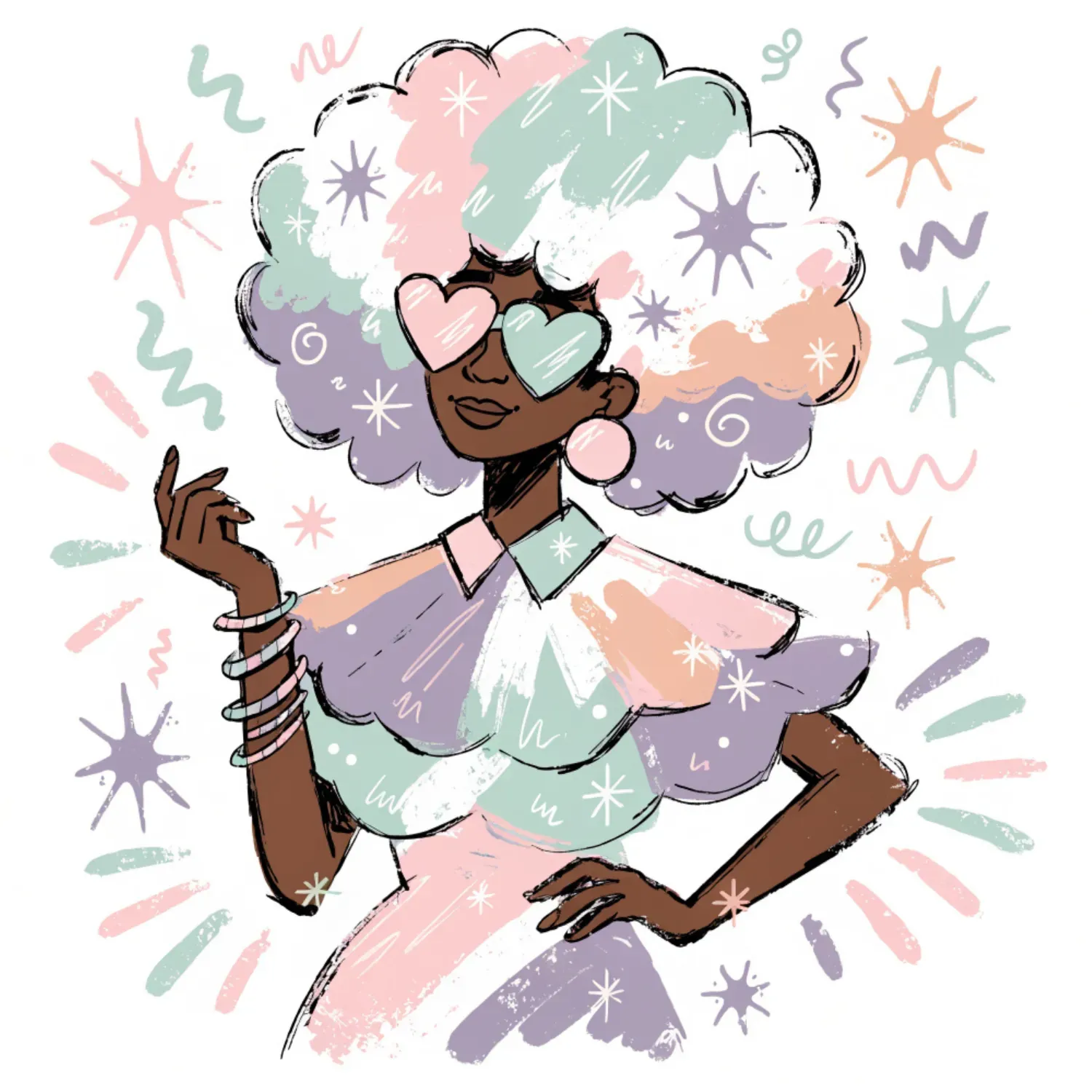
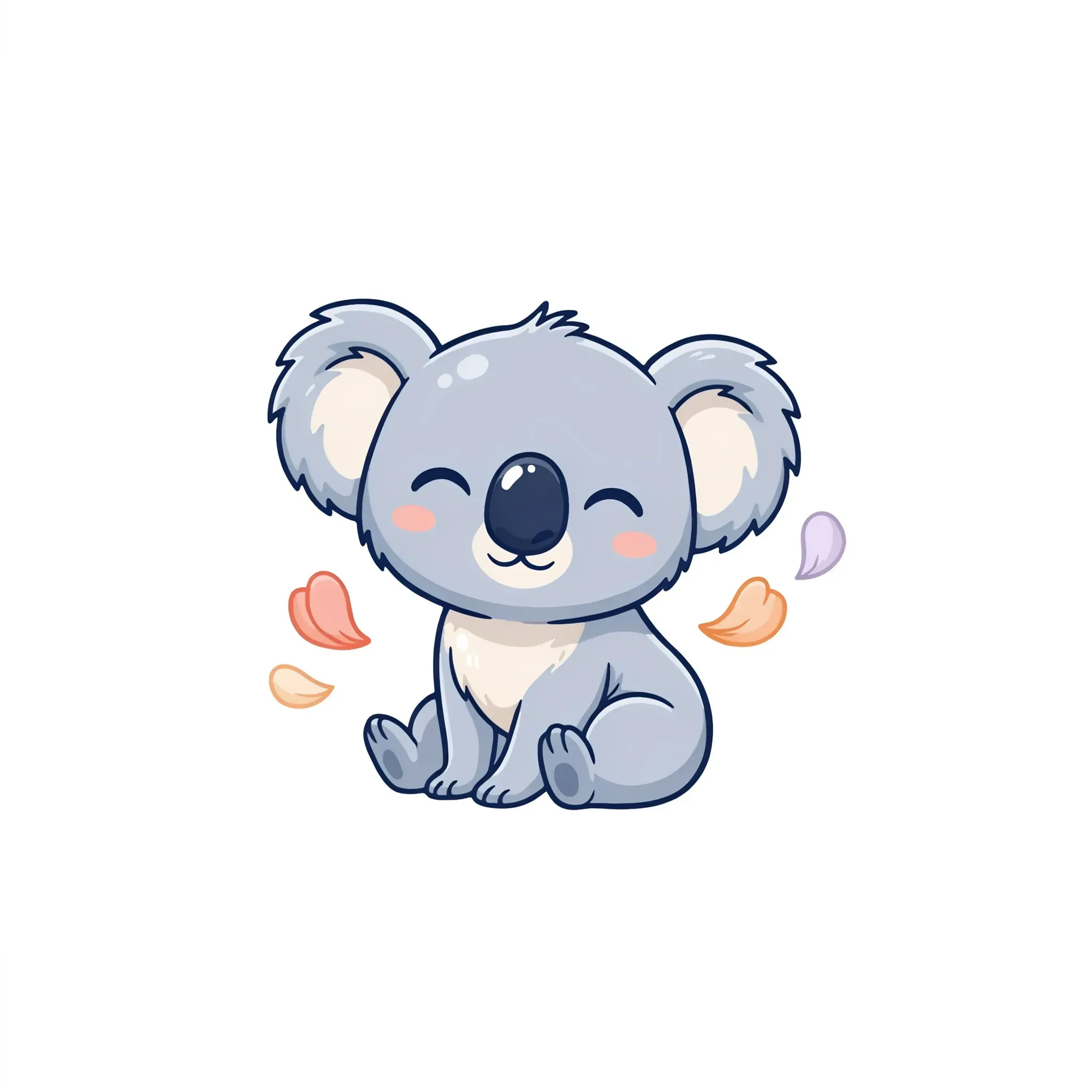
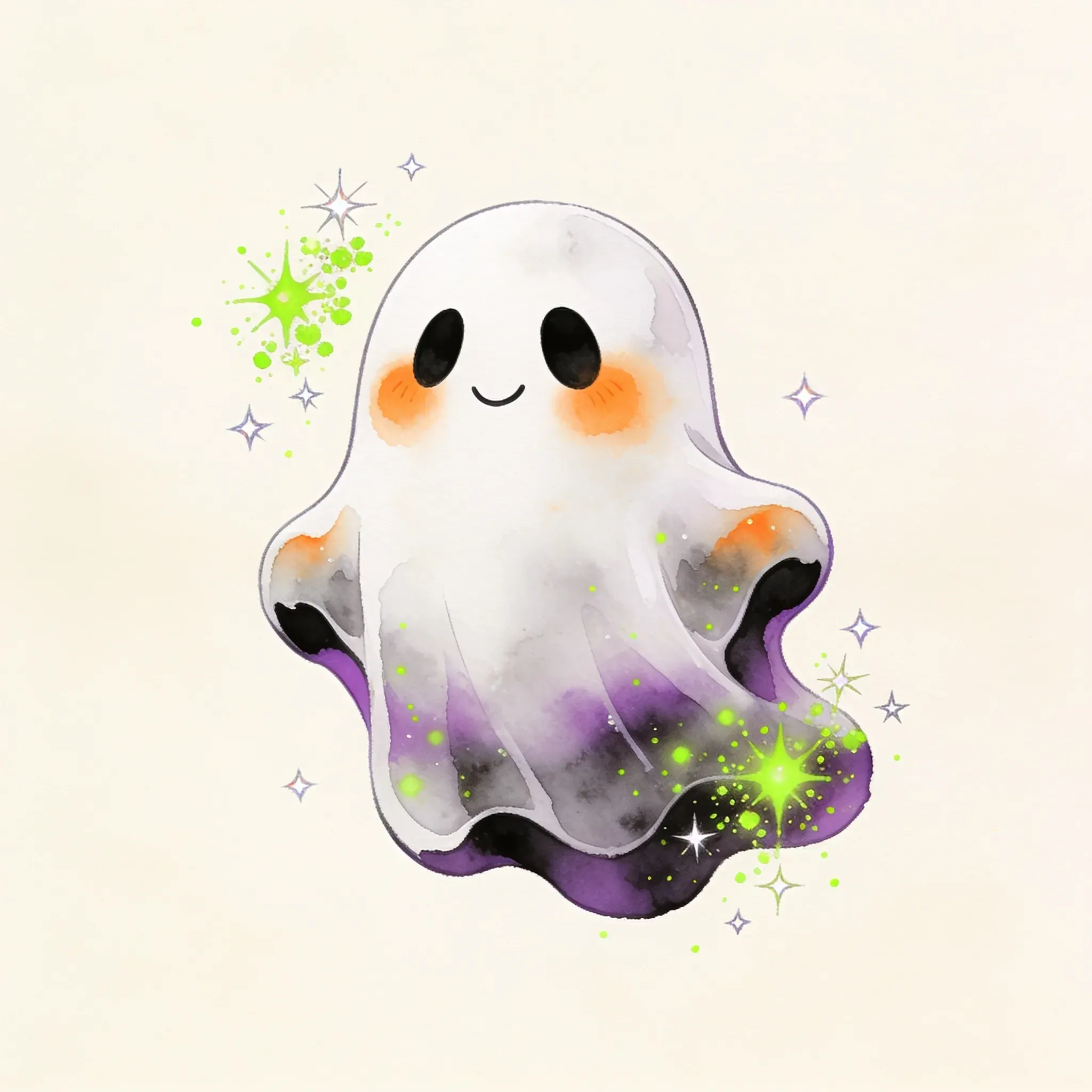
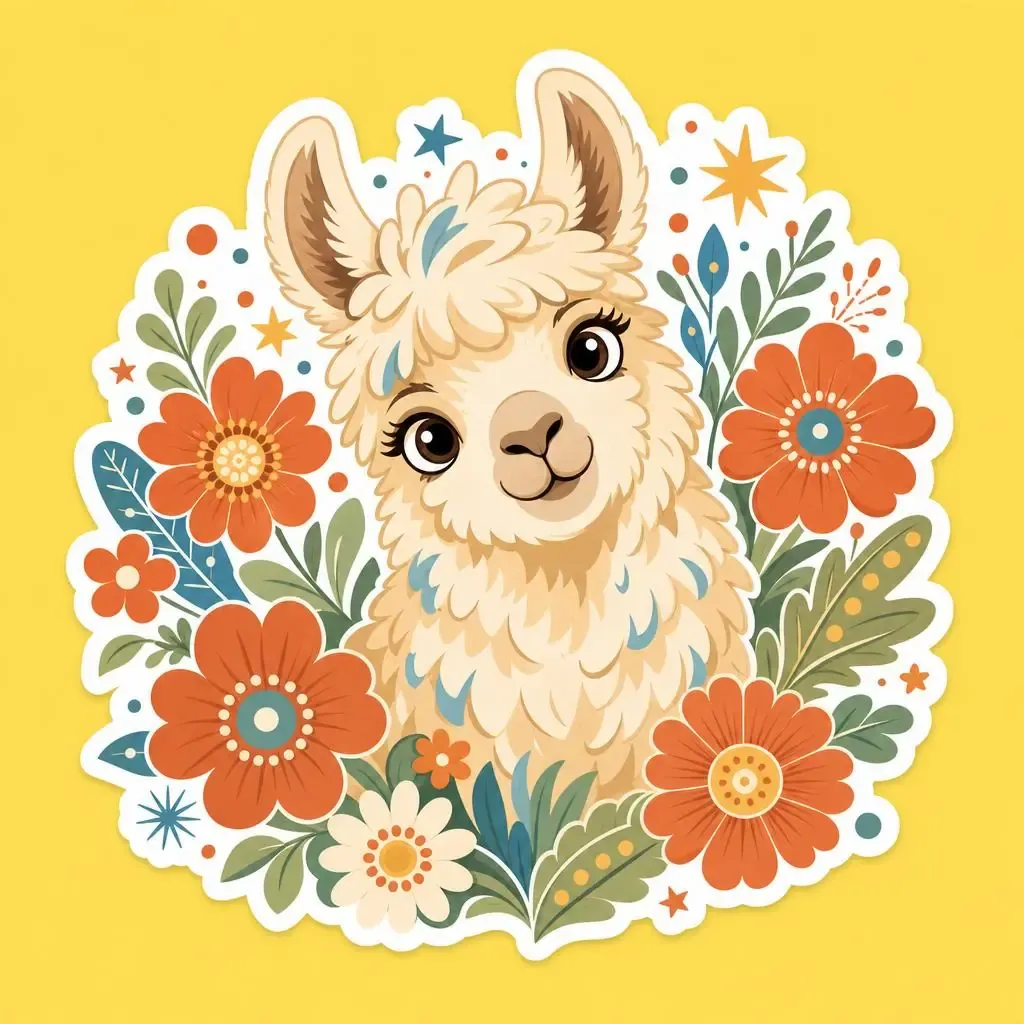
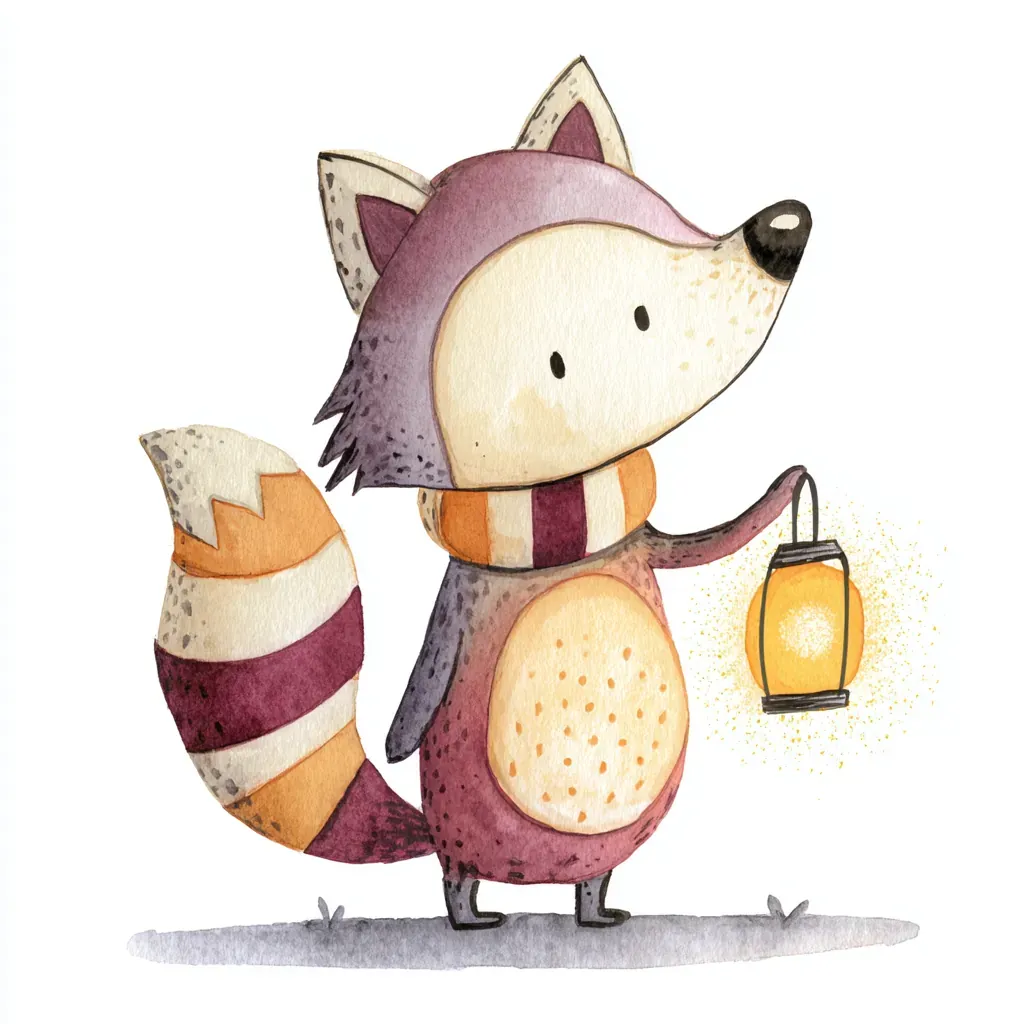
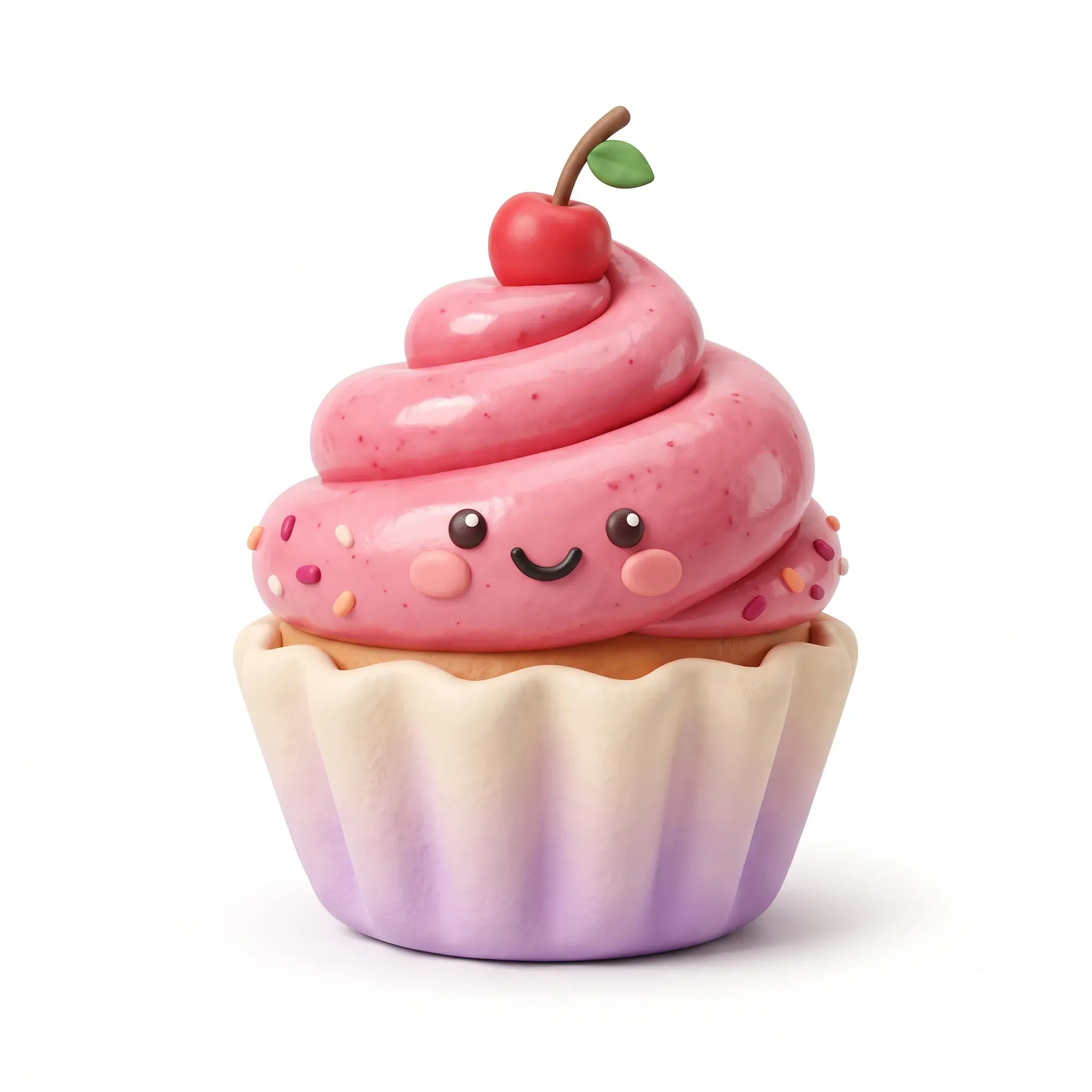
Right now our top pick for clipart is Nano Banana - it supports a decent variety of styles, reads the prompts cleanly and keeps shapes crisp and cut-ready. Every other tool brings its own strengths and soft spots to the style, and we lay all of that out in our dedicated guide: What AI Tool to Pick for Clipart. A few results from different tools are below, and there are many more in the article we’ve mentioned:
Recraft
Ideogram

Leonardo
Seedream
ChatGPT
Midjourney
Nano Banana
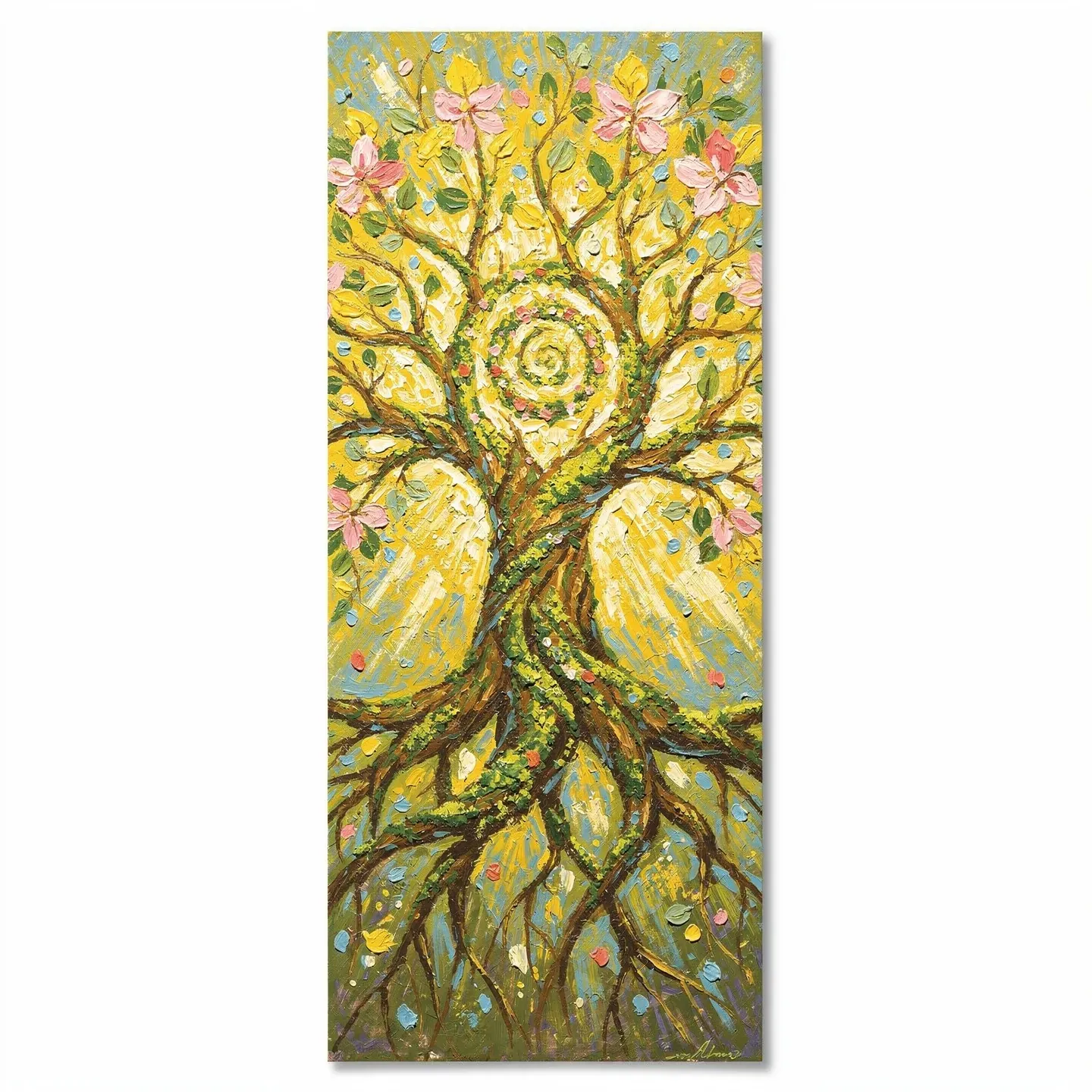
Flux
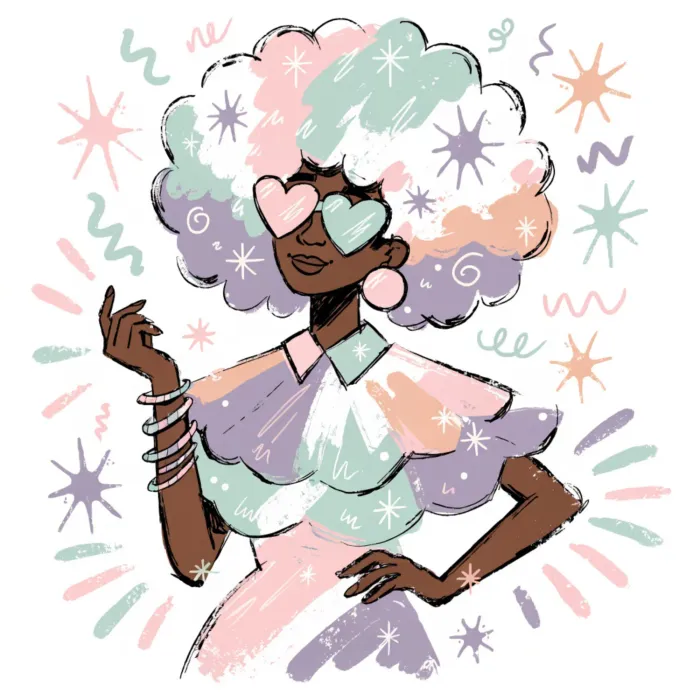
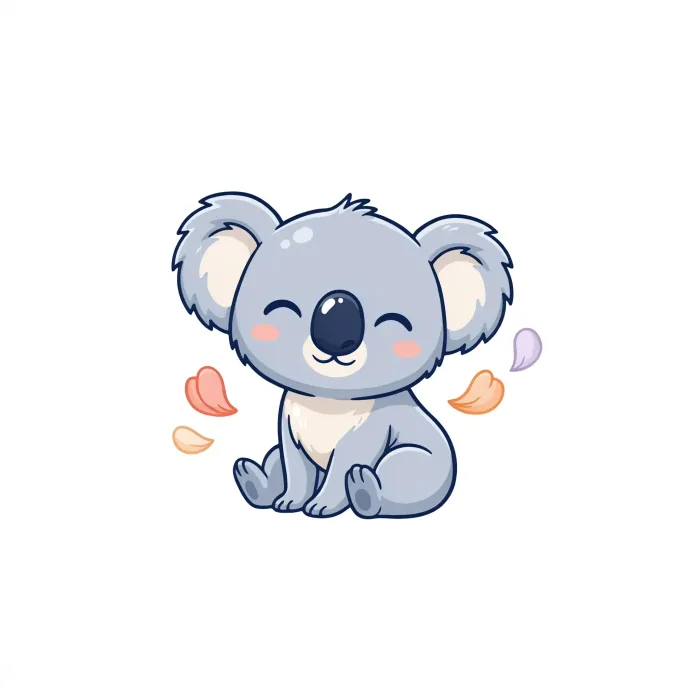

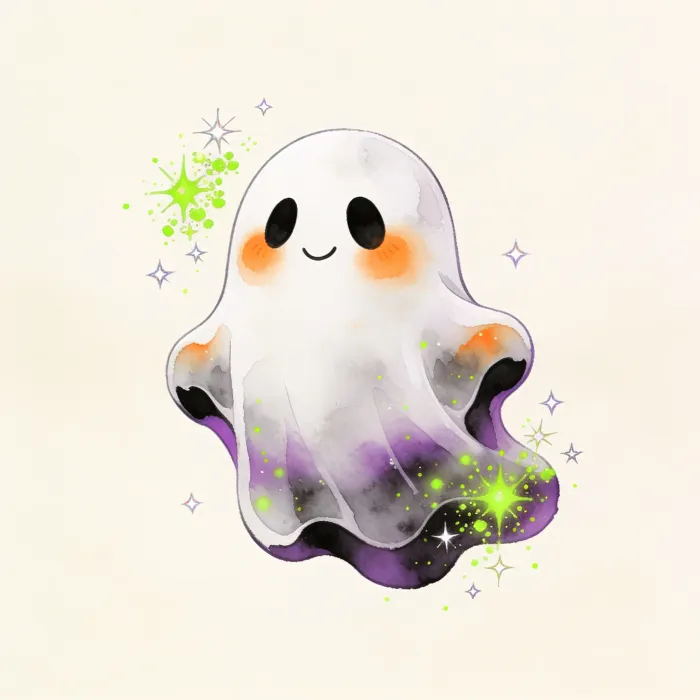
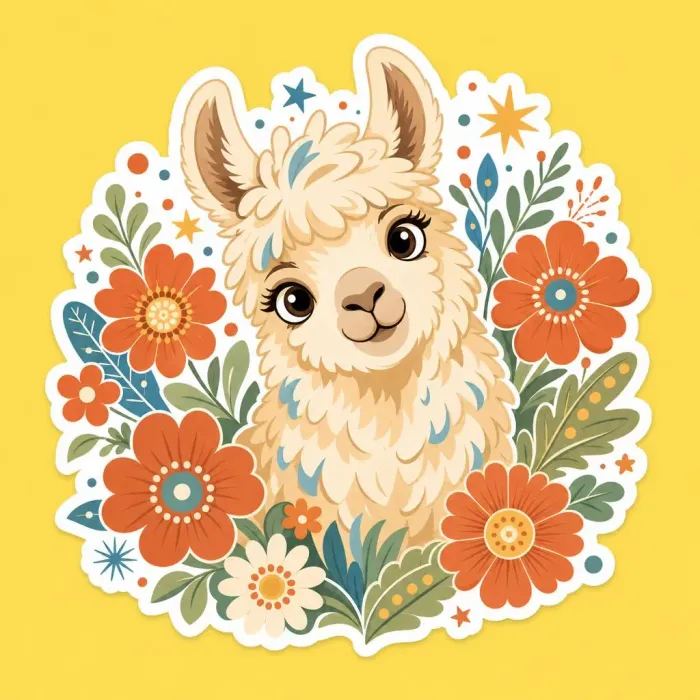
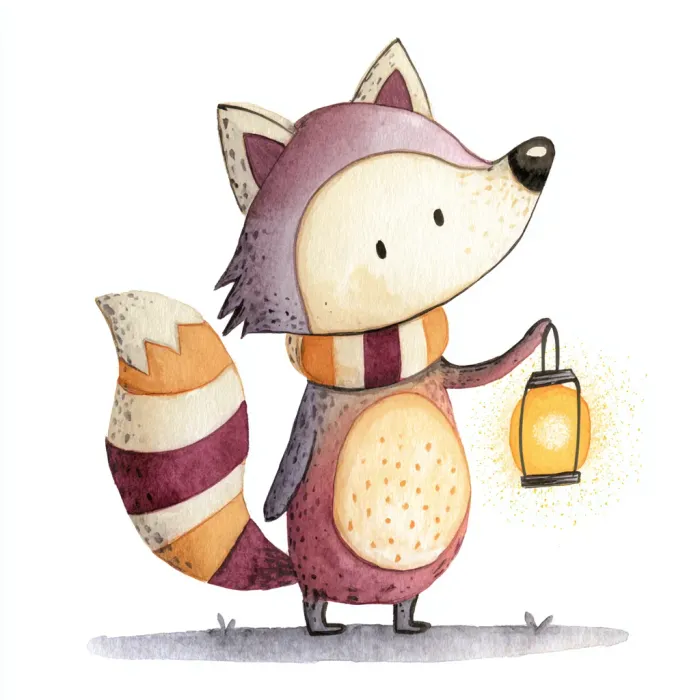
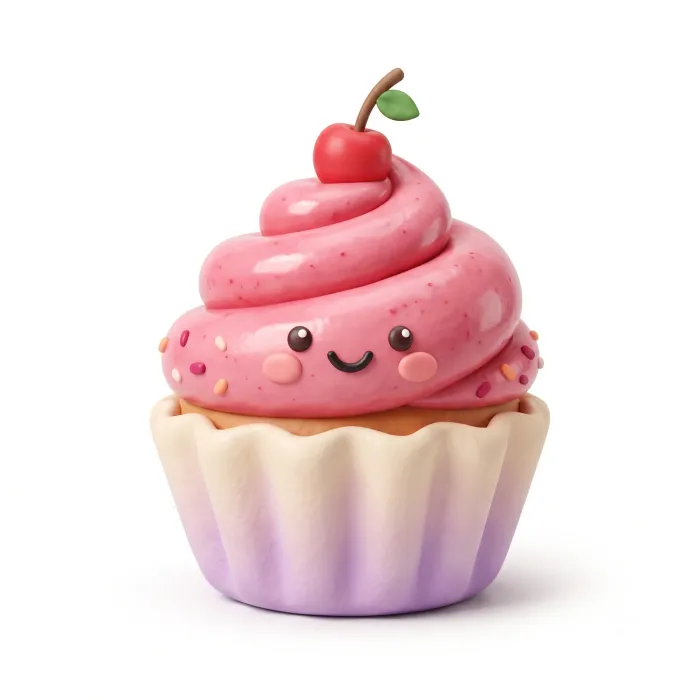
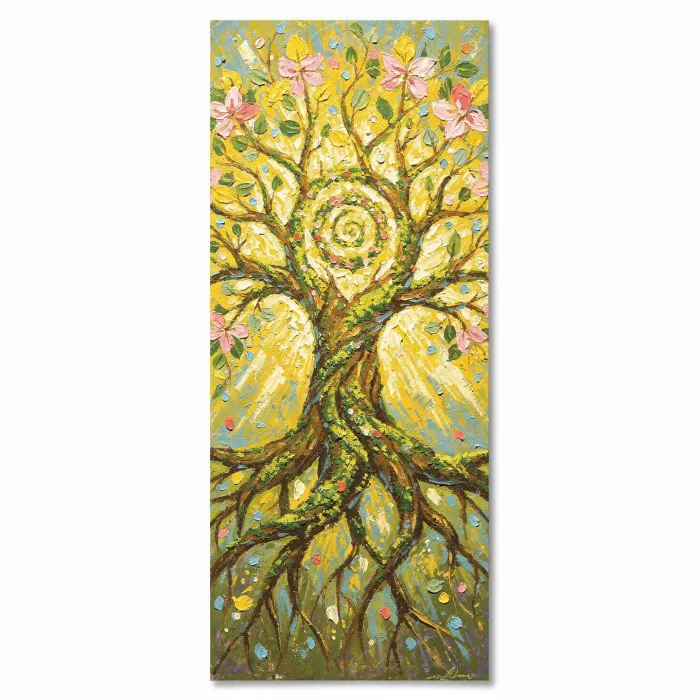
The examples also travel with the builder itself: the Clipart one also has its own Visual Examples sheet, filled with sample outcomes for every generator we tested. On clipart it earns its keep - a quick scan shows which tool holds clean backgrounds and solid shapes before you spend a single credit. The screenshot below previews that sheet.
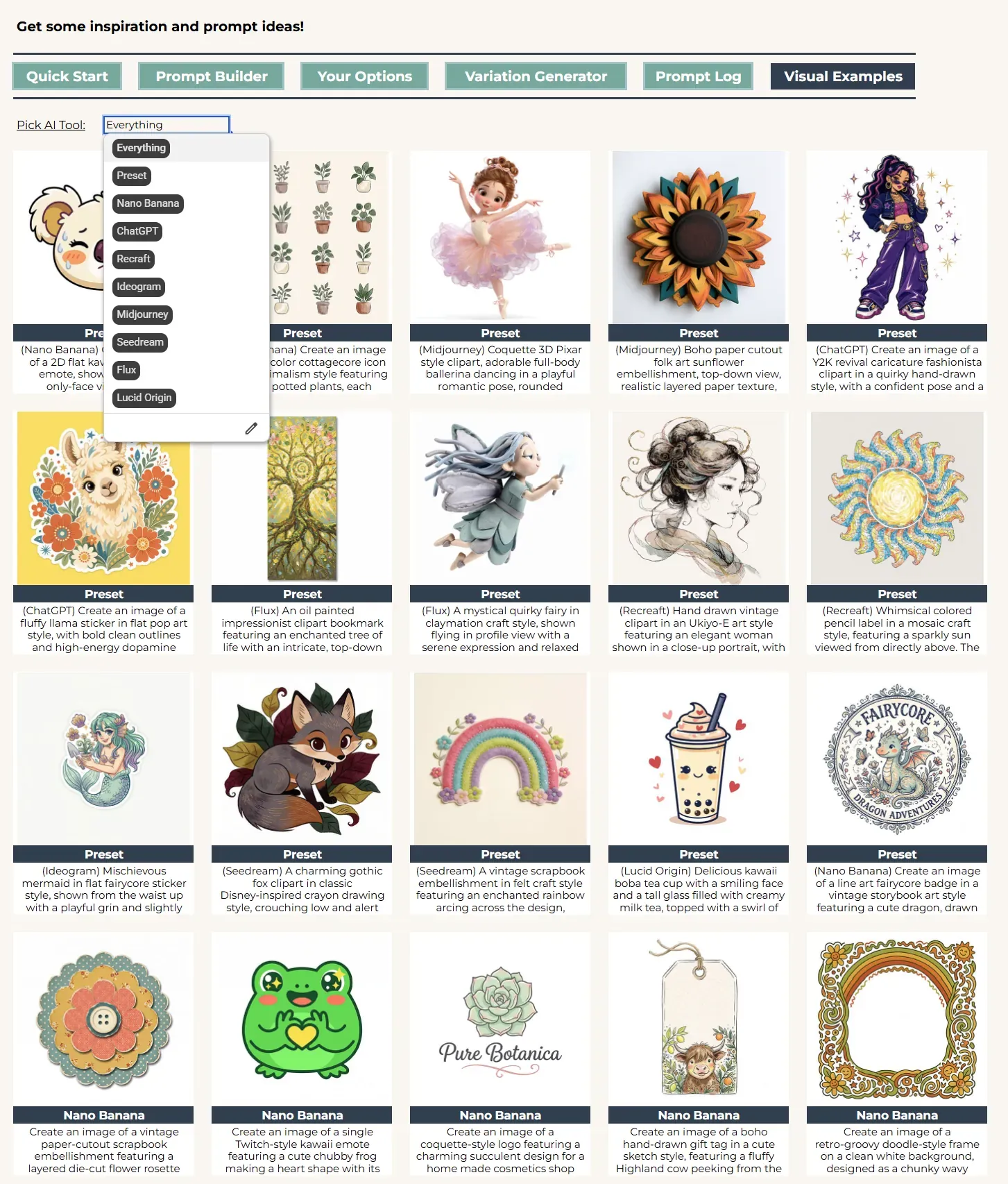
Visual Examples sheet
How the builder is organized
Before the tips, a quick map of the builder so every part we point to has a home. The dropdowns fall into three sections: Format, Subject, and Style.
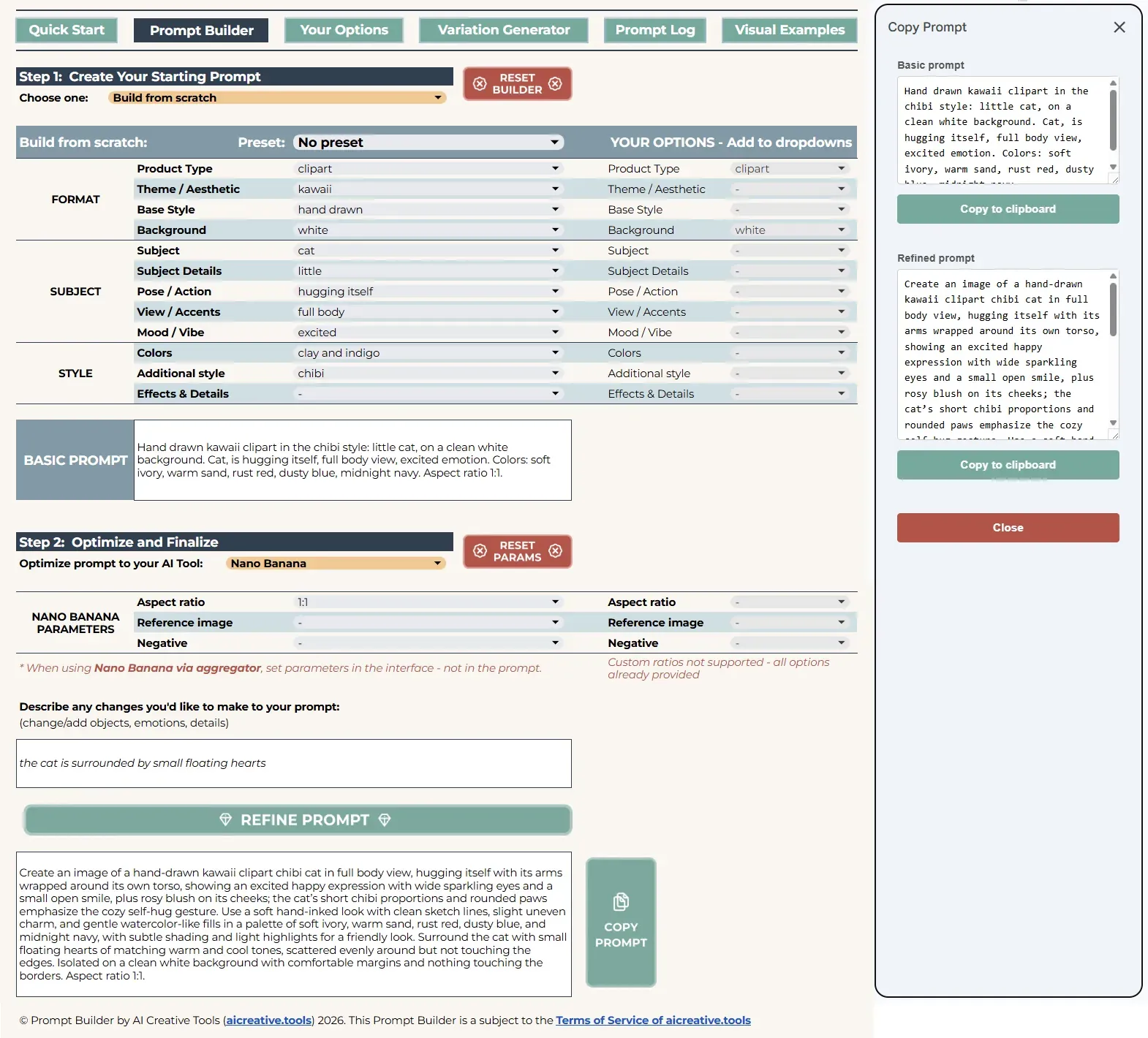
Clipart Builder Overview
Format is where you say what you're making. Product Type carries the whole lineup - stickers, icons, logos, badges, avatars, emotes, and the rest. Theme / Aesthetic sets the overall mood, so cottagecore, boho, and vintage all sit here. Base Style picks the render and the medium - flat or 3D, watercolor or ink. In the finished prompt these Format terms fall in a fixed order: Base Style first, then Theme / Aesthetic, then Product Type, with Background last.
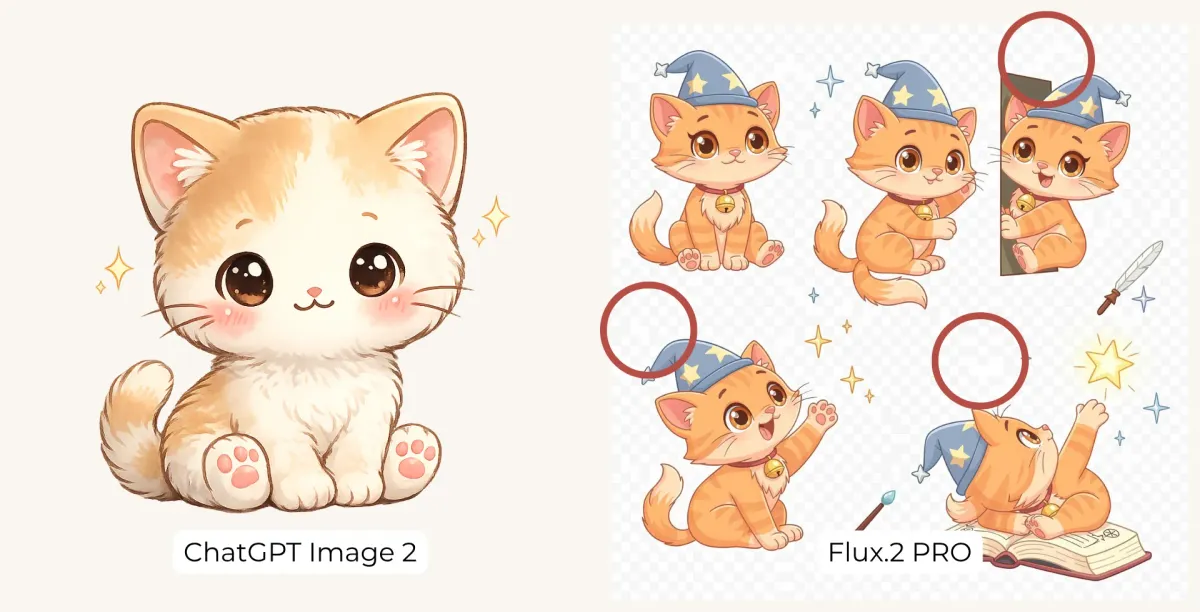
Background gives you a wide range of solid colored backdrops. There's no transparent option here, and that's on purpose. In practice only ChatGPT and certain versions of Ideogram handle transparency well. The other tools tend to imitate it, dropping your design onto a checkerboard pattern, which only makes the image harder to cut out later.
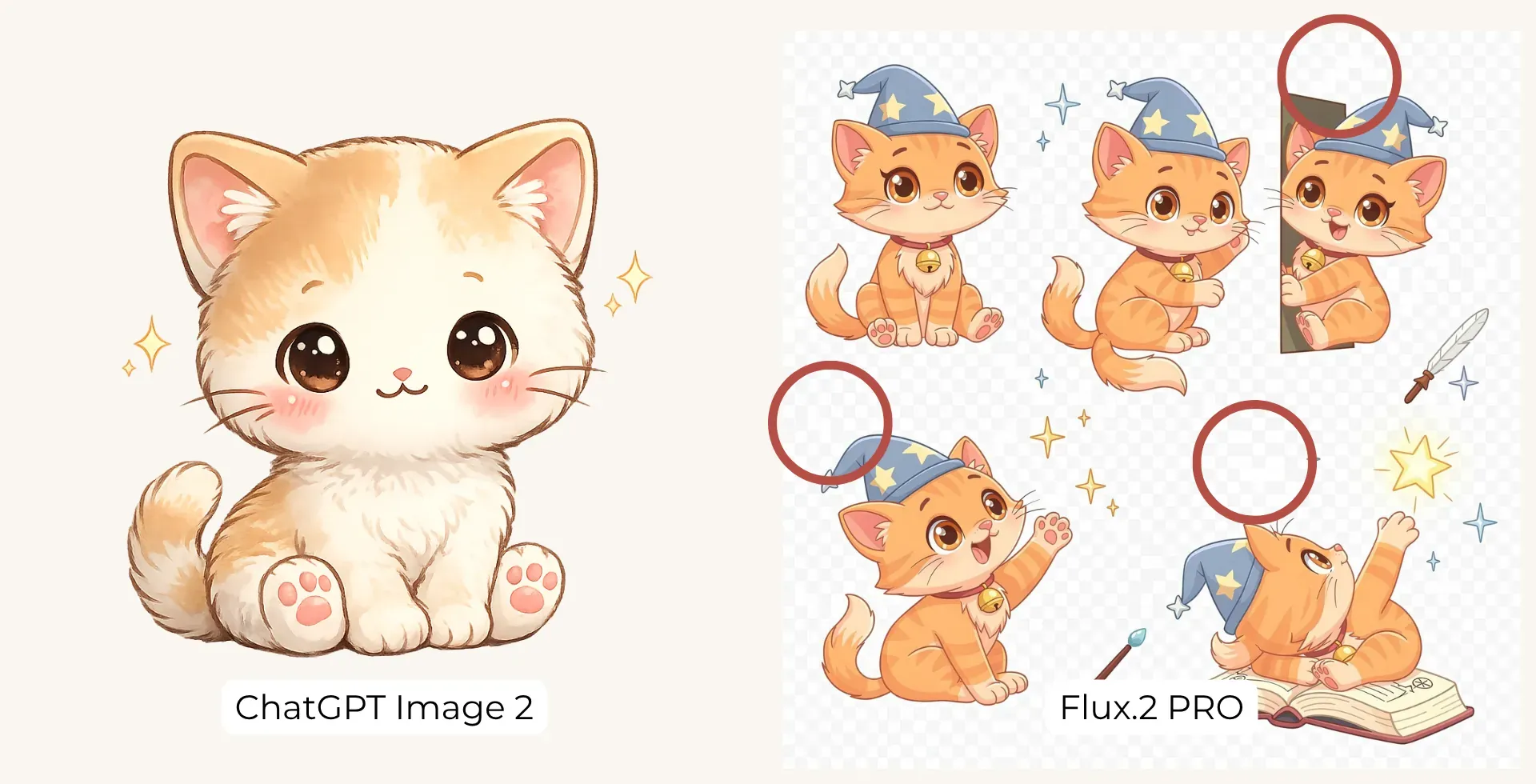
Subject is next, and every clipart has one: your main object or character. Subject Details holds the adjectives for the subjects - size, character and object traits, quantity - and sits ahead of the subject in the prompt. Skip the main subject and its details drop away with it. Pose / Action covers still poses and movement. View / Accents sets the angle and adds a little surrounding to the piece. Mood / Vibe carries the feeling. And if you're after an isometric design, that one lives in Base Style.
Style is the finish. Colors is where you shape the palette, and the Moodboards are the part we put the most into, so do give them a try. Additional style layers on an extra look, split into cartoon, art movements, and craft looks. Effects & Details rounds it off with enhancers for lines and outlines, character types, and finishing touches.
For Midjourney, Nano Banana and ChatGPT you can also find the Parameters section, this will help you to set the aspect ratio and add negative prompting.
Getting good clipart results
Whatever you're making, two picks belong in every prompt: a Product Type and a Main Subject. If the subject you want isn't listed, add it - in the table on the right, or in the Your Options sheet, both behave the same way. The nice part is that your term stays on the list after you reset the builder, ready for the next project. Not fussed about keeping it? Type it straight into the “Describe any changes” field instead.
That “Describe any changes” field is your main partner here. The dropdowns already spin out a huge number of combinations, but they don't have to limit you - if you can picture it, you can write it in.
For stickers, we usually build the clipart first and add the border afterward in Canva or a similar editor, so every sticker in a set shares the exact same edge. You can also start as a sticker from the outset: pick Sticker from Product Type and back it up with white sticker border from Effects & Details. There's a "no sticker border" option too, in the Negative dropdown under Parameters - it's meant for Midjourney, Nano Banana, and ChatGPT, and it keeps the border off. If you use that one, leave Sticker out of your product type.
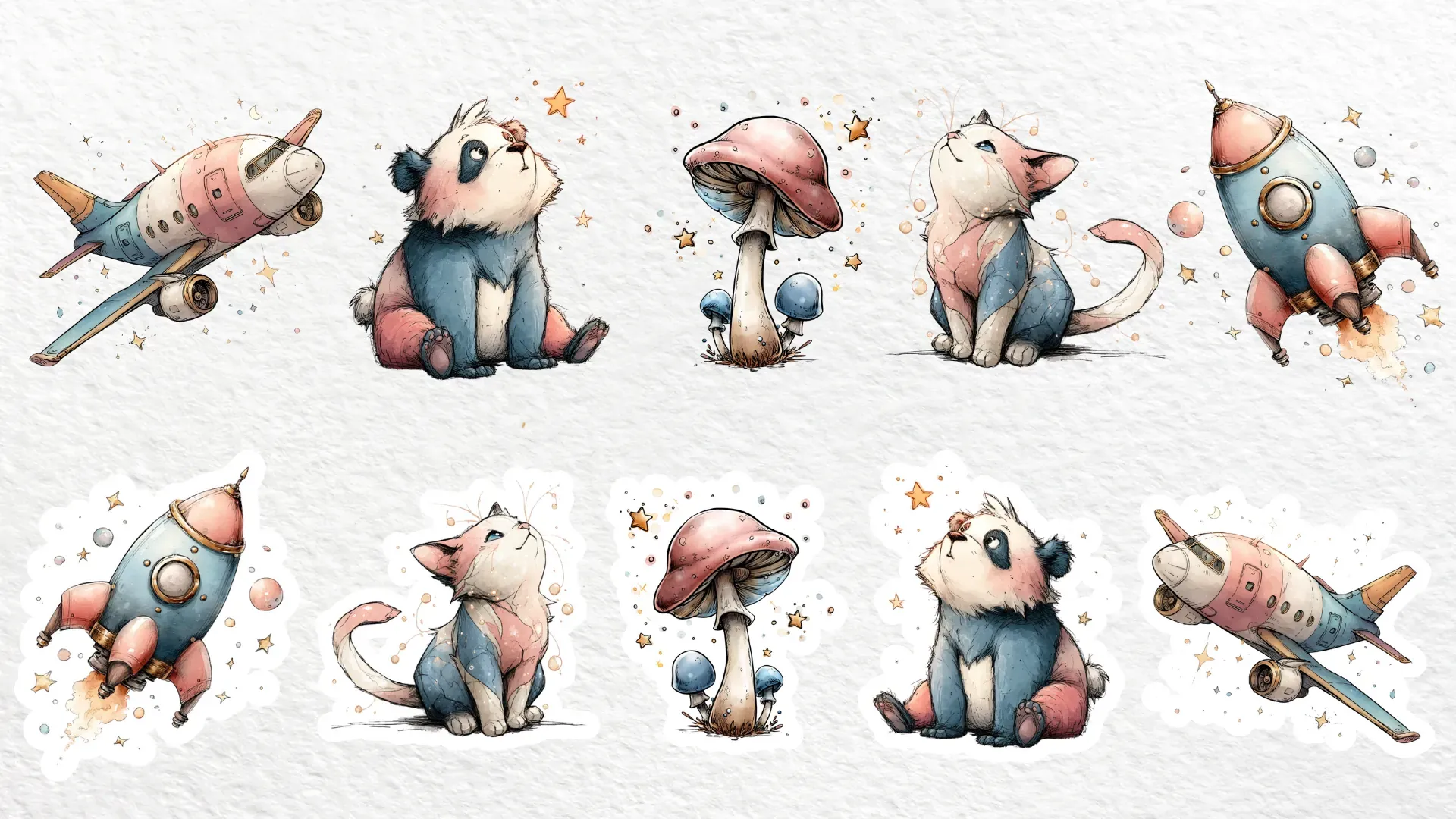
For vector-style art, add "bold clean outline", "solid colors", or "flat colors". Negatives like "no gradient" or "no shadow" nudge the result closer to a true vector.
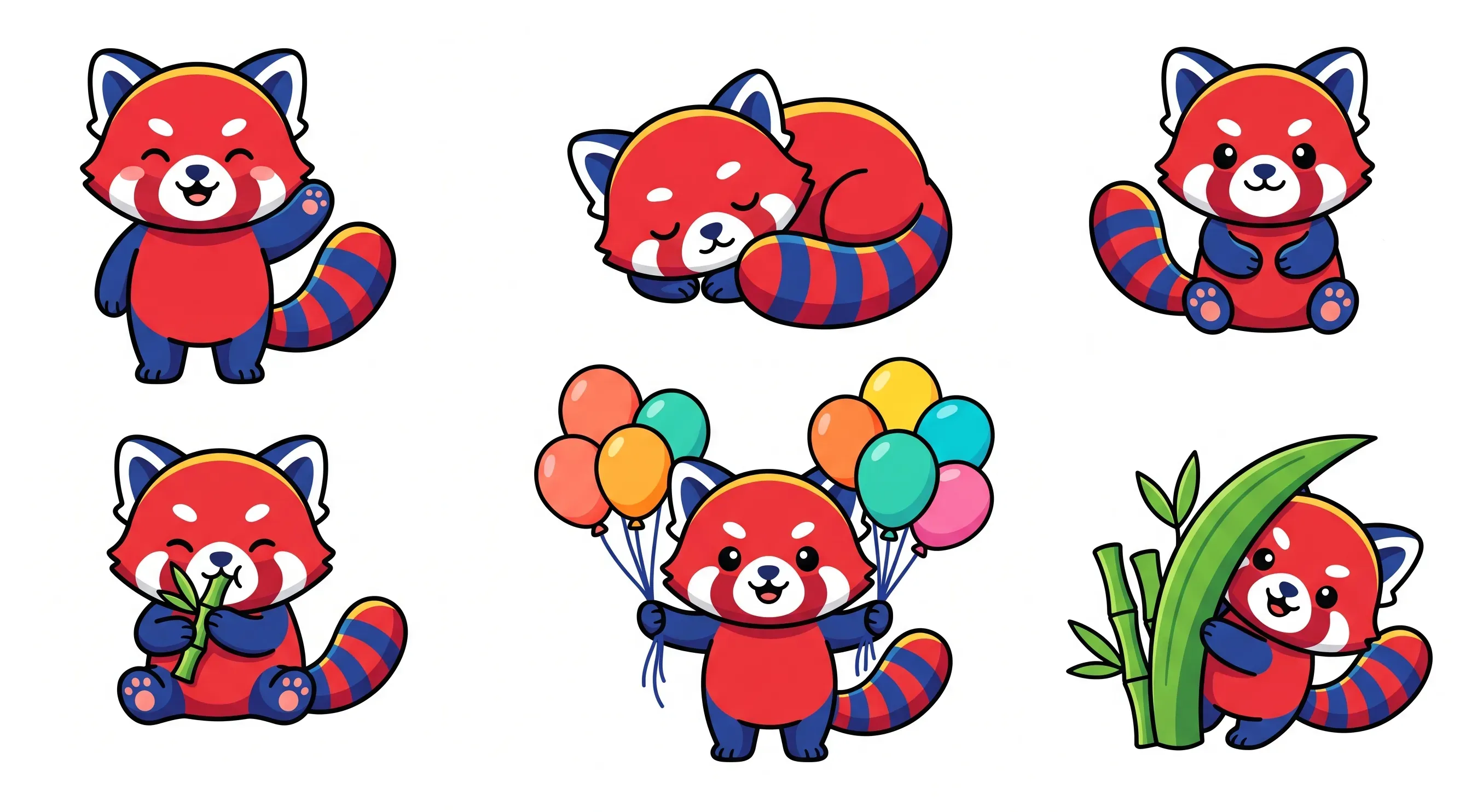
For a handmade feel, take hand drawn from Base Style and hand-drawn outline from Effects & Details.
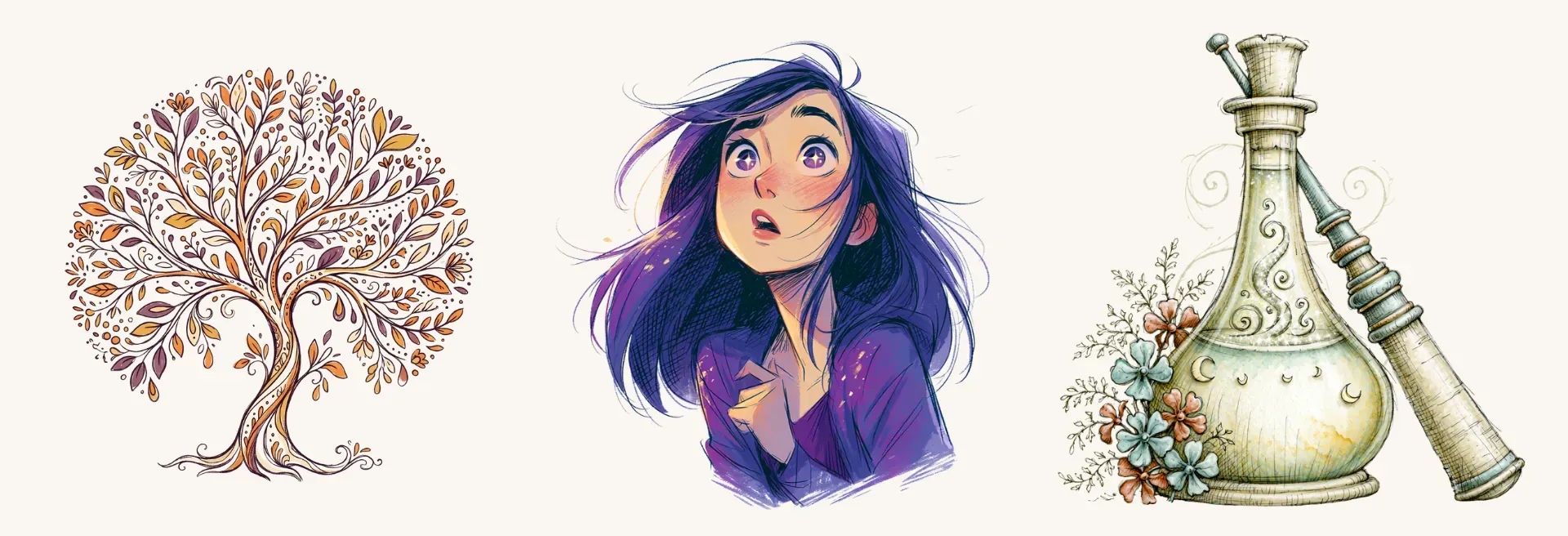
For emotes you can add a “only face” view.
Making something less common - a bookmark, a scrapbook embellishment? Not every AI tool knows those well, so if the first pass misses, “Describe any changes” is where you spell it out and get a better result.
For a set - clipart, icons, a cluster of objects - list every piece in “Describe any changes”. With an emoji set, for instance, say there are four in total: smiling, angry, crying, surprised. That keeps each one distinct instead of near-copies of one another.
Ready for more? Our Prompt Builder guide runs through several kinds of workflows, and What AI Tool to Pick for Clipart weighs every tool for this style.
Happy creating
And that's the Clipart Builder. Choose a product type, name your subject, bring your tool, and start building. We hope it settles into your creative routine and helps you turn out a big pile of images you enjoy making.
Every image in this guide came from prompts built in the Clipart Prompt Builder.