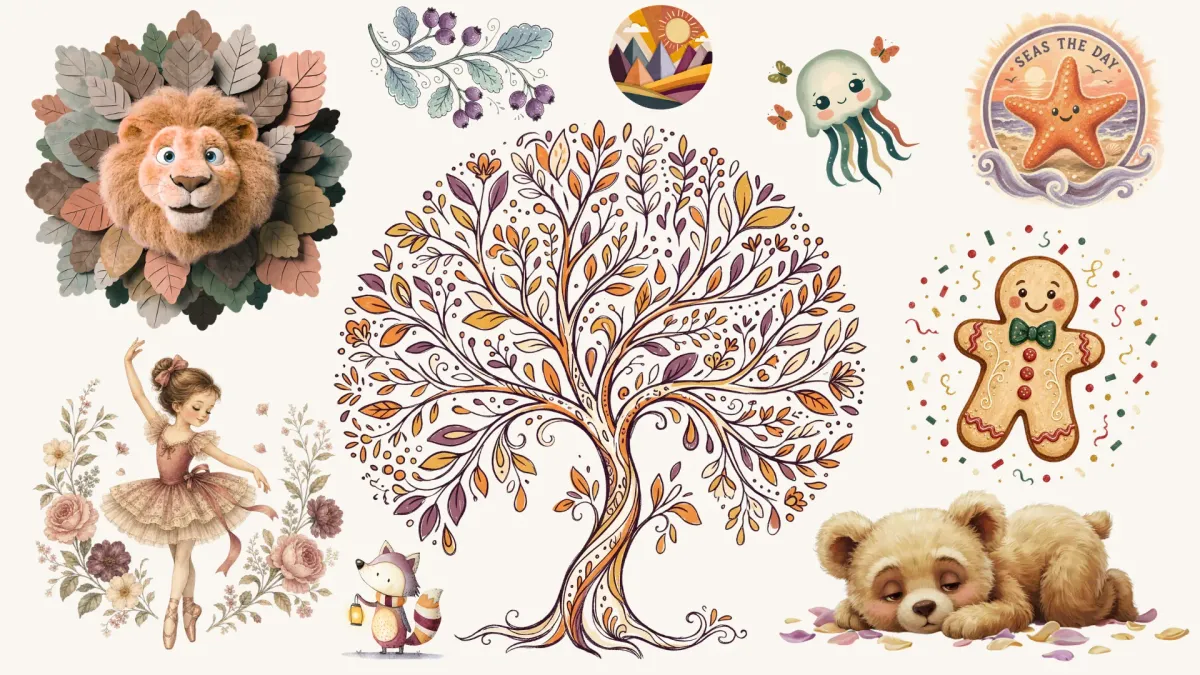
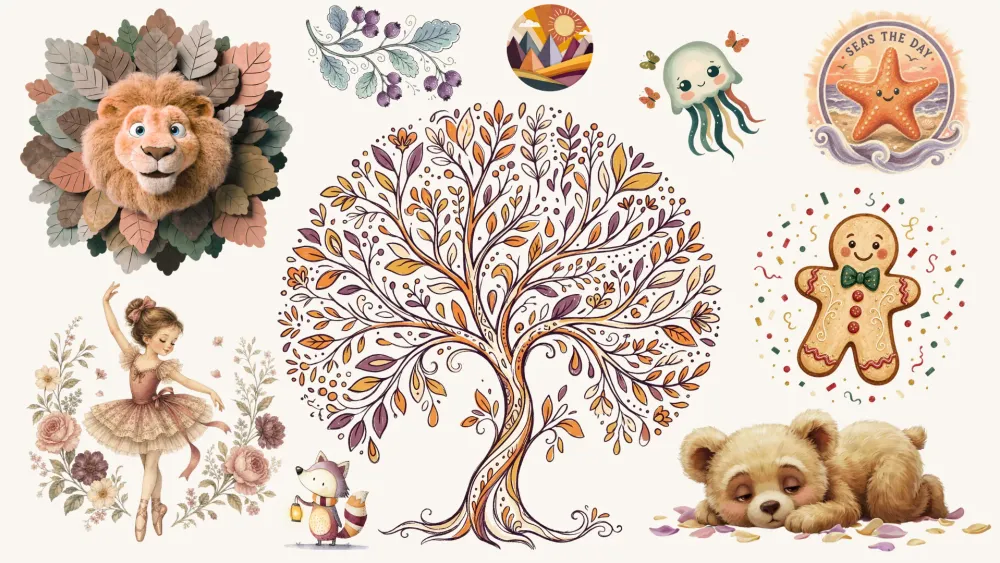
Clipart is one of the most universal design types out there. Almost any AI generator can make it - that's the easy part. Making it well is where the tools split. So the question isn't whether a tool can make clipart - it's how well each one does it, and which ones are worth your time.
We made clipart with 8 different AI generators. Here they are:








For each one you'll find our honest but still very subjective take and a gallery of 15 example images, so you can decide yourself what tool to pick for your projects.
Before the tool-by-tool notes, here is how we judged them. Four things matter to us in clipart:
Clean background
Clipart has to lift off the page easily, so the tool needs to place the subject on a plain, uncluttered background that cuts out without a fight.
Aesthetic appeal
We want interesting compositions, characters that feel alive, colors with real contrast, and no visual clutter.
Range across clipart styles
The main trends - vector, watercolor, kawaii, and more - should all be within reach, not just one house look.
Prompt understanding
The tool should follow the subject and the product type you ask for. As you'll see, some tools skip certain words - sometimes, or every time.
One note on order: we list the tools from our favorite for clipart down to our least favorite. Take it as a starting point, not a ruling. AI tools update fast, and new ones keep arriving, so we'll refresh this post as versions change - bookmark it and check back.
And if the prompting side feels like a lot - each tool has its own habits - you don't have to learn any of them. That's what we built our Clipart Prompt Builder for. It speaks each tool's language, so you don't have to.
1. Nano Banana 2 & Nano Banana Pro
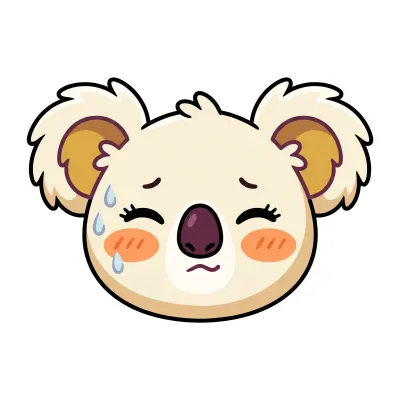
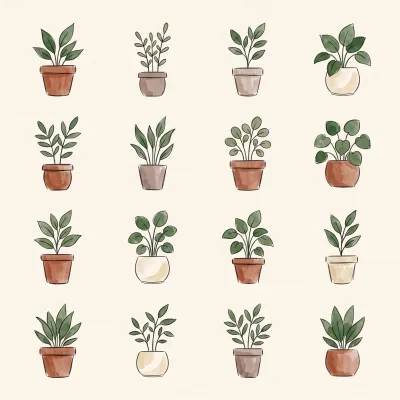
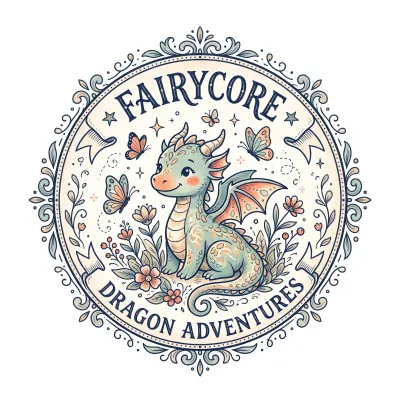
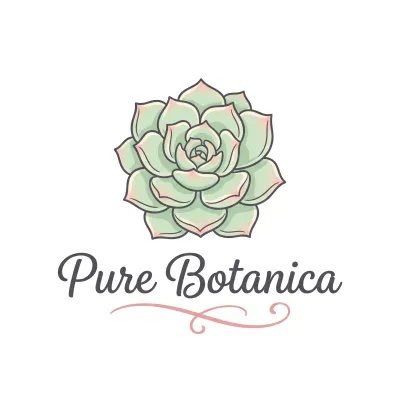
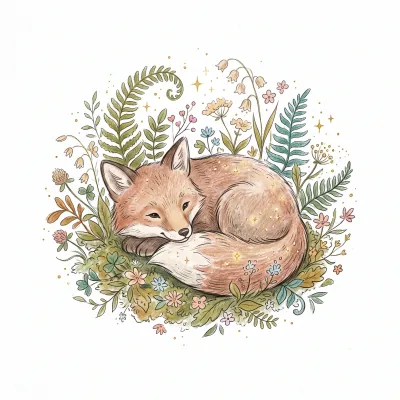
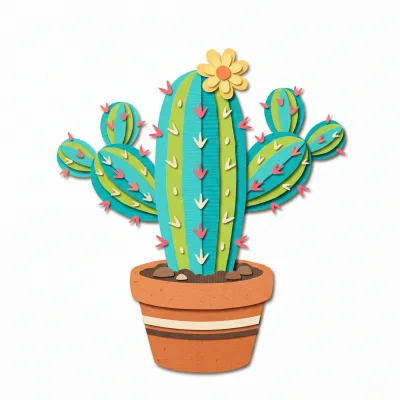
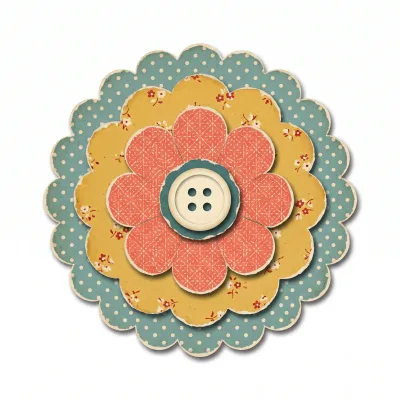
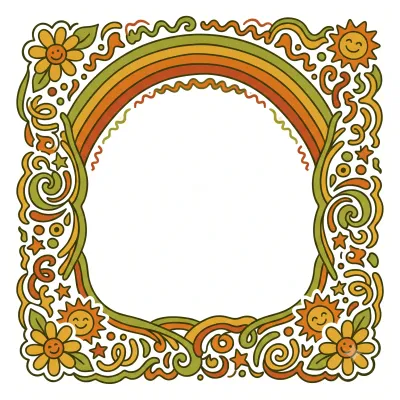
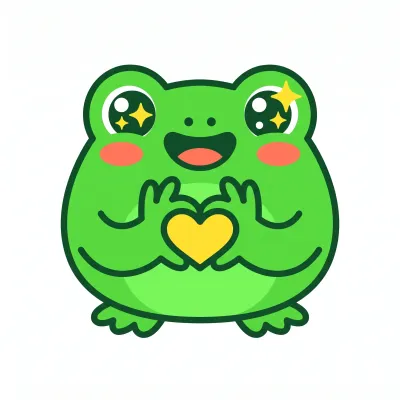
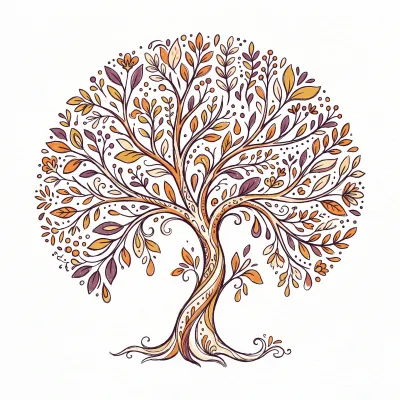
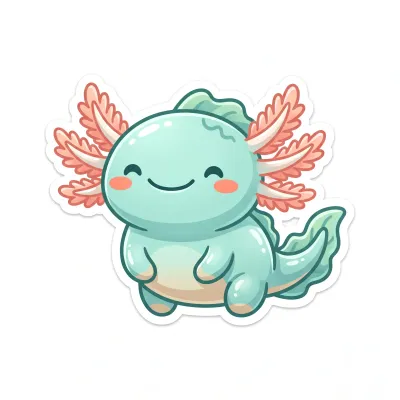
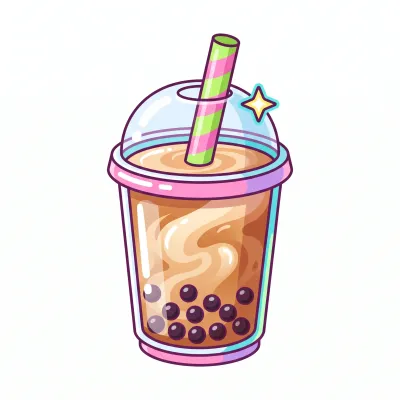
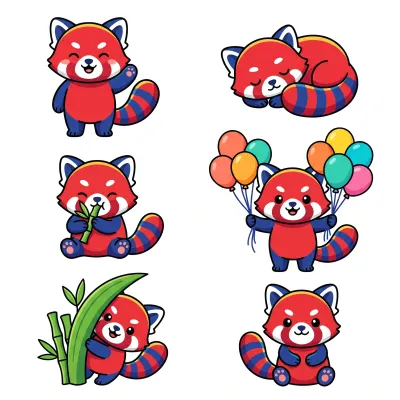
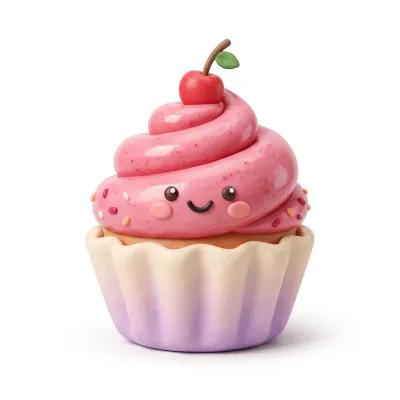
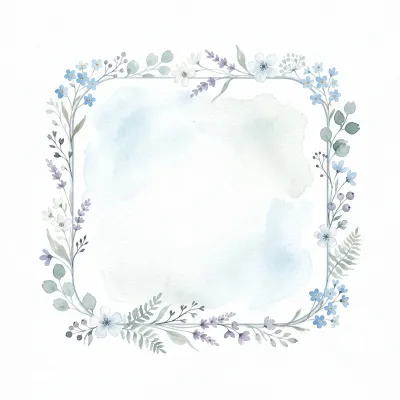
Nano Banana is our top pick for clipart, and it isn't close. The style range is the widest we've found for this kind of work, it also has the sharpest prompt understanding of any tool we tried, so frames, logos, emotes, and badges come out as asked rather than as a guess. There's a bonus that sealed it: ask for a set, and Nano Banana varies the images on its own, without you spelling out each difference. That instinct for a genuinely varied set is what makes it stand out.
2. ChatGPT Image 2
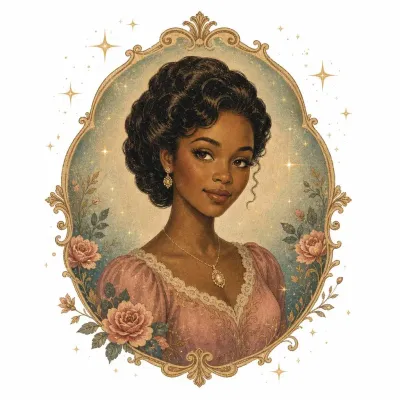
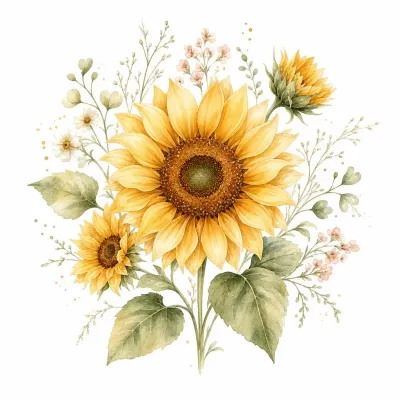
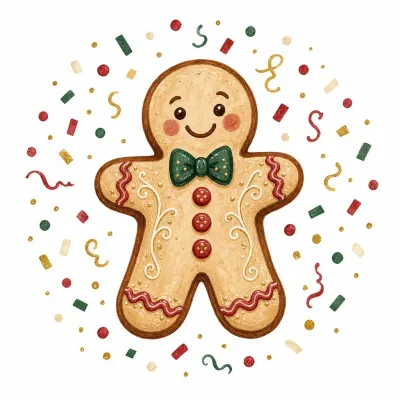
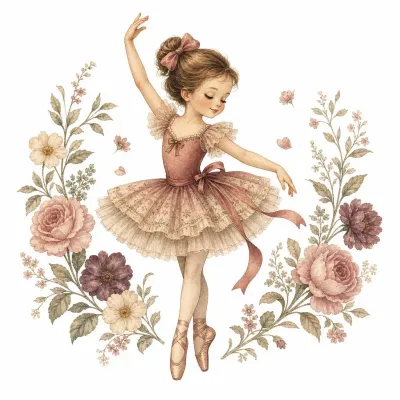
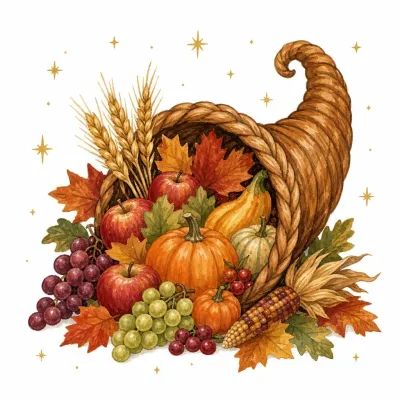
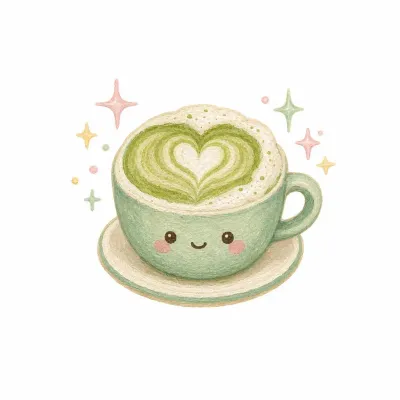
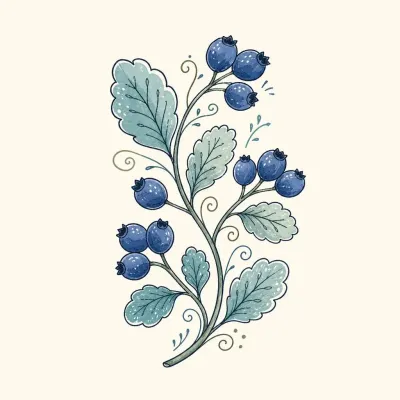
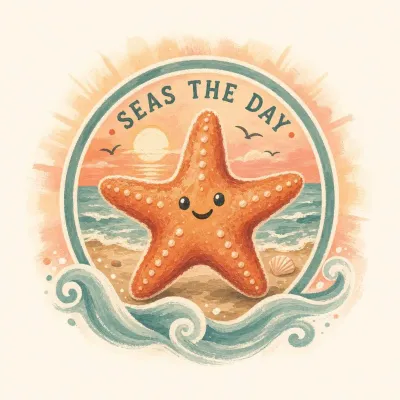
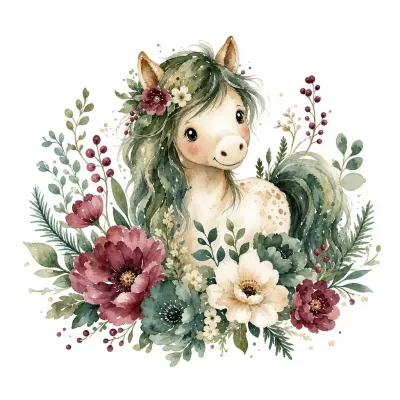
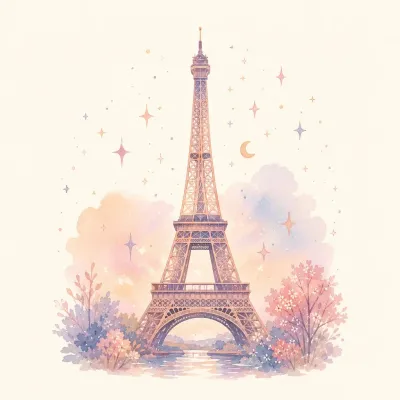
The latest Image 2 turns out good clipart, and it earns its spot at number two. To our eye the results are a touch less striking than Google's, though the gap is small. One quirk worth knowing: on vector-style pieces it can go slightly pixelated, with colors that aren't quite solid. That can read as a flaw - or, if a softer, grainier vector is the look you're after, as a plus. Either way it's worth a try.
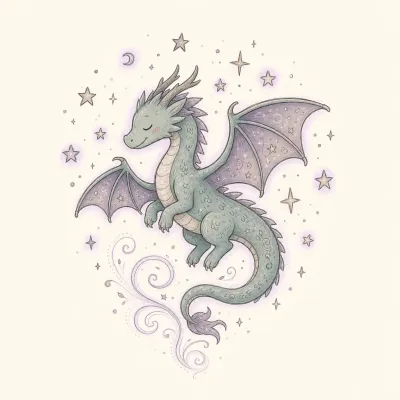
3. Recraft V4
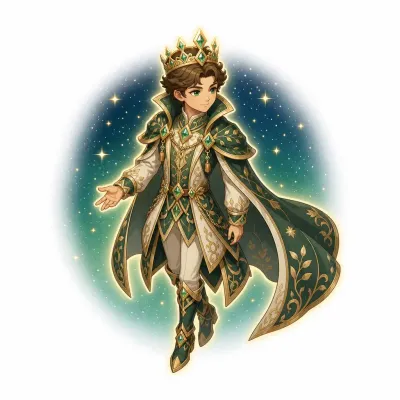
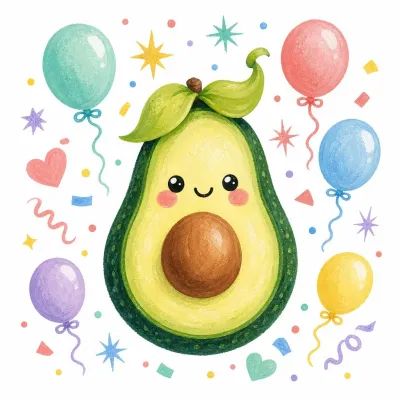
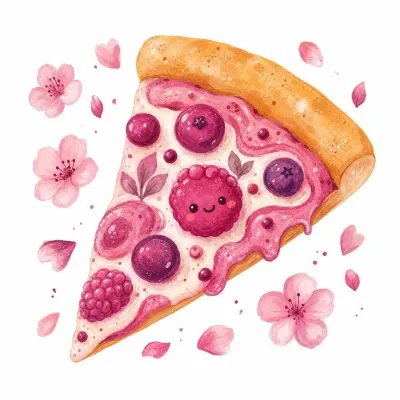
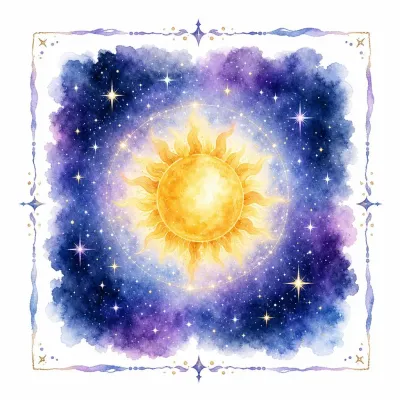
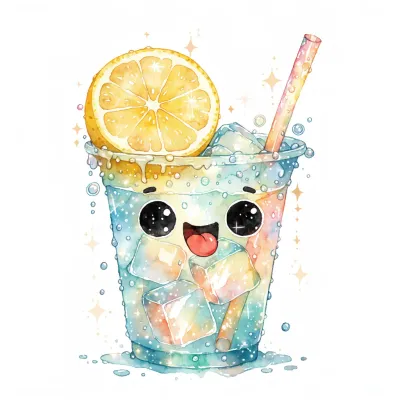
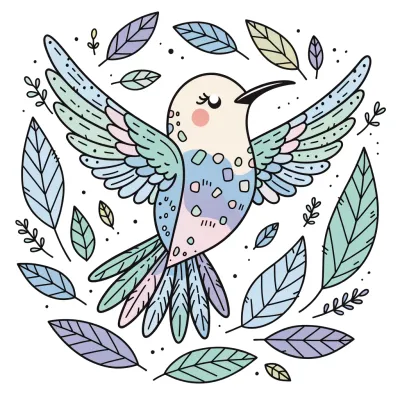
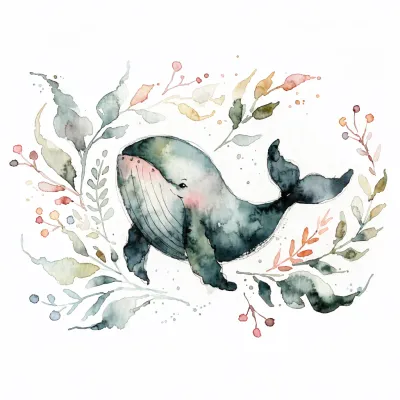
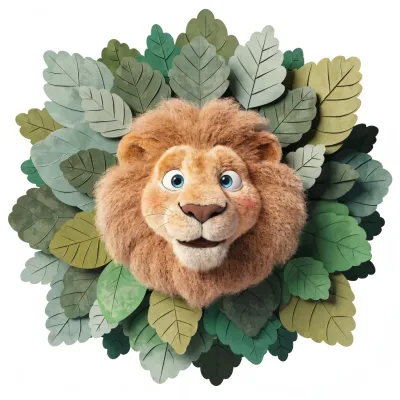
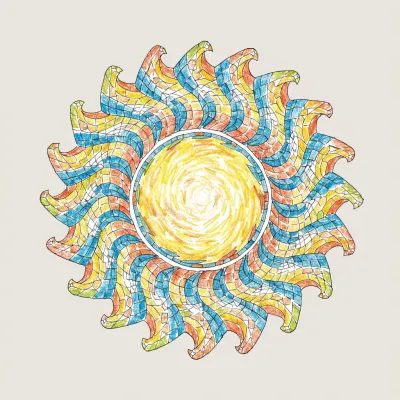
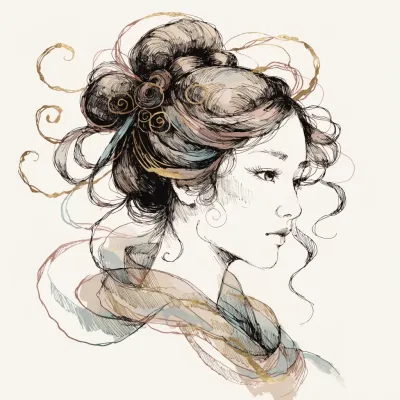
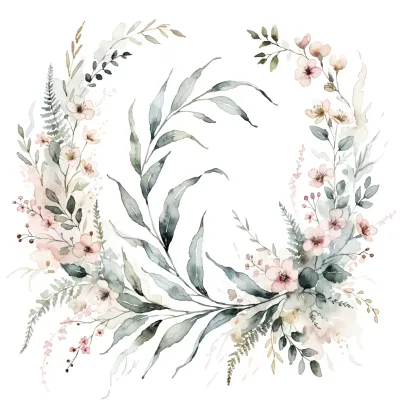
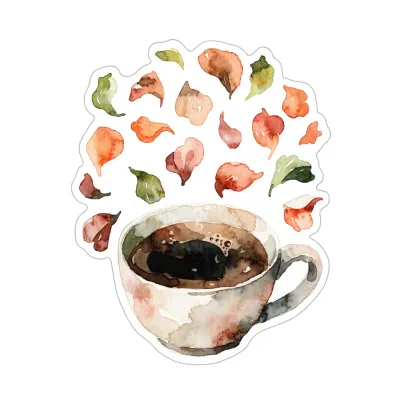
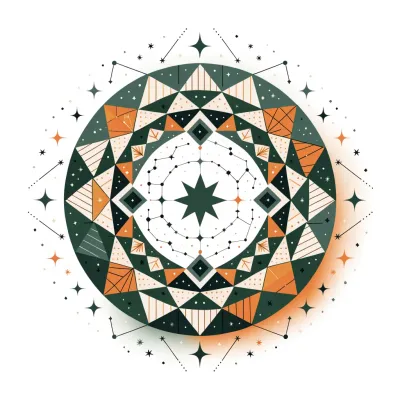
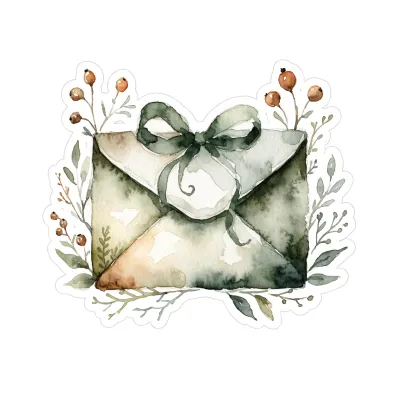
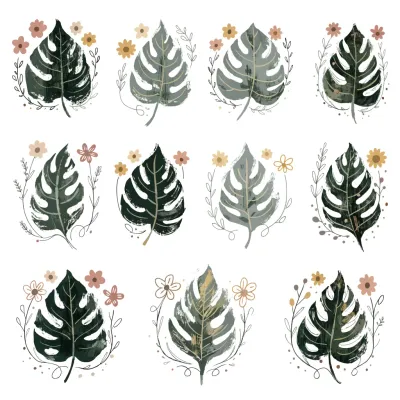
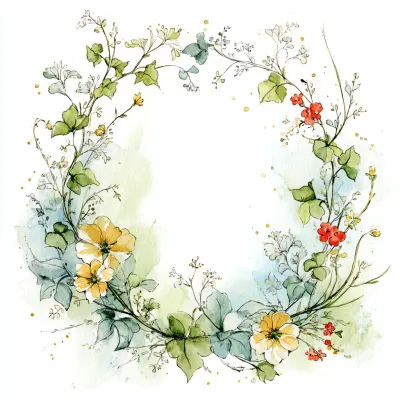
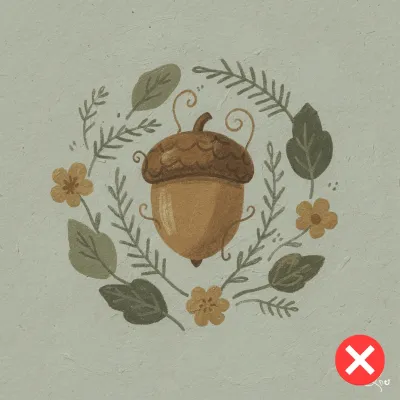
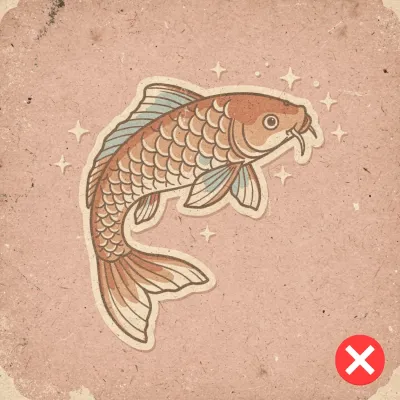
Recraft sells itself on a hand-drawn, artistic manner, and the aesthetic really is its own. We love how unexpected the outcomes are - it hands us things we never pictured. See the whale below? We asked for a bookmark. And that floral circle - our prompt was for a frame 🤪 The flip side of that surprise is the tool's main weakness: it doesn't always know a given product type or subject, so it wanders off the brief. The results still look great.
4. Ideogram 4.0
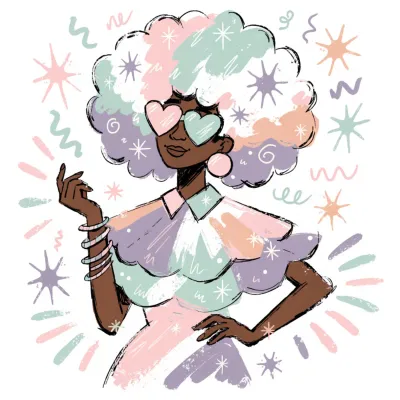
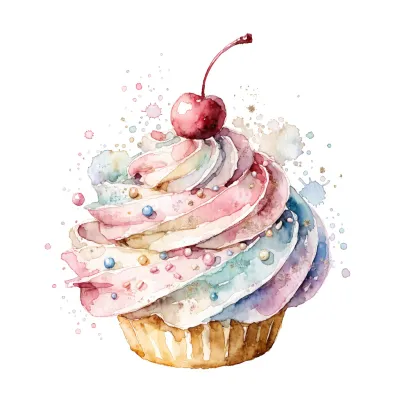
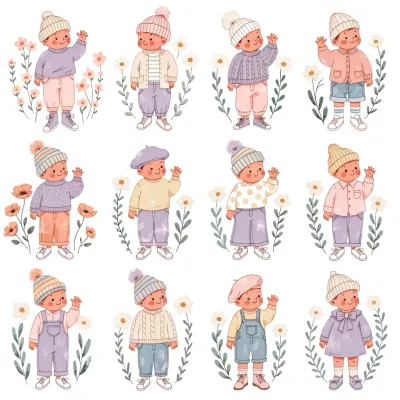
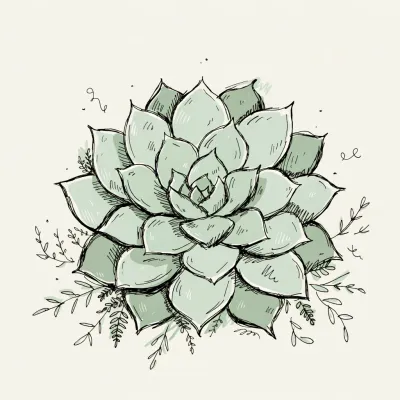
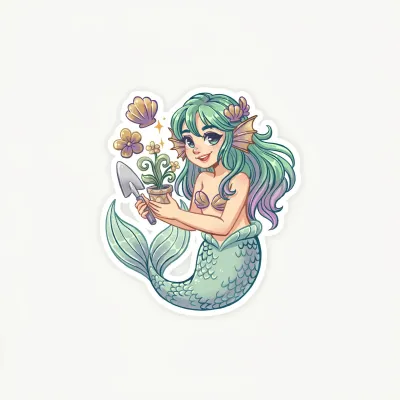
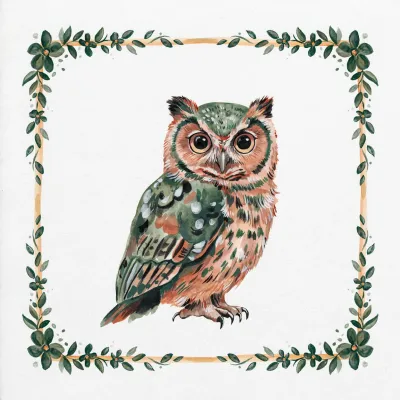
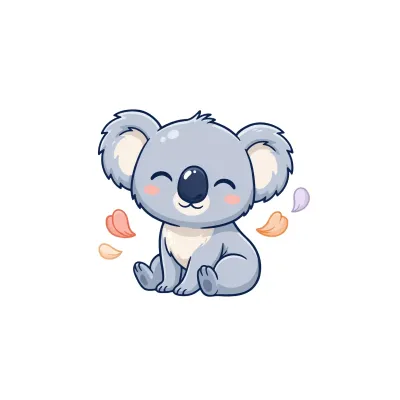
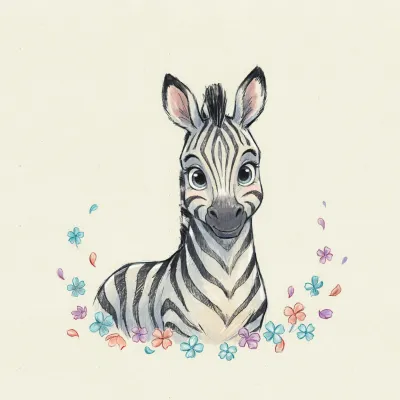
Ideogram 4.0 changed our mind about the tool completely. The aesthetics jumped, and the style range opened up. Watercolor, once nearly out of reach, now comes easily. It's no longer boxed into sleek vector work - you can try just about any clipart style and expect it to keep up.

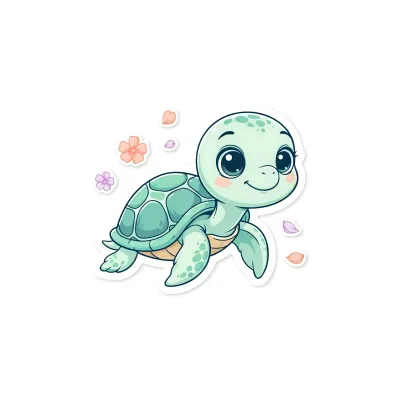
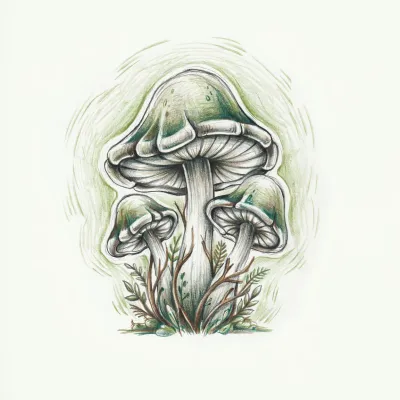
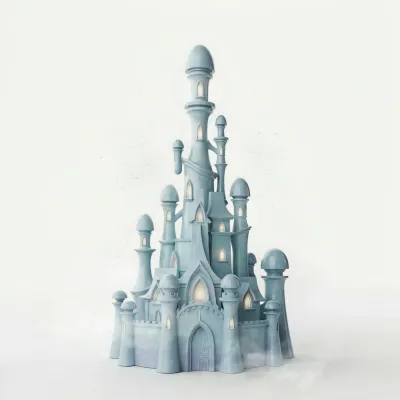
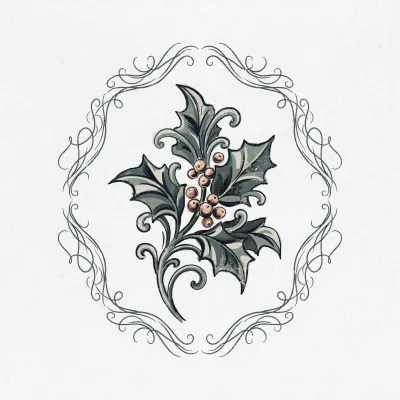

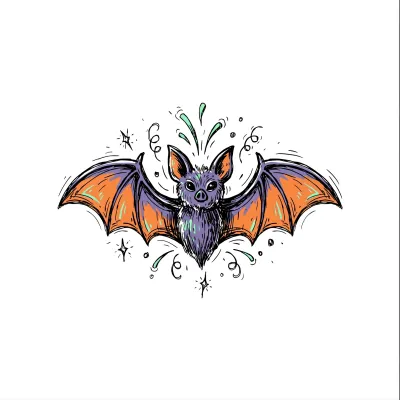
5. Midjourney 6.1 / 7 / 8.1
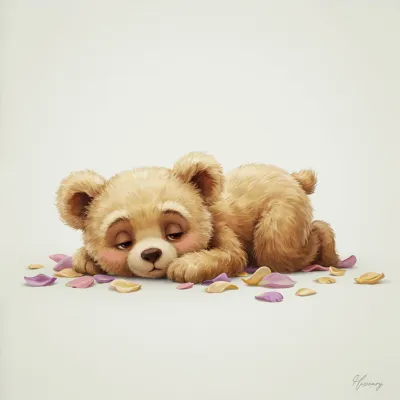
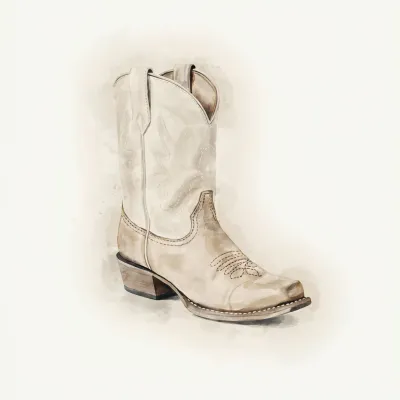
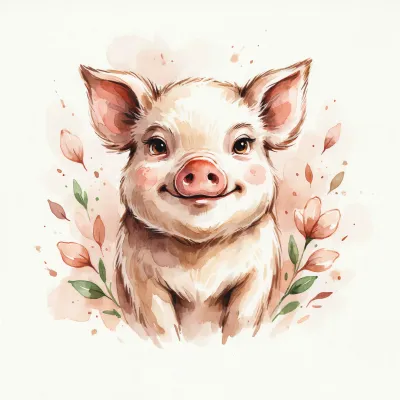
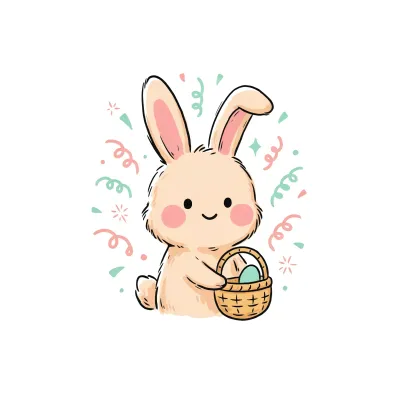
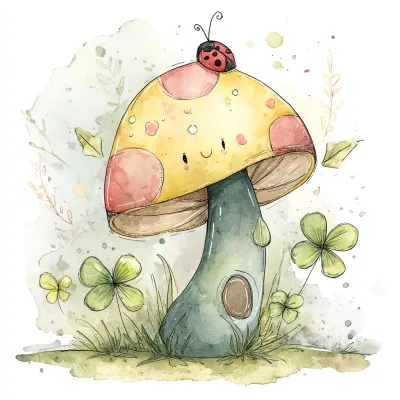
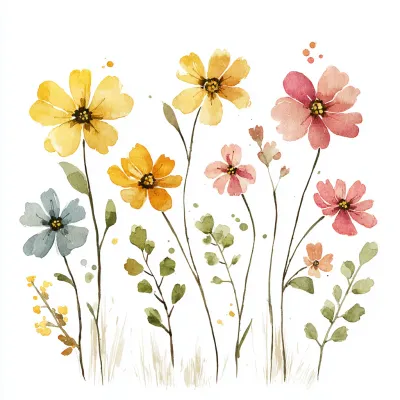
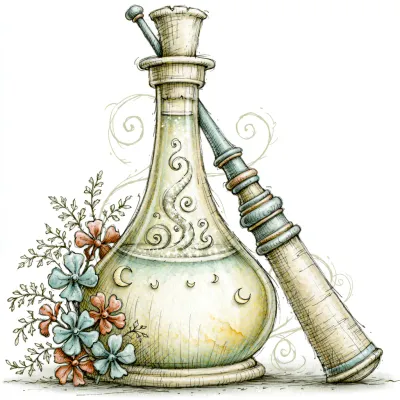
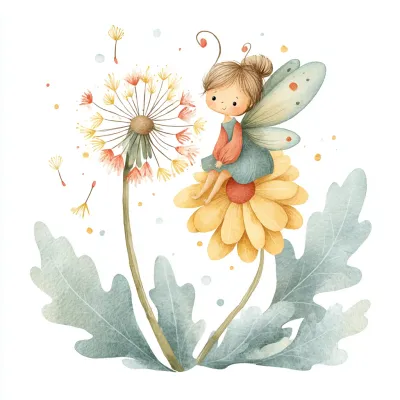
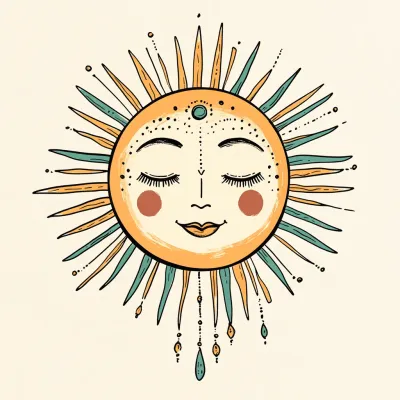
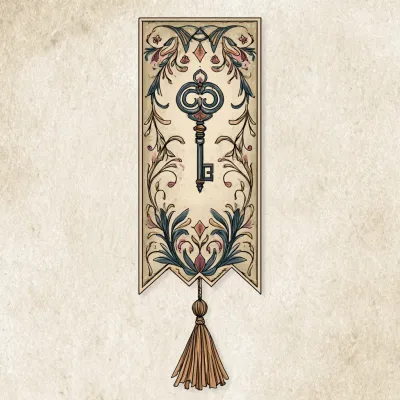
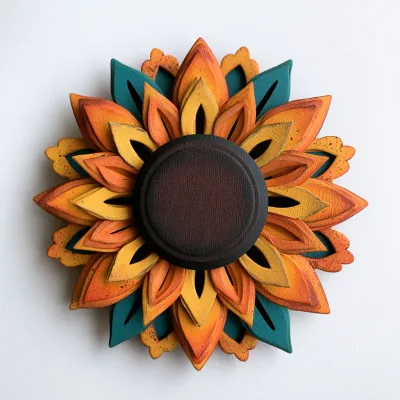
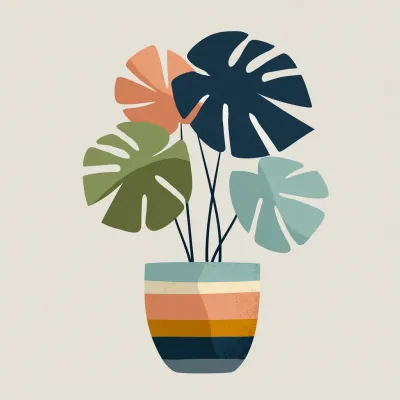
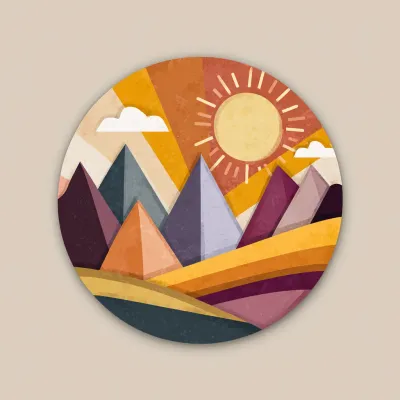
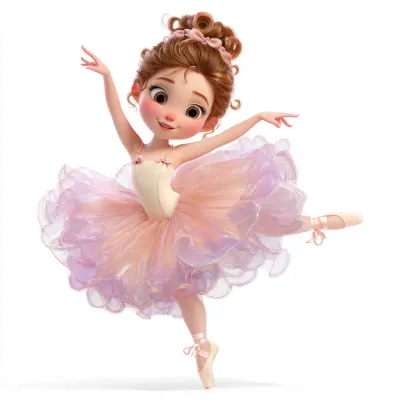
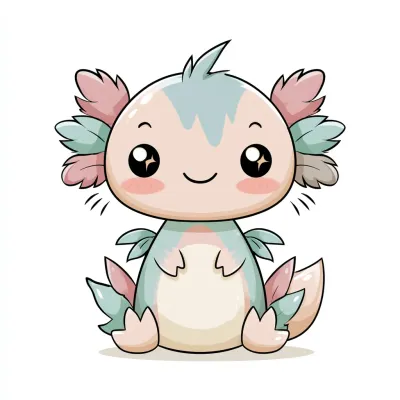
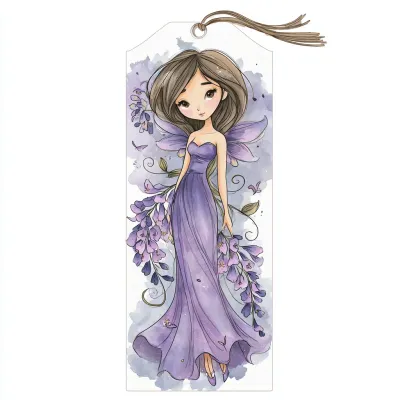
Good old Midjourney still offers about the widest style range around. But even with the 8.1 release, the old problems are back: impossible physics, extra limbs, and tangled, messy linework. You'll spot them in the examples below:
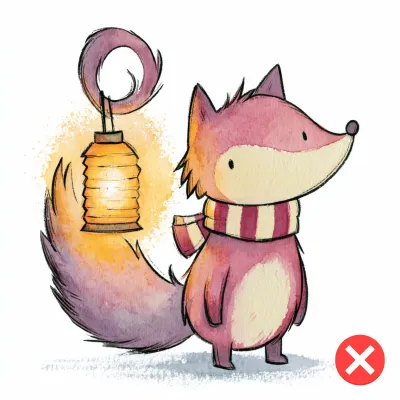
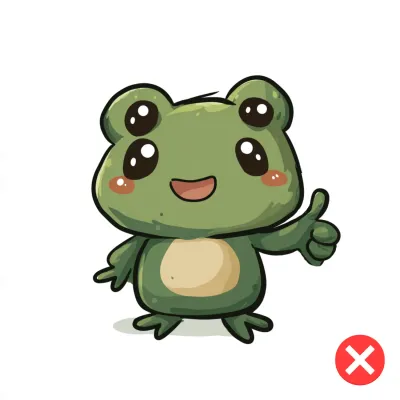
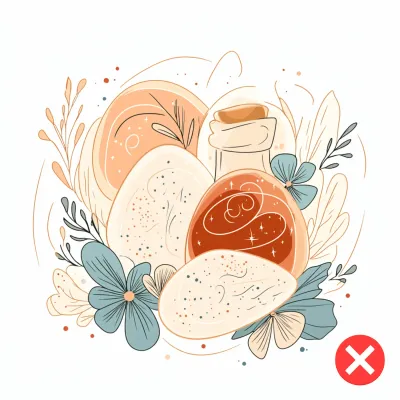
On the upside, Midjourney is the cheapest and fastest option on the market, so it's well worth a try once you know what to watch for:
6. Seedream 4.5
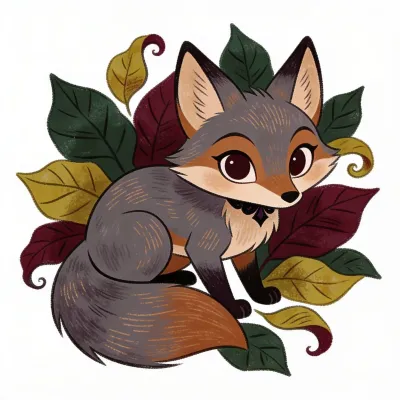
Seedream gives decent results, and it handles 3D and photorealistic elements well. Still, a lot of its output feels flat on personality and visual pull. We'd reach for it on specific projects where its 3D and photoreal strengths fit, more than for everyday clipart.
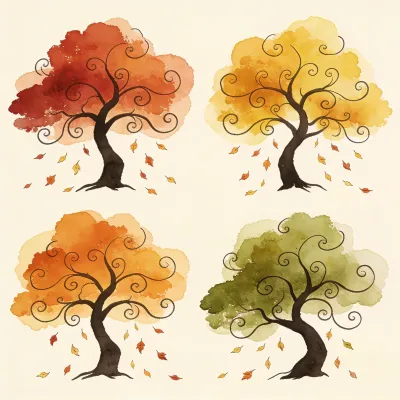
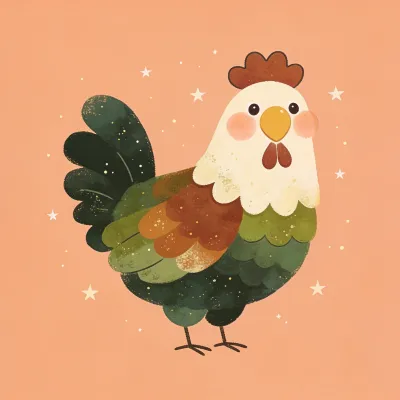
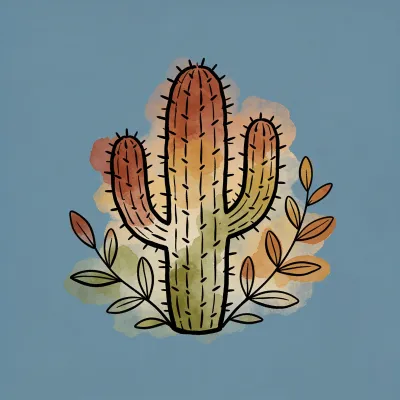
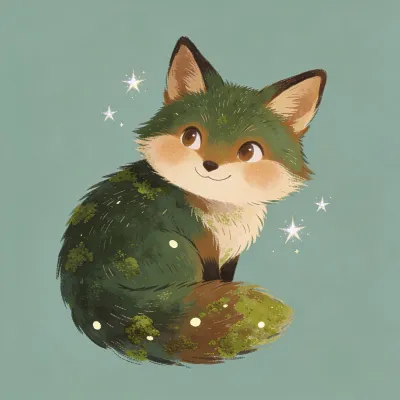
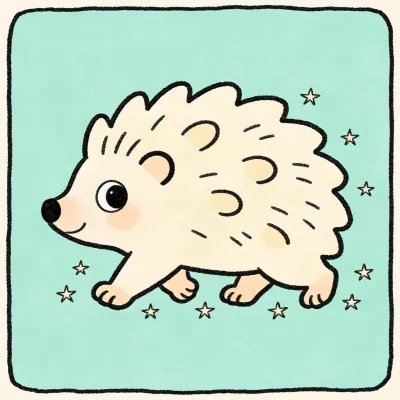
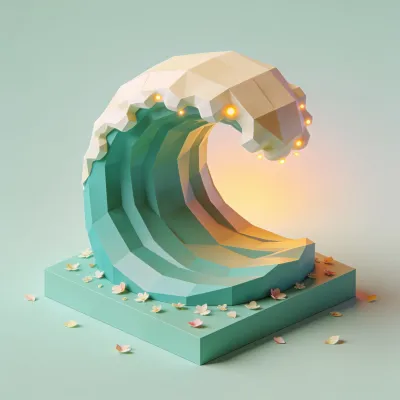
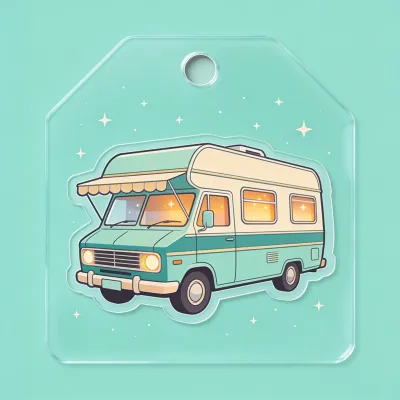

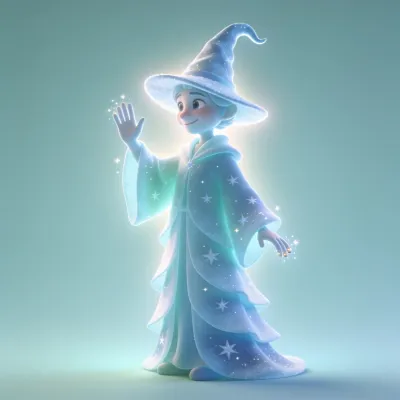


7. Flux.2 Pro
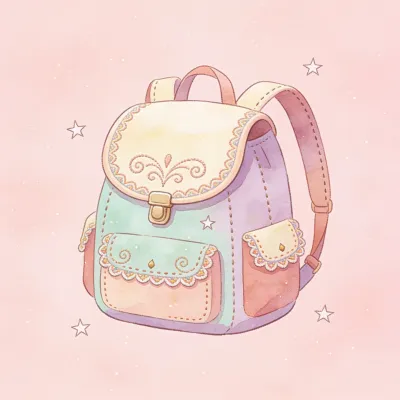
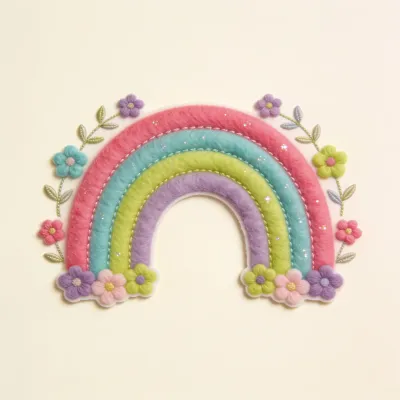
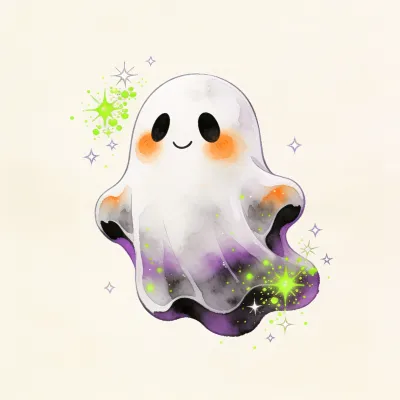
Flux reads a prompt well (e.g., it built a proper bookmark straight from the prompt), which not every tool manages. The catch is a run of weak spots: backgrounds that aren't clean, and contrast that falls short on a lot of images (low contrast is a recurring Flux issue). Designs can also come out plain, with no clear feature or character. Here's the kind of thing we mean:
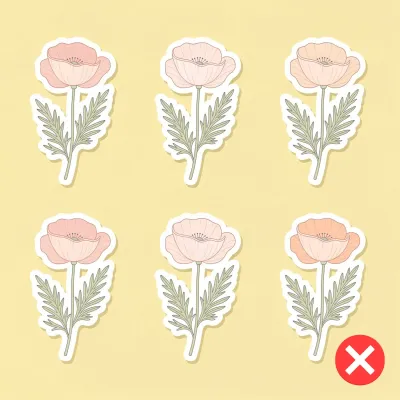
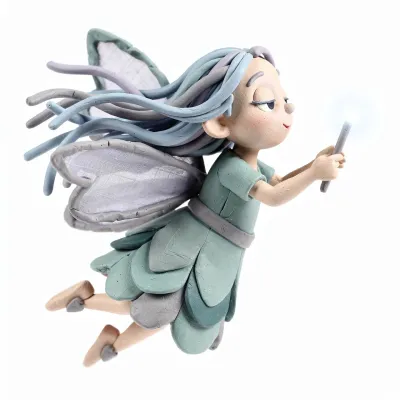
Even so, there are gems - the clay fairy is one of our favorites in this whole post.

8. Lucid Origin
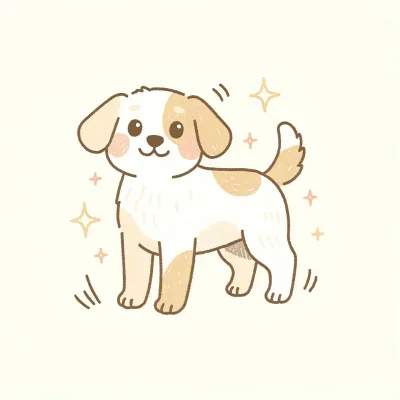
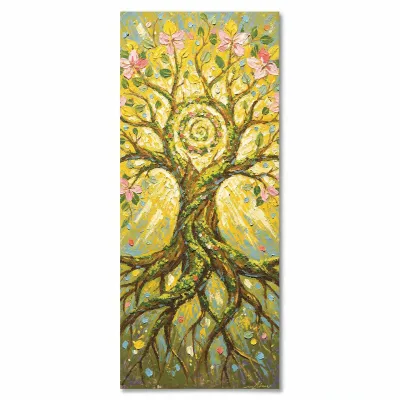
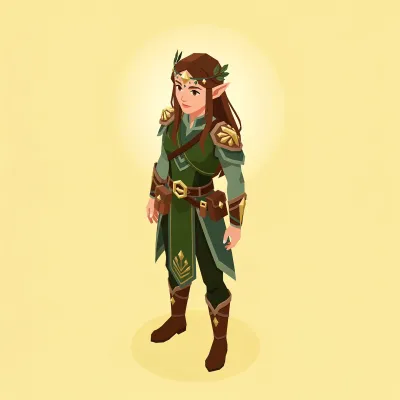
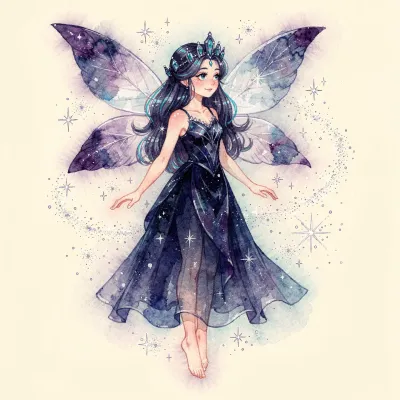
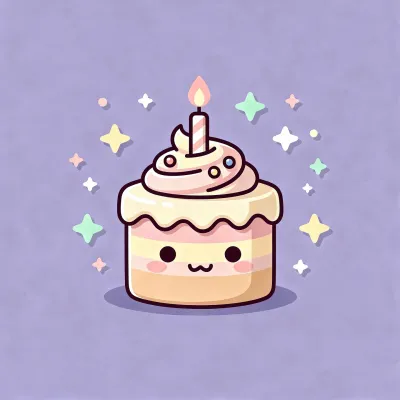
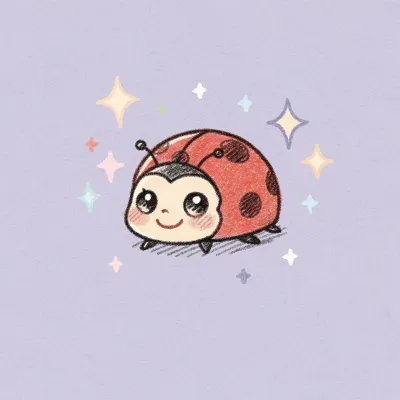
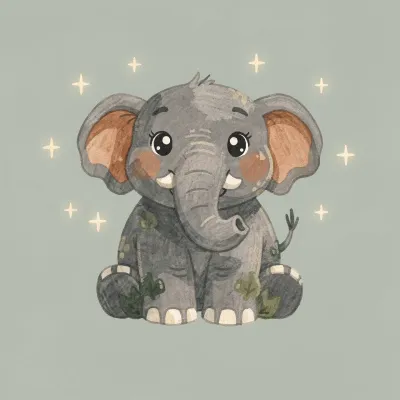
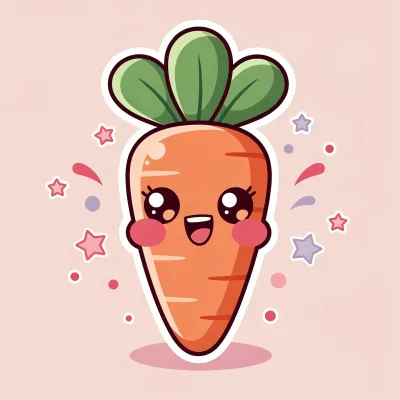
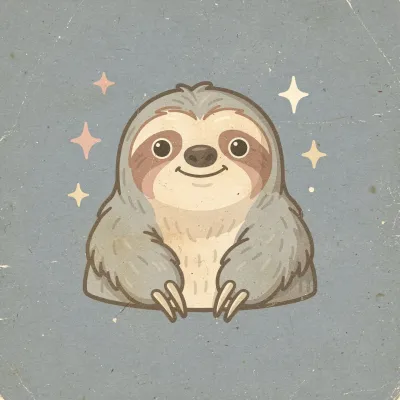
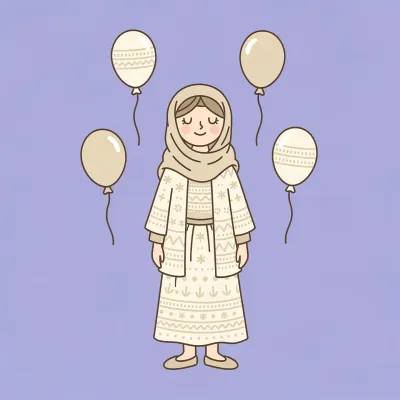
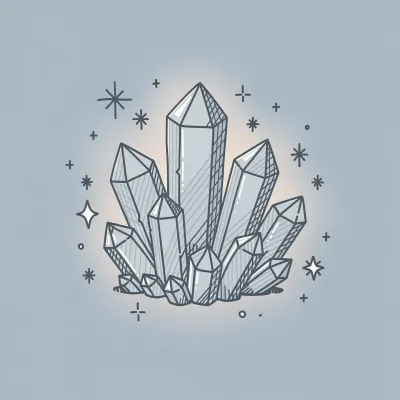
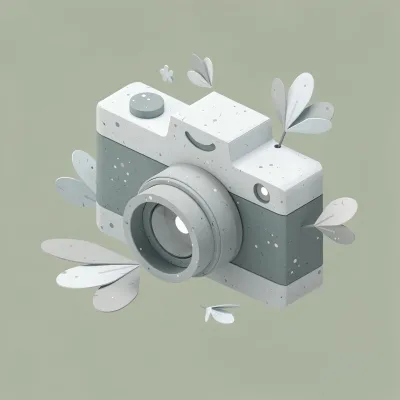
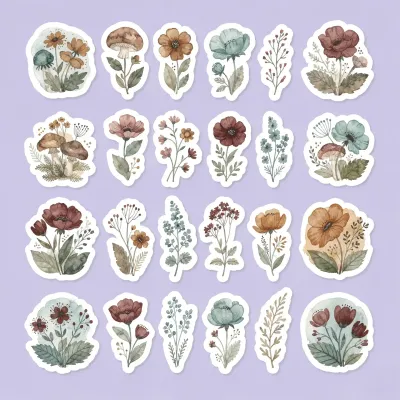
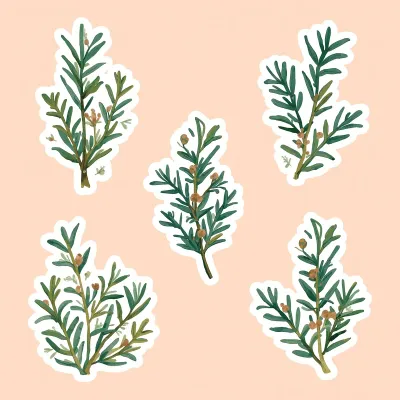
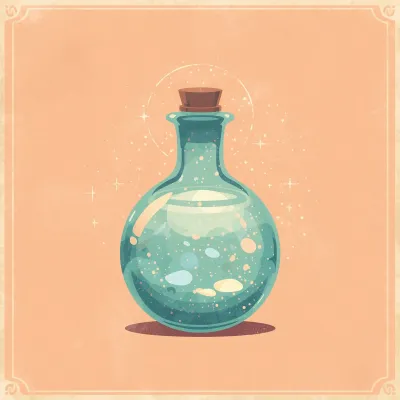
Leonardo's Lucid Origin is a simple model, and we wouldn't lean on it for professional work. It's known for being cheap and fast, but it falls short on nearly every measure we used here, as the examples make plain:
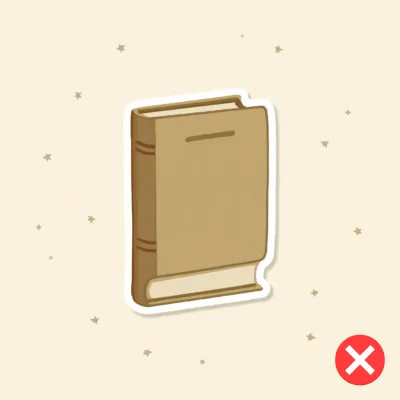
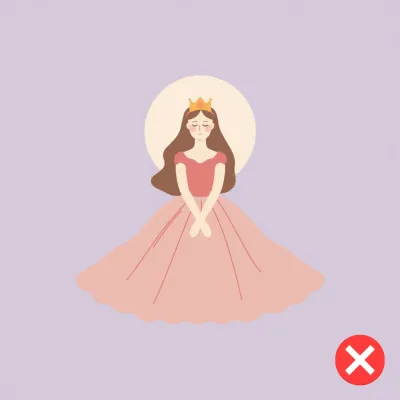
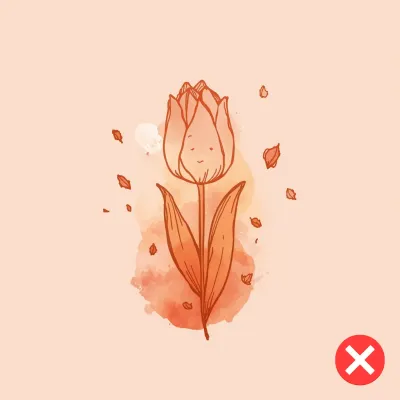
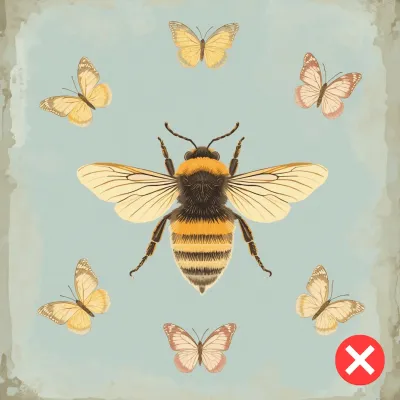
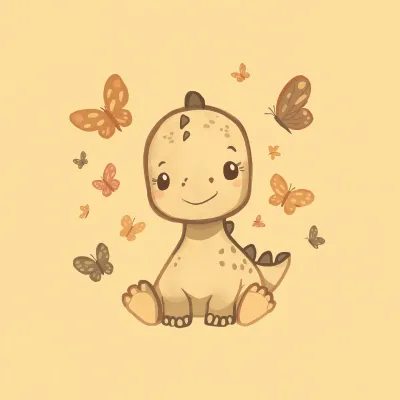
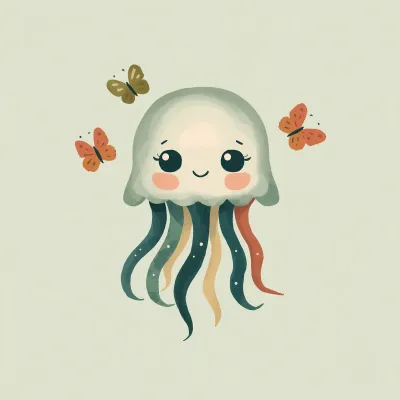
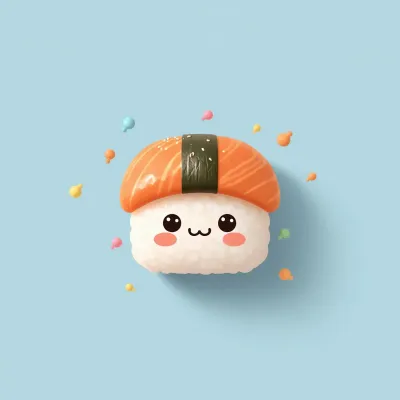
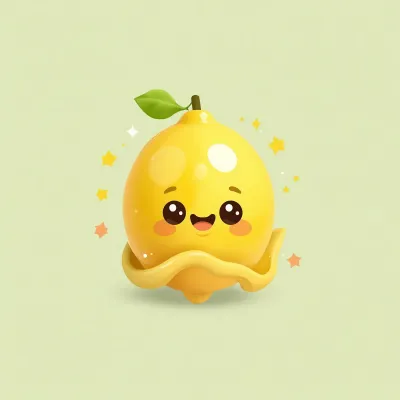
One bright spot: kawaii comes out nicely on this one.

Conclusion
So how do you choose? It comes down to what you're making, because these tools are not interchangeable - some handle clipart well across the board, others do great in one area and fall short in another. The table below sums up where each one stands on what counts for clipart, so you can match the tool to the project in front of you.
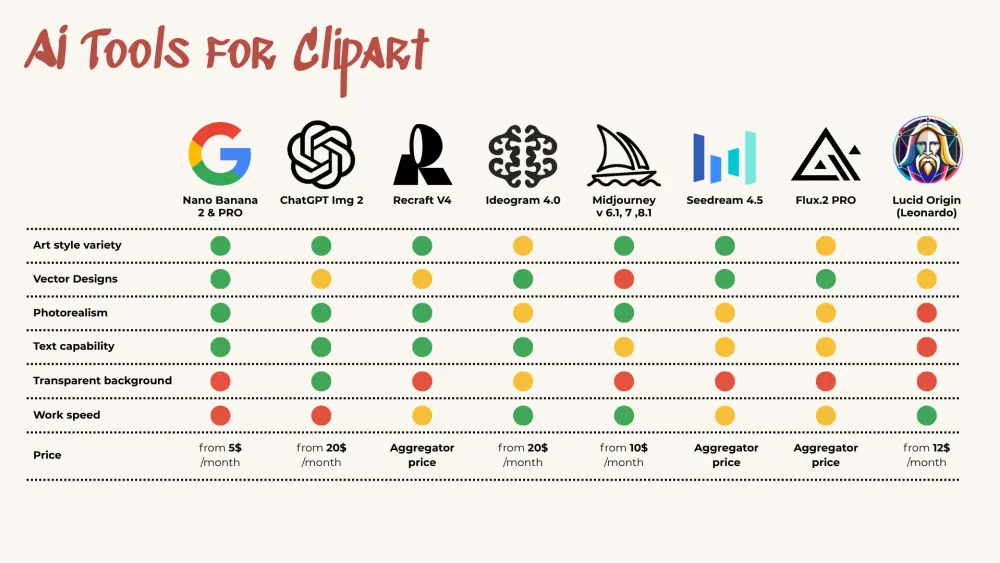
Comparison summary for Clipart
No matter which tool you land on, our Clipart Prompt Builder does the heavy lifting on the prompt - it's built to steer any of them toward clean, cut-out-ready clipart. Or, if you want to try it before you buy, download the Clipart Inspiration Bank - a ready-made pile of prompts straight out of the builder.
We also have a video guide on AI tools for Clipart, where we have a ton of examples. It’s a bit behind in terms of some AI tools, but still worth seeing if you want to go deeper into this:
What AI to Pick for Clipart - video overview
Happy creating!