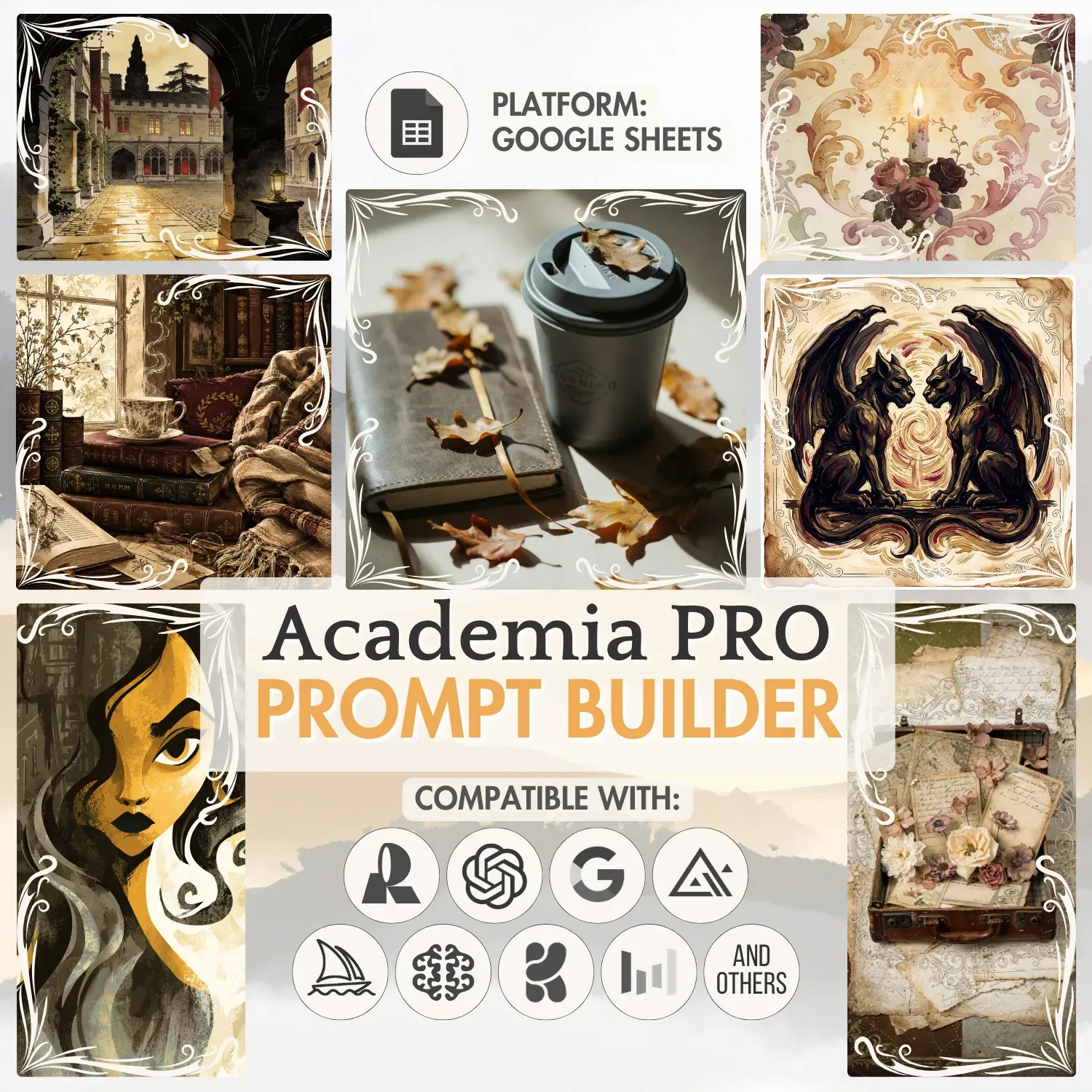
Welcome, book and study lovers. This guide is devoted to the Academia Builder: the products it covers, the AI generators that pair well with it, and the picks that bring out the academia mood.
Academia builder specifications are the only subject here. If Prompt Builders themselves are new to you - the dropdowns, the buttons, the sheets and how they connect - our Prompt Builder guide comes first. Rather watch than read? The same walkthrough sits on our YouTube channel:
Video version of this guide
Table of contents:
What you can create with the Academia Builder
This builder creates prompts for a wide range of digital products - from isolated elements like clipart, up to full-canvas compositions like illustrations or junk journal pages. Photographs, book covers, tags, bookplates, patterns and backgrounds share the same list.
The artistic range is just as wide: dark academia, light academia, nature academia, and others. Product Type and Theme arrive pre-selected, so a prompt belongs to the academia world from the very first click.
Missing a term you had in mind? The Your Options table on the right takes it - click Edit and add as many options as you want. The Your Options sheet does practically the same job. Whatever you add survives a reset, so your own vocabulary keeps growing between projects.
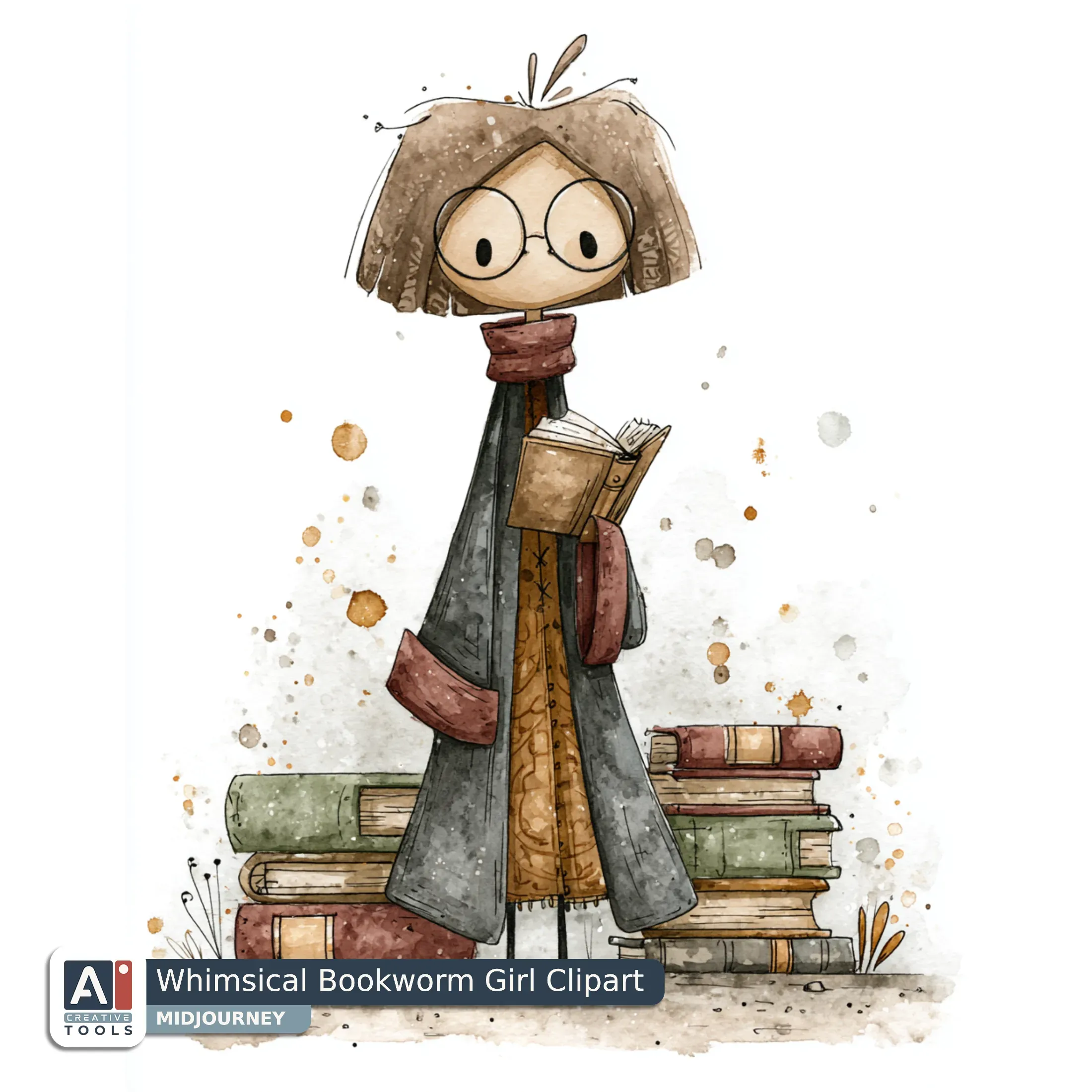
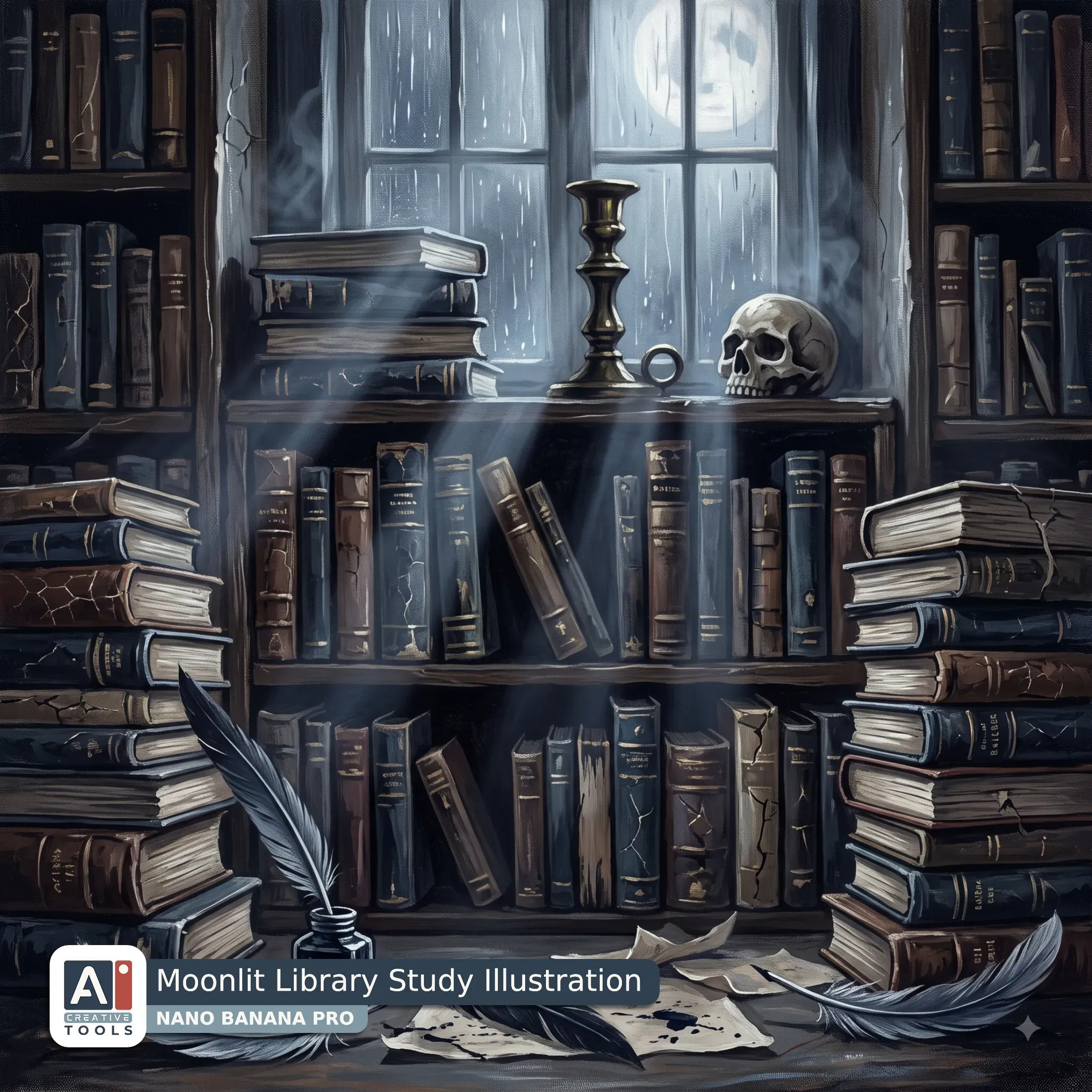
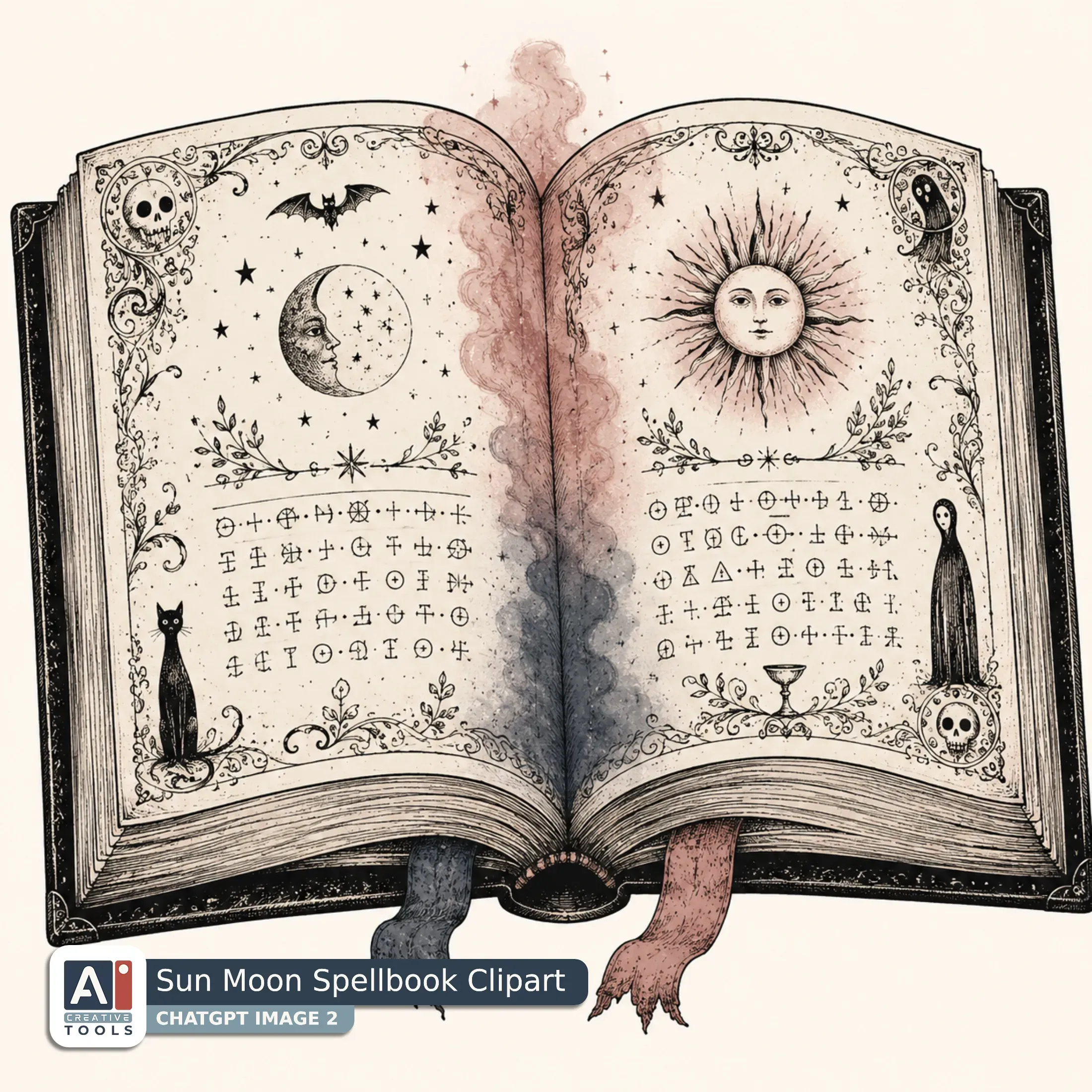
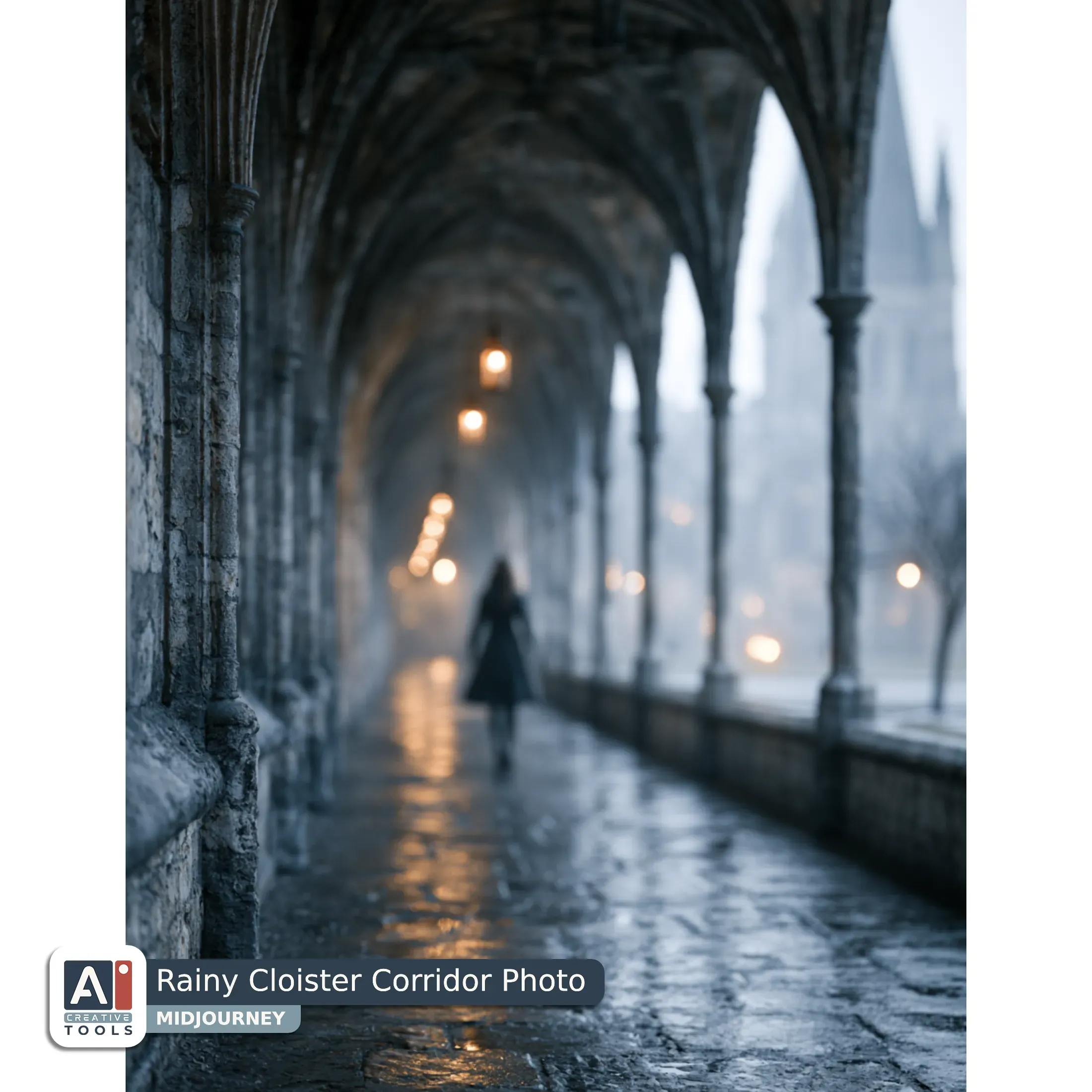
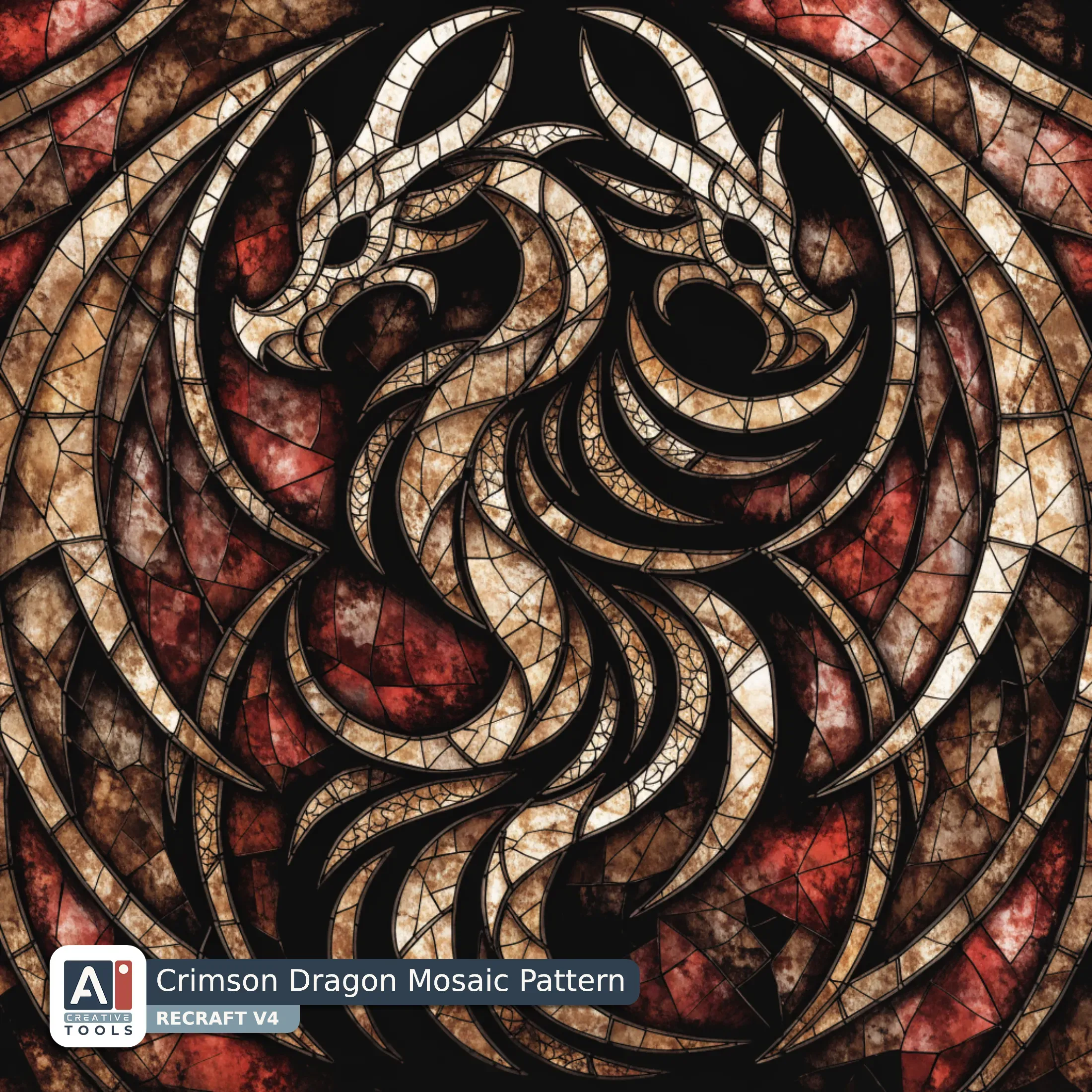
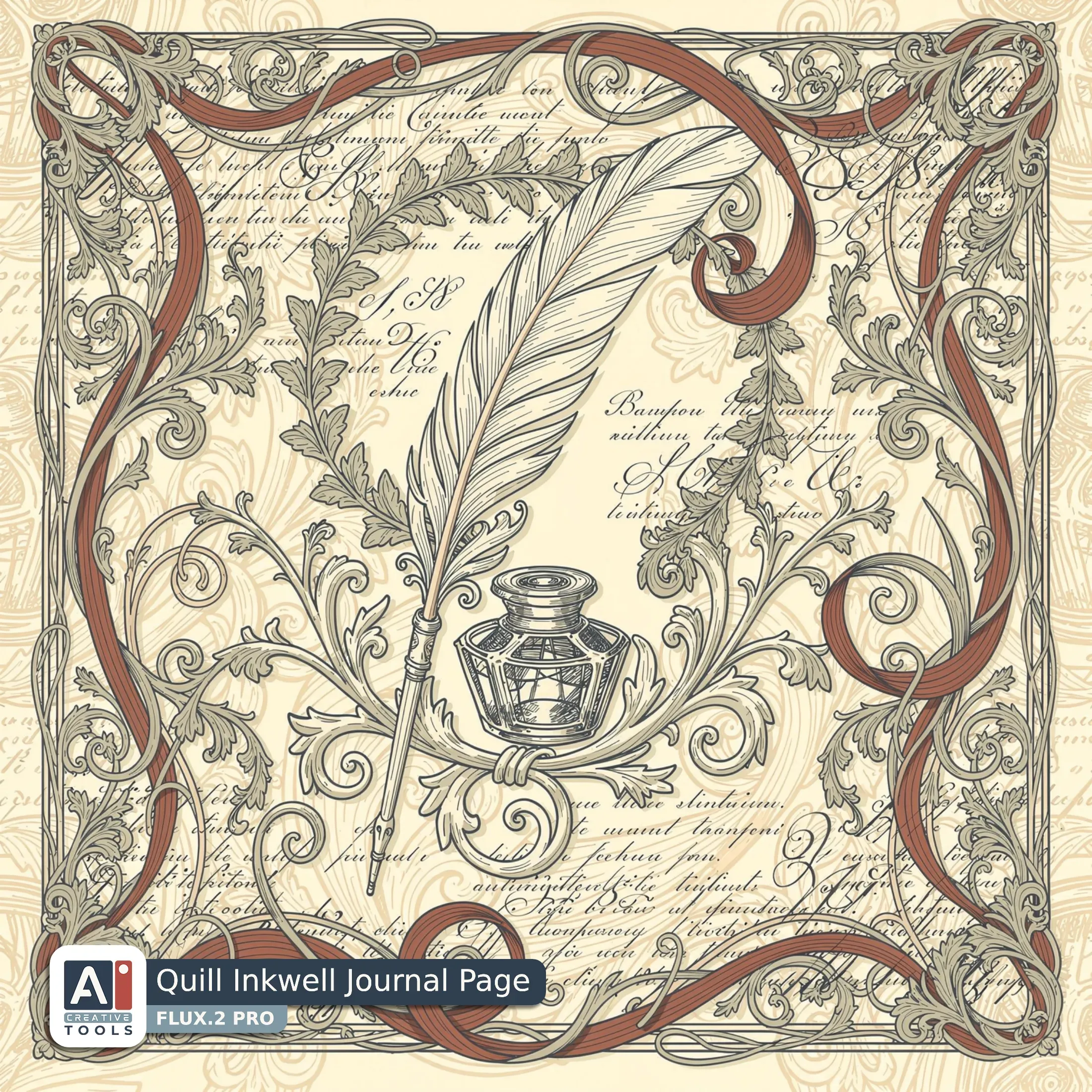
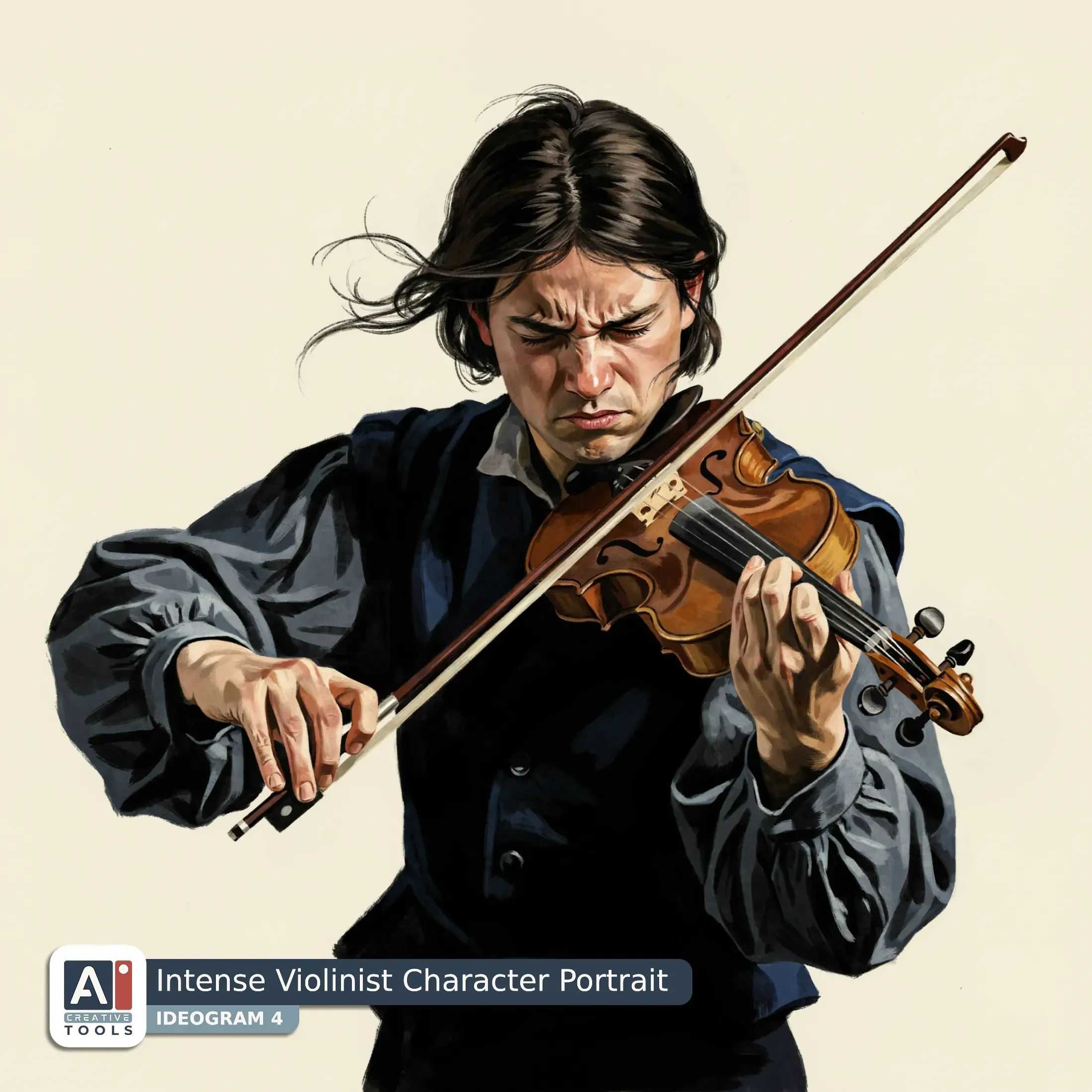
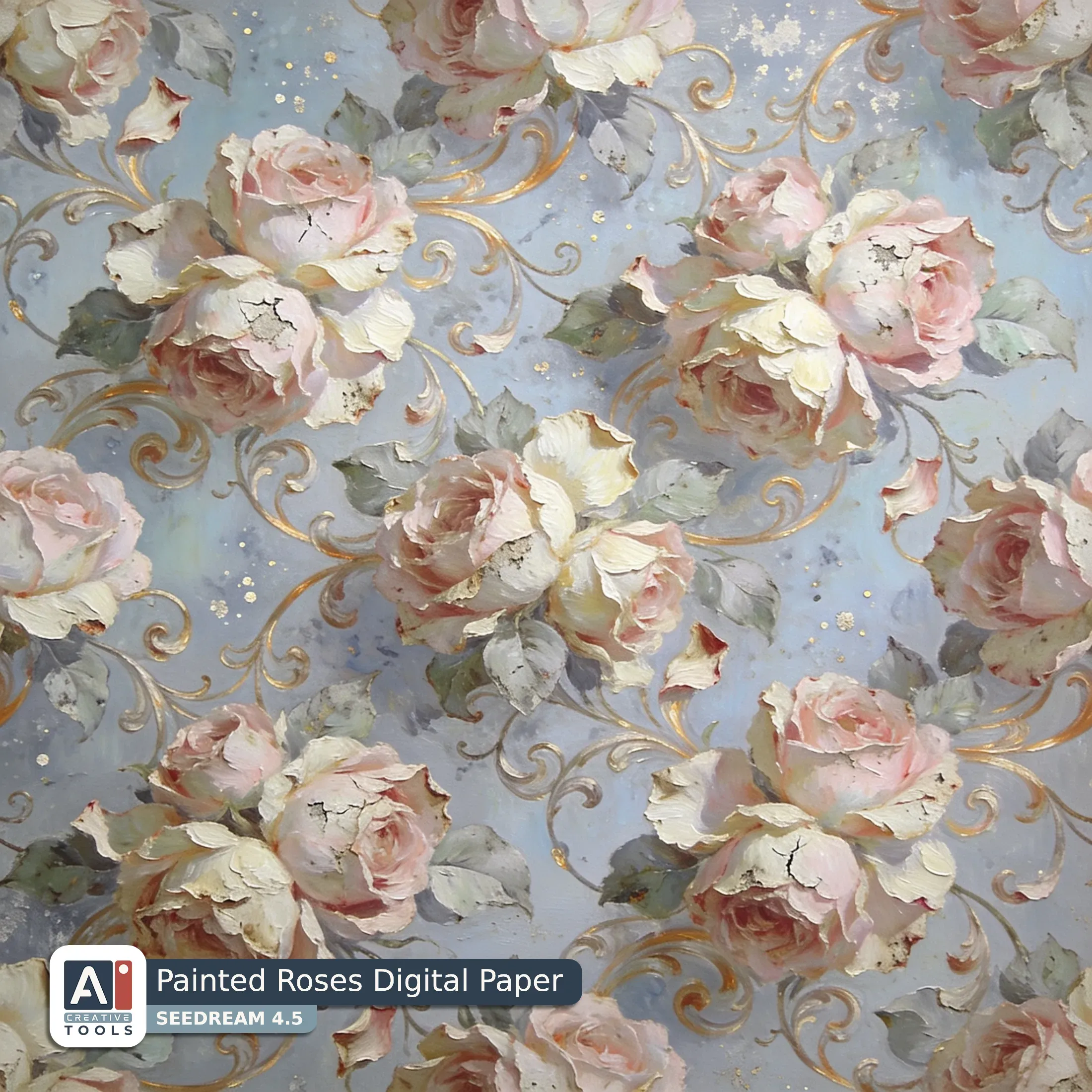
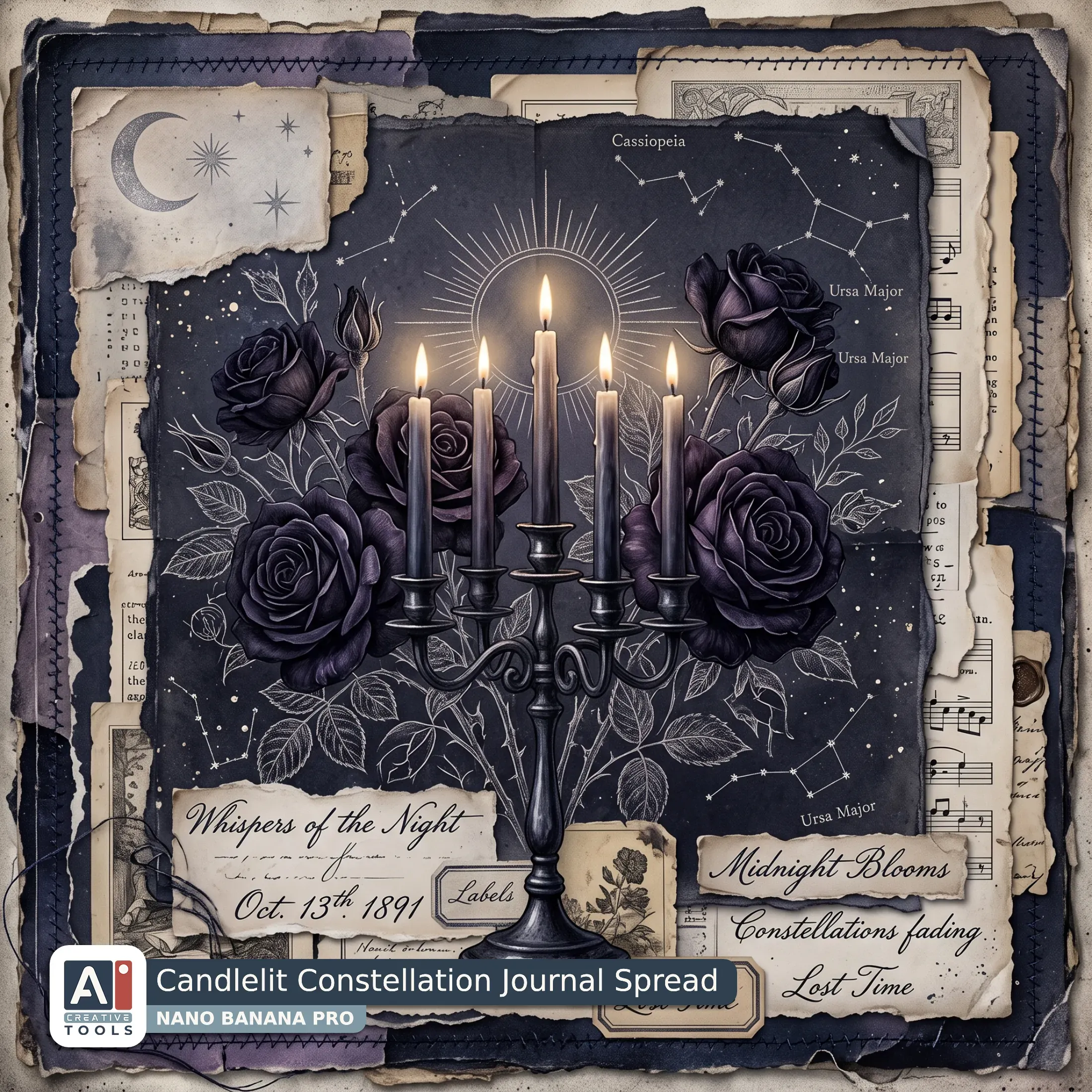
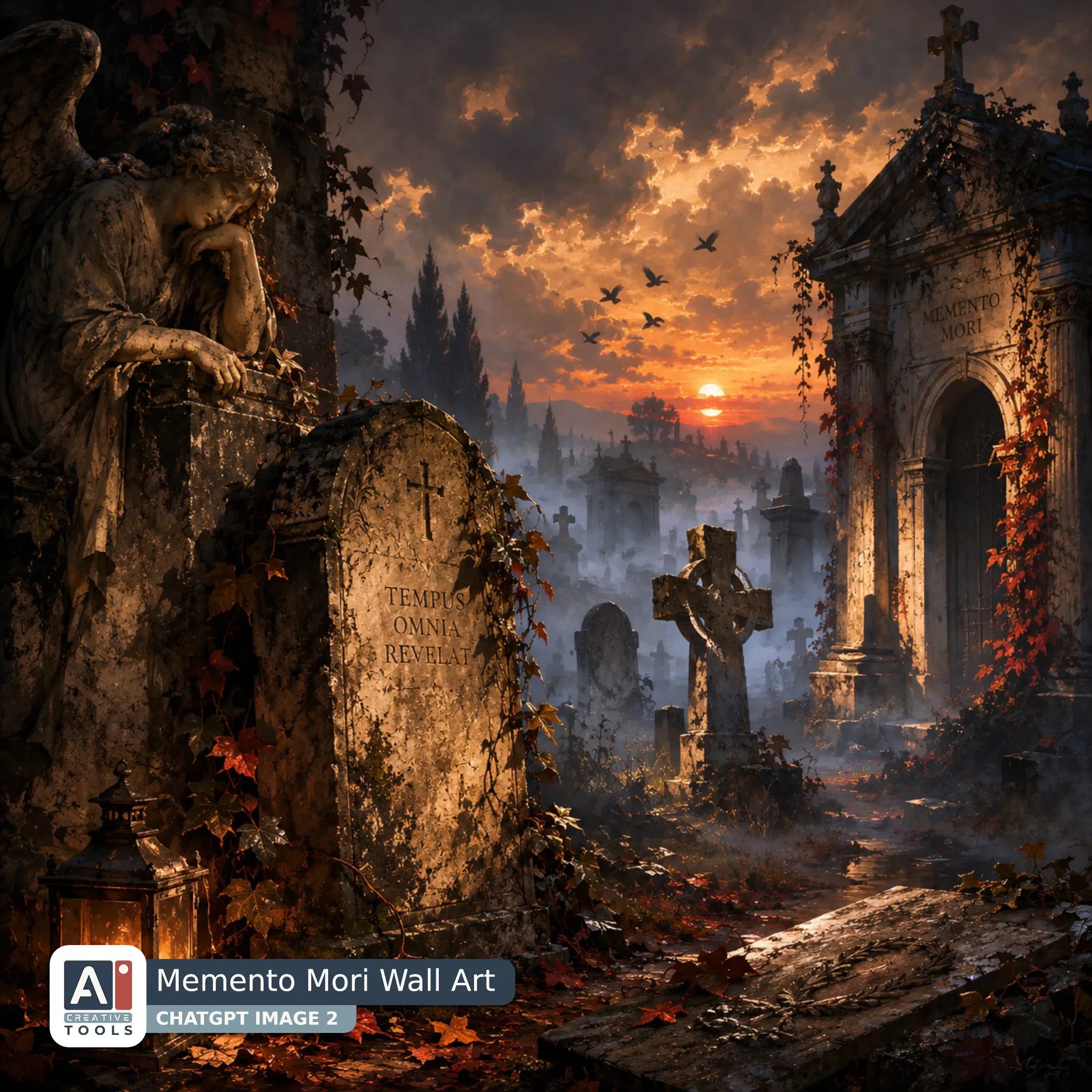
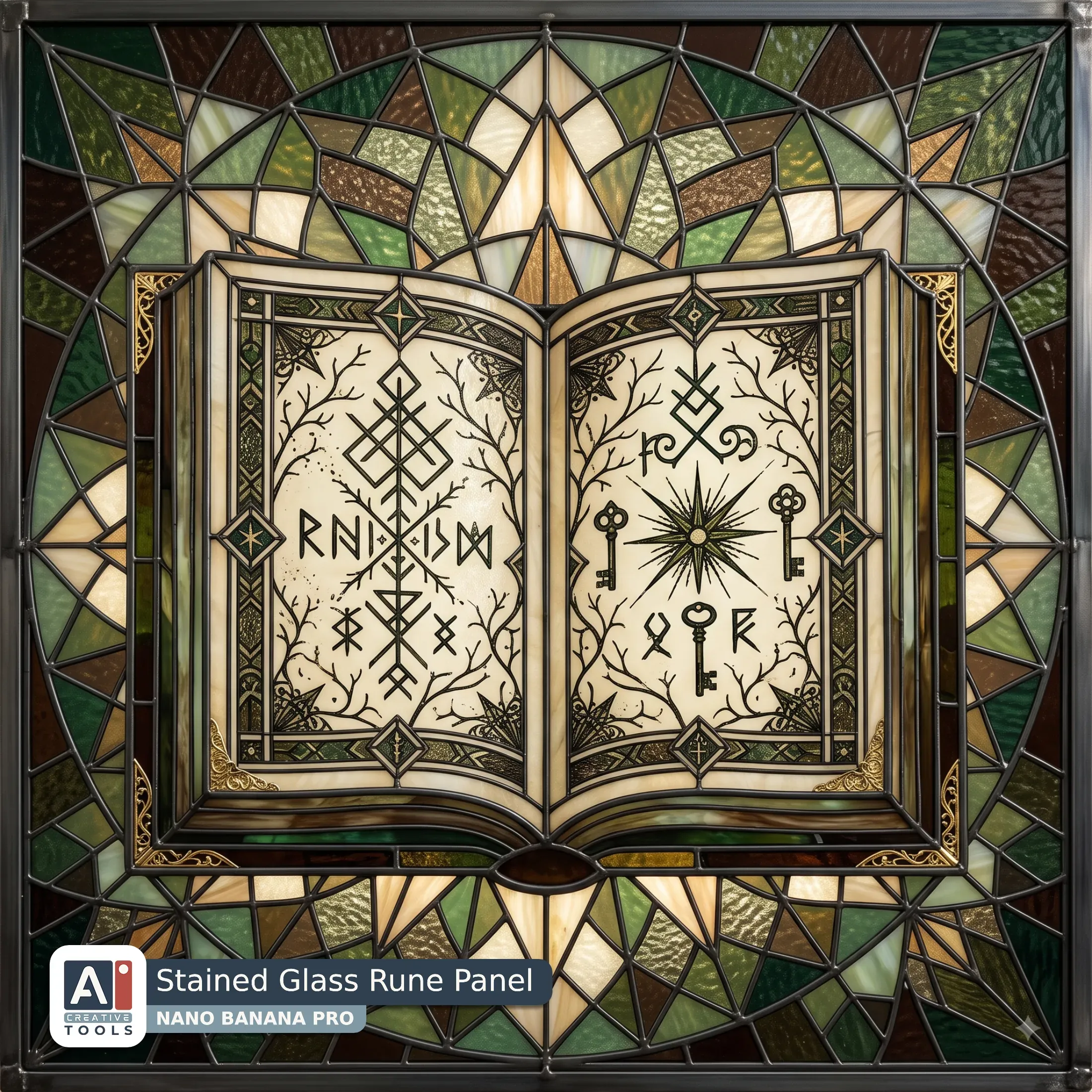
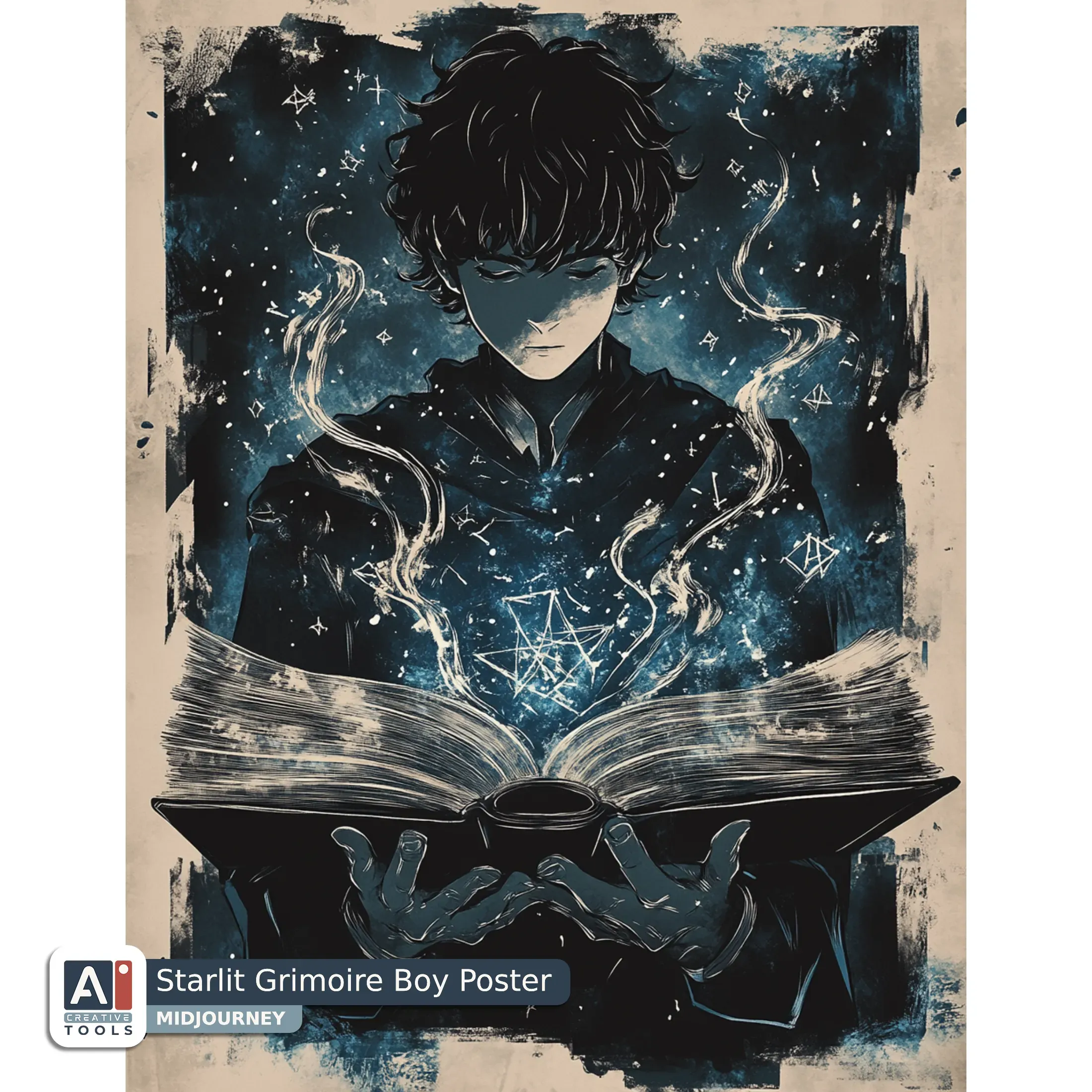
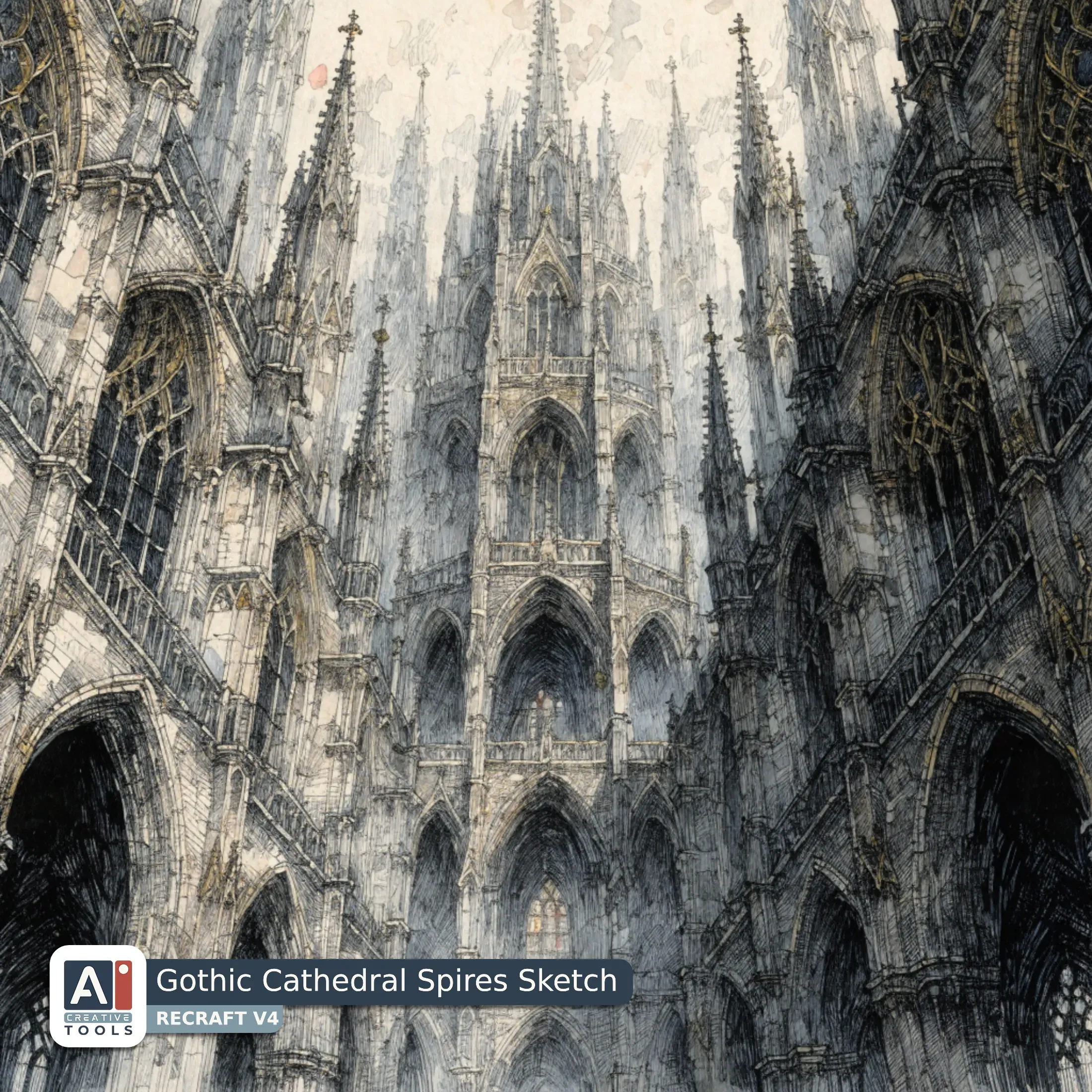
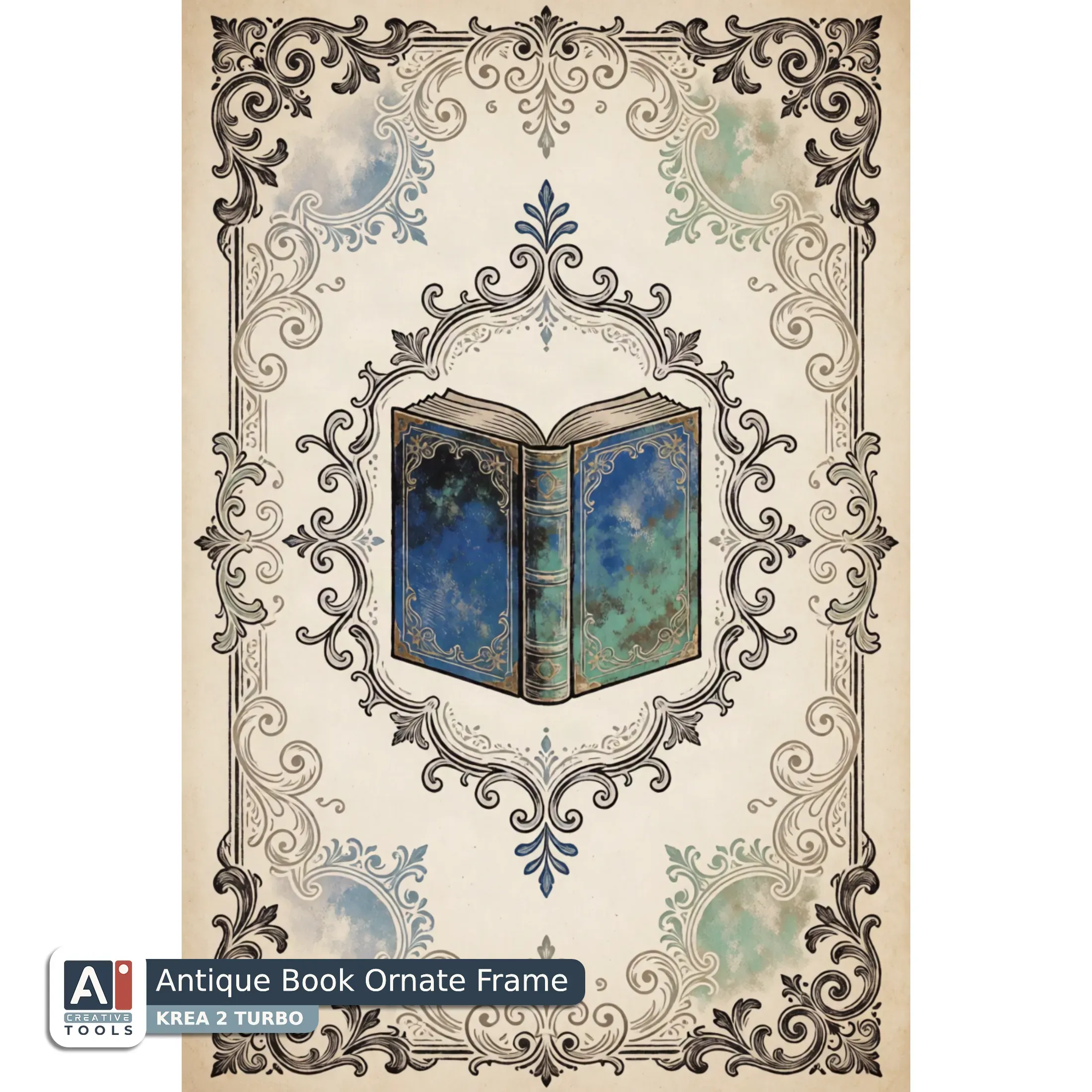
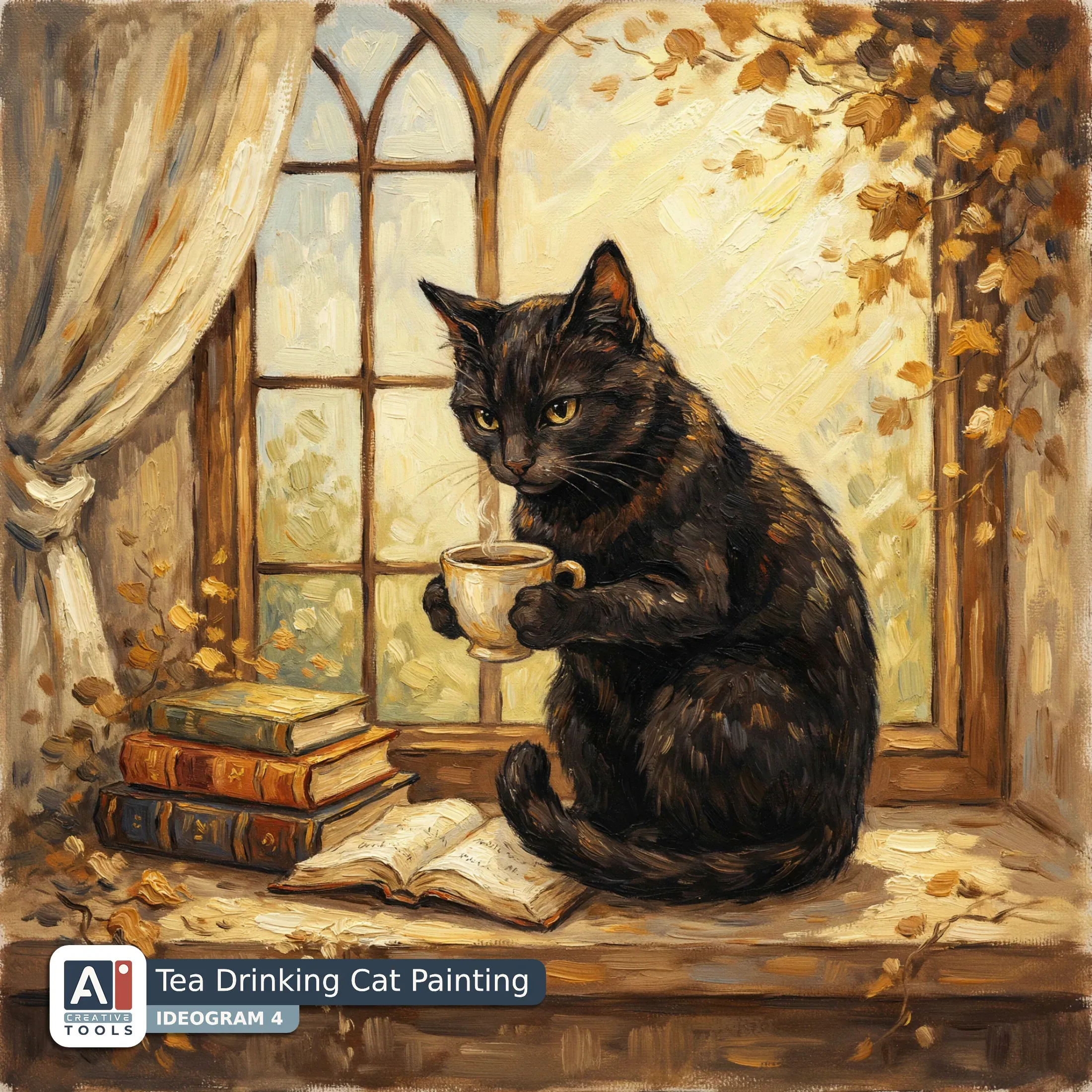
Here is a set of images made from prompts this builder wrote. Titles sit on the images, and the prompts are folded into the block under the gallery - open it to read or copy any of them.
Swipe to view more
- Whimsical Bookworm Girl Clipart (Midjourney) Watercolor washed dark academia character clipart, elegant librarian silhouette holding a whispering ledger, layered over stacked books with ornate spine labels, narrow eyeglass-like glint, modest academic robe sleeves, secretive mood conveyed by soft vignette-like washes, clean white background with even margins, oxblood and mahogany gradients, charcoal ink outlines with gentle paper bloom, antique gold accents on book ornaments, bone highlights on hands and collar, subtle grain, minimal yet expressive academic iconography, crisp clipart readability --ar 17:22 --profile ioim2bl --stylize 200 --v 7
- Moonlit Library Study Illustration (Nano Banana) Create an illustration in dark academia oil-painted art style featuring an antique bookshelf that fills the entire canvas, its old books arranged in uneven vertical stacks beneath a moody brass candlestick and a small skull. Quills and an inkwell sit in the foreground with loose feathers curving toward the lower edge, while a few parchment scraps and ink stains add a distressed scholarly texture. Behind them, a rain-streaked window frames pale moonlight that spills in slanted bands across the shelves, casting long, soft shadows and a smoky glow in the air. The overall design feels weathered and archival, with cracked varnish-like highlights, chipped book spines, and subtle canvas grain. Palette of ink black, indigo, slate blue, silver, and bone, with cool moonlit silvers catching on brass details. Aspect ratio 1:1.
- Sun Moon Spellbook Clipart (ChatGPT) Create a cartoon academia clipart in the Edward Gorey art style of an open grimoire, filling most of the square canvas with even spacing around a clean background. The grimoire lies slightly angled, its two pages spread wide like a stage, each page framed by ornate, quirky linework borders and slim decorative filigree corners. Use crisp black ink-style outlines with playful, ghostly character-like silhouettes suggested only through antiquarian motifs in the margins. Add a central glow from within the open book as faint rosewood and storm blue wash accents, with smoky quartz haze pooling near the gutter where the pages meet. The paper looks aged and dry, rendered as bone white with subtle stippling and thin crosshatch shading. Keep the design flat and graphic, with no realistic depth, no people, and no modern objects. Aspect ratio 1:1.
- Rainy Cloister Corridor Photo (Midjourney) Dark romance photograph of an Oxford quad at dusk, long vertical panorama spanning towering stone arches and cloistered walkway, wet cobblestones reflecting muted light, soft fog veiling distant gothic spires, moody bokeh from campus lanterns, lone figure silhouette in period coat crossing a shadowy corridor of columns, pronounced film grain and shallow depth of field, color palette of pewter grey, slate blue, storm grey, wine red accents in stained glass glow, cinematic chiaroscuro lighting, quiet academic romance atmosphere, high-contrast documentary realism --ar 17:22 --profile d1j5wef --stylize 200 --v 8.1
- Crimson Dragon Mosaic Pattern (Recraft) Dark academia digital paper rendered in a stained glass art style, featuring a bold dragon motif that fills the full canvas edge to edge. The dragon is formed from faceted leaded-glass panels with crisp outlines, graceful flowing curves, and dramatic negative space that suggests wings and scales through geometric facets. Across the body, deep crimson and umber gradients glow like backlit glass, while aged gold accents trace the ribs, claws, and ornamental filigree patterns. Ink black shadows define the wing angles and tail sweep, giving a gothic, scholarly intensity. Subtle ivory highlights catch on the horn ridges and eye shapes, creating an illuminated manuscript feel within the stained glass language. Overall palette: aged gold, deep crimson, ink black, ivory, and umber, with a richly textured, paper-like finish for seamless use as digital background.
- Quill Inkwell Journal Page (Flux) Chaotic academia digital paper with an Art Nouveau art style, filled edge to edge with flowing ornamental swirls and rhythmic, high-contrast accents, where an elegant quill and vintage inkwell sit as the central motif surrounded by swirling ink-like filigree and scattered typographic flourishes. The composition feels lively and scribbly yet cohesive, with looping vines framing the quill, fine linework etched in a soft ivory base. Warm sand and rust red ribbons mingle with dusty blue shadows, while midnight navy anchors the densest details for a refined, scholarly chaos.
- Intense Violinist Character Portrait (Ideogram) A light academia character clipart illustration in Caravaggio art style, showing a violinist mid-screech with a strained face, wincing as he hears his own sour note; the figure leans slightly forward, eyebrows knitted, mouth tightened, and eyes squeezed as if reacting to an off-key vibration. The violin is angled across the torso, bow raised in a dynamic arc with visible tension, with soft chiaroscuro lighting carving the shoulders, sleeves, and jaw. The background is a plain bone-tinted solid, while the character uses ink black shadows, indigo and slate blue garments, and subtle silver highlights along the instrument’s edges. Fine, painterly chiaroscuro contours and textured brushwork define the silhouette.
- Painted Roses Digital Paper (Seedream) A seamless baroque pattern in an oil painted art style, filled edge to edge with scattered wilted roses and curling petal remnants arranged in layered swirls that repeat cleanly across the canvas. Each rose cluster looks distressed and antique, with scuffed edges, faint cracking, and softened paint wear that suggests aged paper beneath the pigment. The romantic mood stays light and airy, with pale blush roses, creamy ivory highlights, and muted sage and powder gray accents, all tied together by warm, thin glazes. Subtle baroque flourishes and tendriled stems lace between blooms, with gentle speckling and marbled texture in the background.
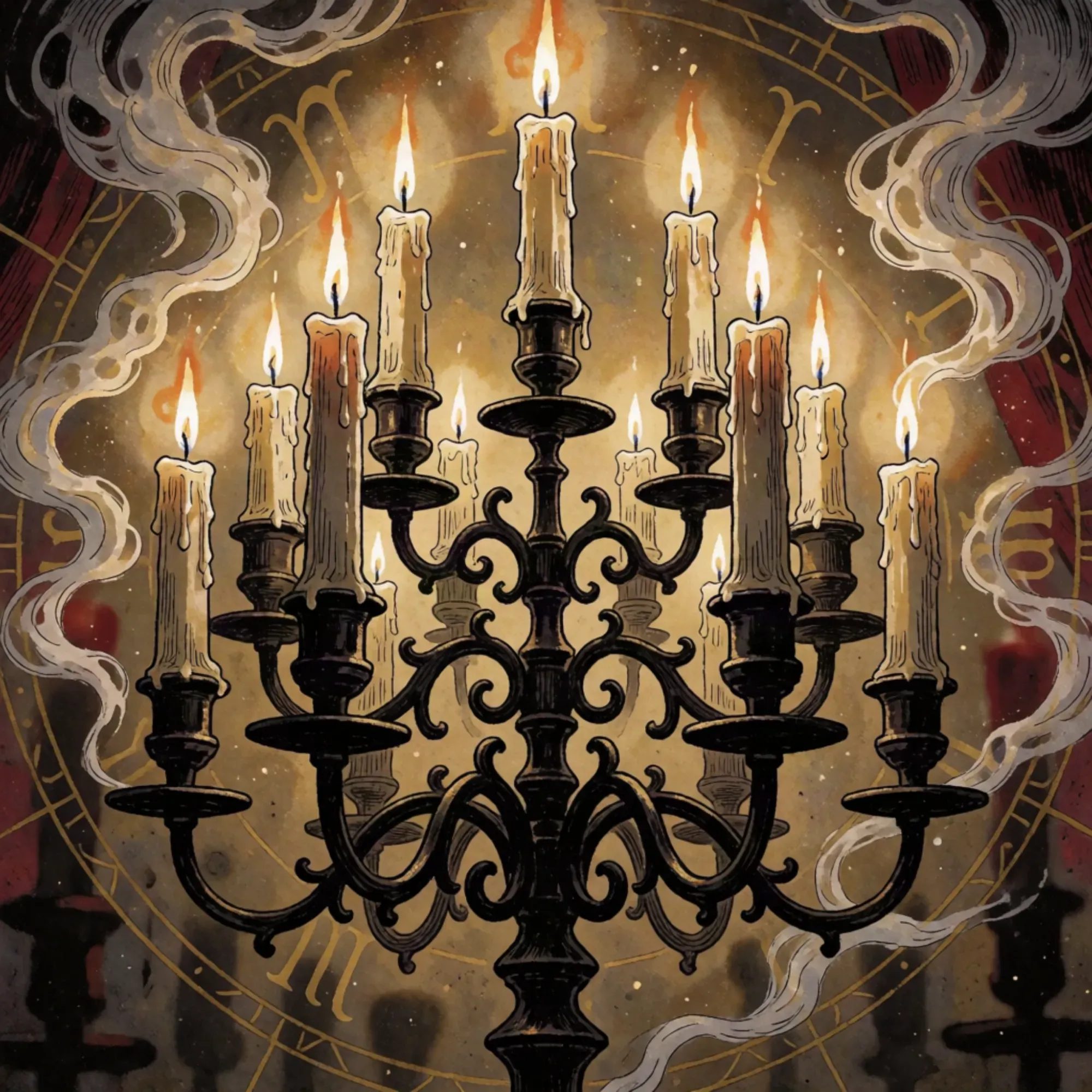
- Candlelit Constellation Journal Spread (Nano Banana) Create a junk journal page in a realistic layered collage style, full-canvas from edge to edge, where a wrought candelabra stands in the foreground with slim taper candles casting a subdued halo. Behind it, clusters of dark roses curl outward like ink-black petals, their velvety texture contrasting with faint botanical linework. Add torn archival paper strips and deckled-edge scraps around the candelabra as if layered ephemera has been built up over time, with subtle faux stitching and handwritten-style margin notes, but no readable modern clutter. Include a few small celestial accents: a faint crescent moon stamp, wisps of constellations, and a thin silver starburst that frames the candles without overpowering the roses. Use a deep navy, violet, midnight black, silver, and pale gold palette with aged speckling, muted paper grain, and soft vignette lighting to preserve a mysterious mood. Aspect ratio 1:1
- Memento Mori Wall Art (ChatGPT) Create a dark academia painting in the Caravaggio art style of a misty cemetery at dusk, with gravestones emerging from low fog and disappearing into a deep horizon glow. The composition reads as a slow diagonal procession of stone markers receding into shadow, framed by tall, damp crypt entrances and scattered ivy tendrils that catch the light. Use dramatic chiaroscuro lighting: a subdued, lantern-like beam cuts through the mist, illuminating a few central stones with soft ivory and warm sand highlights, while the surrounding ground sinks into midnight navy. Add rust red accents to weathered masonry and fallen leaves, balanced by dusty blue tones in the fog and distance. Paint with rich, velvety brushwork, oil-like texture, and subtle atmospheric haze for a solemn, scholarly mood. Aspect ratio 1:1.
- Stained Glass Rune Panel (Nano Banana) Create an illustration in stained glass art style of an elegant open grimoire rendered as an occult academia sketch. The book lies angled slightly upward so its pages form a gentle V shape, with delicate ink-like hatch marks implied through leaded glass lines and textured glass flecks. Embellish the page edges with symmetrical occult motifs: thin branches, starbursts, and restrained geometric runes framed by subtle stained-glass borders. Surround the grimoire with a soft halo of patterned "light" made from tessellated panes, using stained-glass jewel tones that read as forest green, moss, and chocolate brown, with cream highlights and warm brass accents catching along the spine and corners. Keep the composition clean and ceremonial, no people, no modern objects. Aspect ratio 1:1.
- Starlit Grimoire Boy Poster (Midjourney) Anime academia photograph aesthetic rendered as refined linocut, open grimoire laid diagonally across the full canvas, youthful scholar silhouette in the margins beside flowing study notes, ornate spell-geometry frames the pages, high-contrast black ink carving texture with clean negative space, dramatic overhead lighting like a quiet classroom lamp, slate grey and charcoal shading, deep blue wash across page borders, bone white highlights on runes, pewter metallic-like accents in ornamental flourishes, subtle paper grain, crisp etched lines, moody academic vibe, no color clutter, cinematic wide format, edge-to-edge composition --ar 17:22 --stylize 200 --v 6.1
- Gothic Cathedral Spires Sketch (Recraft) An ink-drawn gothic cathedral fills the entire canvas, rising like a quiet landmark of scholarship with tall pointed arches, ribbed vaults, and slender spires disappearing into pale haze. Fine hatchwork and deliberate line weight define the stonework, while soft dove grey shadows pool in the recesses to emphasize depth under vaulted ceilings. The palette blends taupe and soft cream for the main architectural surfaces, charcoal for dense gothic outlines and window tracery, and faded gold accents in subtle ornamental highlights along arch edges and crest-like ironwork. A faint suggestion of stained-glass patterns appears as muted blocks rather than bright color, framed by dark archways that guide the eye upward to a central, shadowed nave.
- Antique Book Ornate Frame (Krea) An ornate antique book rendered as a coquette academia manuscript page in linocut style, filling the full canvas edge to edge, with a central open-book vignette framed by delicate ornamental scrollwork and small botanical curls. Fine black and iron grey linework defines the page borders, while soft negative-space swirls suggest lace-like filigree and refined scholarly decoration. Storm blue and verdigris accents appear on the book cover panels and faint haloed flourishes, contrasted against warm ivory paper tones. Subtle cross-hatching and crisp carved textures give the impression of aged print ink with gentle wear, creating a tender, romantic study atmosphere.
- Tea Drinking Cat Painting (Ideogram) A cottagecore academia illustration in the spirit of Van Gogh style, where a black cat sits prominently on a worn windowsill, paws wrapped around a small ceramic cup, whiskers and fur rendered with bold, swirling brushlike strokes. Behind the cat, a soft cream curtain billows beside tall arched window glass, with warm brown vines and small dried flowers suggested at the edges like a cozy library cottage. Sunlight pours in as honey gold highlights, creating gentle, painterly shadows across the sill. A few scattered books and a single open page lie at the cat’s feet, their spines tinted amber and warm brown, with subtle cream parchment tones. The palette stays amber, honey gold, warm brown, cream, and soft black, evoking quiet, whimsical study-room warmth.
AI tools - what we tested, and our current pick
What comes out of the builder is a prompt, not a picture, so the generator behind it stays your choice. These are the ones we ran it through, with the versions we tested on: ChatGPT Image 2, Nano Banana 2 and Nano Banana Pro, Midjourney v 6.1, v 7 and v 8.1, Ideogram 4, Flux.2 Pro, Krea 2 Turbo, Recraft V4, and Seedream 4.5.
Lined up below in the order we reach for them on academia work, favorite first:

Midjourney

ChatGPT

Recraft

Nano Banana

Ideogram

Krea

Seedream

Flux
Midjourney is our current top pick for academia. Deep browns and burgundy hold their richness instead of going muddy, painted mediums like oil and pastel keep their surface, and the atmosphere of a room or a library reads without much pushing. Nano Banana deserves a word next to it: linocut in particular comes out beautifully there, and it is worth a try whenever the Art Style pick leans graphic. For the full comparison, tool by tool, our What AI Tool to Pick for Academia guide goes through all of them.

Ideogram
Krea
ChatGPT
Nano Banana
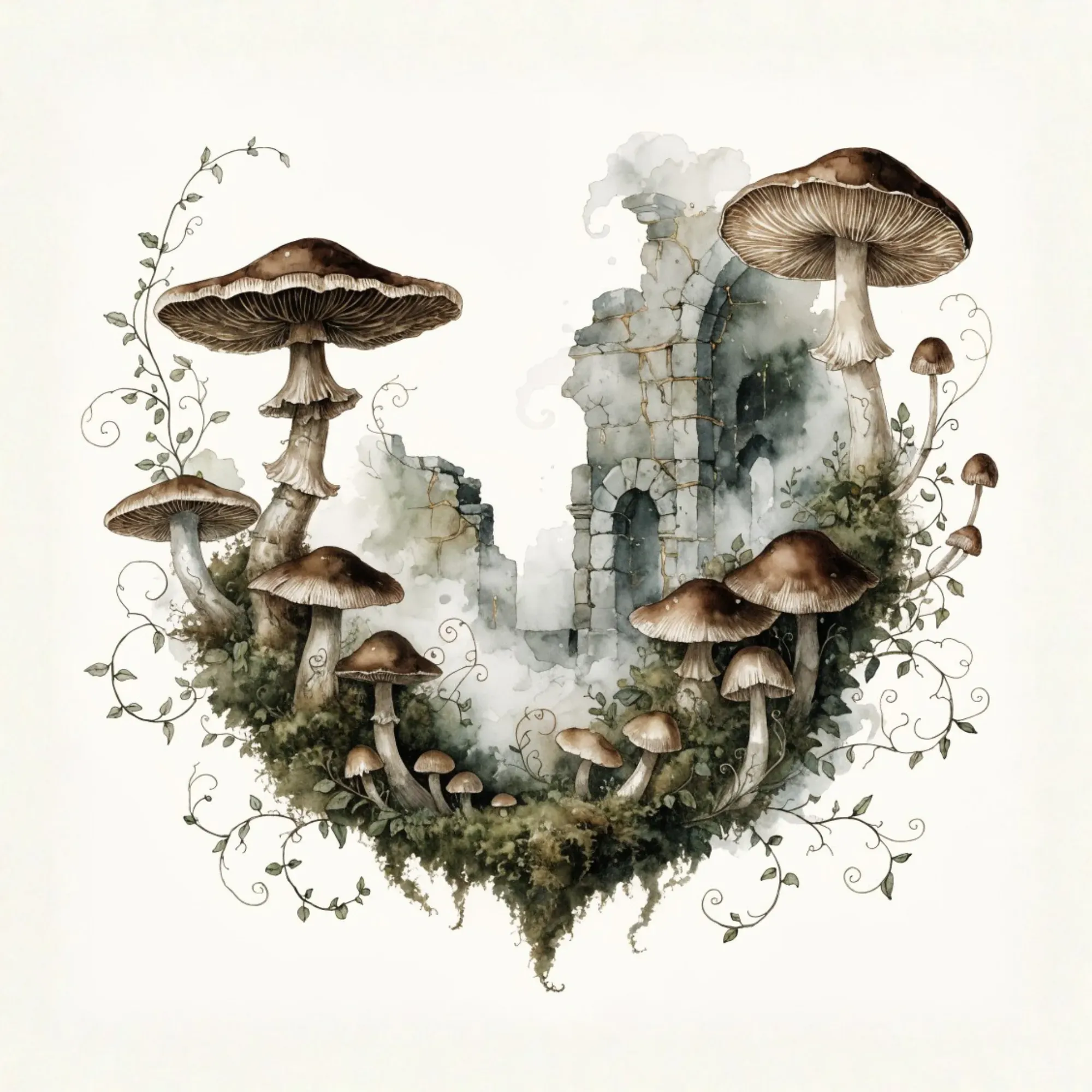
Recraft
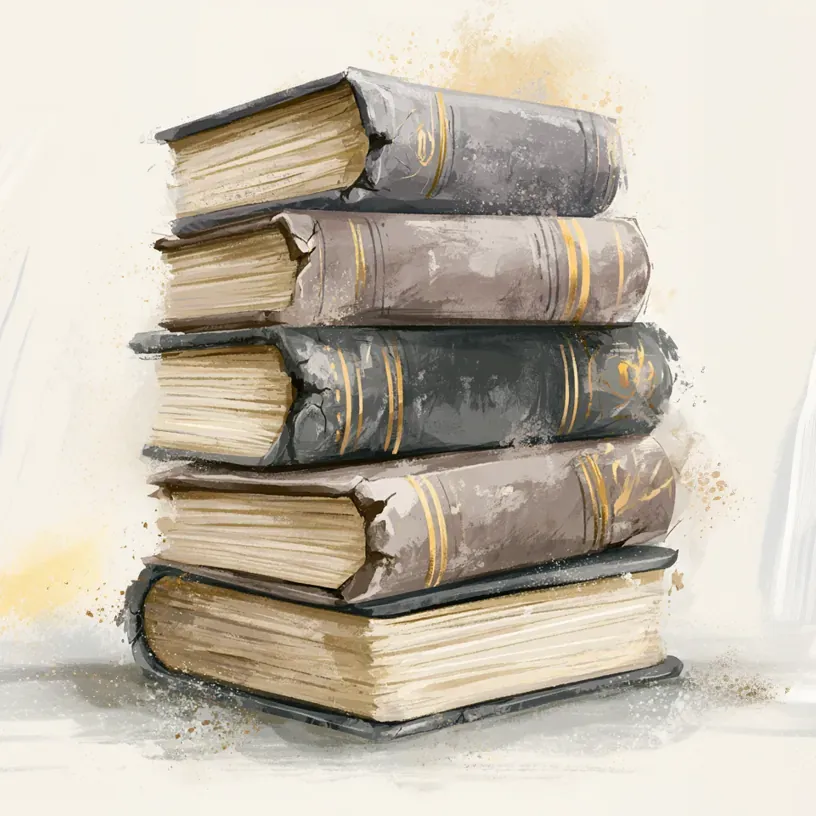
Midjourney
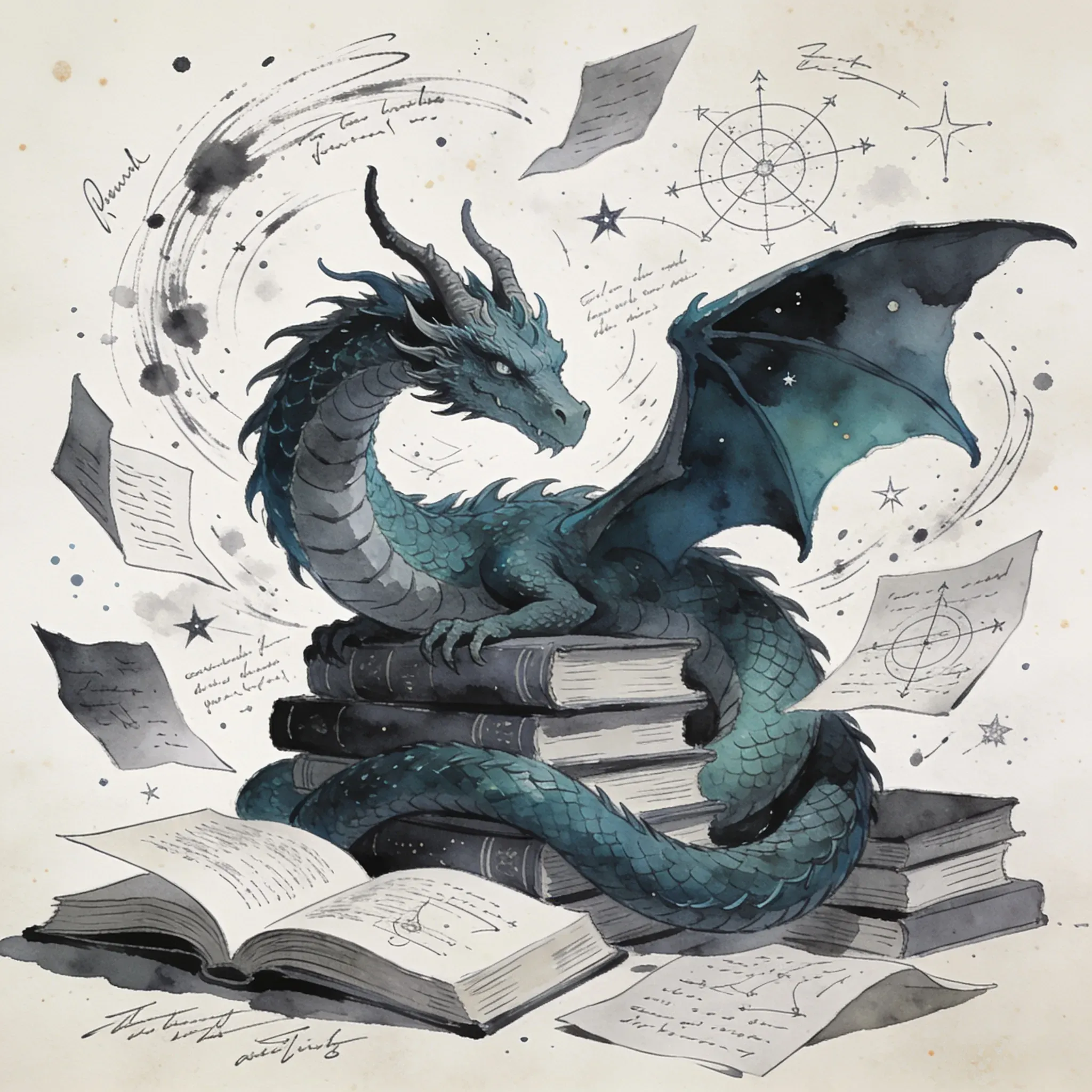
Seedream
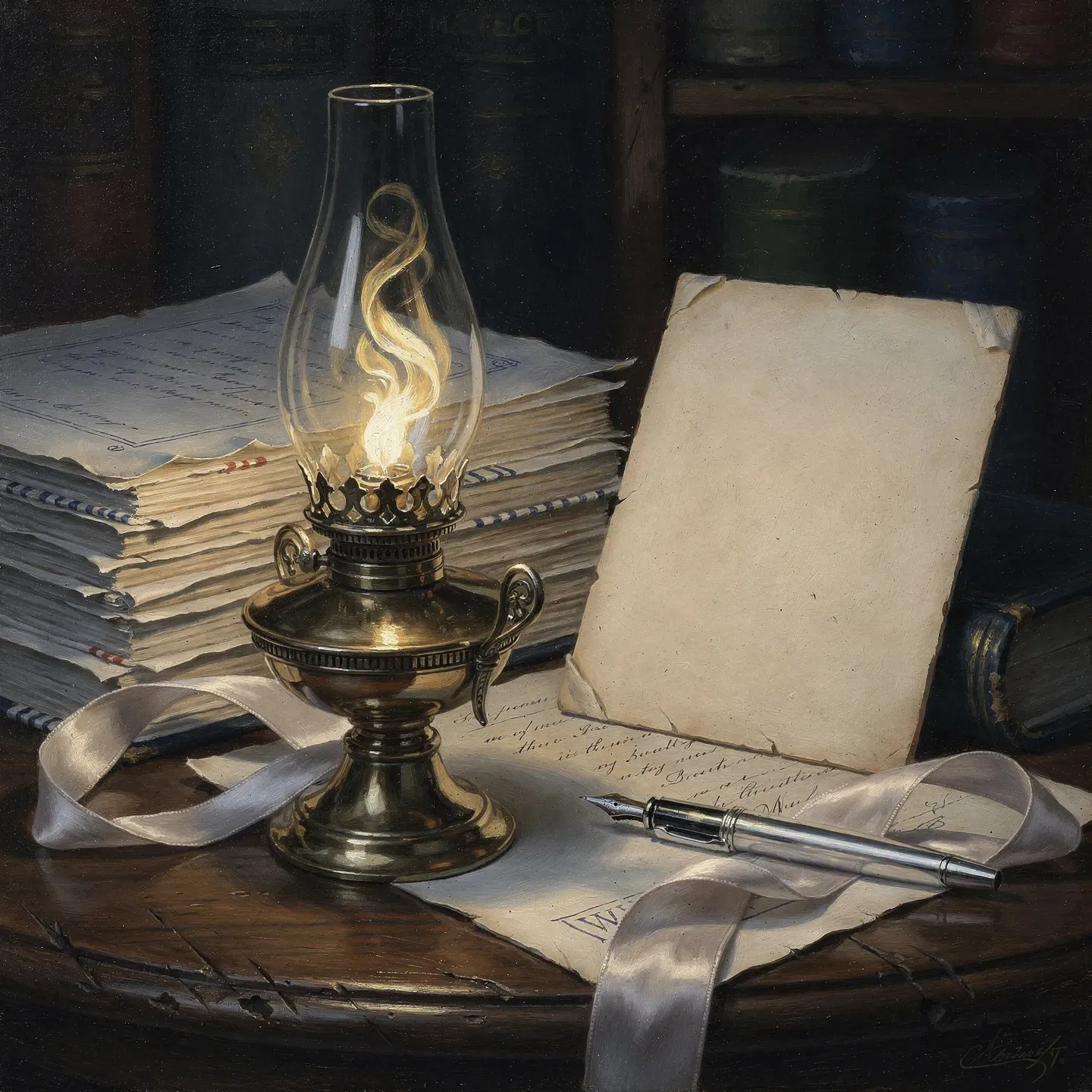
Flux

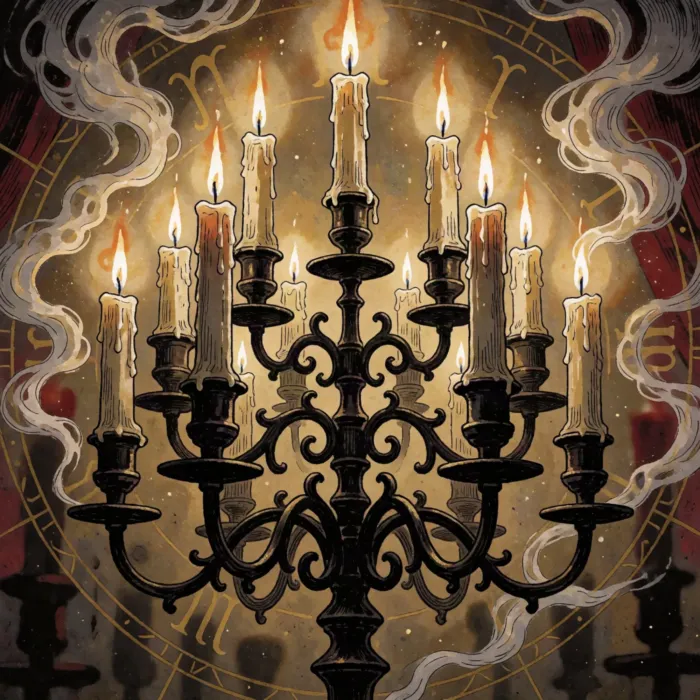
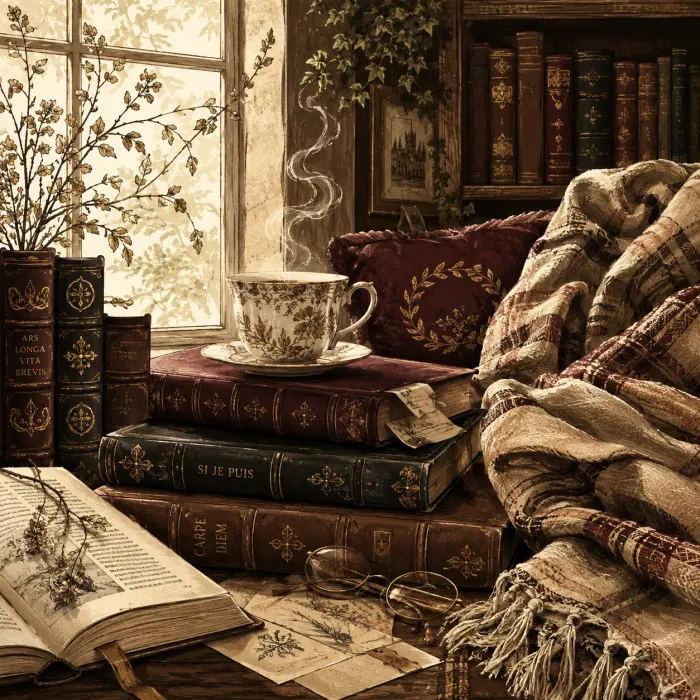
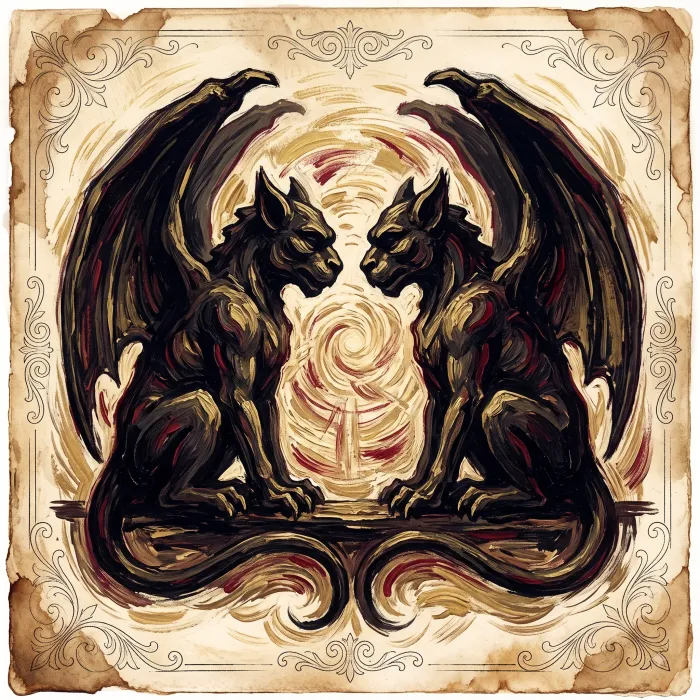
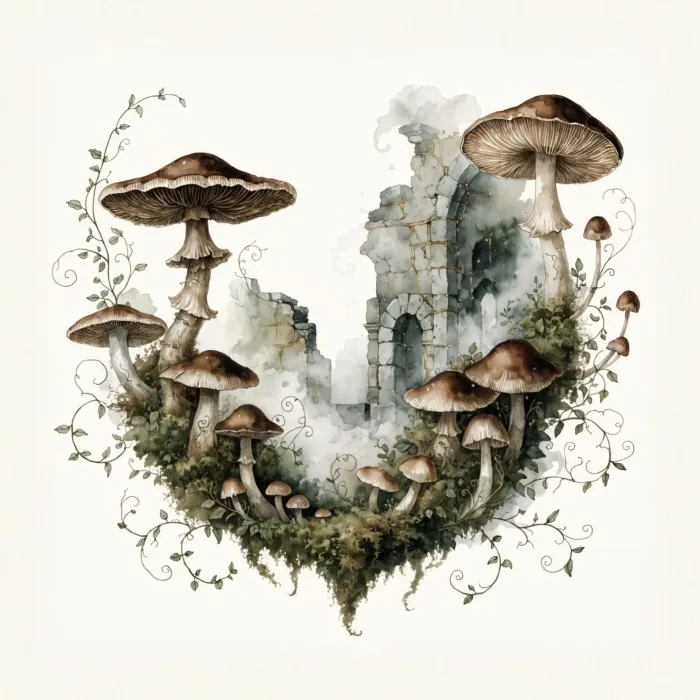
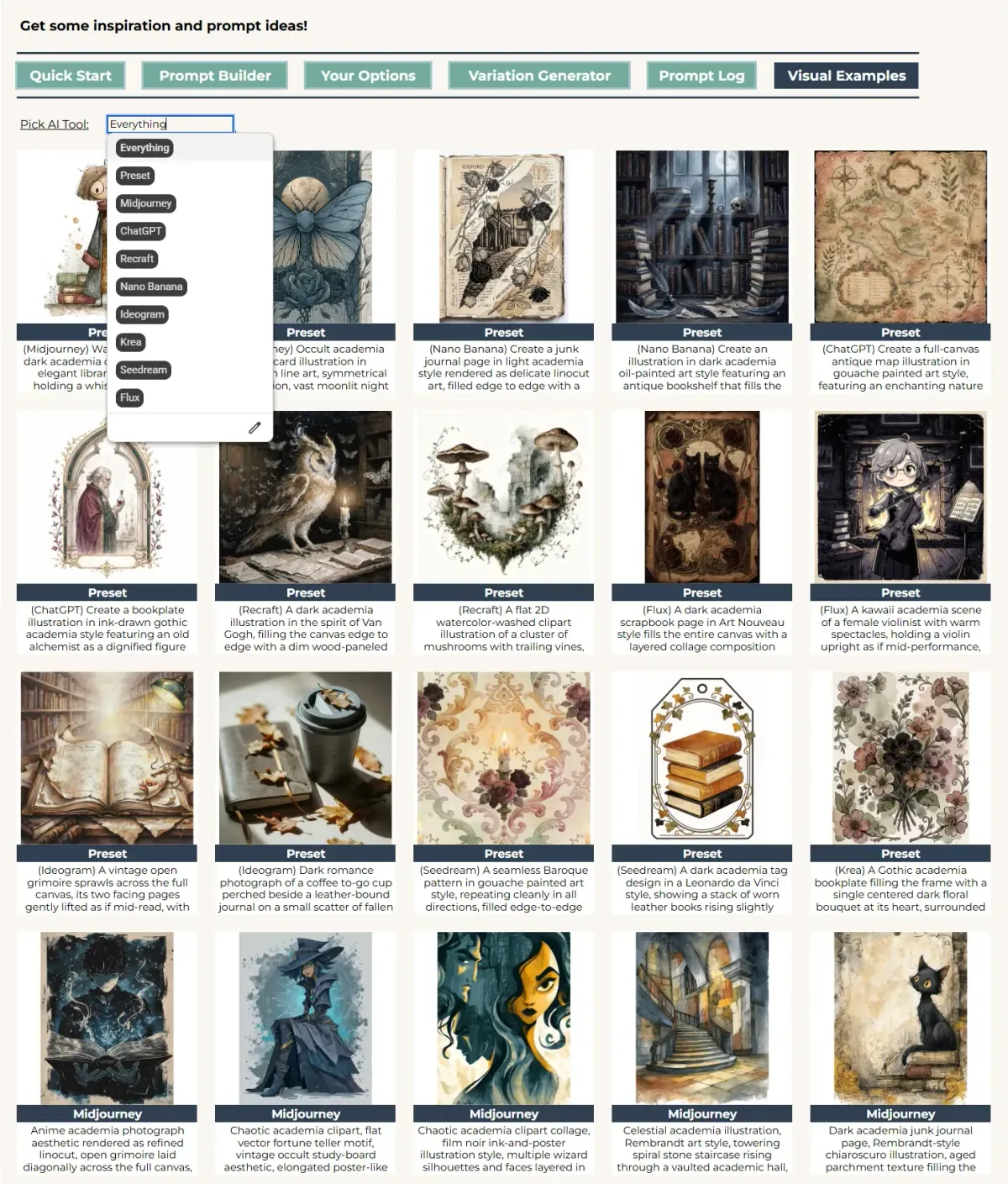
The images travel inside the builder as well. The Visual Examples sheet holds outcomes from every tool we tested, and its dropdown sorts them by AI tool. One generator shows at a time, so switch the dropdown to move from one to the next and see how each of them treats a given style, before you spend a single credit. We put our whole heart into this sheet. Filling it makes us the first customers of our own builder, and that is a good feeling. The screenshot below shows how the page looks.
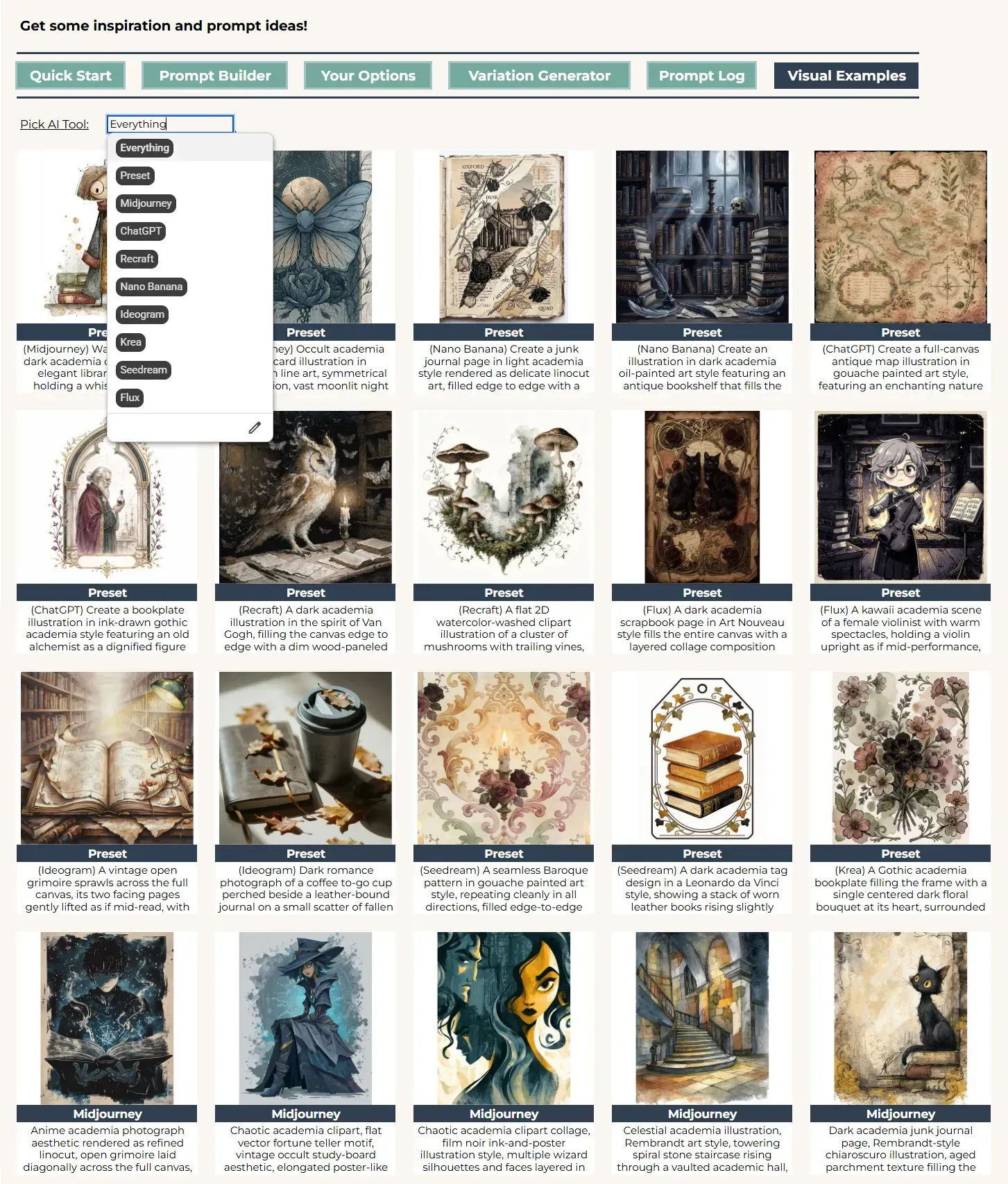
Visual Examples sheet
How the builder is organized
A quick map first, so every field has its place. The dropdowns fall into three sections: Format, Composition, and Style. We keep the structure of our builders very similar, so if you are our loyal customer, you can easily find what you want, because everything sits more or less where you expect it.
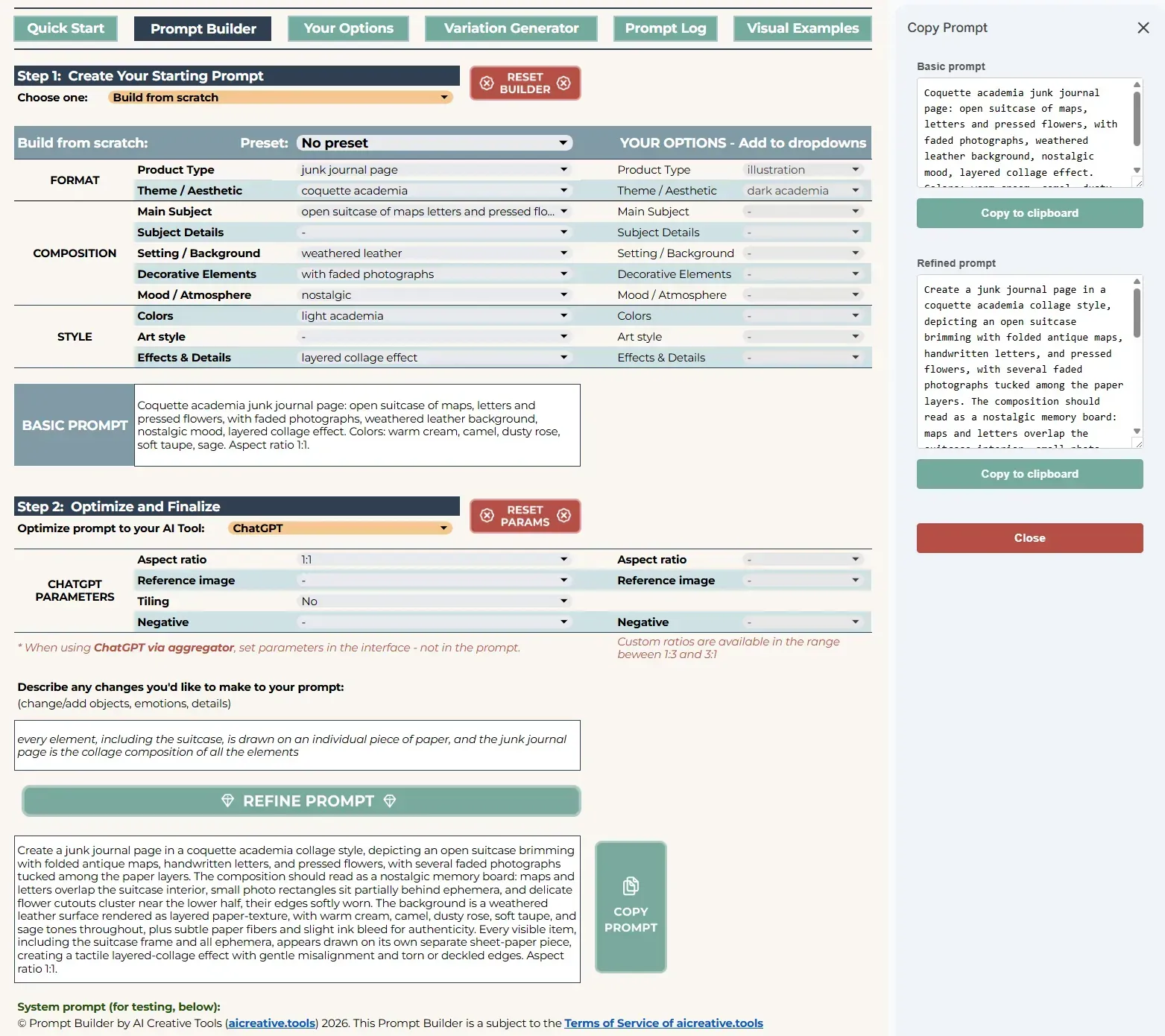
Academia Builder Overview
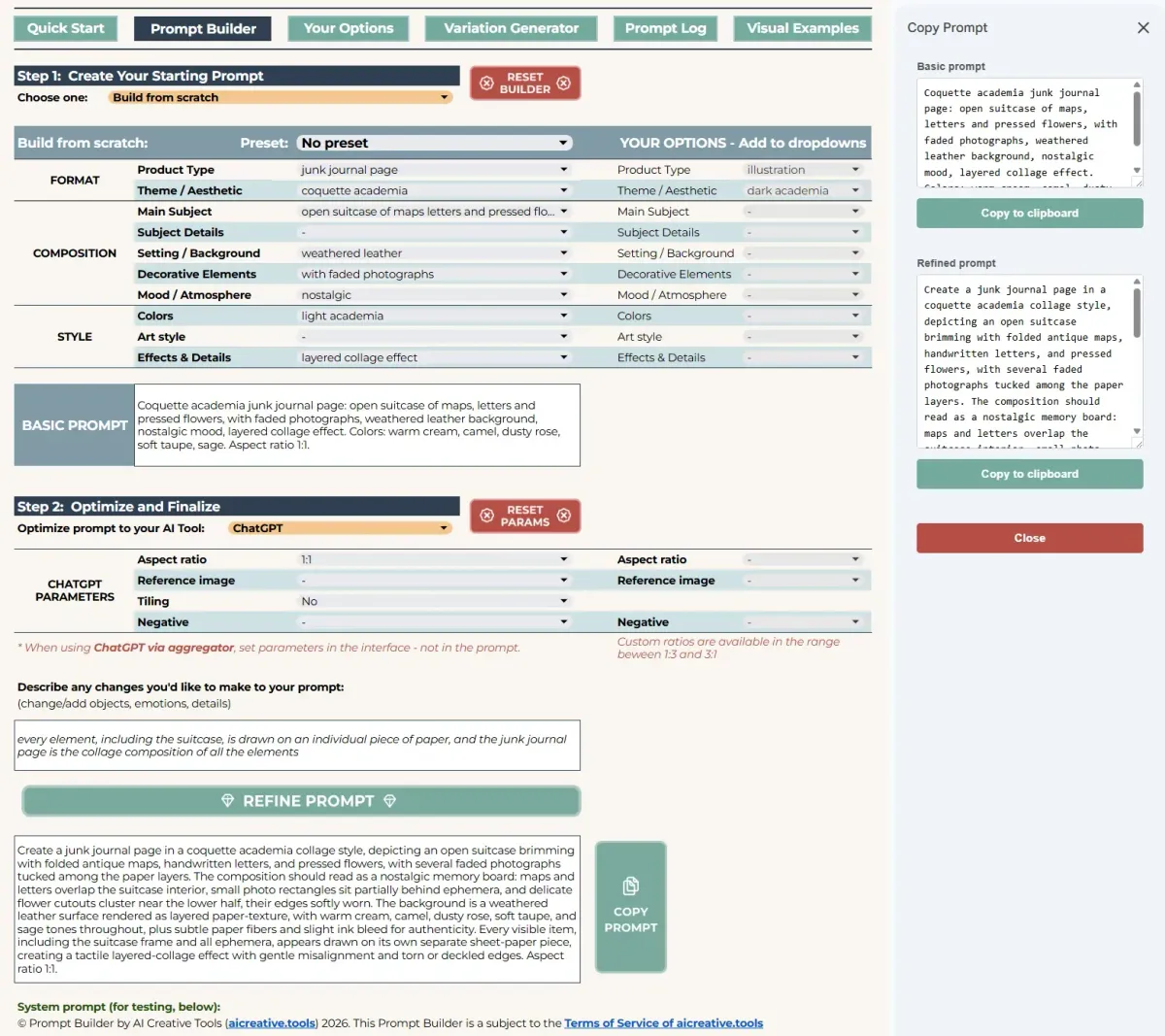
Format opens with the two most important dropdowns, Product Type and Theme, both pre-selected for you. Product Type gathers artwork types that occupy the full canvas, isolated elements, and other product types such as photographs and book covers. Theme sets the academia branch you are working in.
Composition starts with Main Subject and Subject Details, and the two are closely connected. Have both, and both appear in the prompt. Skip the main subject, and the subject details drop out with it. Besides creatures, objects and the rest, Main Subject also holds a small experiment of ours: composed scenes. These are ready-to-use scenes that need no other selection from the composition dropdowns. They can make prompting quicker, or simply give you a starting idea for your own scenes and complex characters.
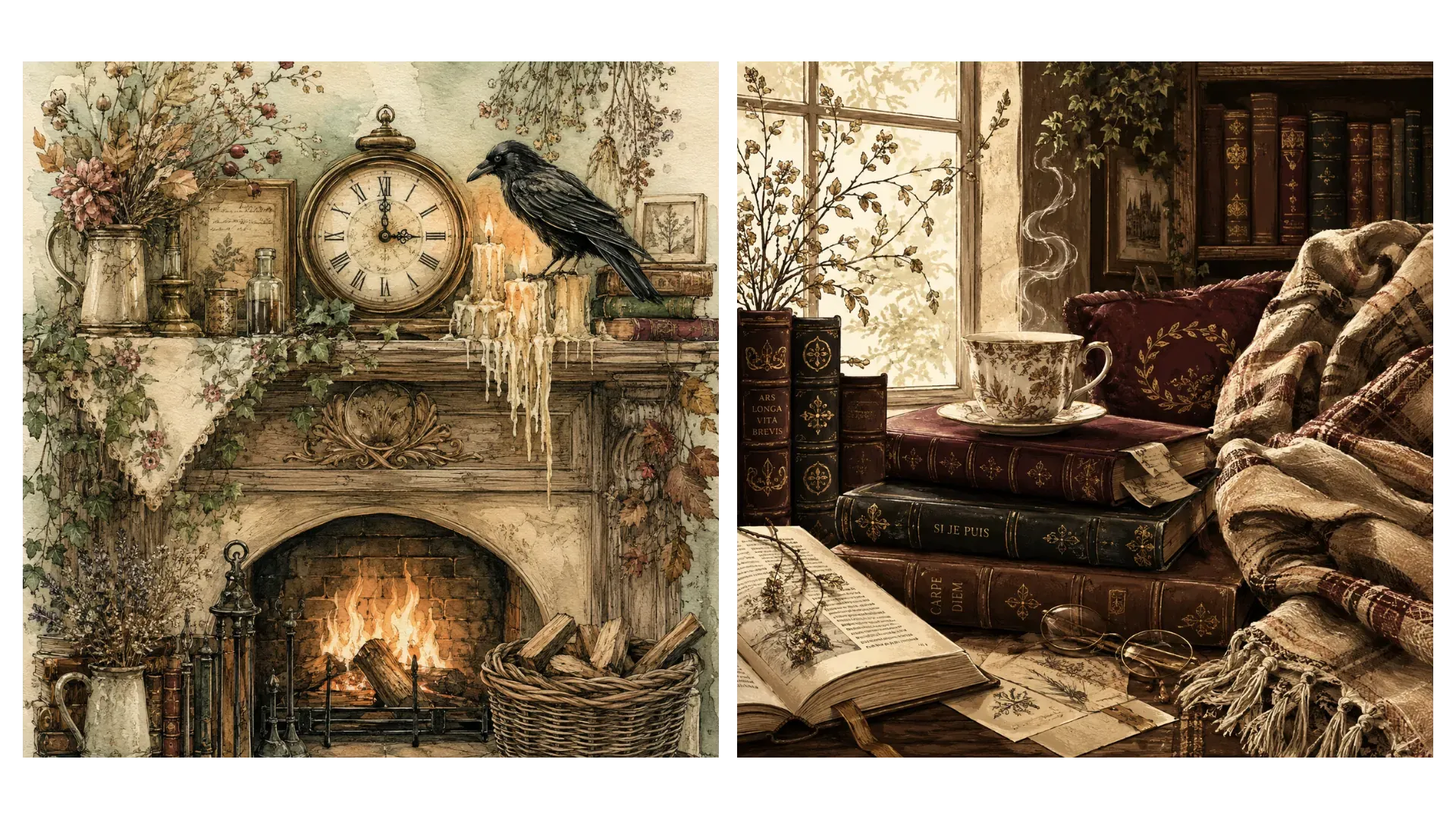
Composed scenes outcomes
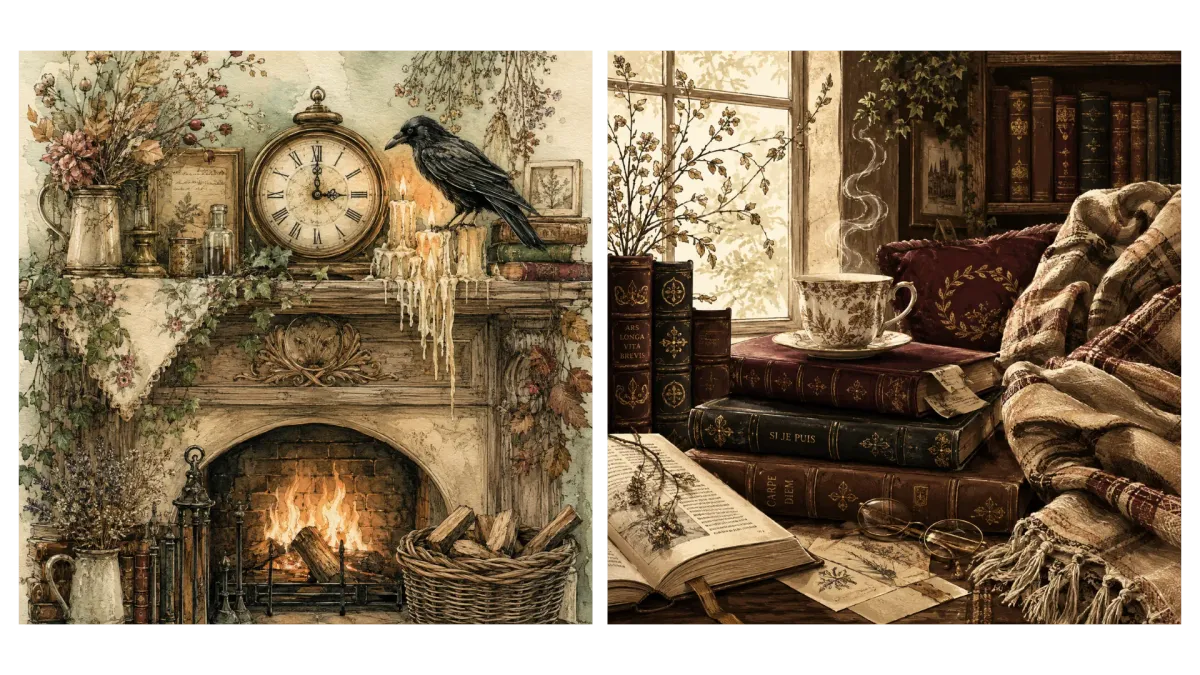
Setting / Background is straightforward - clean backgrounds, indoor scenes, outdoor scenes, and plain backgrounds like parchment. Decorative Elements covers ephemera, nature accents, scholarly accents, and some framing, which is where to look when a design needs a frame around it, a bookplate for example. In Mood / Atmosphere, mood is more about the vibe and the characters, while atmosphere is more about the physical state of the environment.
Style closes the builder. Colors begin with generic options that set the overall direction, light or warm and so on, then move into Mood boards, and those are very academia-specific: plenty of dark brown, burgundy and other deep colors, alongside light academia and other lighter sets. For a palette outside academia, adding your own is the better route. Art Style carries medium, so a design can be oil-painted, pastel-drawn or linocut, and Art reference, which leads to the artists closest to the academia theme. Effects & Details, as always, is the helping dropdown - more on it in the tips below.
Parameters sit next to all this for Midjourney, Nano Banana and ChatGPT. Every other tool takes its settings in its own interface, or in the aggregator you use, so there is nothing to set here for them.
Worth knowing everywhere in the builder: any list can take more than one selection. Scroll to the bottom of the dropdown, click Edit, and a Data Validation Rules menu opens on the right; scroll that down, tick Allow Multiple Selections, and click Done. Base Subject details or Decorative elements are a fine place to start, since a technique and an aesthetic often belong together.
Getting good academia art results
- Start with what you should pick from the dropdowns anyway: Product Type and Theme. Adding a Main Subject on top is our recommendation. That is enough for the builder to refine everything properly and give you a good result from the very beginning.
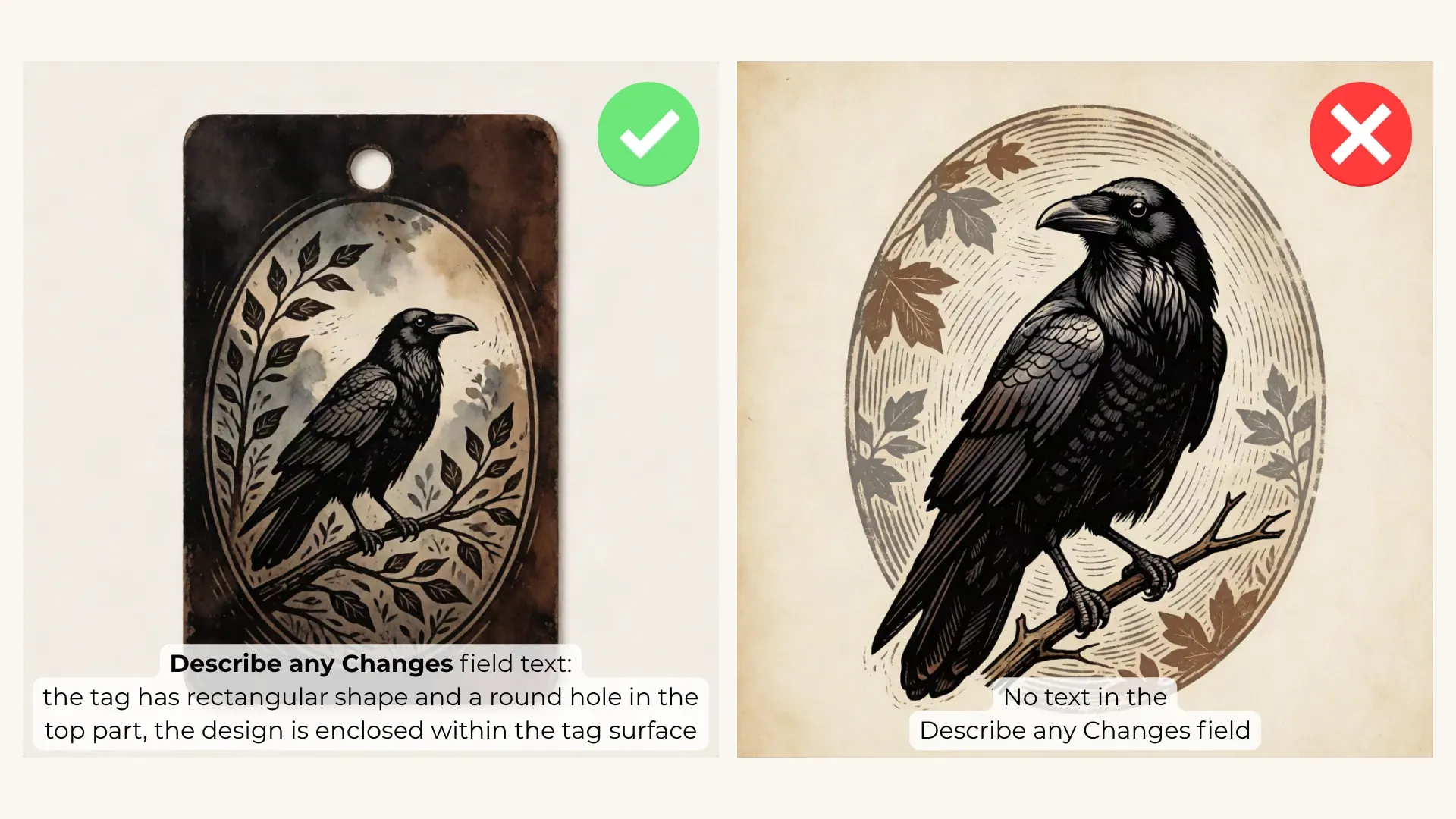
- Everything the dropdowns do not cover goes into Describe Any Changes. Product Type spans a very wide range of images, so now and then the AI needs a little more help understanding what you are after.
- For an isolated element like a clipart, support the pick with "clipart format" from Effects & Details and add one of the clean backgrounds. Then name what should actually be in the image, a raven for instance, and that is enough for a proper clipart.
Something less common, a tag for example, may need more. If your AI does not have a clear picture of what a tag is - this is where Describe Any Changes earns its place: say that the tag has a rectangular shape, and that the design is enclosed within the tag surface.
- On the opposite side, for a full-bleed design like a painting, full-canvas composition from Effects & Details really helps.
- The rest of Effects & Details is worth knowing as well, and the most important stuff is in the Essentials group:
- Blank center area is for backgrounds.
- Flat 2D design is for the case where your AI keeps returning something dimensional and you want it flat.
- Layered collage effect is mostly for junk journal and scrapbook pages.
- Seamless repeating tile is clearly for seamless patterns.
- Grid-based arrangement organizes the elements into a grid, though it does not work equally well everywhere. The most advanced tools understand it; the less advanced ones may simply draw a grid in the background, which is not what we want.
- Realistic look helps with photos, and with junk journal pages when that is the aesthetic you are after.
- Bold outlines are more for cartoonish designs.
- Intricate details and minimal details are self-explanatory.
- High contrast helps with colors. Dark academia images can turn very dark, and more contrast makes the details distinguishable again.
- The Textures and Lighting groups are pretty straightforward.
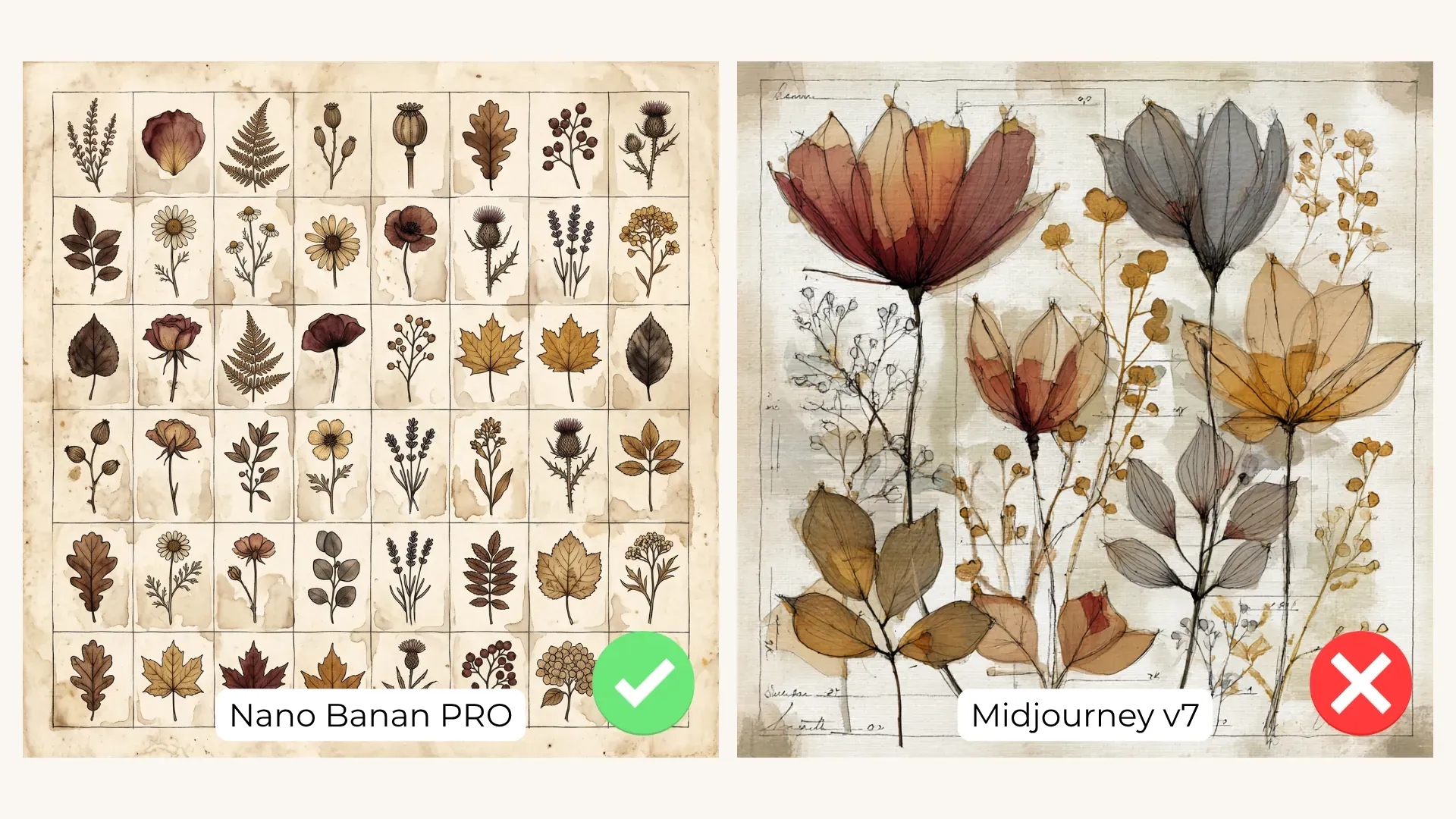
- The parameters section is quick to learn. For Midjourney you have version, aspect ratio, stylize, tiling, and negative. Building a seamless pattern, pick Yes in Tiling and the tile parameter appears in the prompt. Every dropdown here except Tiling takes custom options, so add your own where you need them. Negative prompting is a real helper on this theme: people, text, books, skulls or candles tend to walk into academia images naturally, and this is where you keep them out if you feel like. Nano Banana and ChatGPT share the same set, plus a Reference Image dropdown - handy when you work from an existing image, as a style and color reference for example. Pick it and it goes into the prompt on its own, nothing to type manually.
- One habit worth borrowing: keep personal notes to the right of the Describe Any Changes field. Phrases you use often can live there, ready to copy. Ours reads "add relevant elements, specify each added element", and it goes into Describe Any Changes every time we work on junk journal pages. On images with many objects you do not want the page to look empty, the builder itself does not let you describe every element you want to see there, and maybe you would rather have the AI imagine them for you. By default the Refine prompt button will not add anything new, so if you want more elements, it is super easy just to ask for them. Repeating tasks of your own deserve the same treatment.


Want several versions at once? The Variation Generator builds them from one prompt as a base, and our one recommendation is to write something into the "What should change between variations" field. It really improves the outcomes.
Ready for more? Our Prompt Builder guide runs through several kinds of workflows, and What AI Tool to Pick for Academia weighs every tool for this style.
Happy creating
That is the Academia Builder. Choose your product type, pick the theme that fits the story, bring the tool you like best, and start building. We hope it helps you craft the designs you have imagined for a long time and did not dare to make yourself, and that it earns a place in your creative routine.
Every image in this guide came from prompts built in the Academia Prompt Builder.