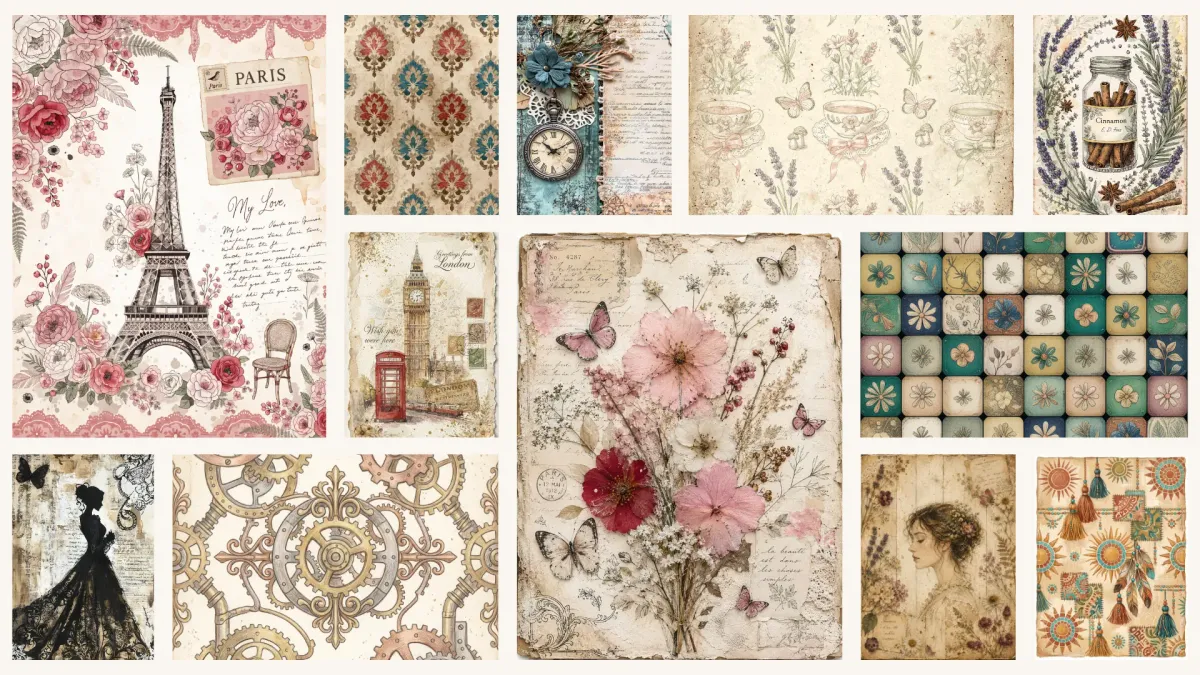
Junk journaling is all about mood and texture - aged paper, faded ink, layers that feel like they've lived a little. That's exactly what makes it tricky for AI: not every tool can deliver that warm, imperfect, semi-realistic feeling. Some lean too clean, too sleek, too vector. So which ones actually work?
In this post we put 8 AI image generators to the test for junk journals:








For each one you'll find our honest thoughts and a gallery of 15 example images so you can judge the aesthetic for yourself.
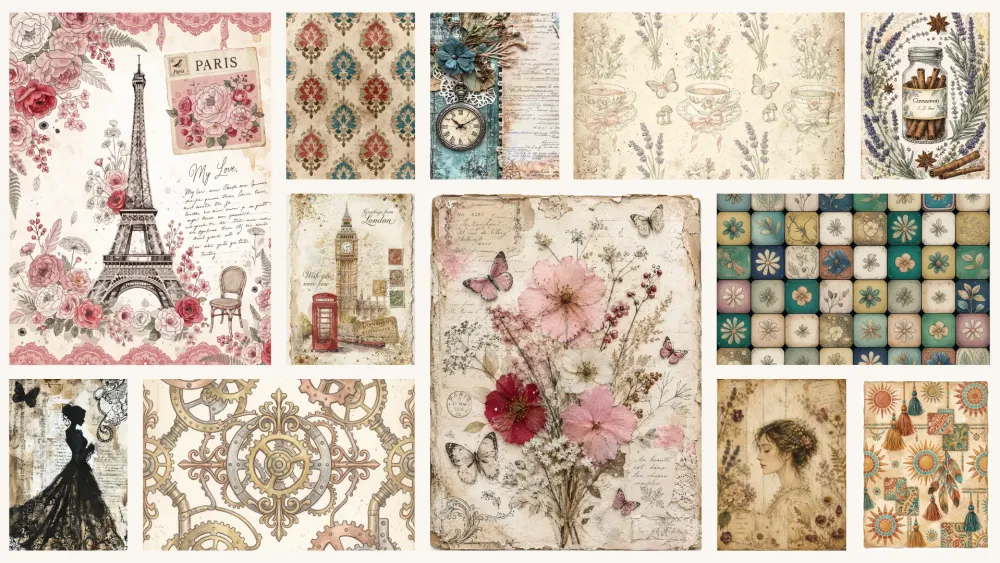
A quick note: AI tools update constantly, and new ones appear all the time. So we'll keep this post updated as new versions and tools are released - bookmark it and check back. And one more thing about order: in the sections below we present the AI tools in our own order of preference for junk journals, from our favorite down. Your taste may differ, so take it as a starting point, not a verdict.
Hopefully this post will help you pick the AI tool that creates the junk journal images you love. And if the prompting side of it feels like a lot - every tool has its own quirks - no worries, you don't have to learn any of them. That's actually what we built our Junk Journal Prompt Builder for. It speaks each tool's language, so you don't have to.
1. Recraft V4
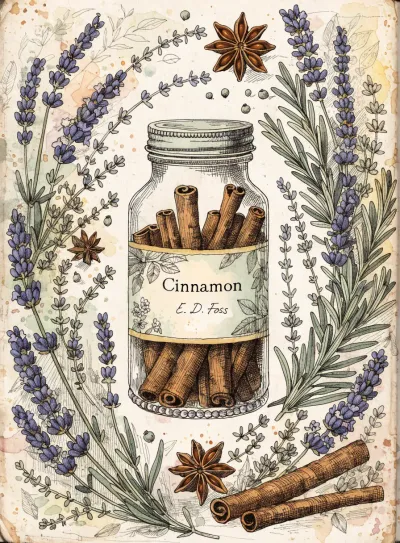
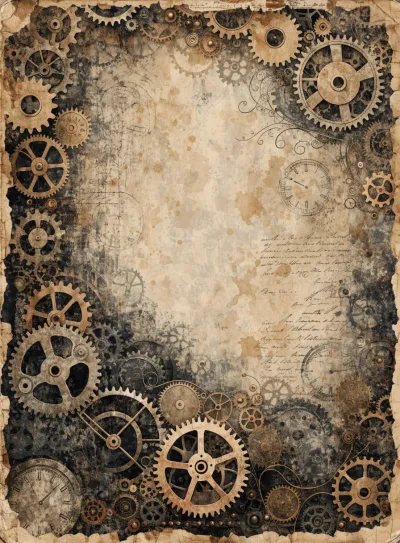
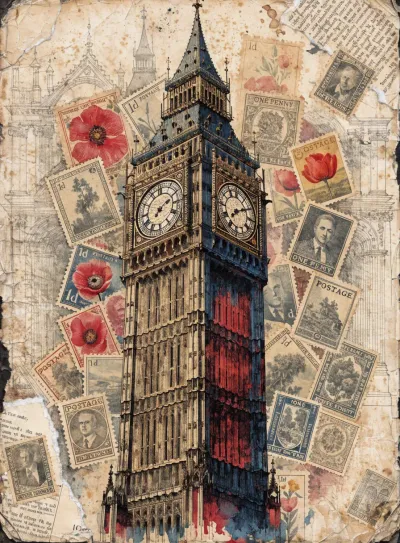
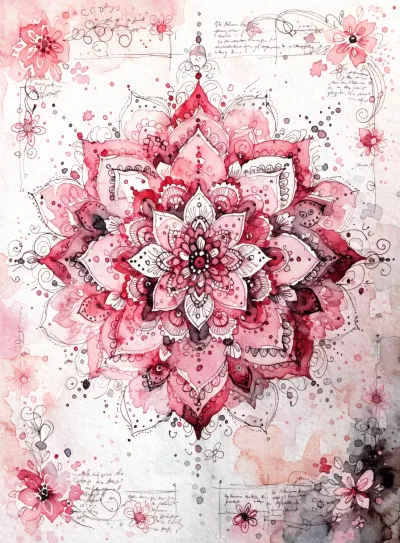
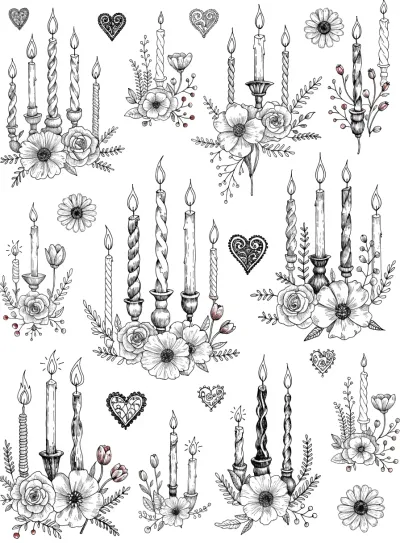
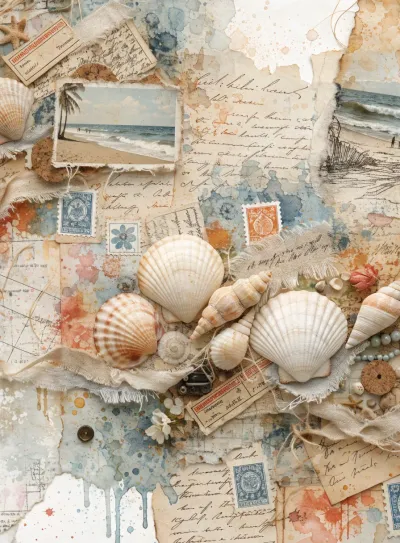
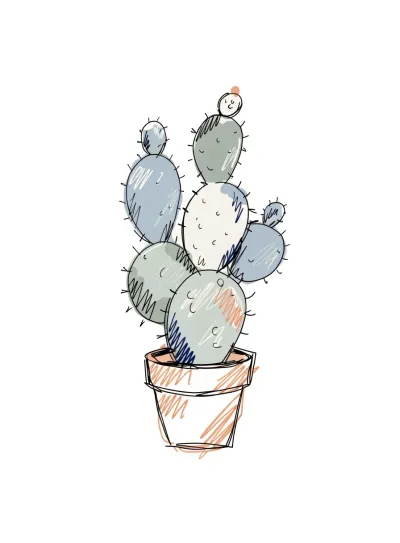
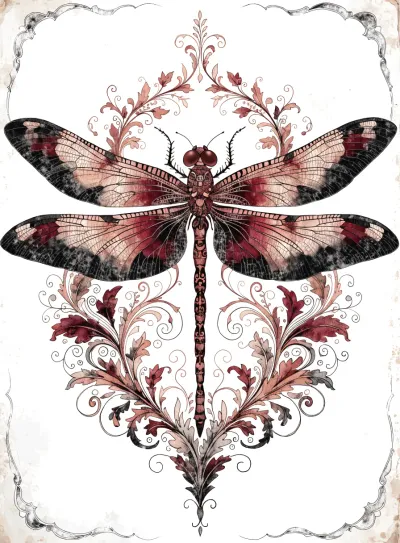
Recraft is my recent find for junk journals, and it quickly became a favorite. It sits in a lovely middle ground - not too vector-clean, not overly photographic - which is exactly the semi-realistic, textured feeling this niche needs. It also copes really well with text: it adds text when it makes sense even if you didn't ask for it, and that text is actually logical and suitable, which sets it apart from most tools. ChatGPT and Nano Banana are strong with text too, but Recraft handles it especially gracefully.


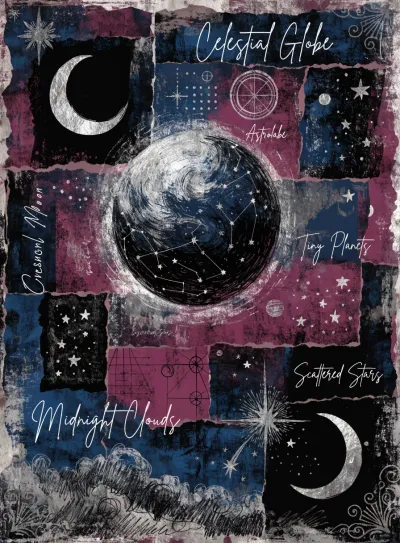
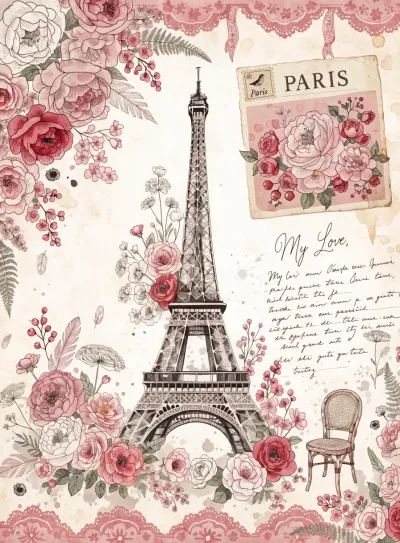
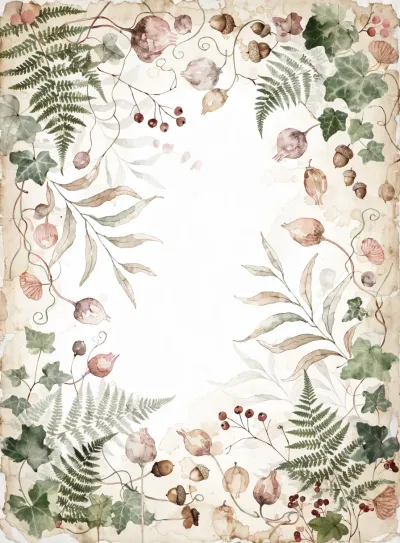
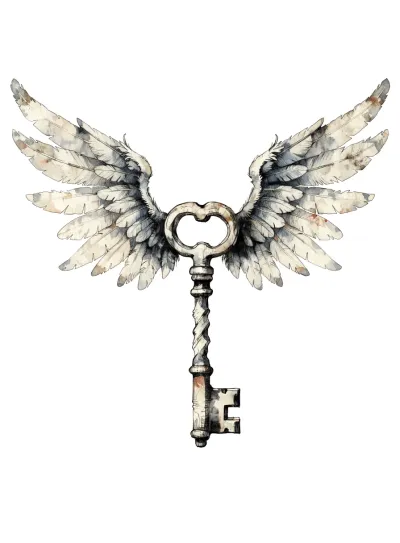
2. ChatGPT Image 2
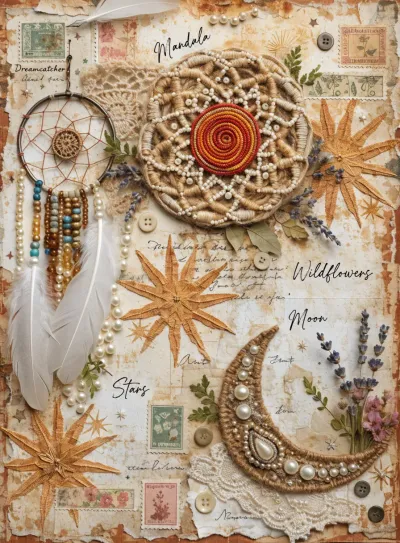
For junk journals, Image 2 was a big step forward from Image 1.5. The aesthetics improved significantly, all the aspect ratios you'd want are now viable, and overall image quality is much better. It's a reliable choice that captures the warm, layered junk journal mood while staying flexible across formats.
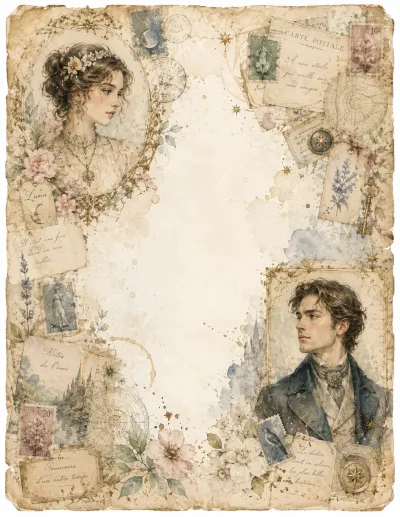
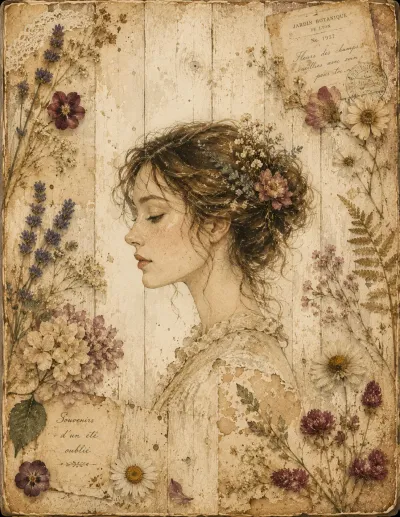
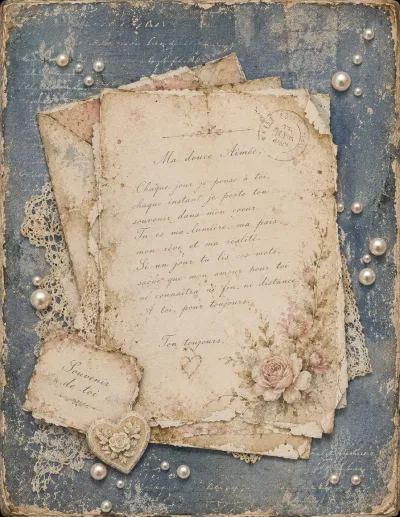
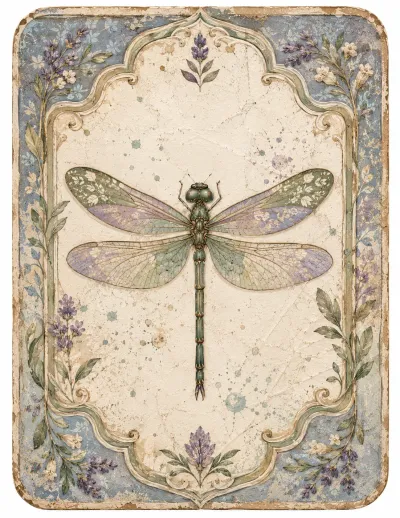
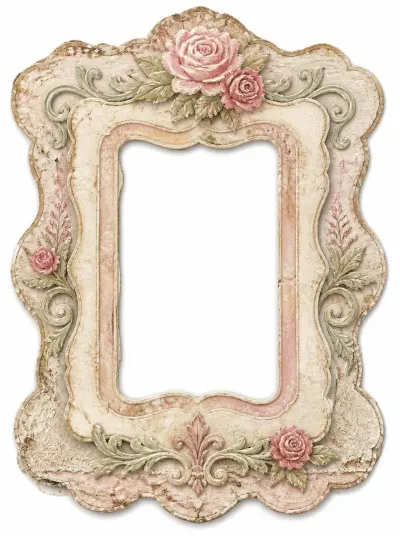
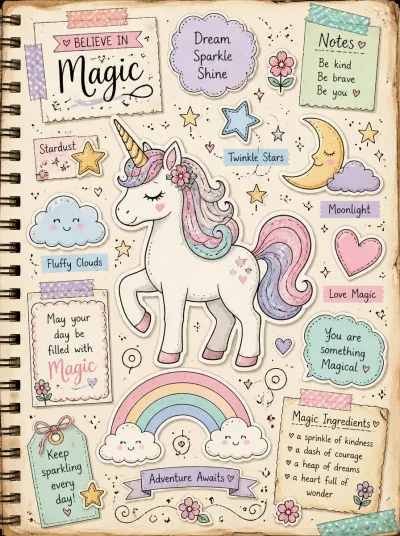
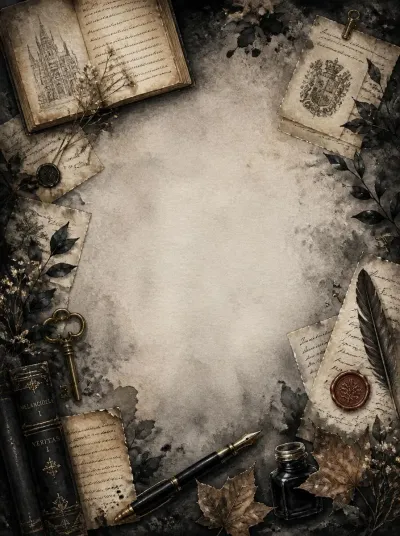
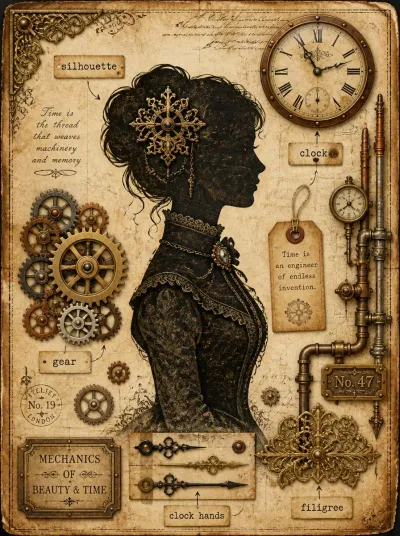
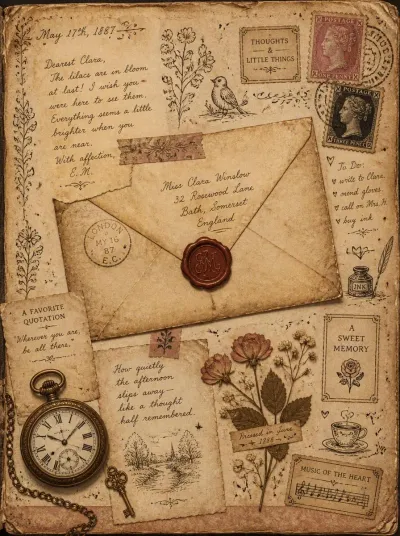
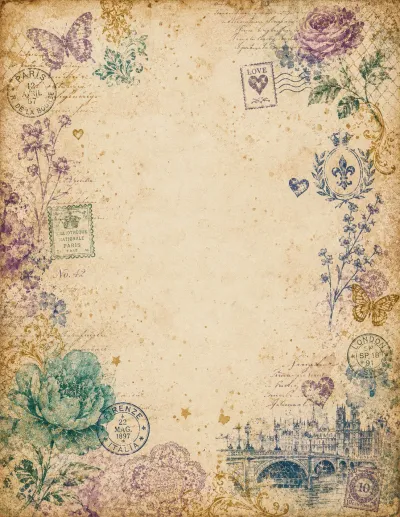
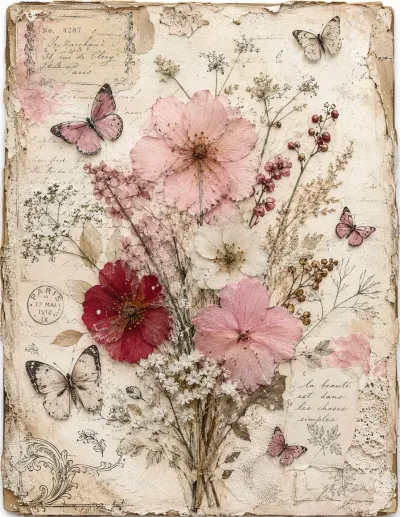
3. Nano Banana 2 & Nano Banana Pro
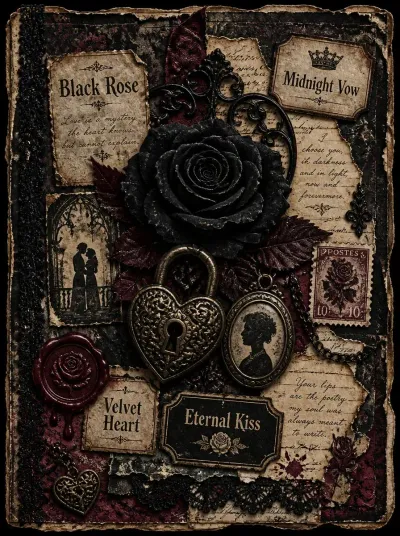
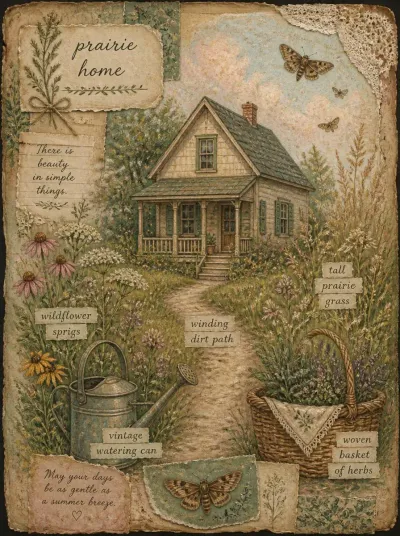
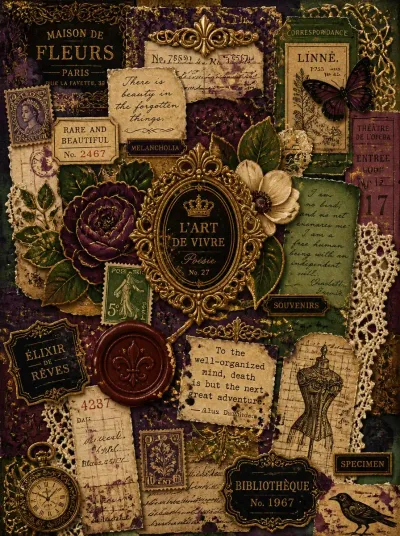
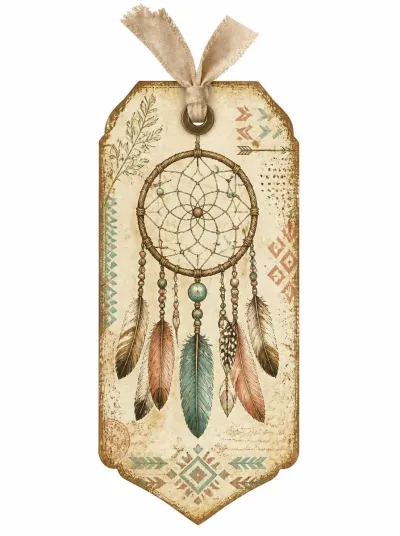
Nano Banana handles the junk journal aesthetic beautifully - it brings out texture and mood in a way that feels authentic to the niche. It's also excellent with text, placing it naturally when a design calls for it. Both Nano Banana 2 and Nano Banana Pro perform well here, making it one of the most dependable tools for this kind of work.

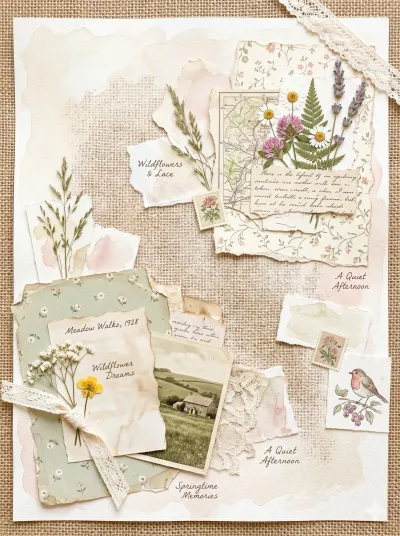
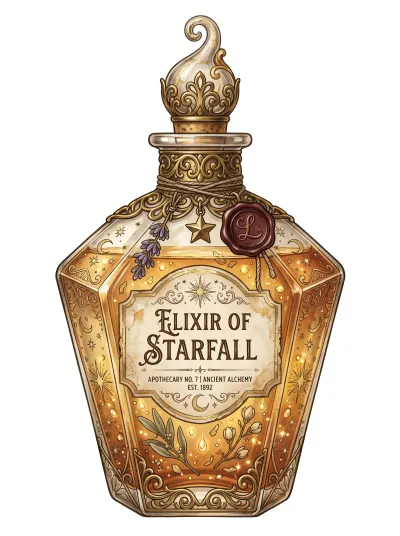
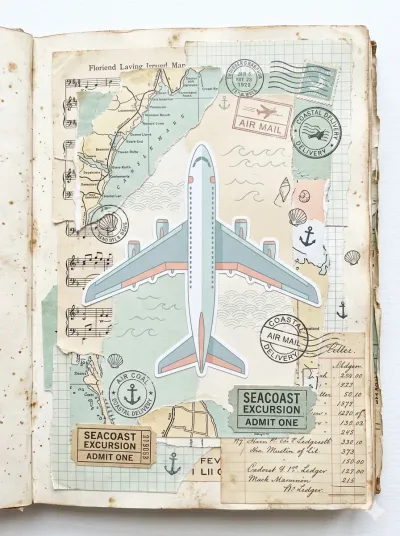

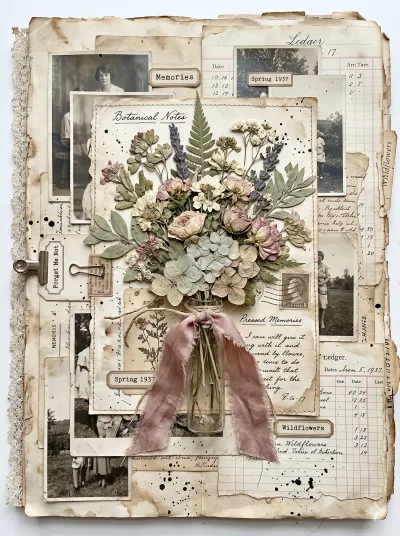
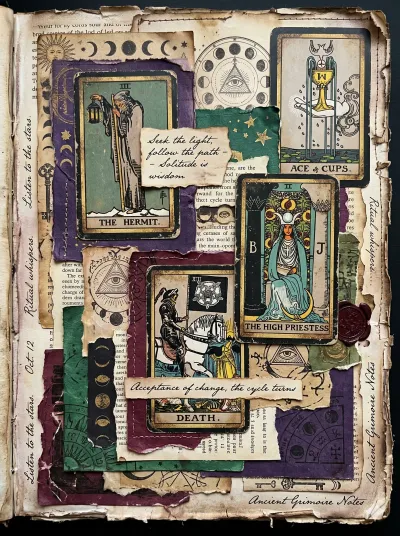
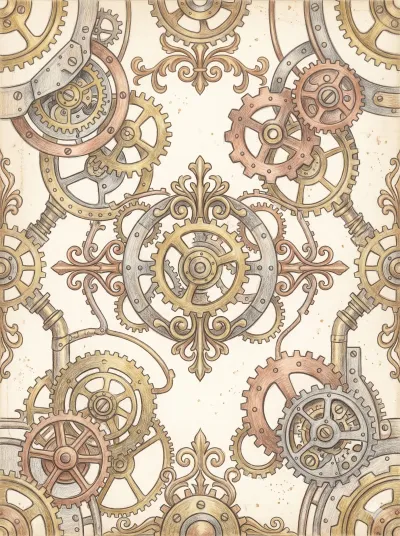
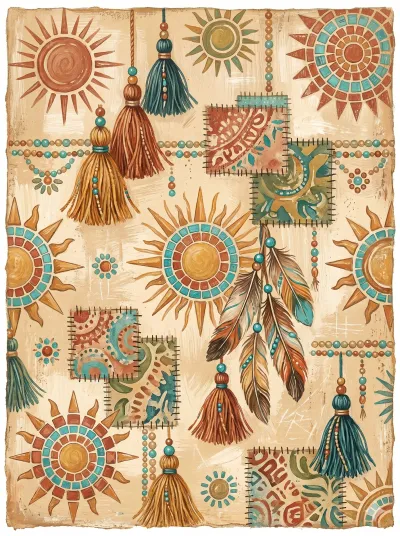
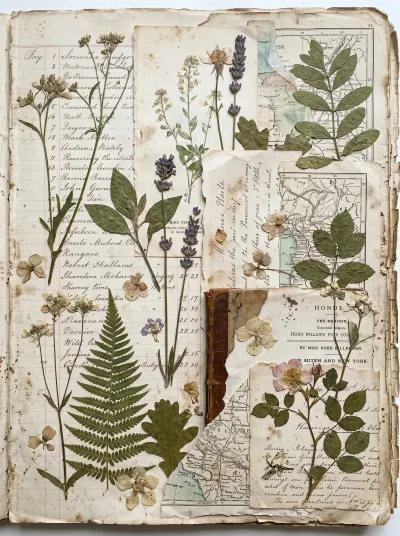
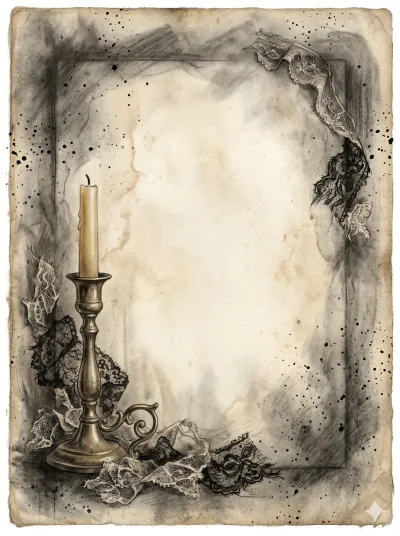
4. Flux.2 Pro
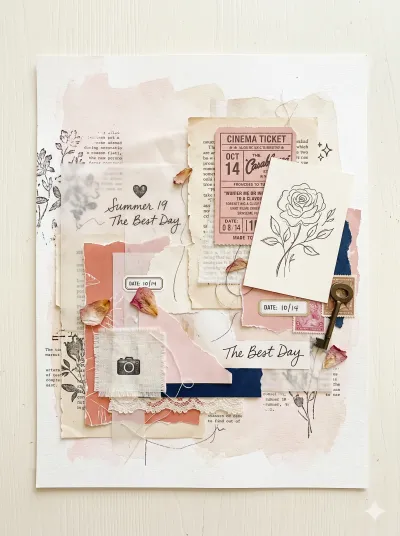
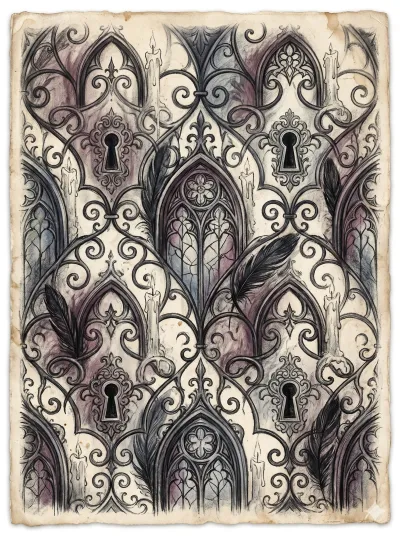
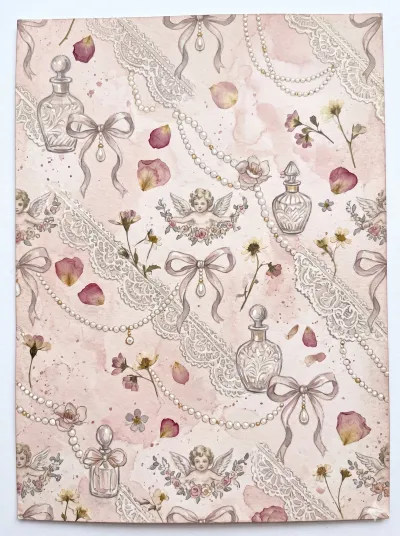
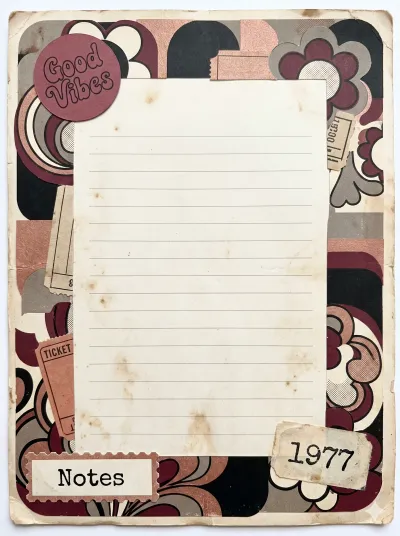
Flux.2 Pro produces some genuinely lovely junk journal aesthetics, with a soft, painterly quality that suits the niche well. The textures and color moods it creates feel right at home in a junk journal. It's a strong artistic option whenever you want that warm, slightly worn look.
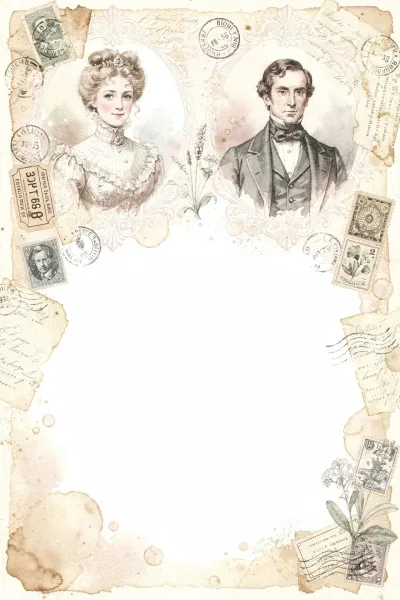
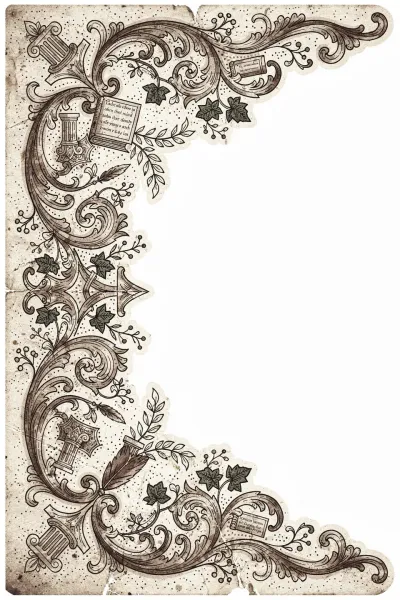
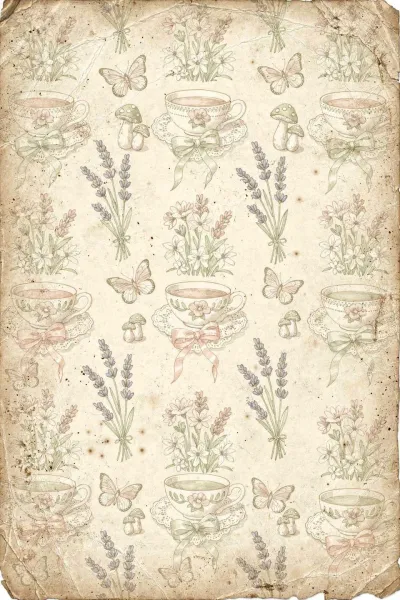
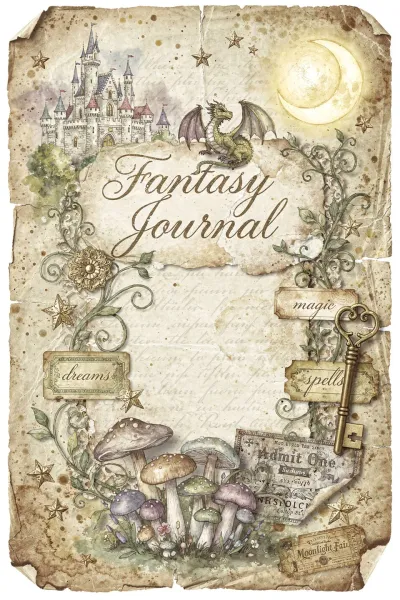
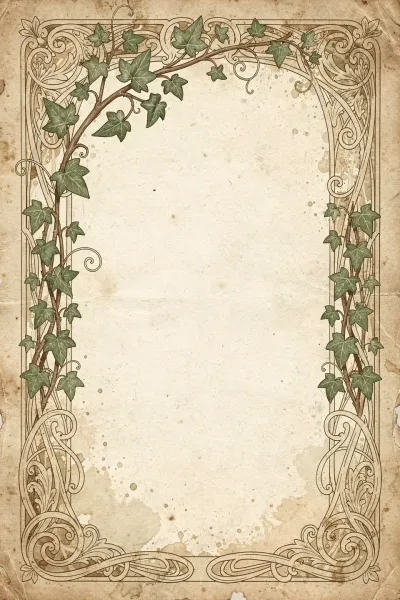
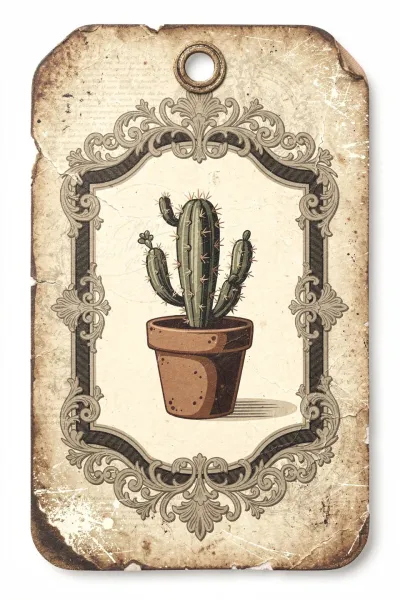
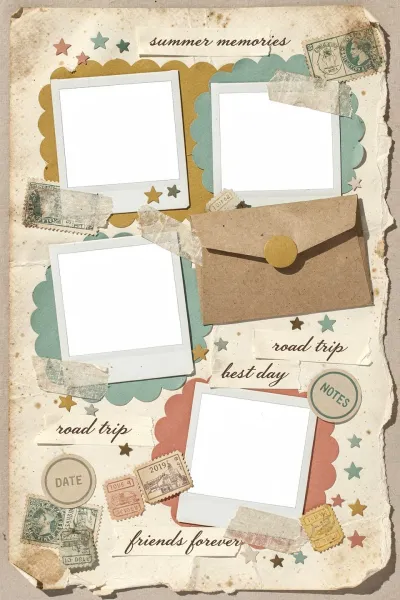
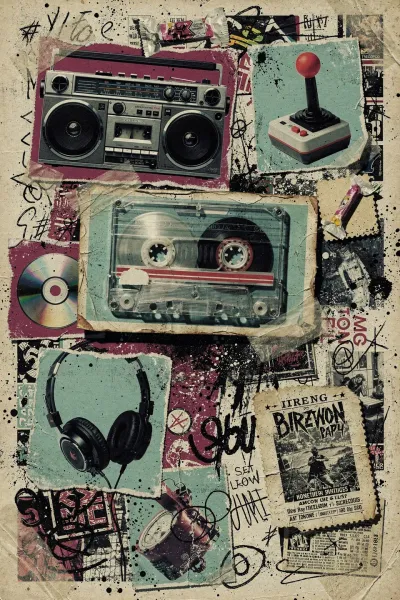
5. Midjourney 6.1 / 7 / 8.1
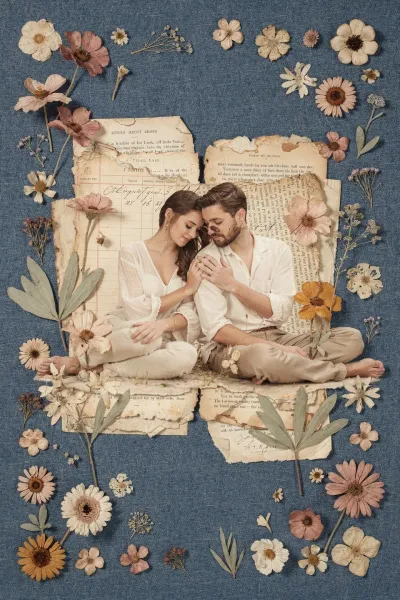
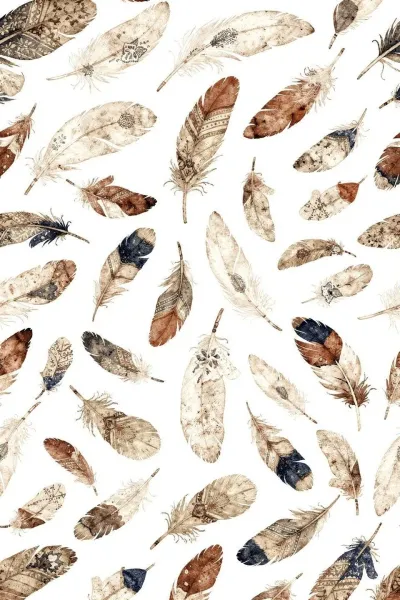
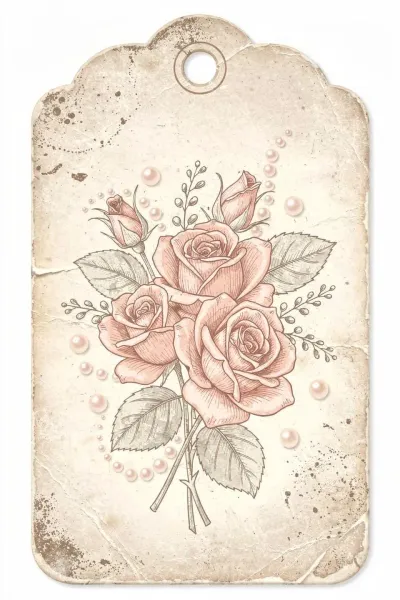
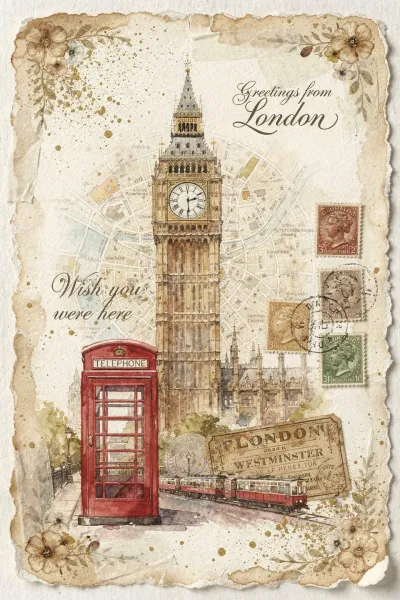
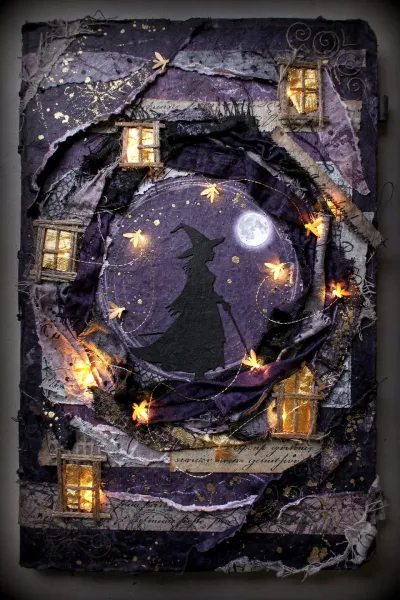
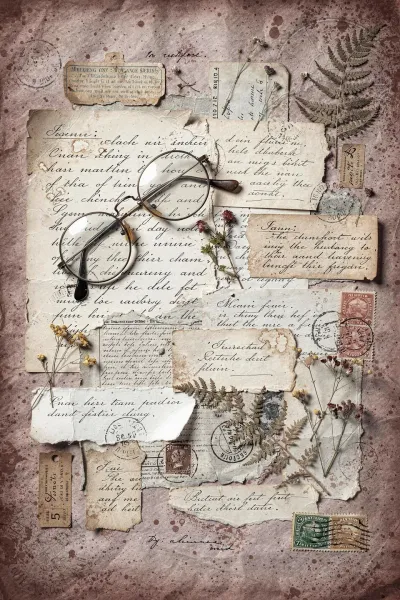
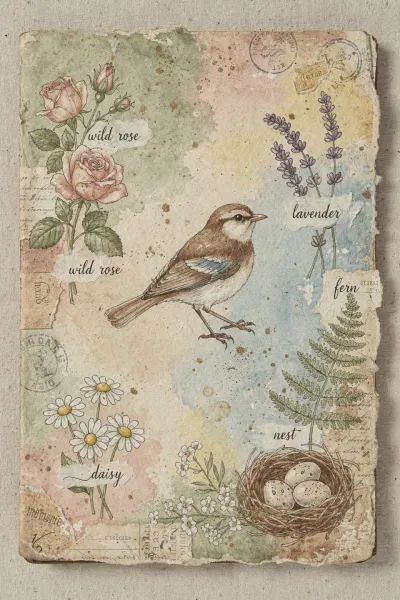
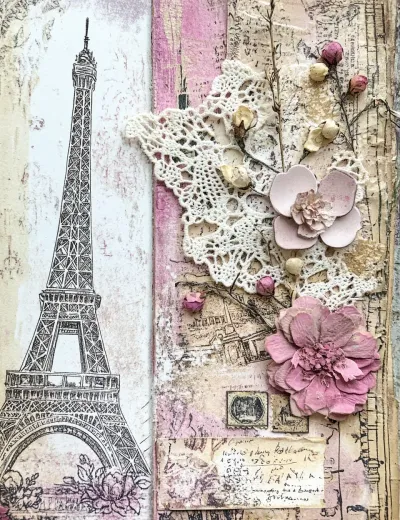
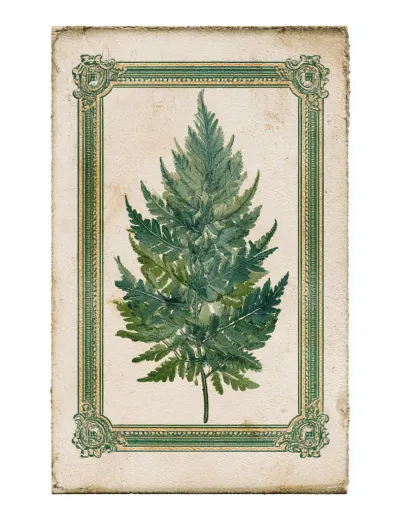
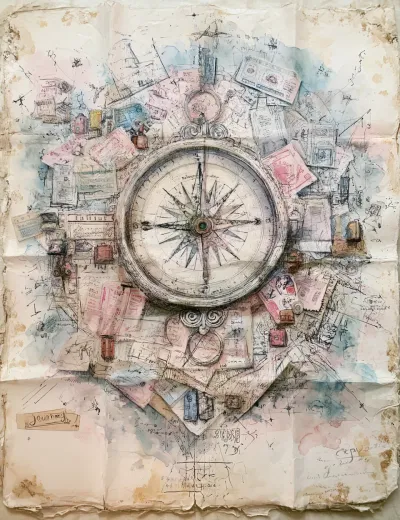
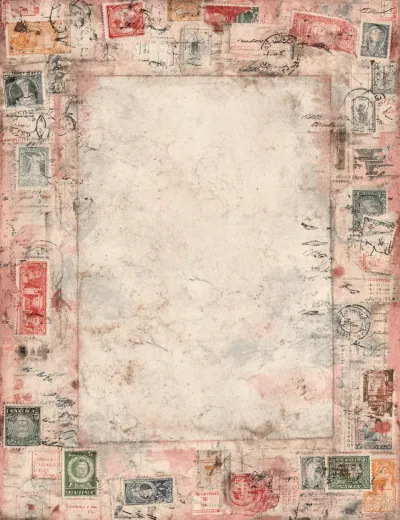
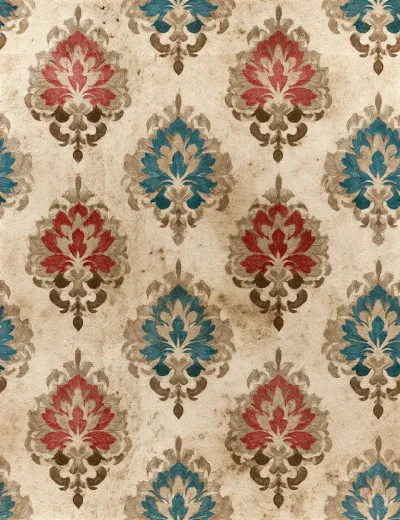
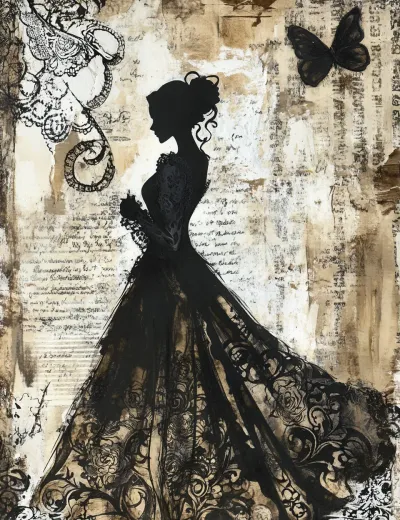
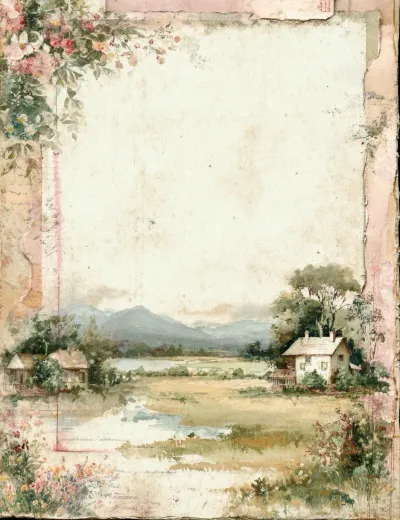
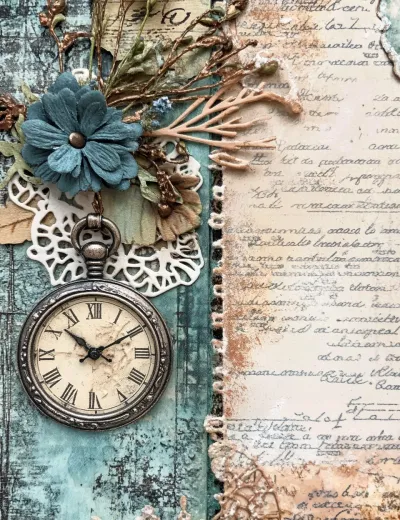
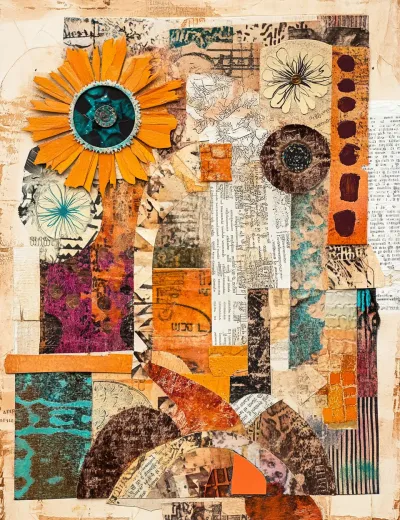
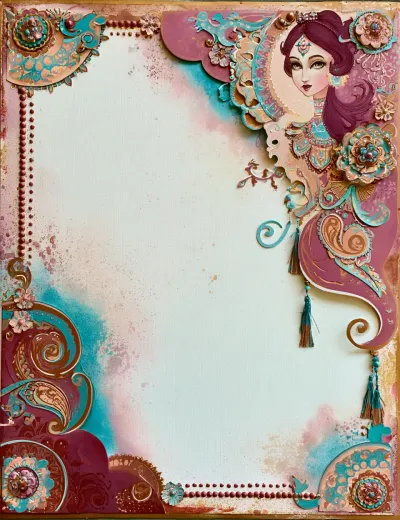
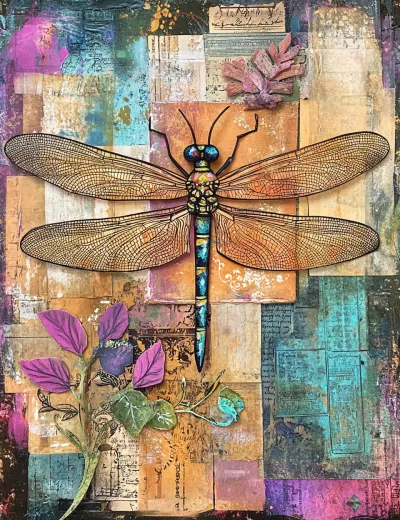
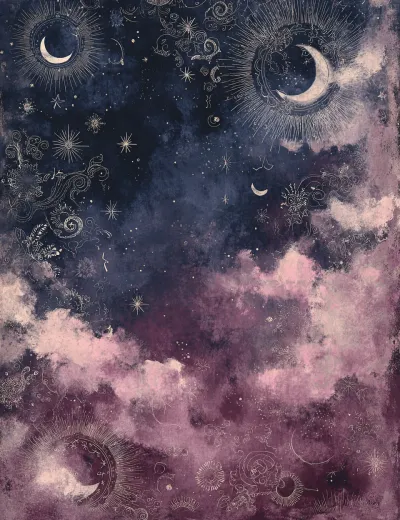
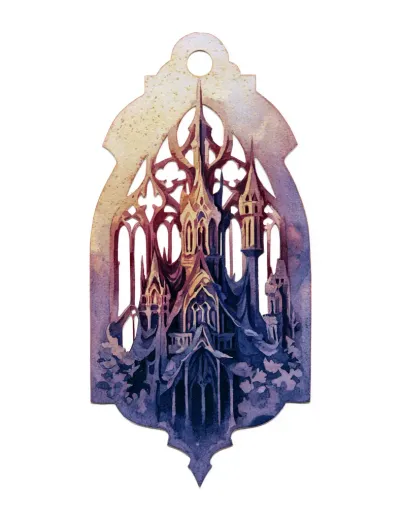
Midjourney can create truly beautiful junk journal aesthetics - when you get it to cooperate. And that's the catch: Midjourney prompting is the most complex of all these tools, and it hasn't gotten simpler with newer versions and updates. You have to actively fight to get rid of mockup views and interior photos, something we successfully solved inside our Junk Journal Prompt Builder. Here are a few examples of what goes wrong before you tame it:
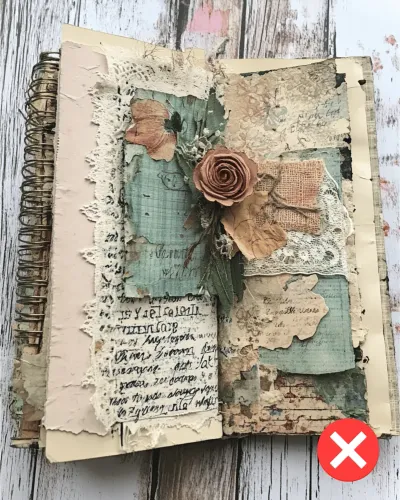
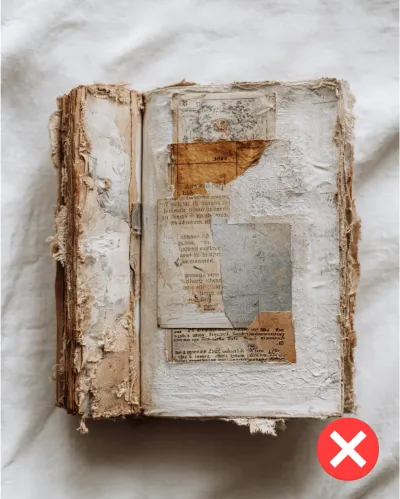
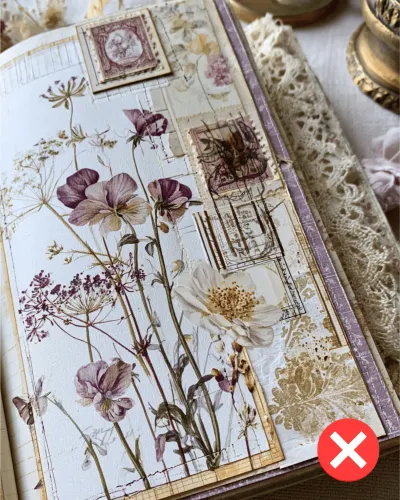
And here's what it can do once it's dialed in:
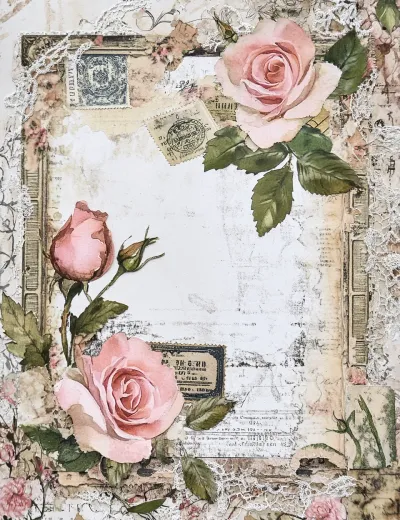
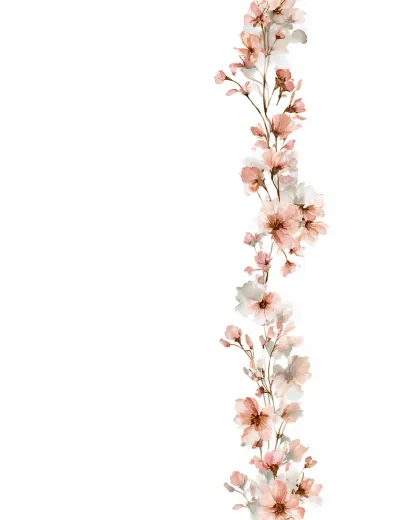
6. Ideogram 4.0
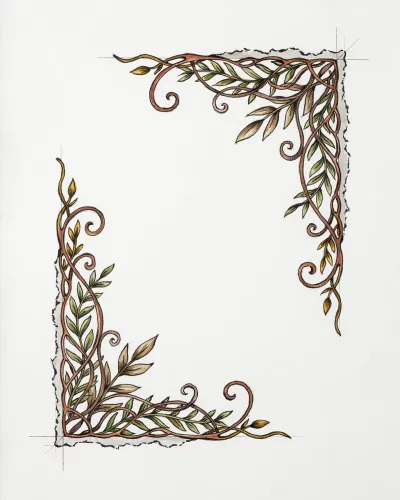
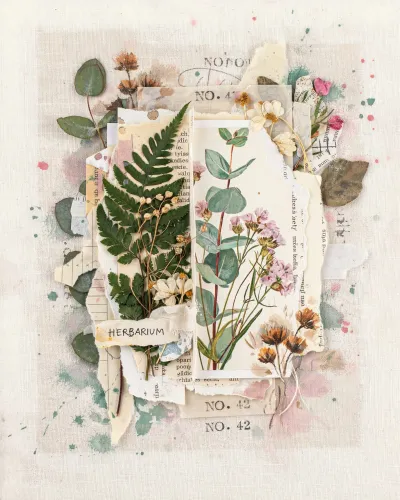
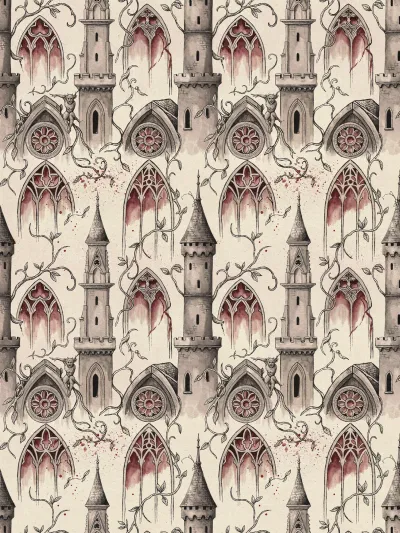
Ideogram changed a lot with version 4.0. The older version leaned toward a clean, vector-like look that fought the textured feeling junk journals need. Version 4.0 added real texture, and it shows - it is now much more suitable for the semi-realistic, distressed junk journal aesthetic.
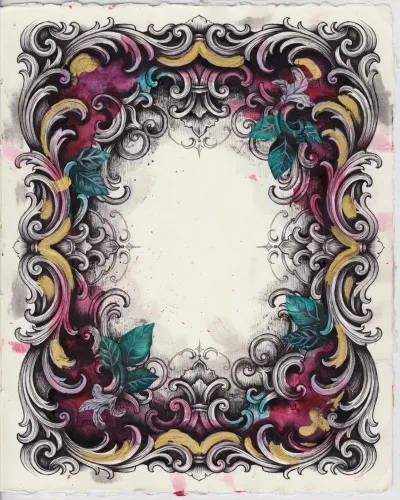
The downside is empty space. Version 4.0 often leaves a lot of unused margin around the subject even when nothing in the prompt asks for it. So you will have to crop or work a bit harder for a full page.
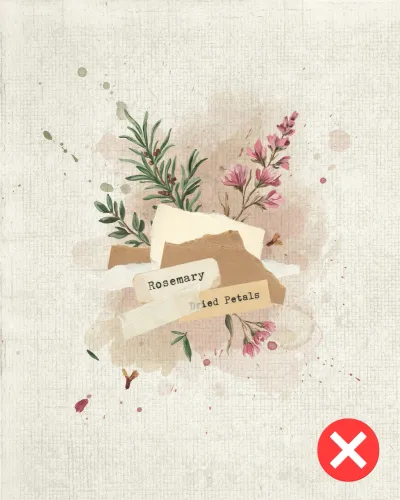
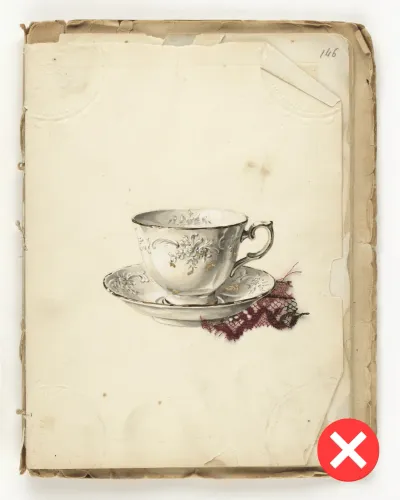
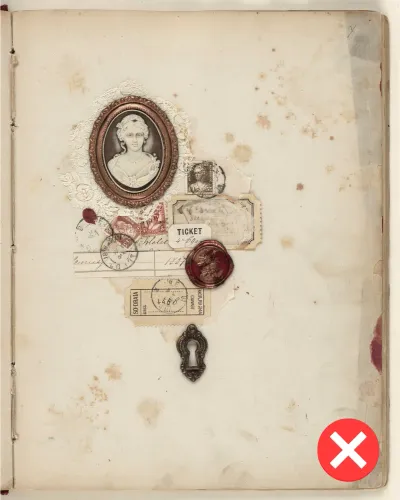
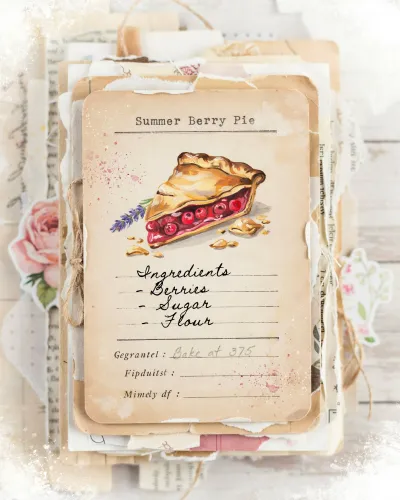
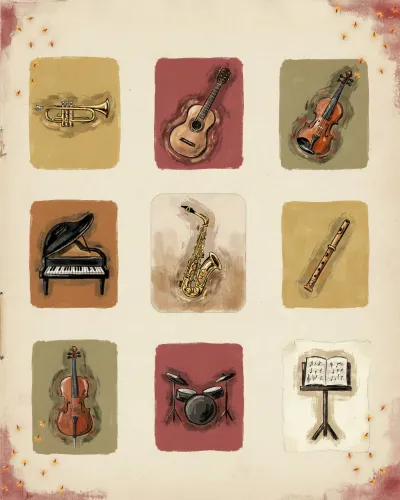
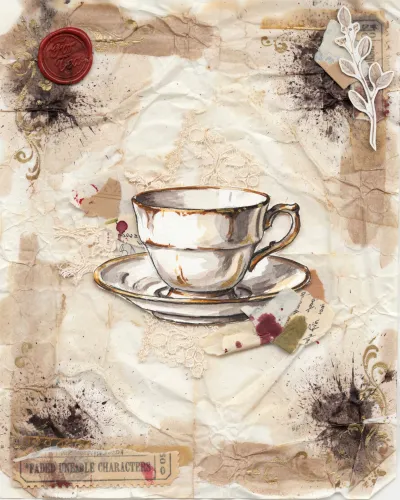
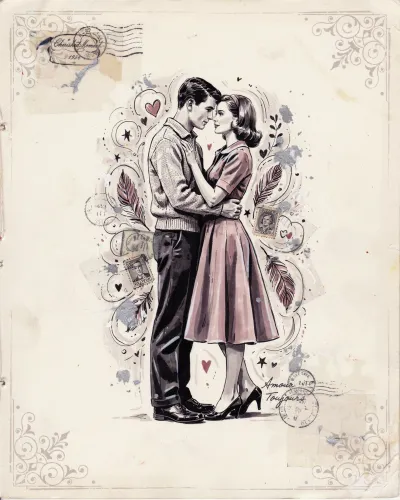
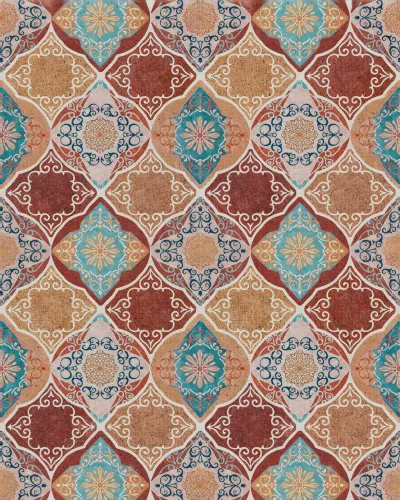
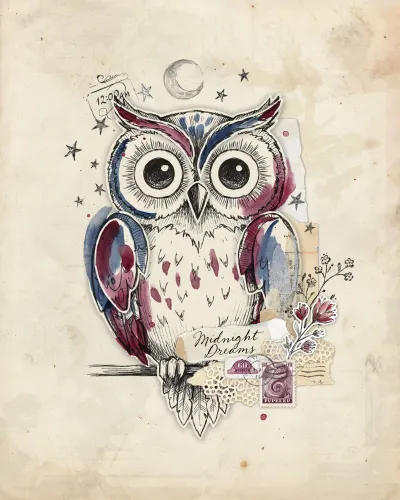
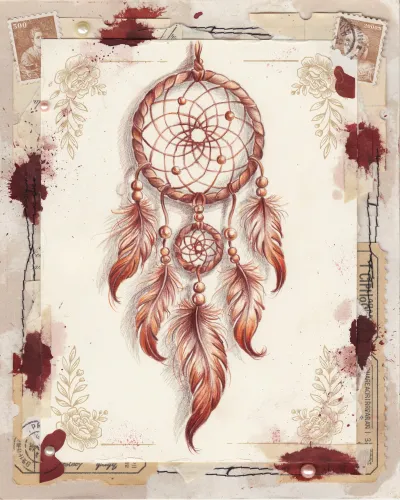
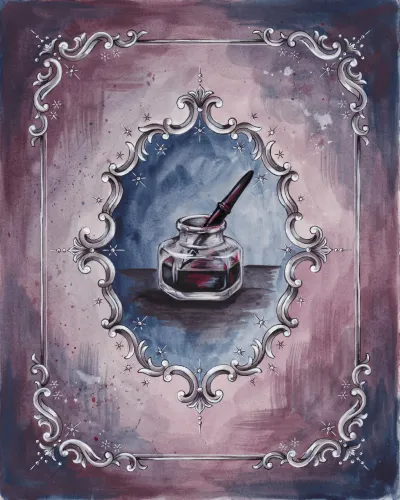
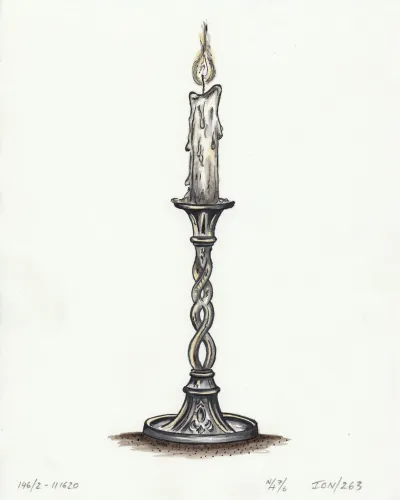
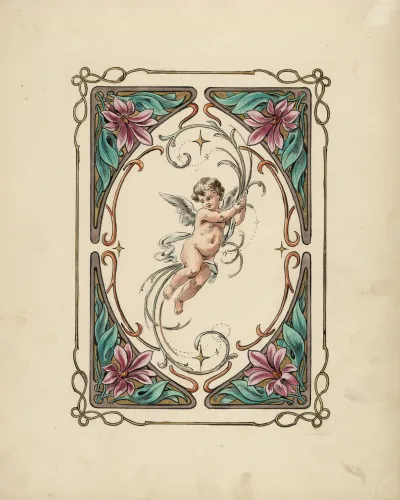
Still, with the new rich textures, you can count on some lovely results:

7. Lucid Origin
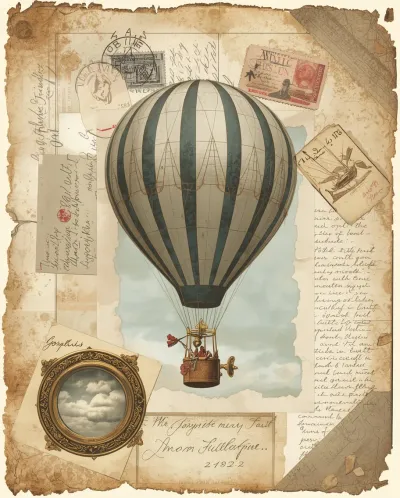
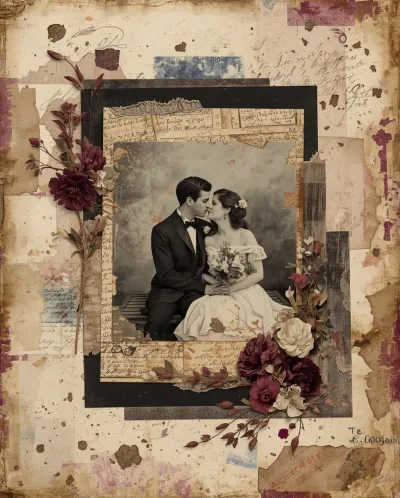
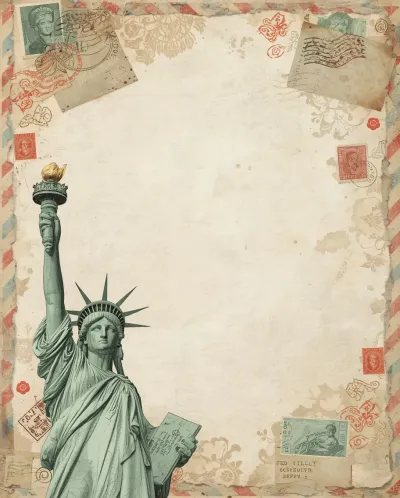
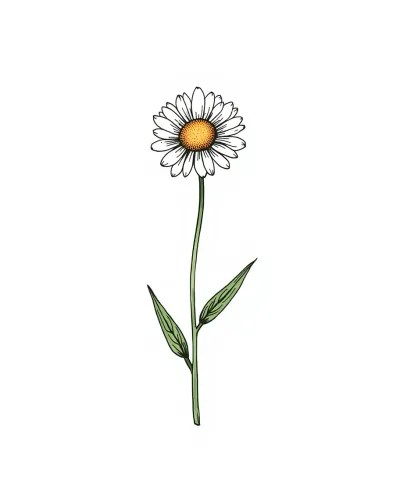
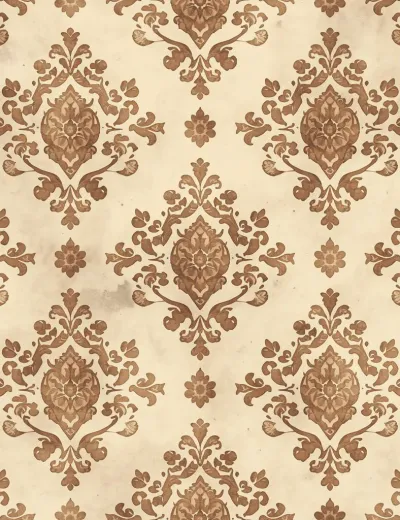
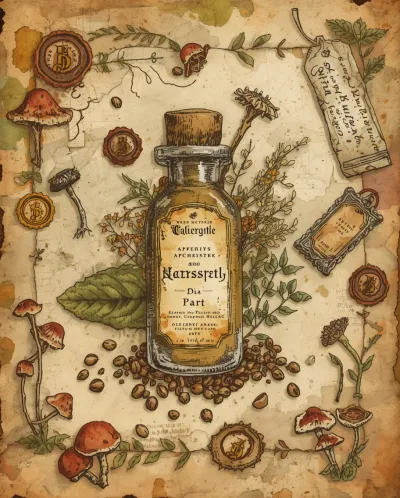
Lucid Origin leans polished and vibrant by default - attractive in general, but a bit too slick for the worn, aged feeling junk journals call for. With explicit aging and texture cues you can soften it, yet it rarely lands the mood as effortlessly as the tools higher on this list. A capable tool that simply isn't tuned for this niche.
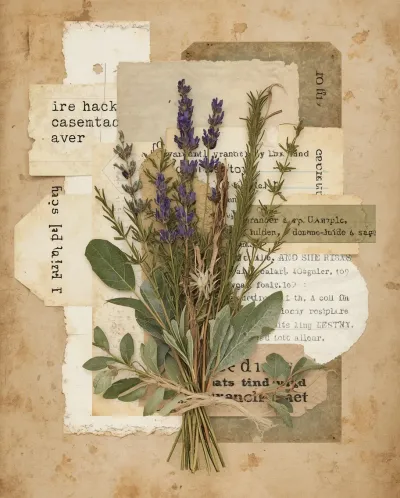

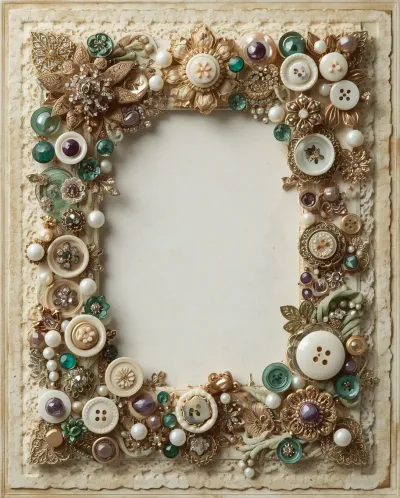
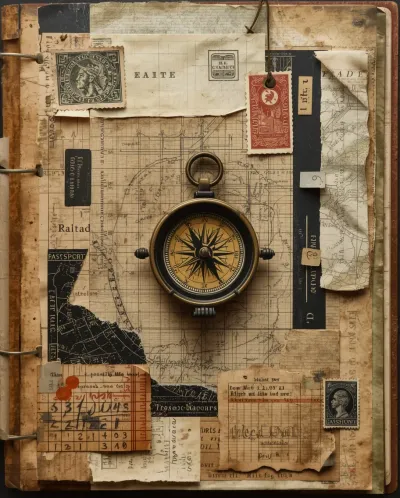
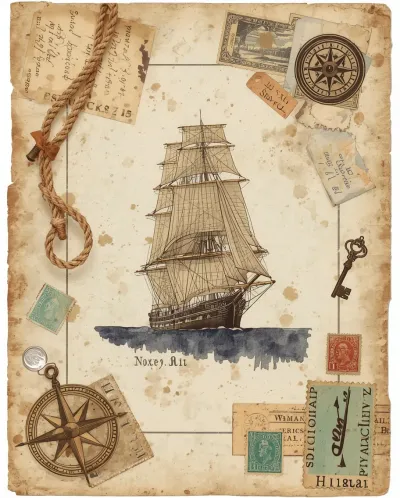
8. Seedream 4.5
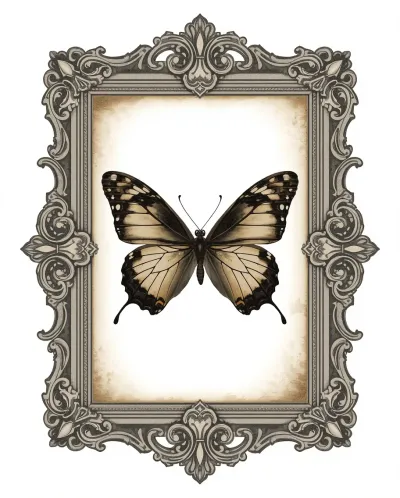
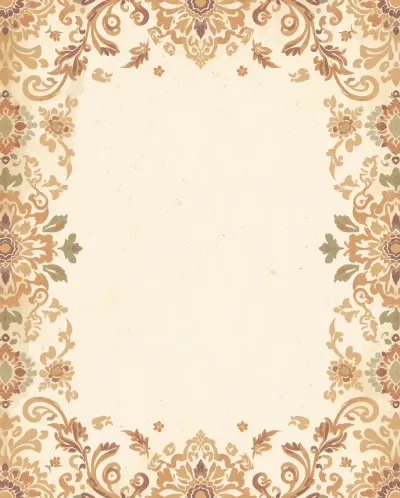
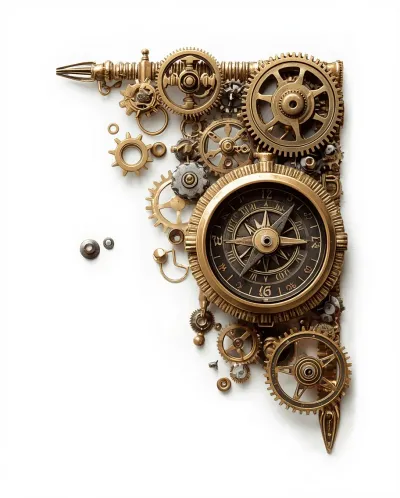
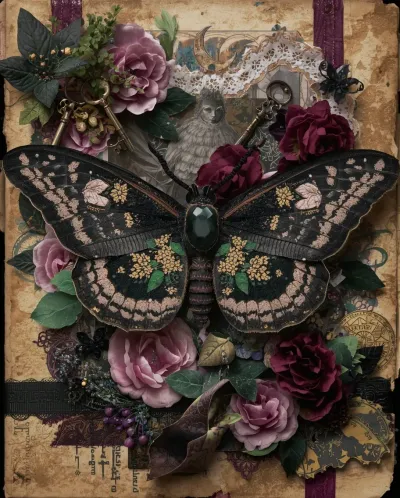
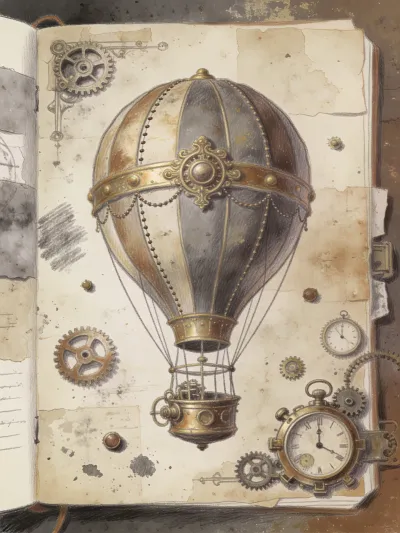
A quick note on why Seedream is last: it's not because of poor aesthetics. The problem is getting a usable, printable page out of it. Most of the time we end up with two pages as an open journal, or a photo of a single page that's still part of an open journal - and this most likely comes down to its training data. Despite a lot of effort, we couldn't win this one, so it lands at the end of the list. Here's the recurring issue:
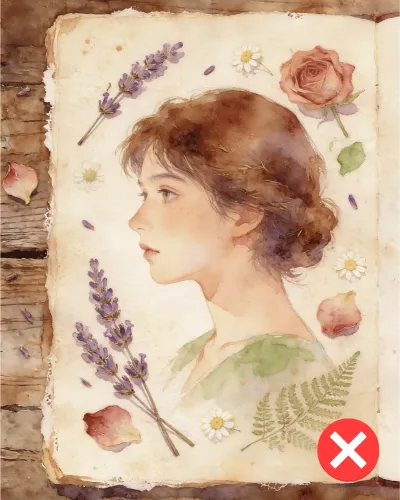
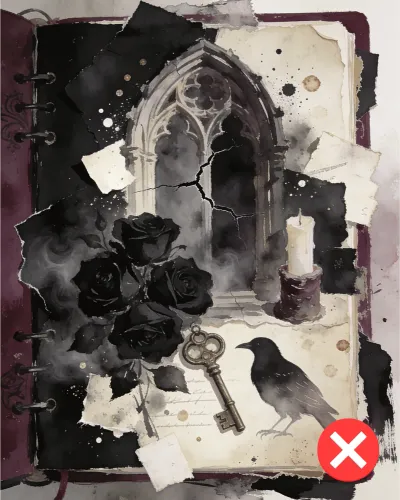
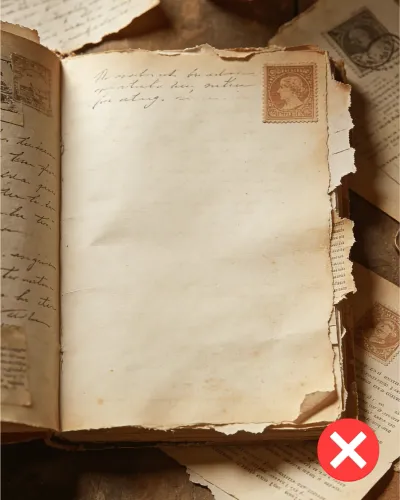
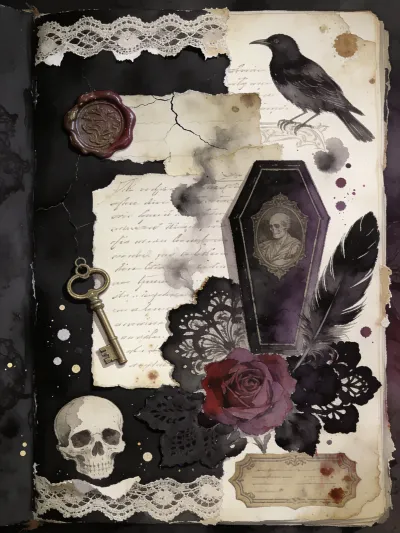
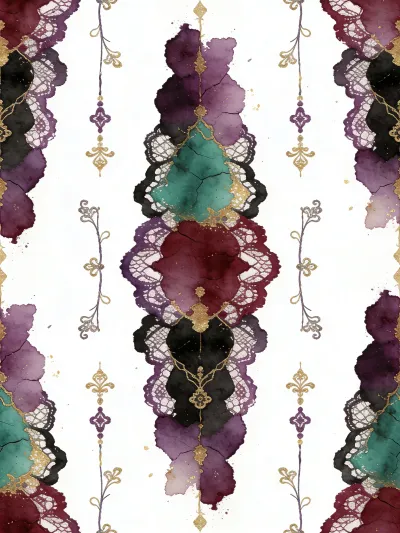
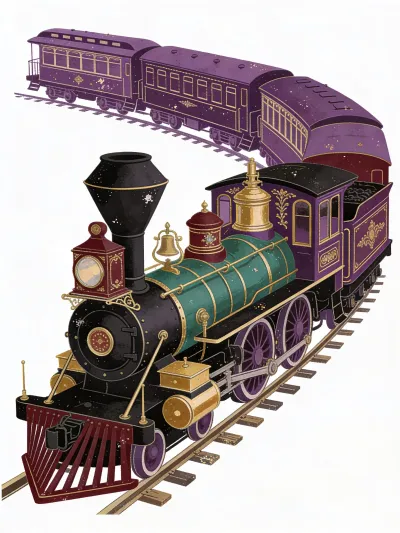
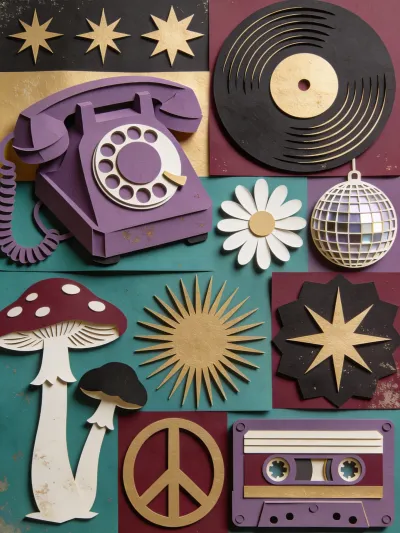
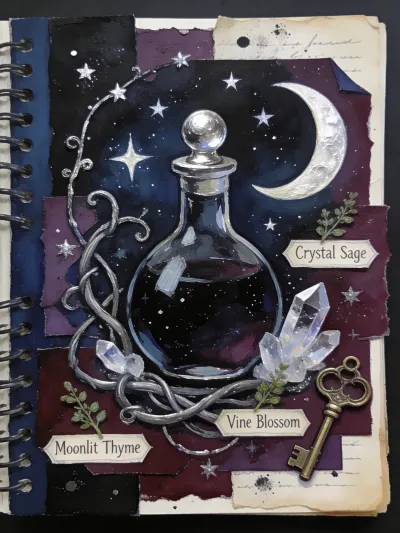
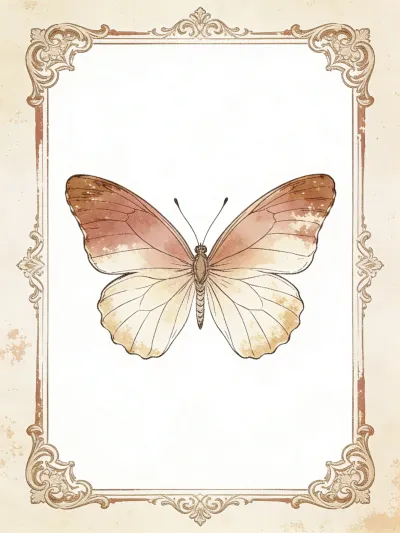
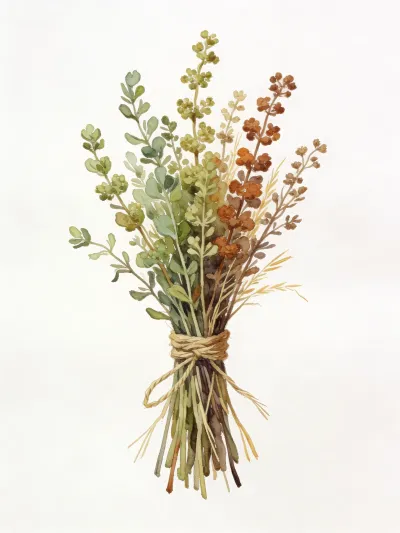
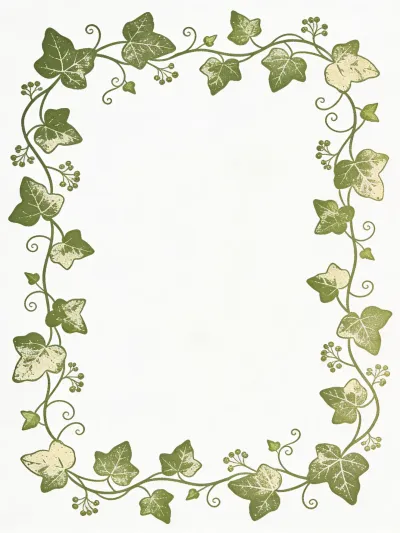
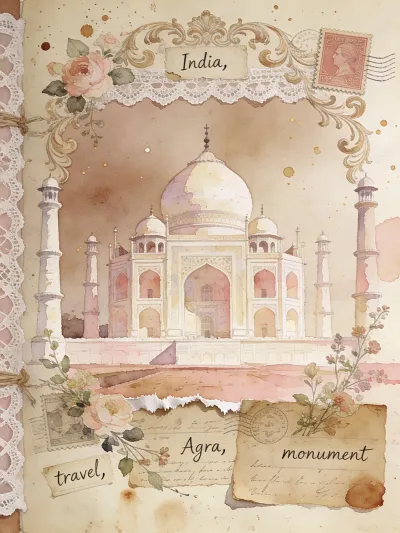
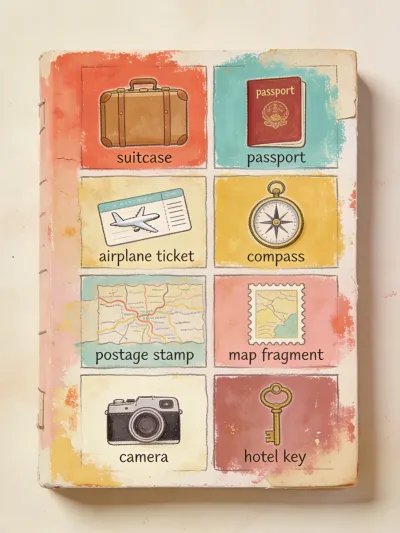
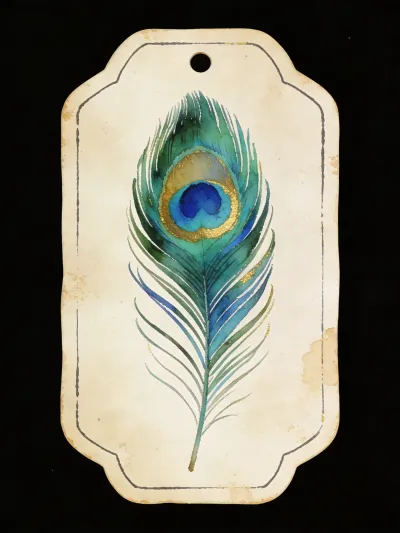
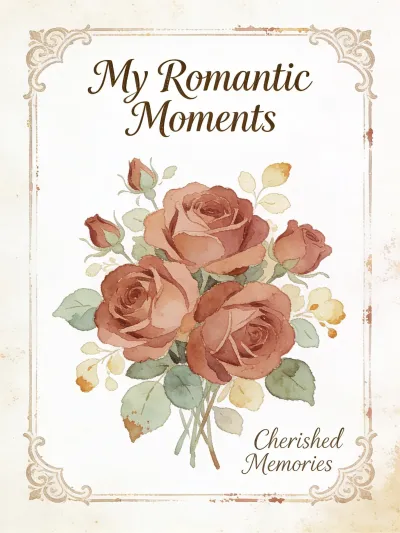
With our builder's prompting techniques, we did manage to pull cleaner single-canvas results out of Seedream - clearly better than the ones above, even if they still don't fully reach the usable format that we were after. And in many cases of different pages you'll still need cropping:

Conclusion
Every tool here can make something beautiful - but for junk journals specifically, some make it easy and some make you work for it. The table below sums up how they compare across the things that matter most for this niche.
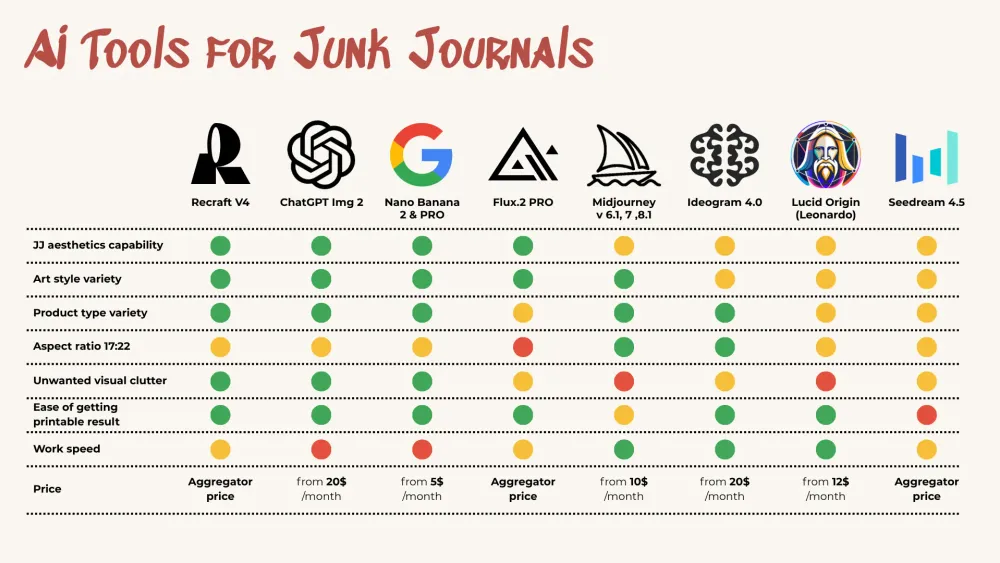
Comparison summary for Junk Journaling
Whichever tool you choose, our Junk Journal Prompt Builder takes the struggle out of prompting - it's tuned to push these tools toward proper, printable junk journal pages. And if you want to try it before you buy, download the Junk Journal Inspiration Bank - a whole scrapbook of prompts made with the builder.
We also have a video guide on AI tools for Junk Journal aesthetics, where we have different examples. It’s a bit behind in terms of some AI tools, but still worth seeing if you want to go deeper into this:
What AI to Pick for Junk Journals - video overview
Happy creating!