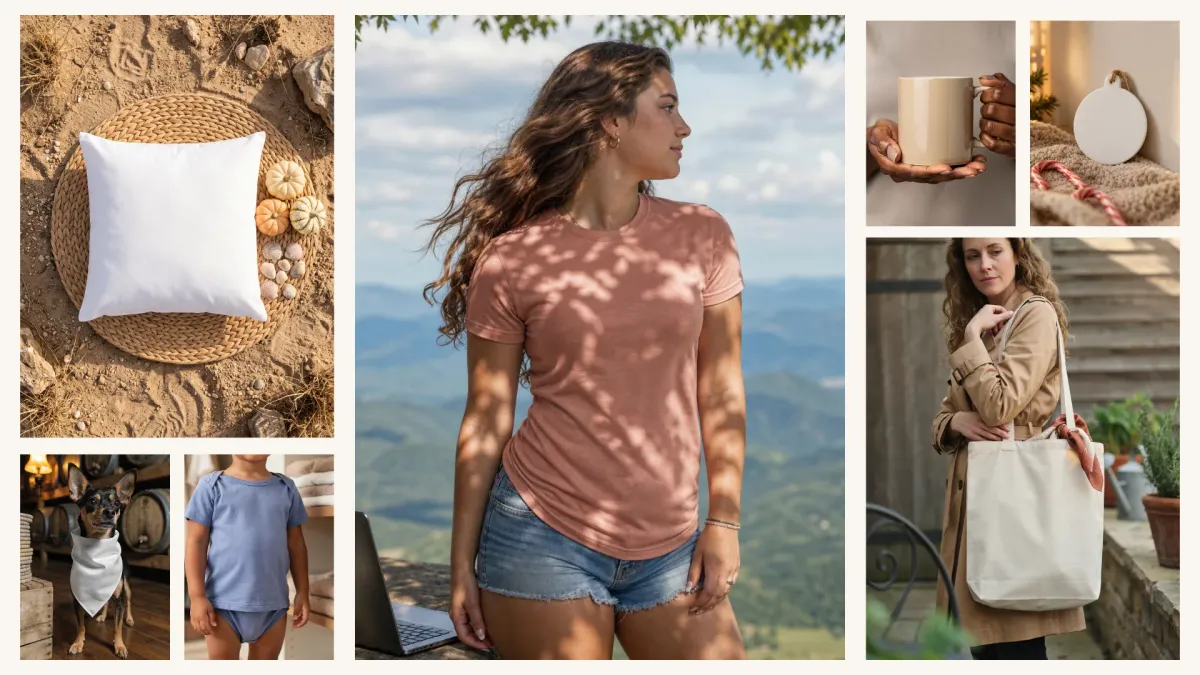
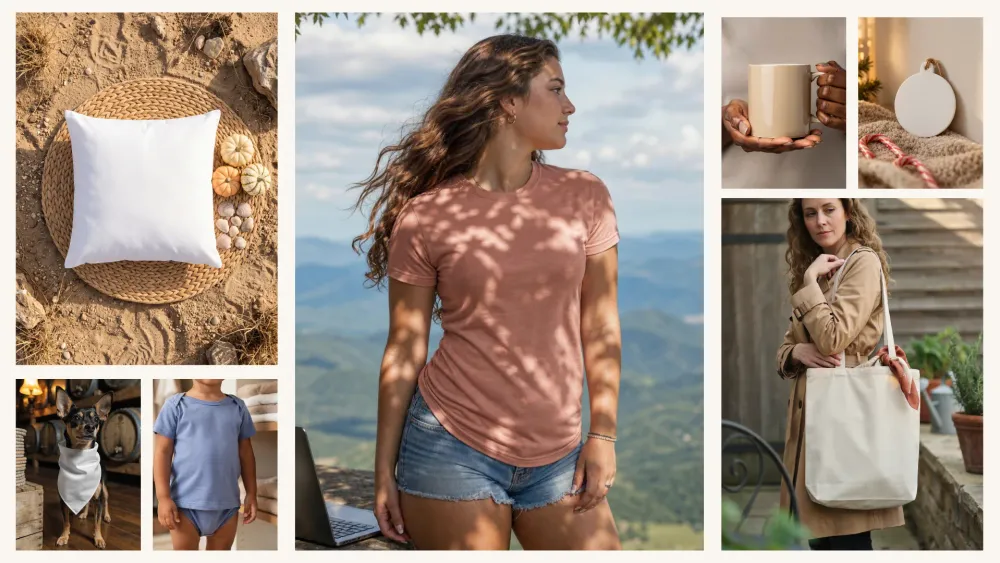
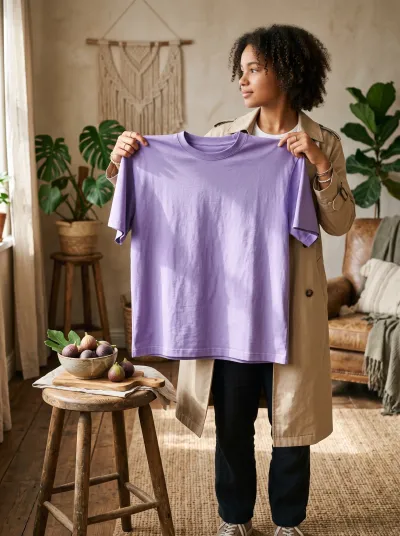
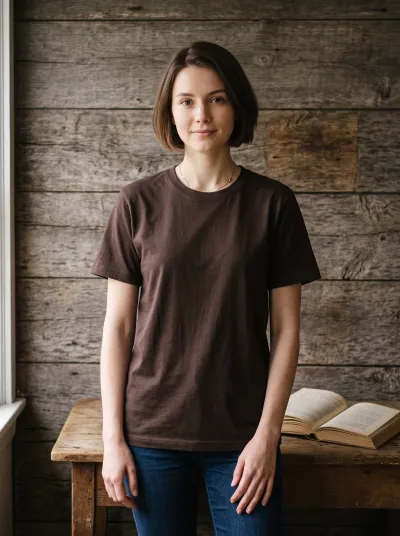
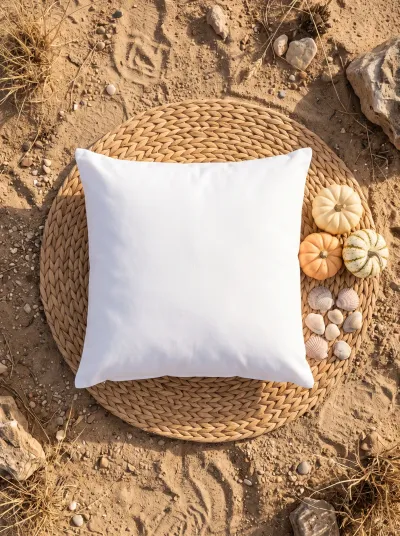
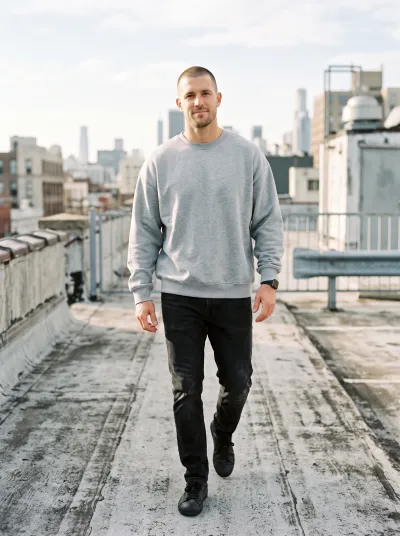
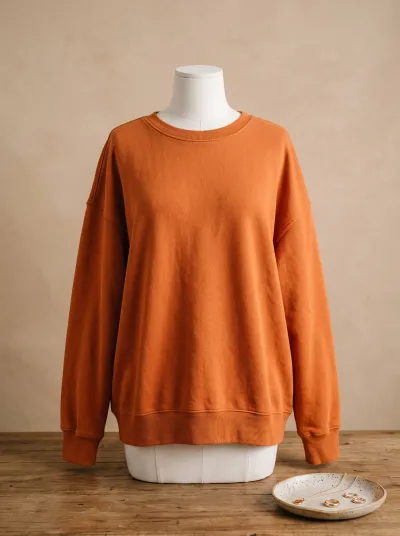
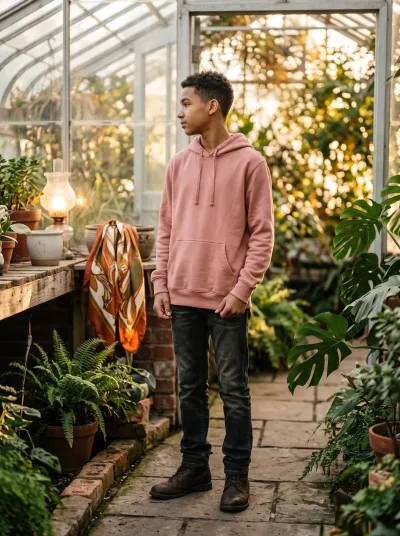
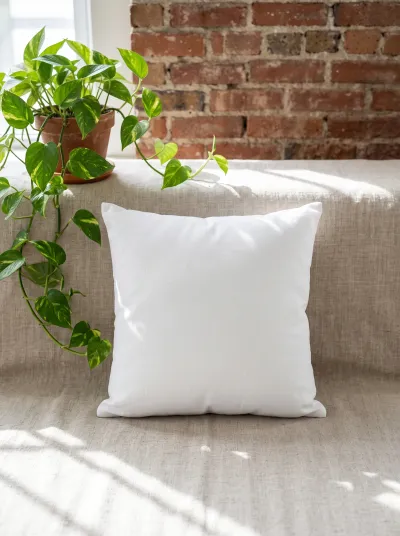
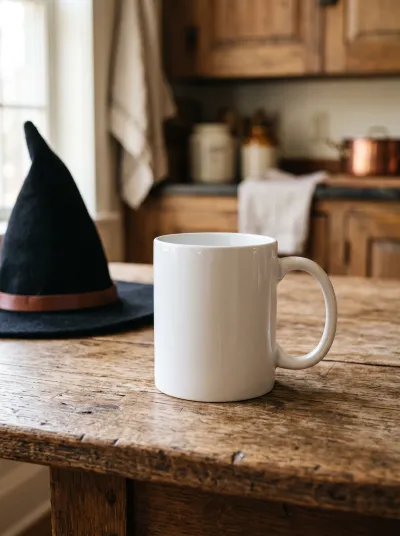
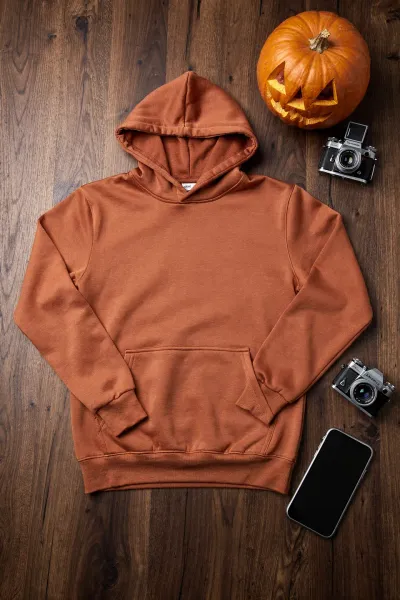
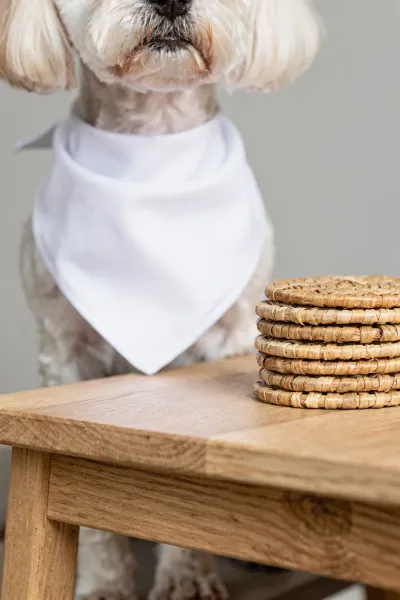
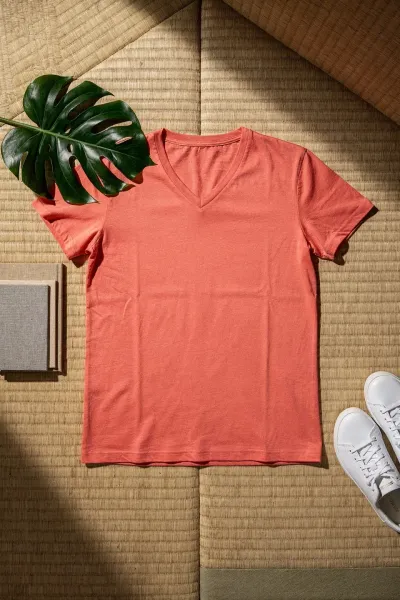
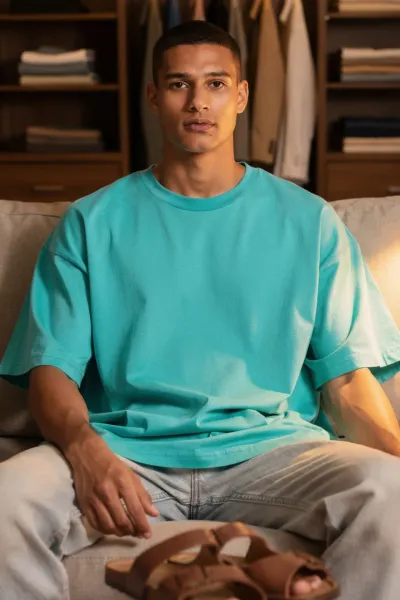
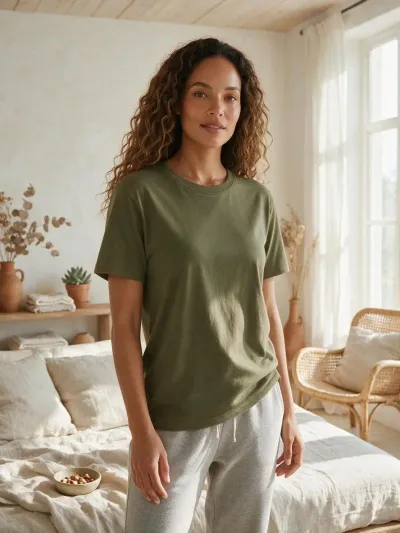
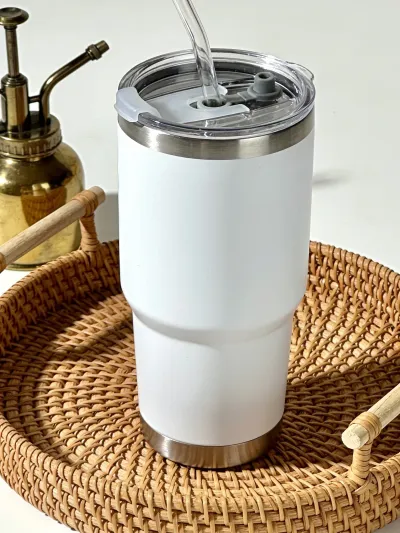
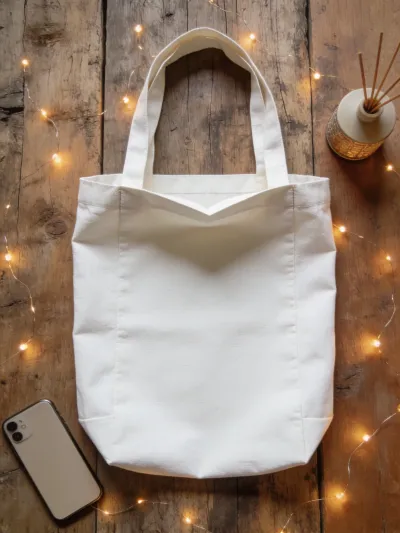
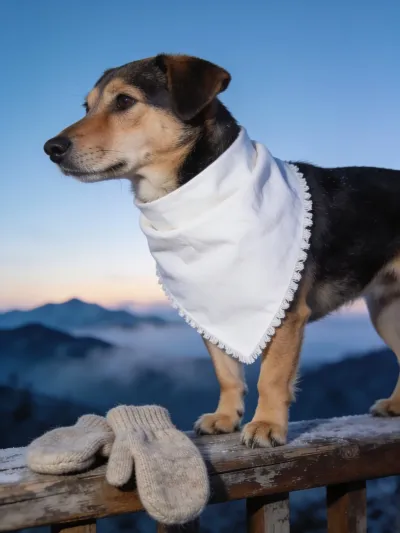
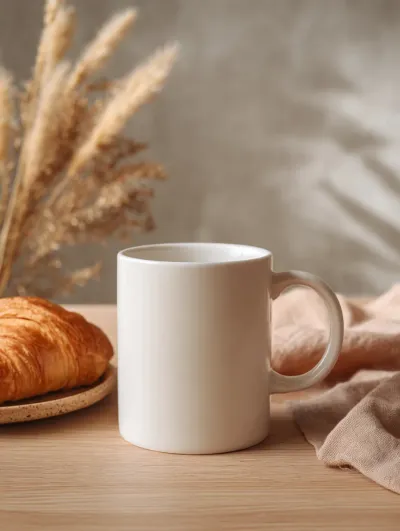
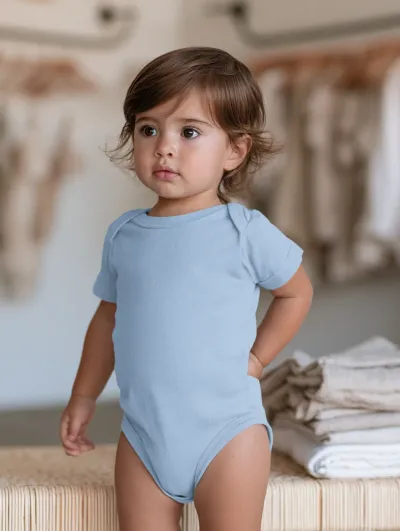
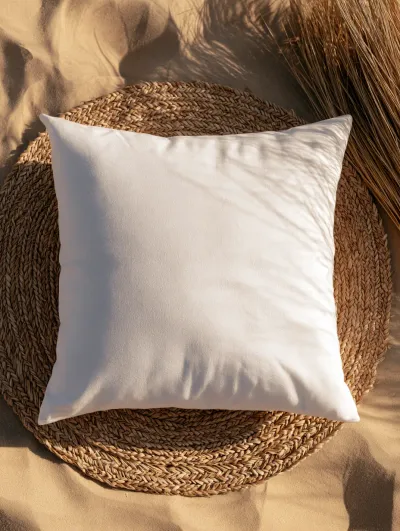
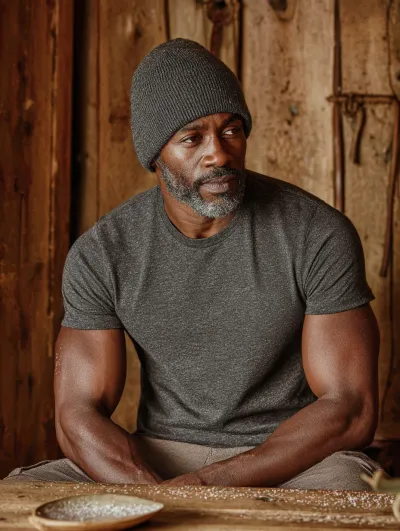
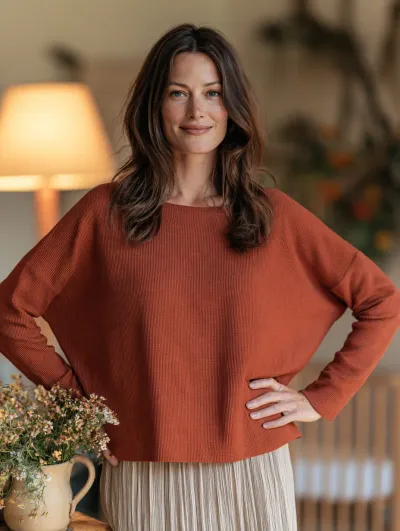
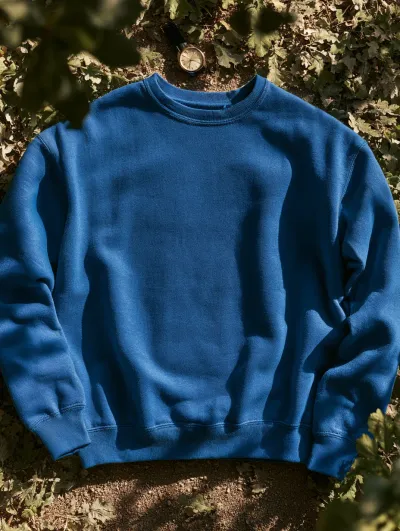
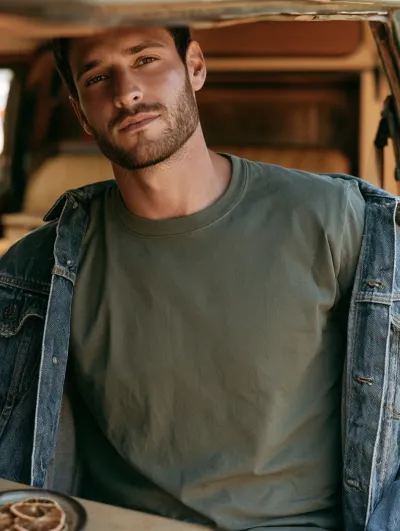
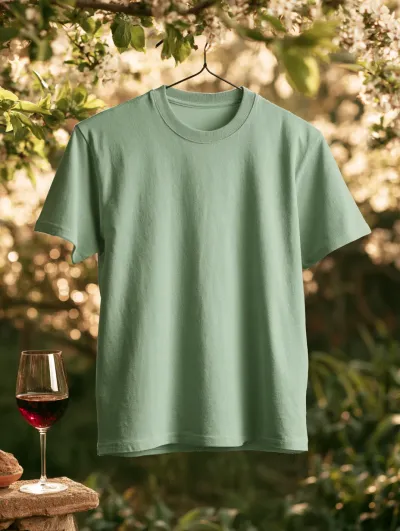
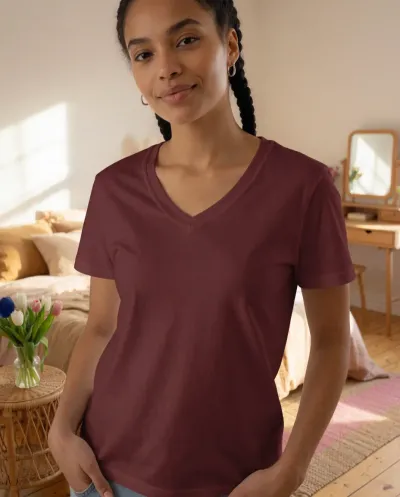
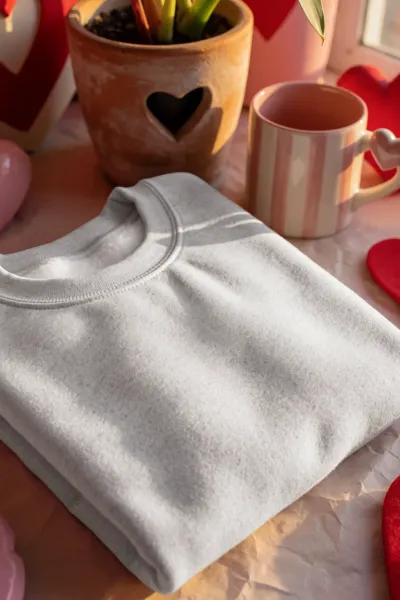
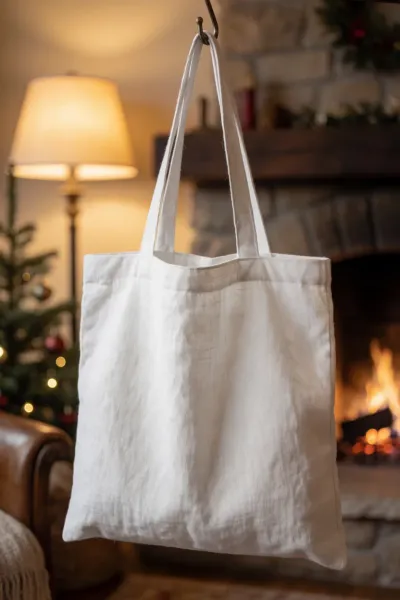
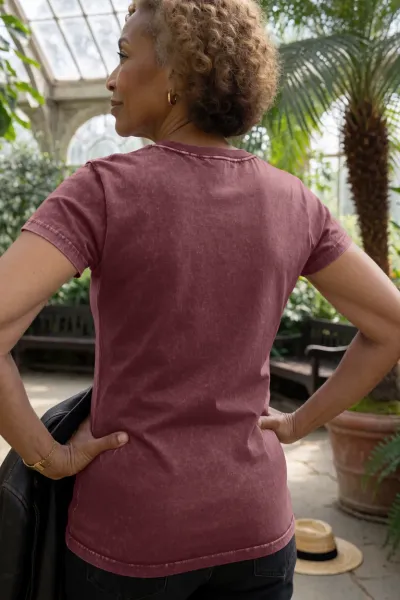
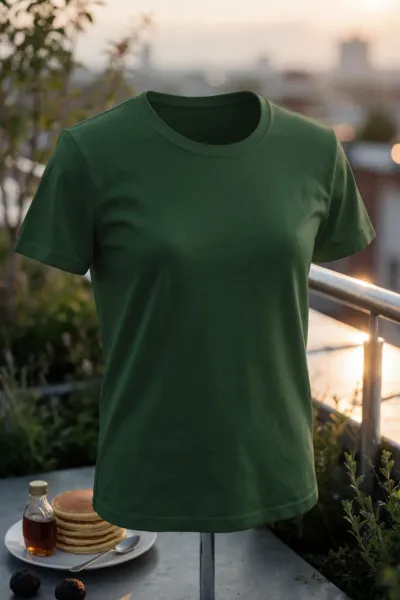
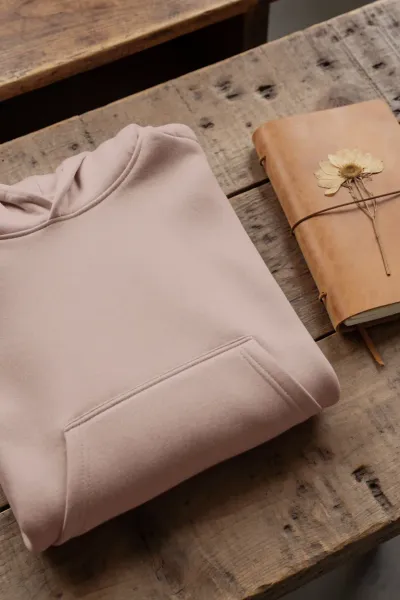
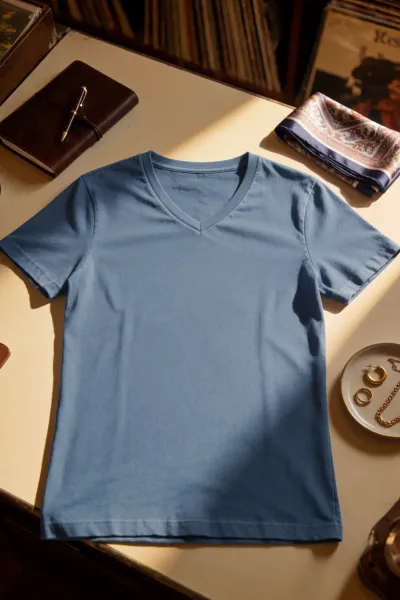
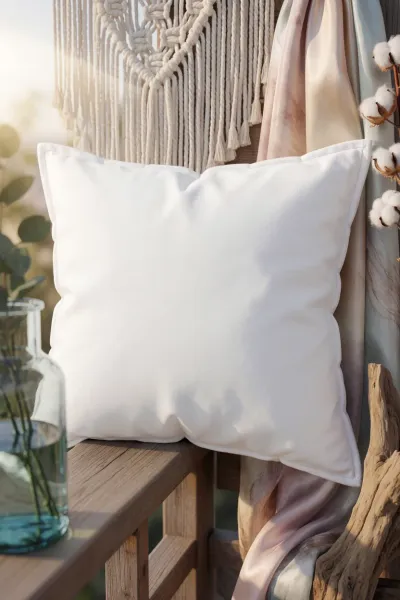
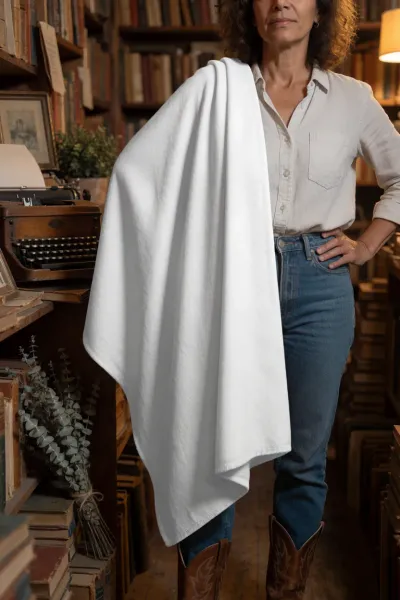
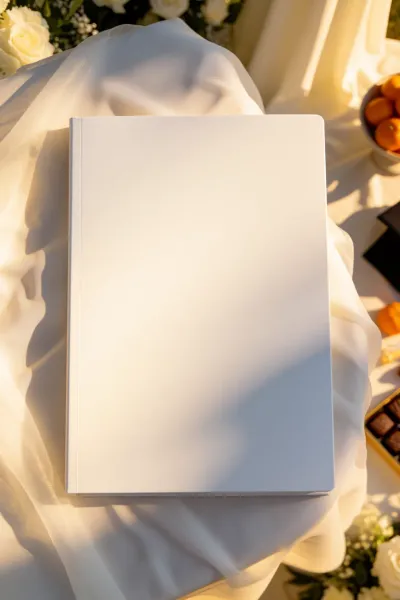
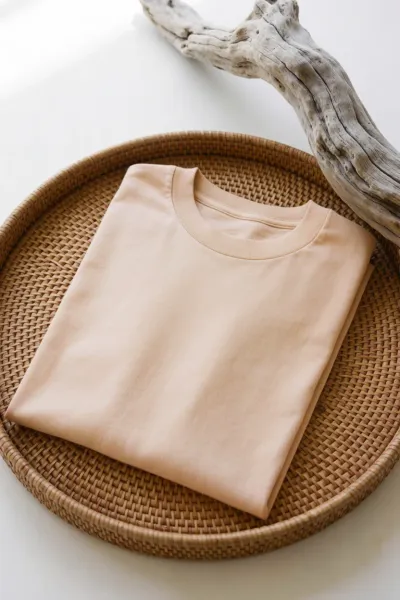
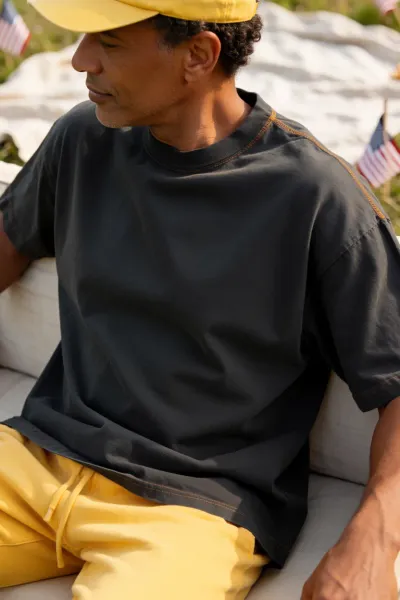
A mockup is a special kind of image. It is always a commercial photo, and the product in it is always blank. Its main purpose is to show off the product, or a design placed on that product. That purpose sets clear limits and demands for any AI tool we choose for mockups.
Picking a winner was harder this time. Every tool we tested handles mockups at a rather decent level, and our share of good outcomes was very high - a good sign for anyone who makes mockups. So whichever tool below you choose, you can expect good results.
Here are the eight tools we put side by side, in our order of preference:







How we judged the results
1. Natural look. Every photo should look real, and we don't want to see any plastic AI faces. This was an issue with older Midjourney versions, and today we see it in Leonardo's Lucid images. That's why we left Lucid out of this comparison.
2. No distortions. We are working with photos, so no issues with limbs - this is critical. AI was well known for these problems not so long ago. They still appear sometimes today, but very rarely.
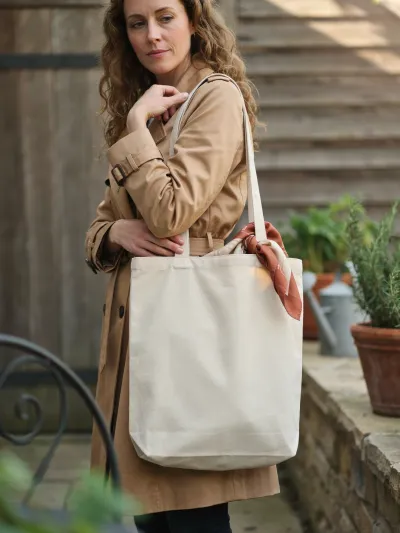
3. Prompt understanding. Sometimes the mockups we want are a little more complex than the basic ones. When our mockup is a woman wearing a T-shirt, standing straight and looking at the camera, everything is clear. But what if she's holding the T-shirt in front of her? Or carrying a tote bag over her shoulder?
The order below is our personal preference. Many tools perform really well for mockups today, so this was a tough call. Look through the galleries and trust your own eye as well. Our favorite comes first, and the rest follow from there. Your own ranking may differ, depending on the products you sell and the kind of photos you like.
AI tools release new versions all the time. When a change matters for mockups, we come back and update this post.
As you can see, we ran a lot of tests for this post. Each tool reads prompts differently, and finding the right wording for a mockup can take many rounds of trial and error. If you'd like to skip that part, take a look at our Mockup Prompt Builder when you have a moment. It builds the prompt around your product and scene, and handles the wording for the AI tool you pick.
1. ChatGPT Image 2
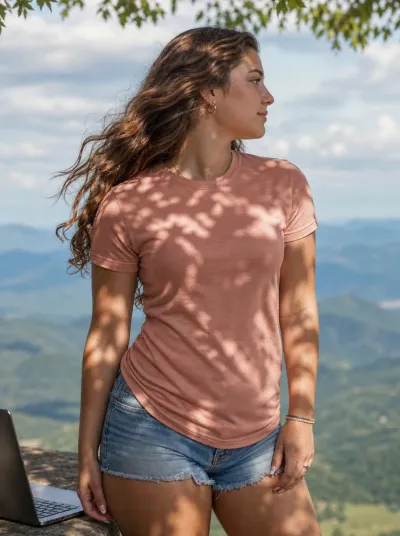
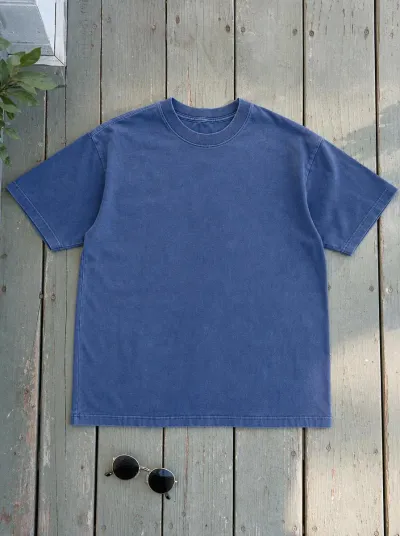
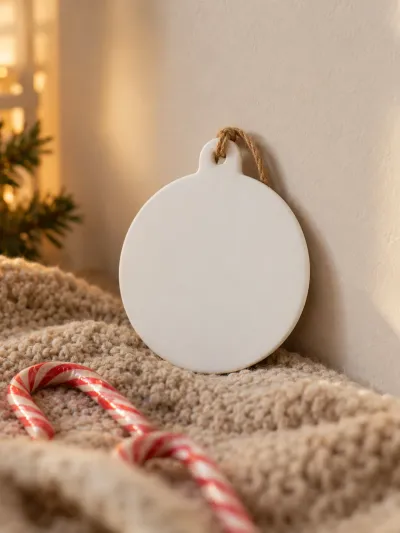
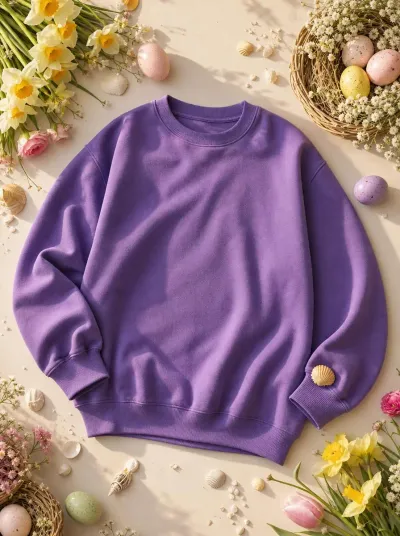
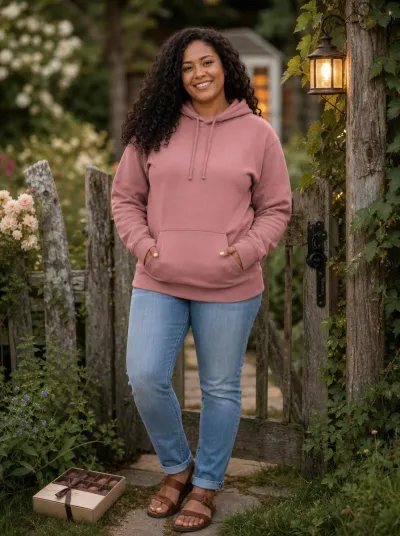
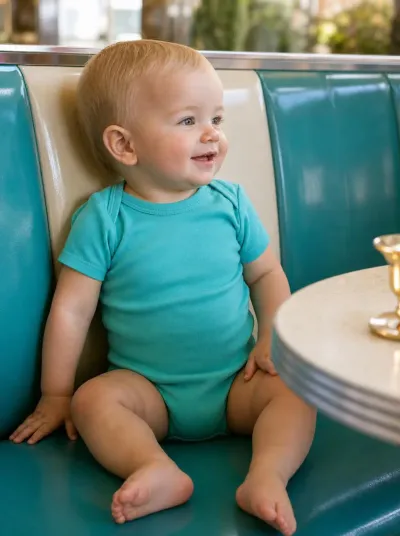
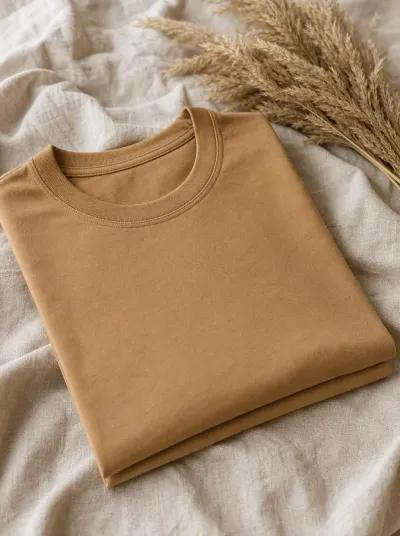
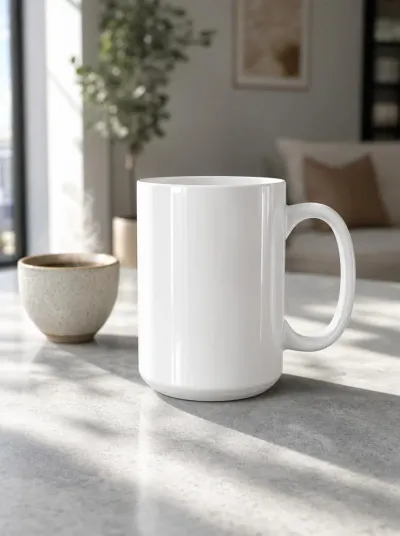
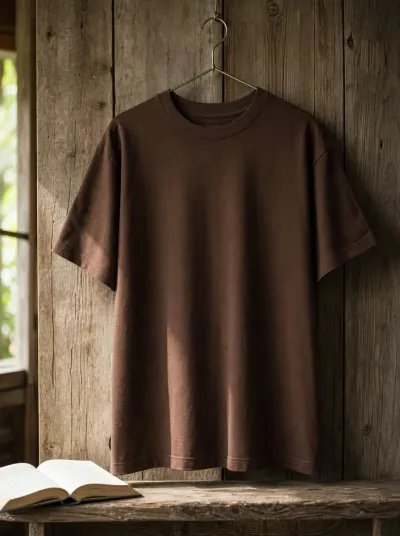
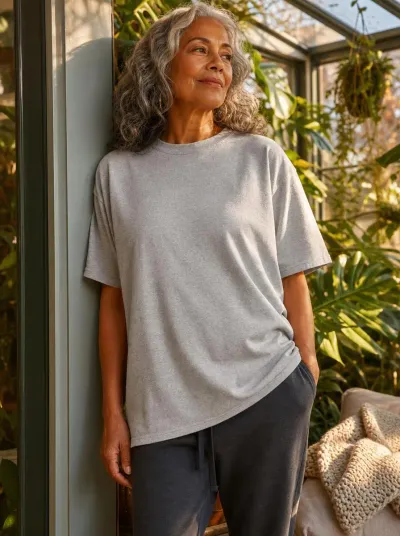
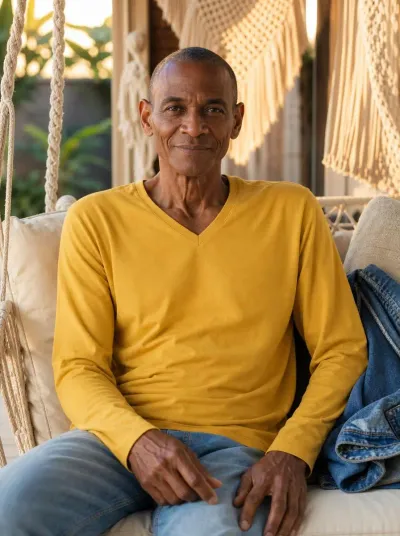
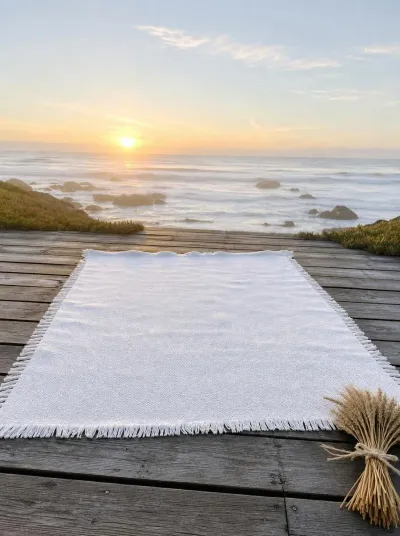
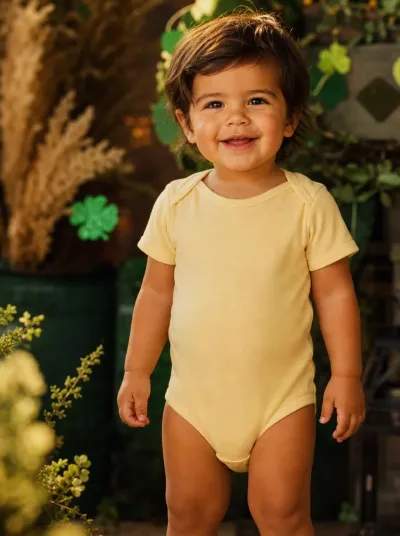
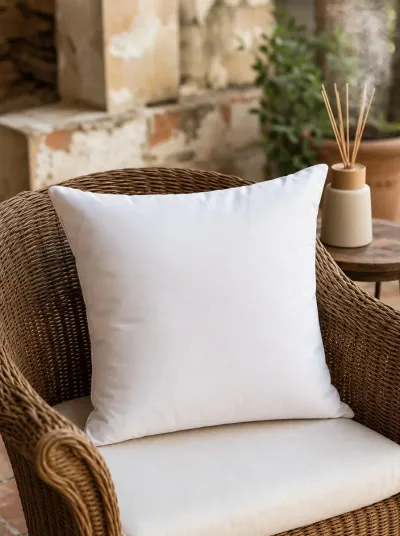
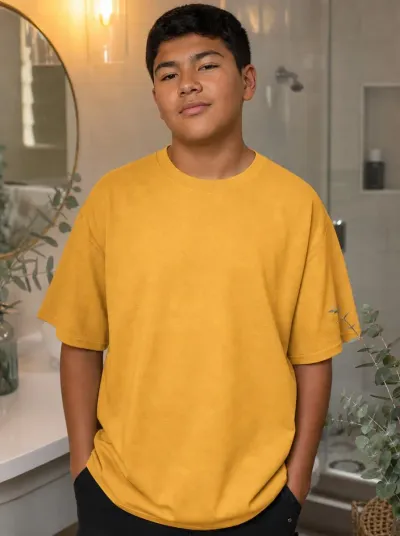
ChatGPT Image 2 was the best tool for mockups in our tests - flawless on all three criteria. The photos look perfectly natural, with a wide variety of models - from toddlers to elderly people, from slim to plus size, with any skin tone and any hairstyle. Everything looks just great. We didn't notice any issues with limbs. And its prompt understanding is simply the best. You can create mockups of any complexity and be very satisfied with the result.
2. Gemini 3.6 Flash / 3.1 PRO
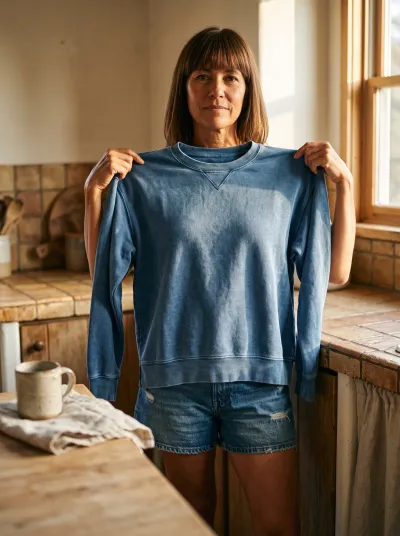
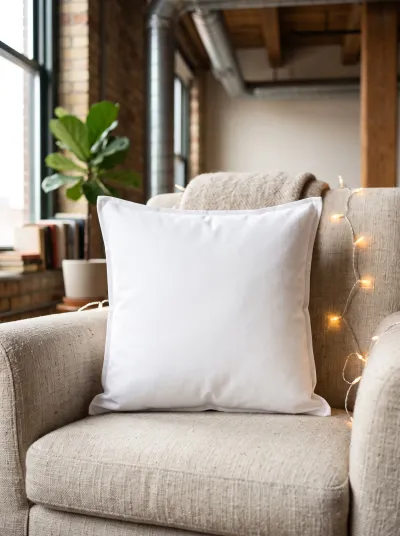
Google Gemini also gave us very good outcomes, and it copes well with complex prompts too. Still, some distortions appeared from time to time. And to our taste, some of the photos look a little unnatural - a bit too plastic.
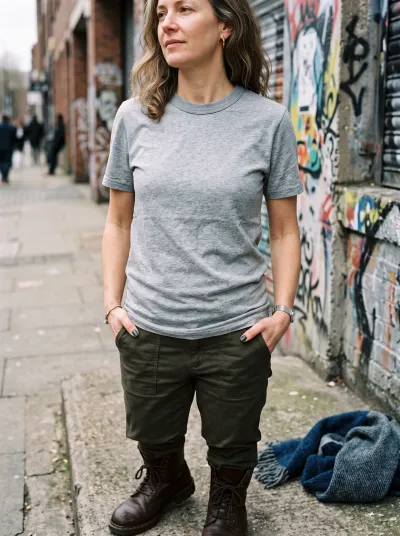
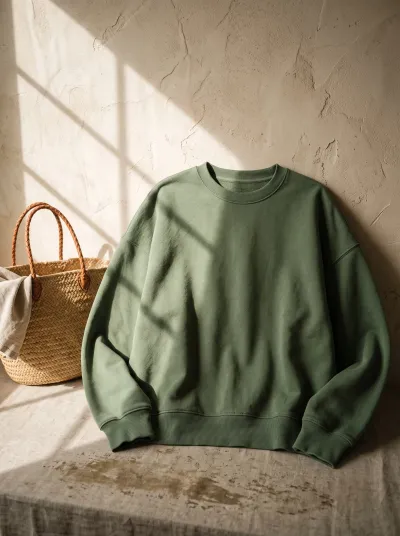
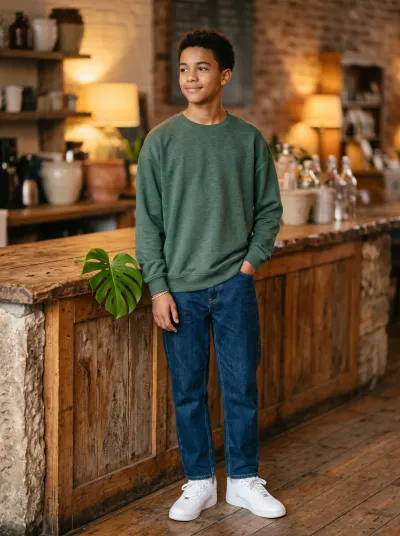
Even so, the variety of mockups you can create with Gemini is wide, and all in all this tool performed really well.



3. Recraft V4
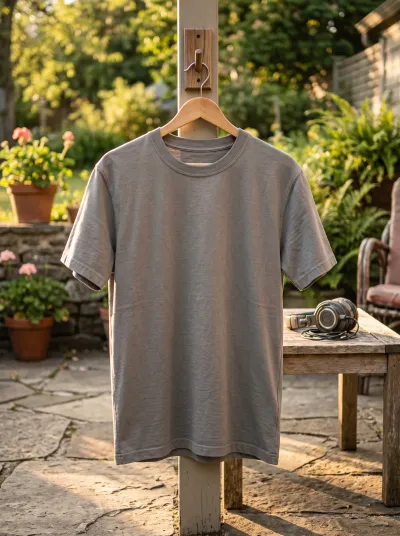
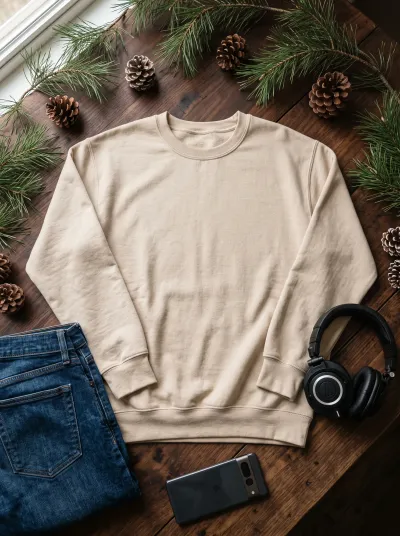
Recraft takes third place, and its photos may be the most natural of all the tools we tested. On the other hand, its products don't always closely resemble the ones we see on platforms like Printify. A Recraft T-shirt might have a collar that's too wide, or the fabric can look too fancy. In mockups, we also want the product in the image to look close to the original one. So originality and a natural feel - Recraft's best-known advantages - can play a little against it here. Still, when it comes to natural-looking photos, Recraft is hard to beat.


4. Ideogram 4.0
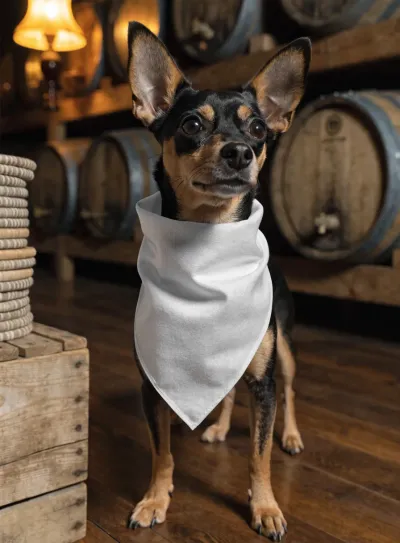
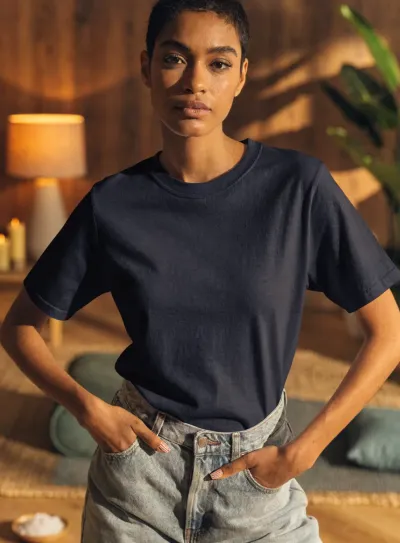
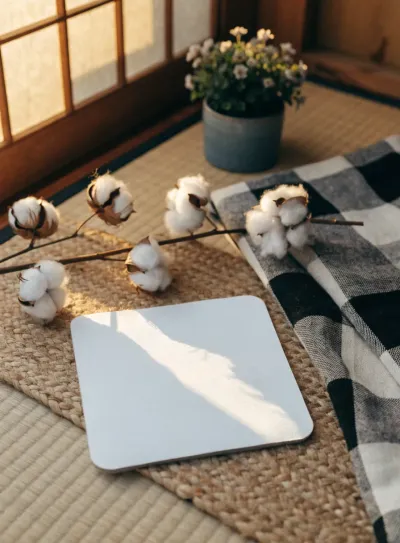
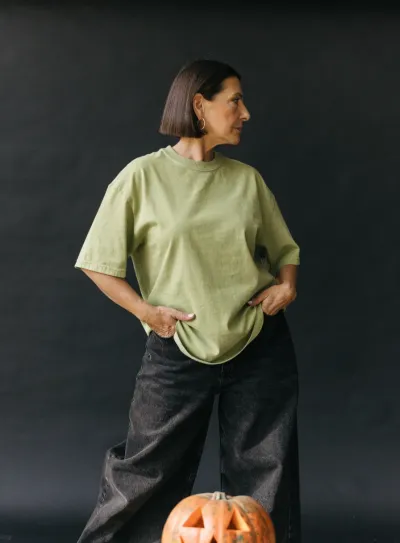
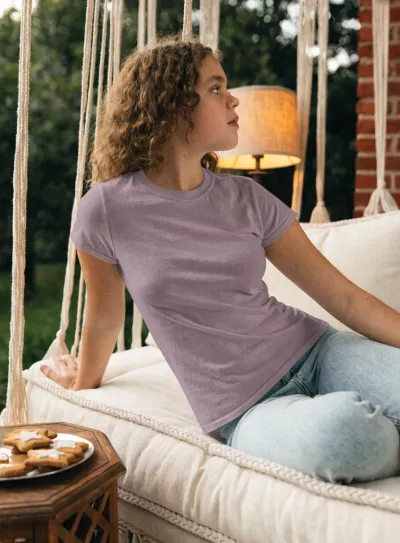
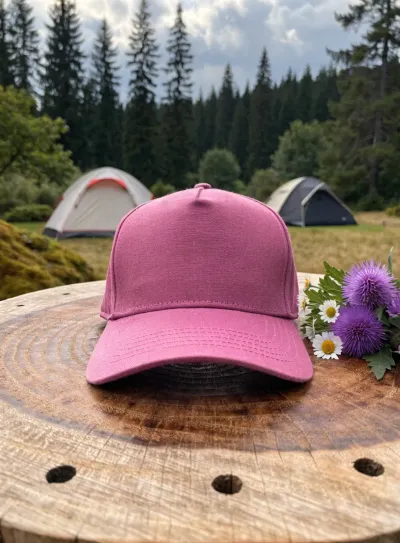
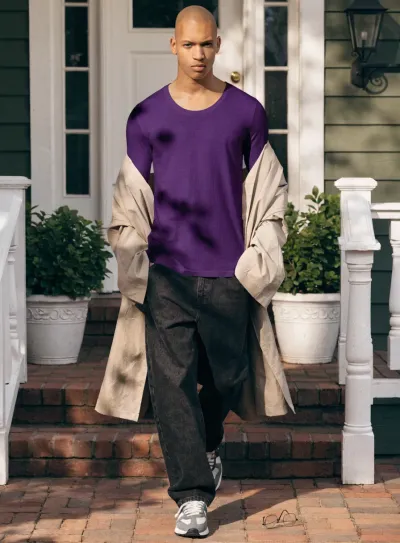
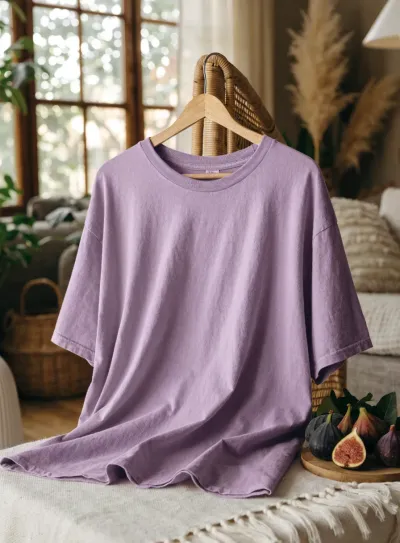
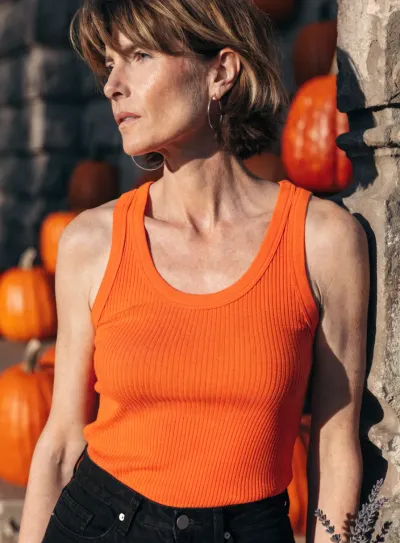
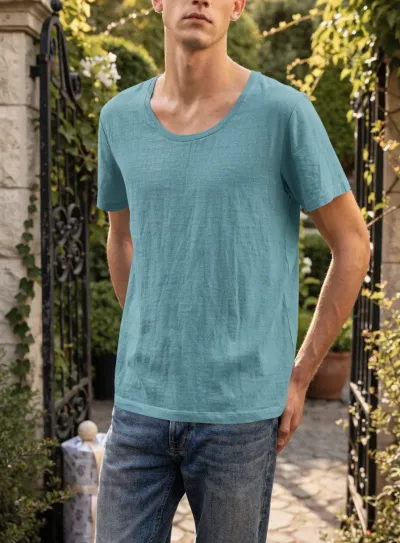
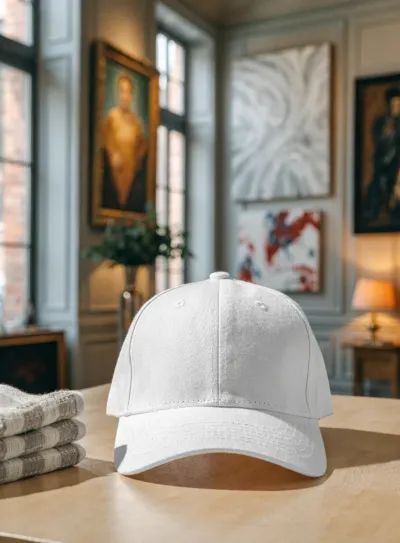
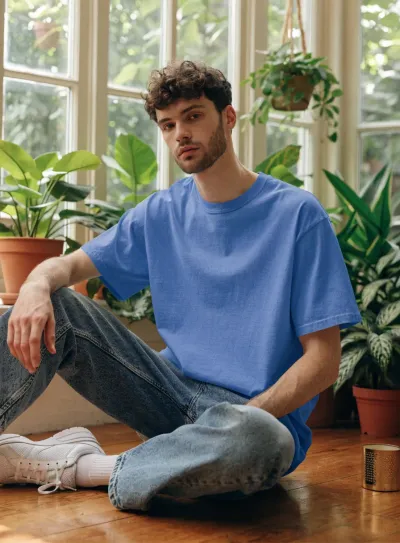
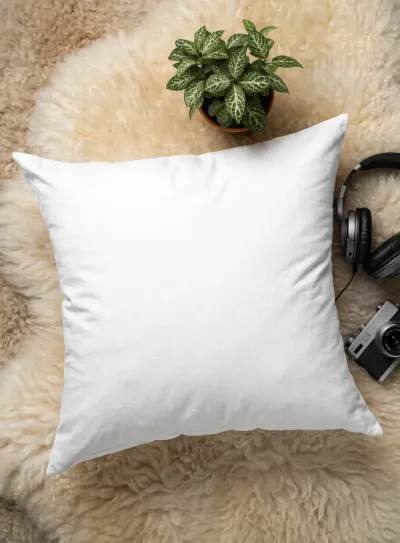
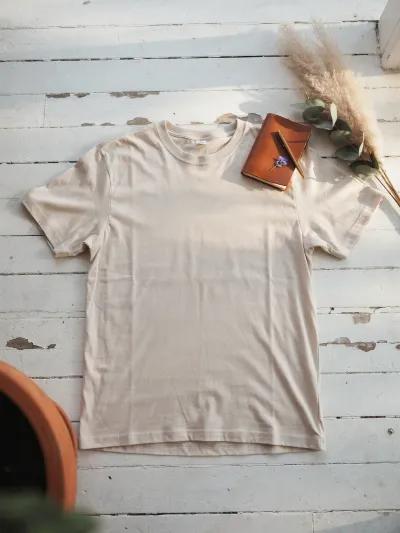
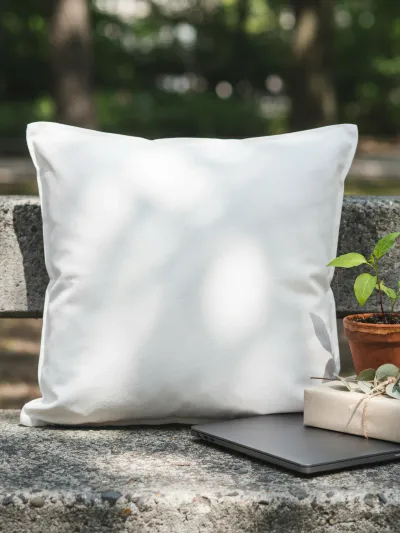
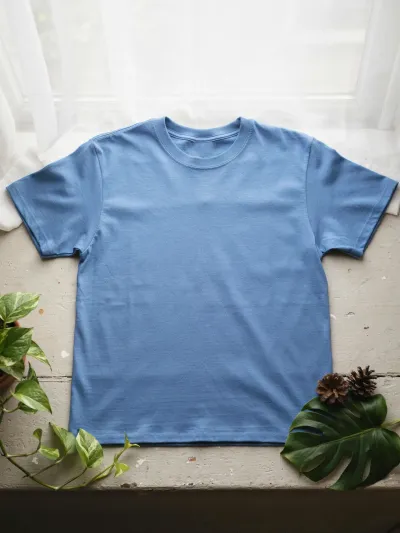
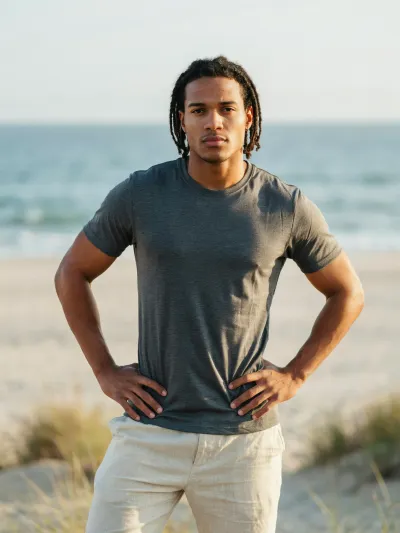
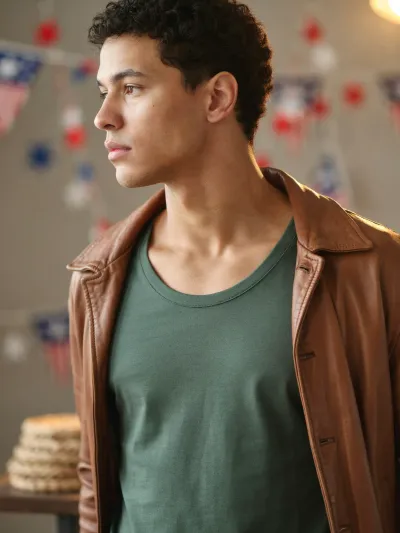
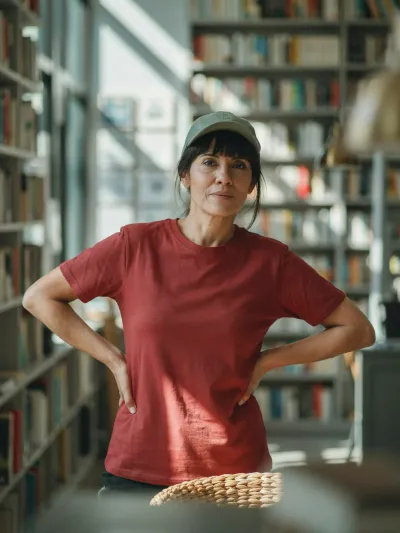
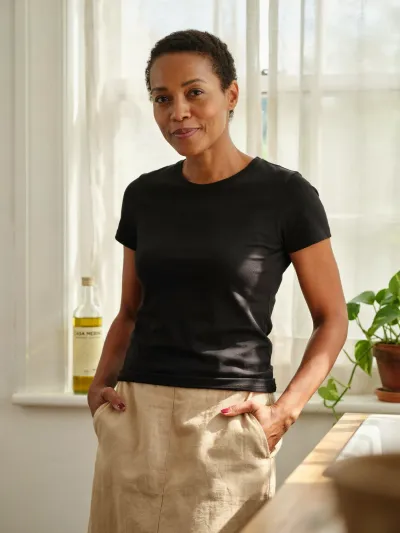
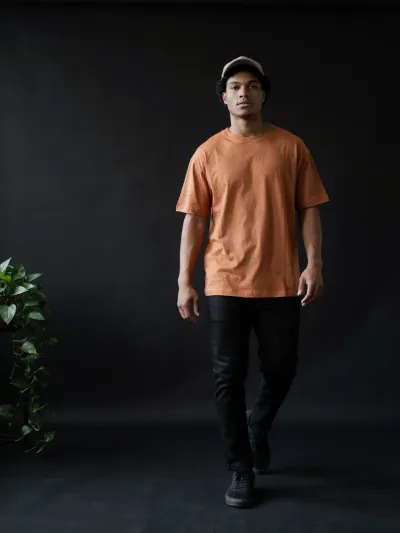
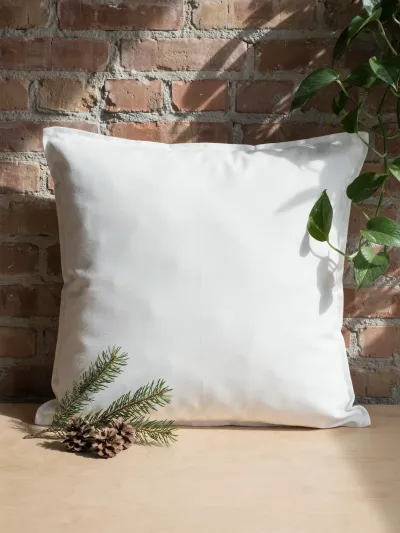
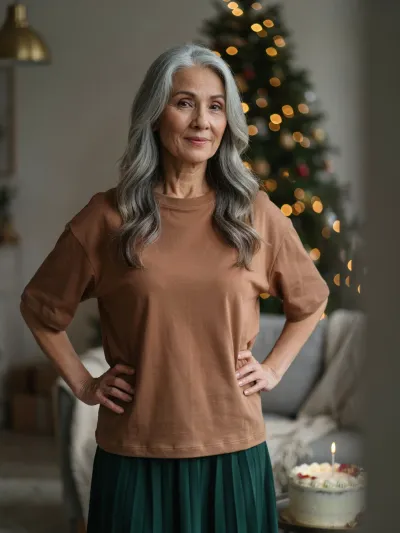
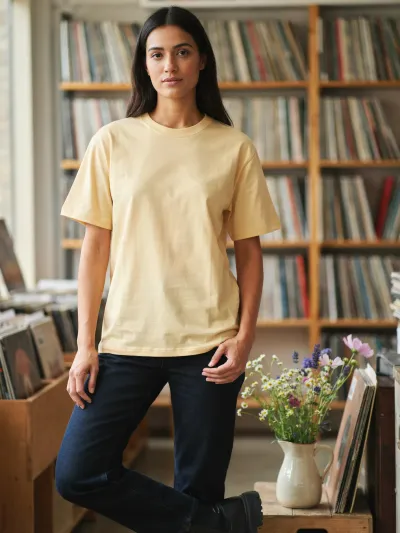
Ideogram is another solid tool for mockups, and its photos look natural. The downsides we noticed are a slight lack of prompt understanding, and a model sometimes turned to a profile view, which hides the design - not good for a mockup. Where Ideogram stands out is flat lays and other images without models. The props around the product look natural and relevant to the scene, which is not very common in AI mockup images.


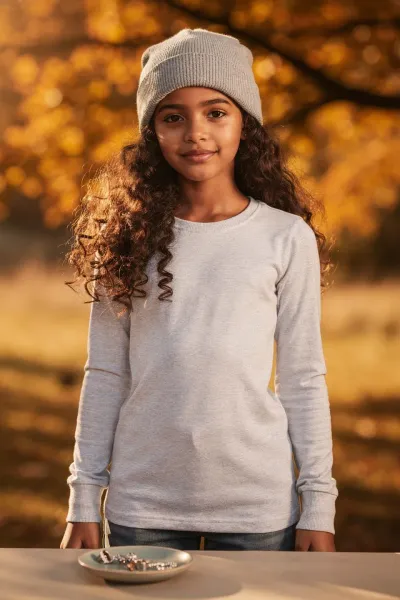
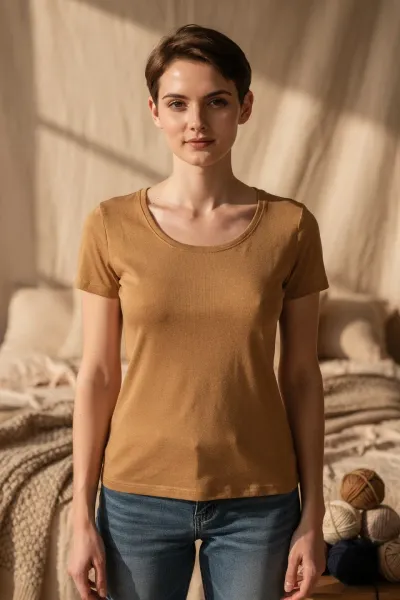
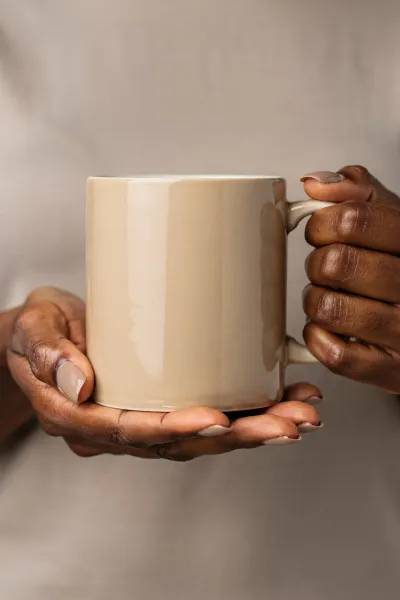
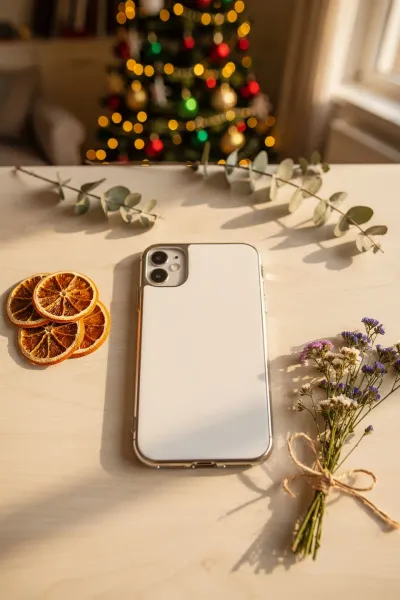
5. Flux.2 PRO
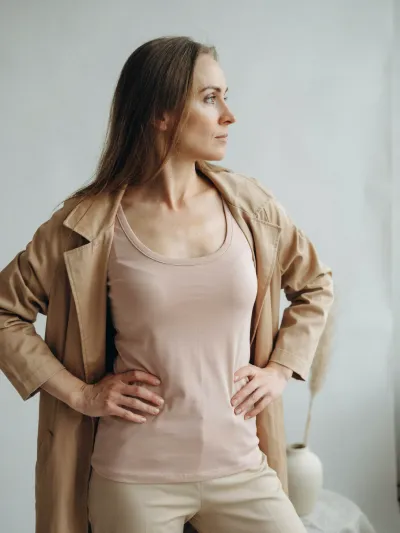
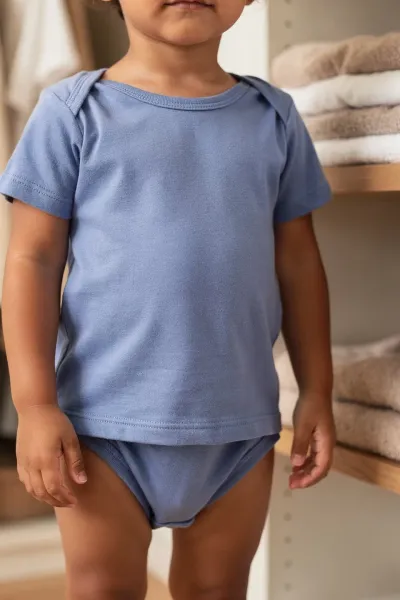
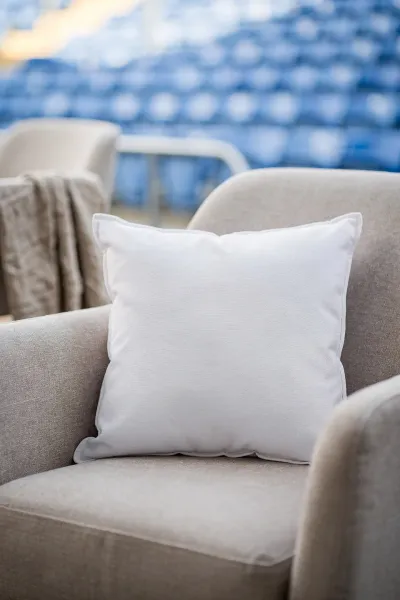
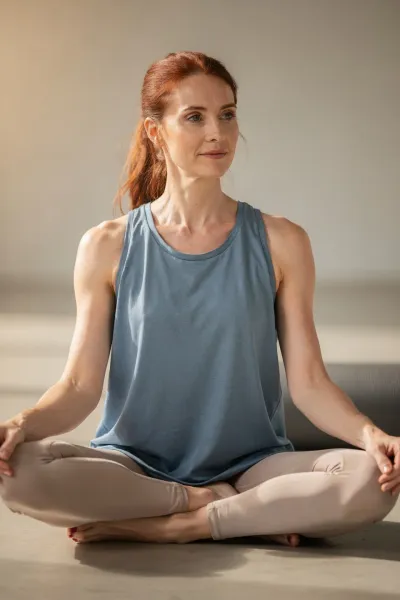
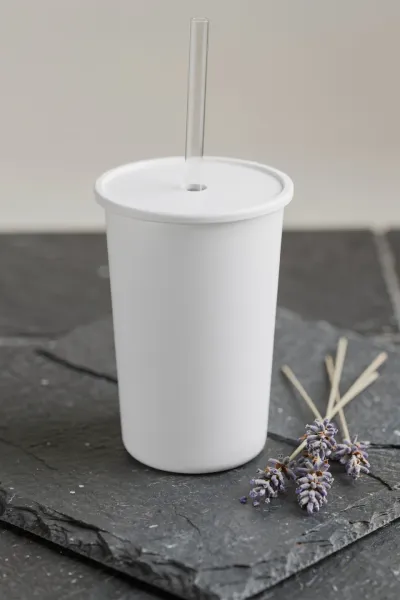
Flux showed good results. In some cases the images look just a little AI-made, and small distortions in apparel products show up from time to time. All in all, though, it's a solid tool and can be used for creating good mockup images.

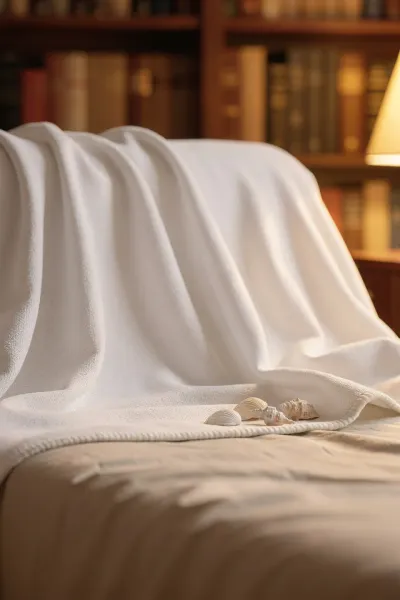
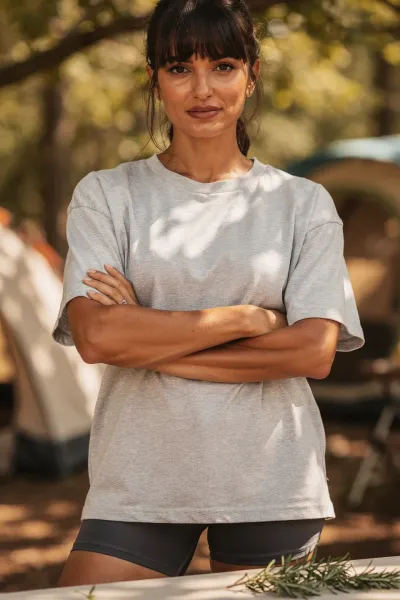
6. Seedream 4.5 / 5.0 PRO
With Seedream, we move on to the tools that are less capable with mockups. The main reasons are a less natural look, weaker prompt understanding, and distortions in some images.
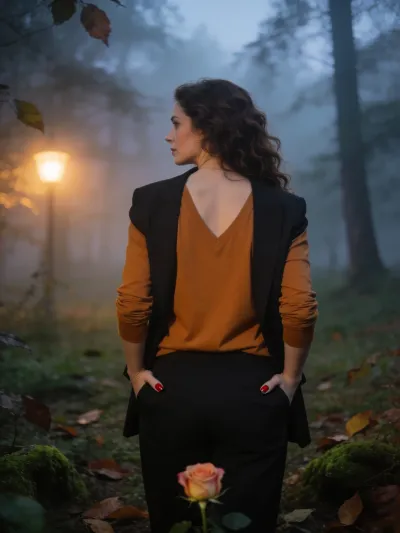
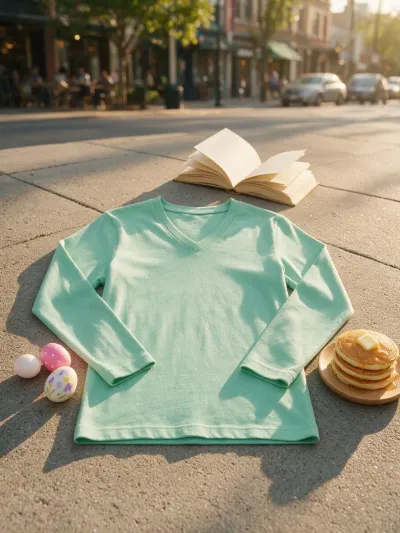

At the same time, the share of good outcomes is very solid, and this tool is totally usable for mockups.

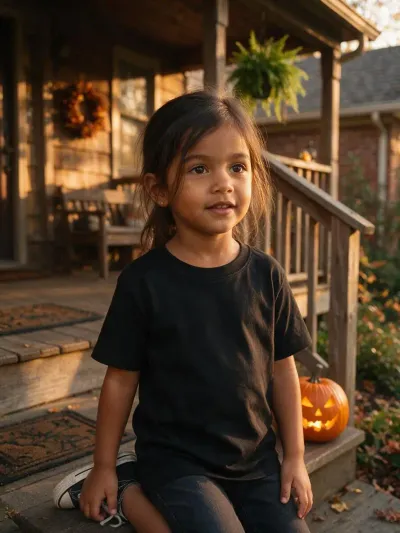
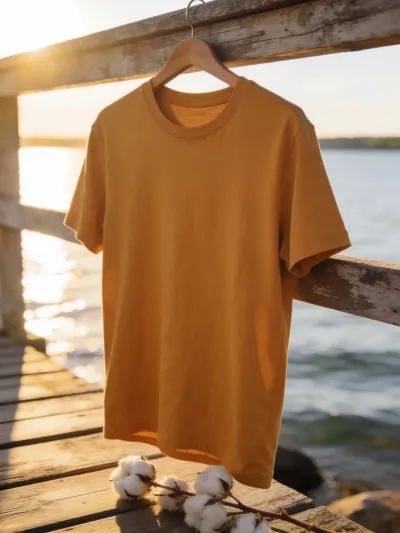
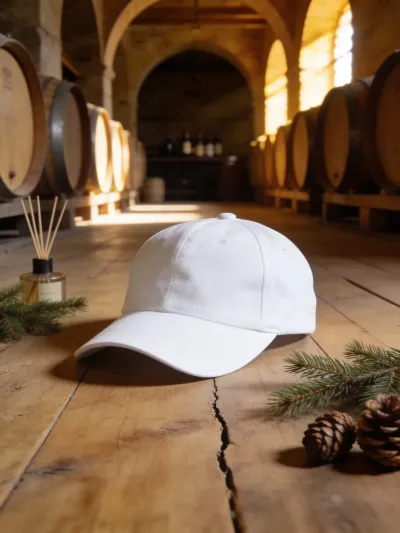
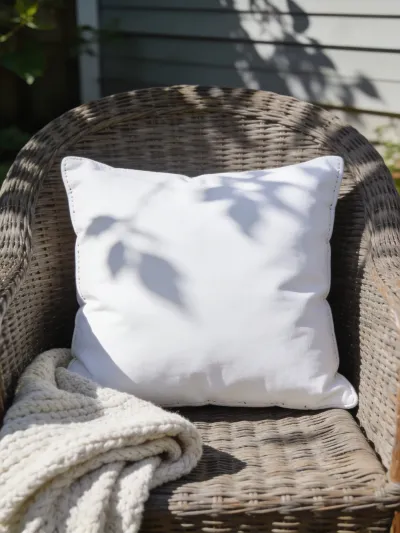
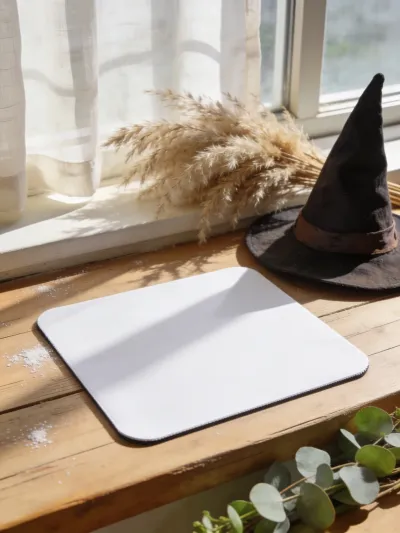

7. Midjourney 6.1 / 7 / 8.1 / 8.2
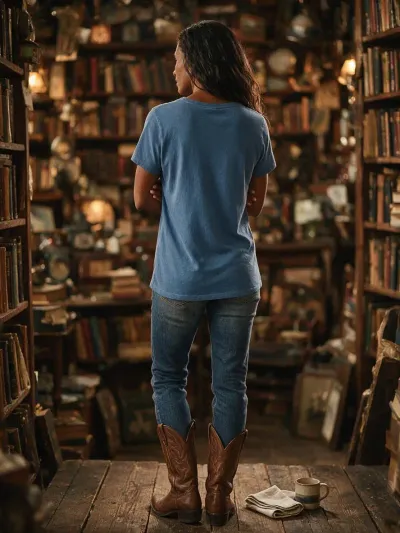
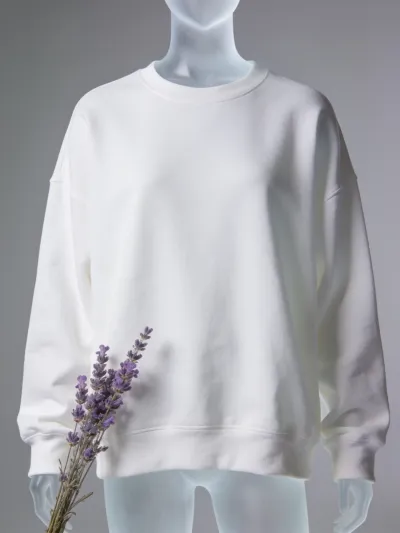
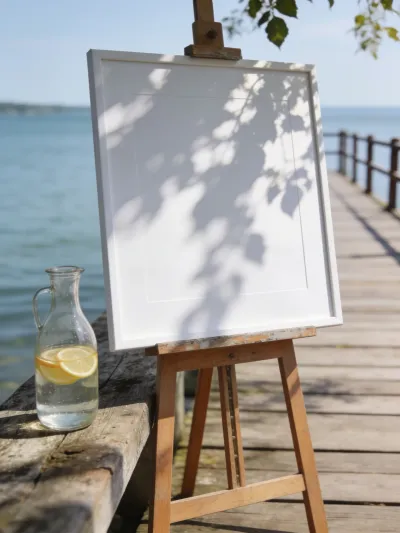
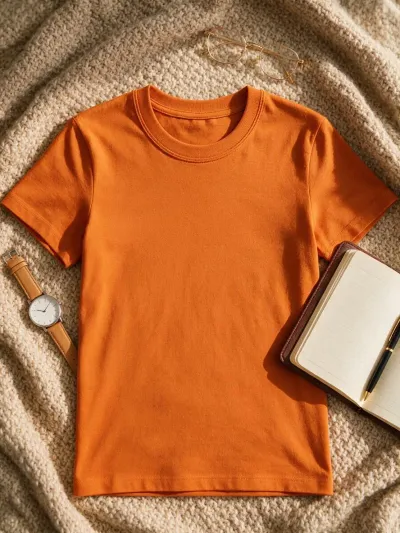
Next is Midjourney. You can still make good mockups with it, but its prompt understanding is probably the lowest of all the tools we tested. You can see it in these examples:
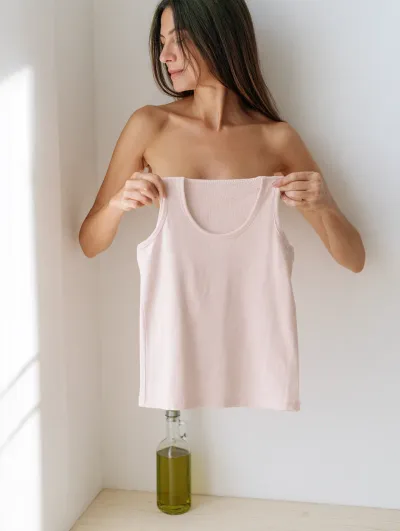
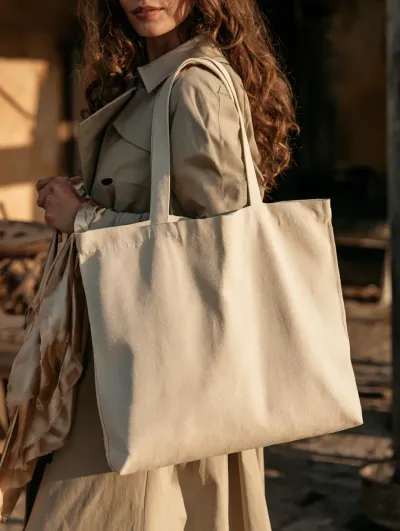
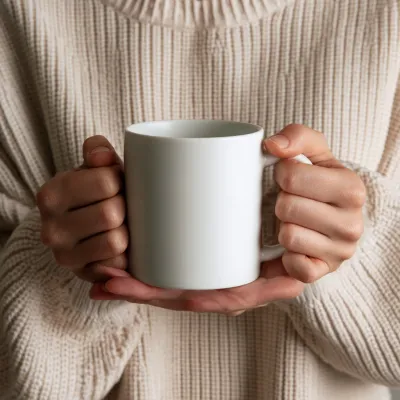
Older Midjourney versions also produced very AI-looking images, but starting from version 8, this problem is more or less solved. At the same time, versions 6.1 and 7 gave the product a smoother surface, which can be more convenient when you place your design on it.
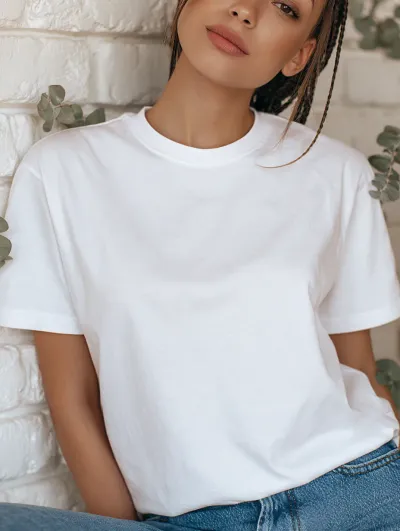
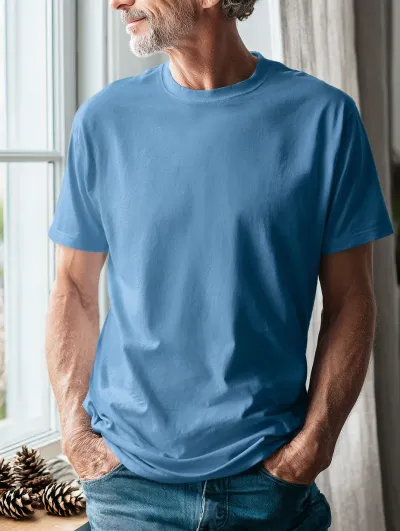
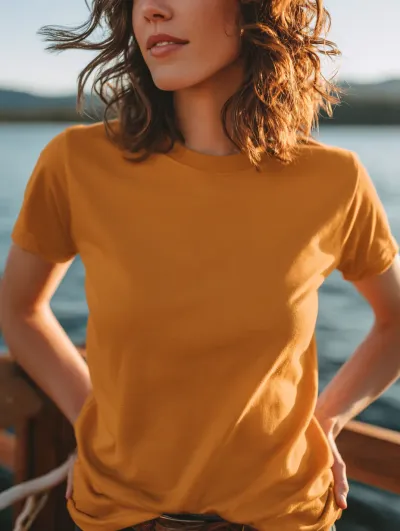
Among the good outcomes, we can definitely find what we want. With Midjourney, stick to the most common and clearest setups rather than complex ones, and it will serve you well.
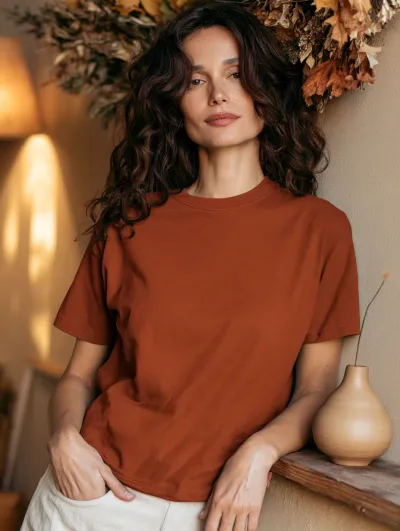
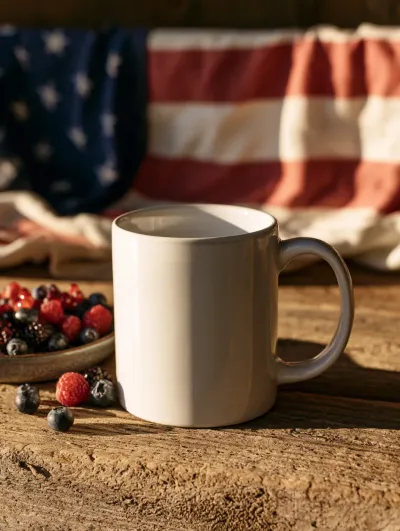

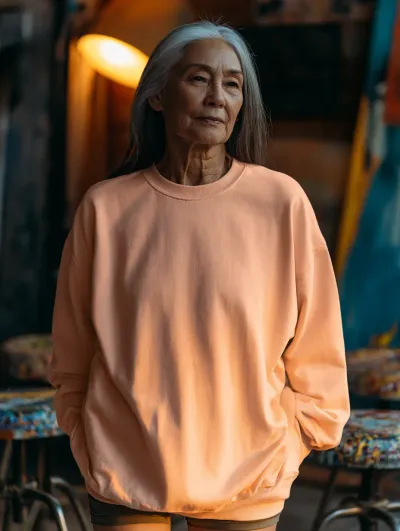
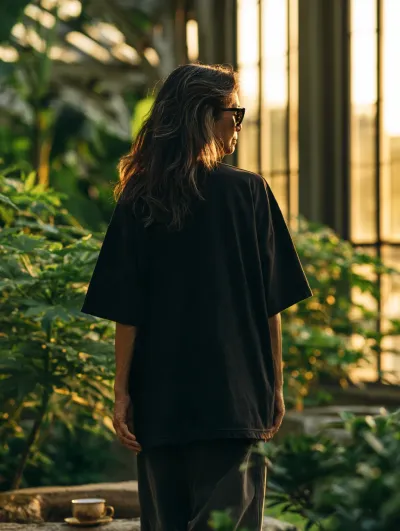
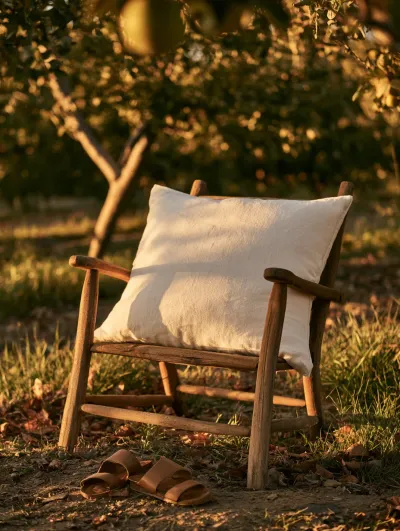
8. Krea 2
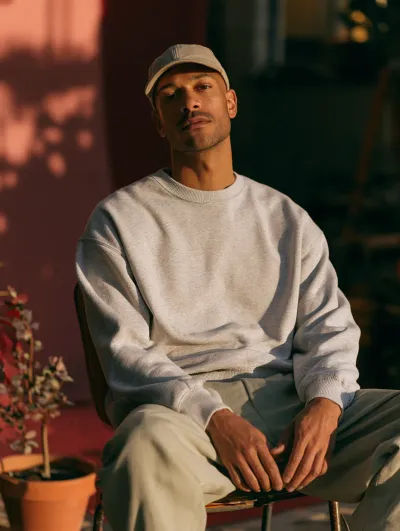
The Turbo version of Krea 2 is totally unusable for mockups. All its outcomes look unnatural, so we can't recommend it. The original Krea 2 is good enough, though. We still see some AI-looking images, and its prompt understanding is not the strongest.
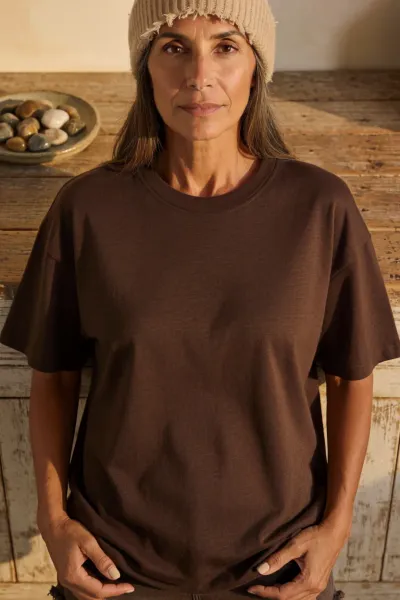
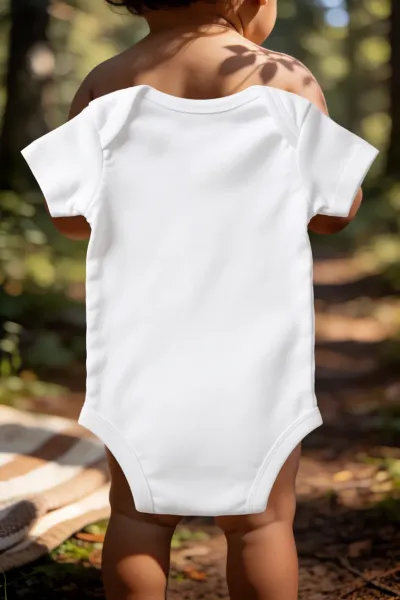
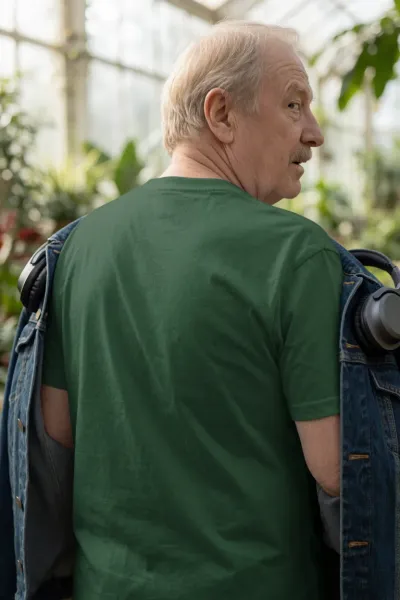
On the other hand, the share of solid outcomes is high enough, and Krea 2 can become your budget AI tool for mockups.



Conclusion
It's time to sum up what we learned. Every tool on this list can give you a usable mockup, but they are not interchangeable. Some are strong on every criterion, while others shine in one area and fall short in another. The table below compares them criterion by criterion and tool by tool. If you don't have a mockup tool yet, it can help you make your choice.
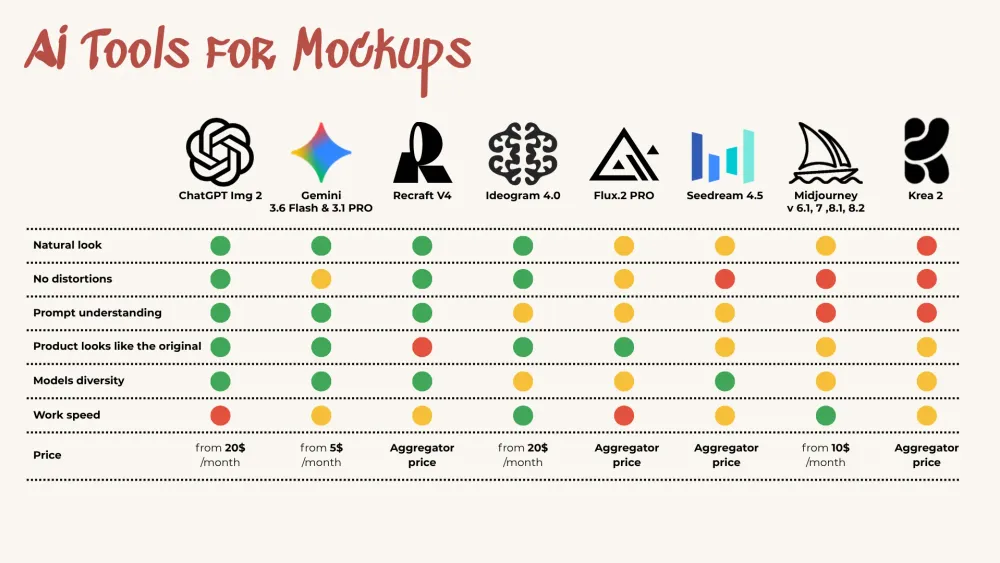
Comparison summary for Mockups
And whenever prompting gets in the way, our Mockup Prompt Builder is ready to help. It creates prompts that keep your mockups natural and well balanced, so they show your product and design in the best light. Want to see what it can do before you buy? Download our free Mockup Inspiration Bank - it's full of prompts created with this builder, ready to try in the tool you like best.
Happy creating!